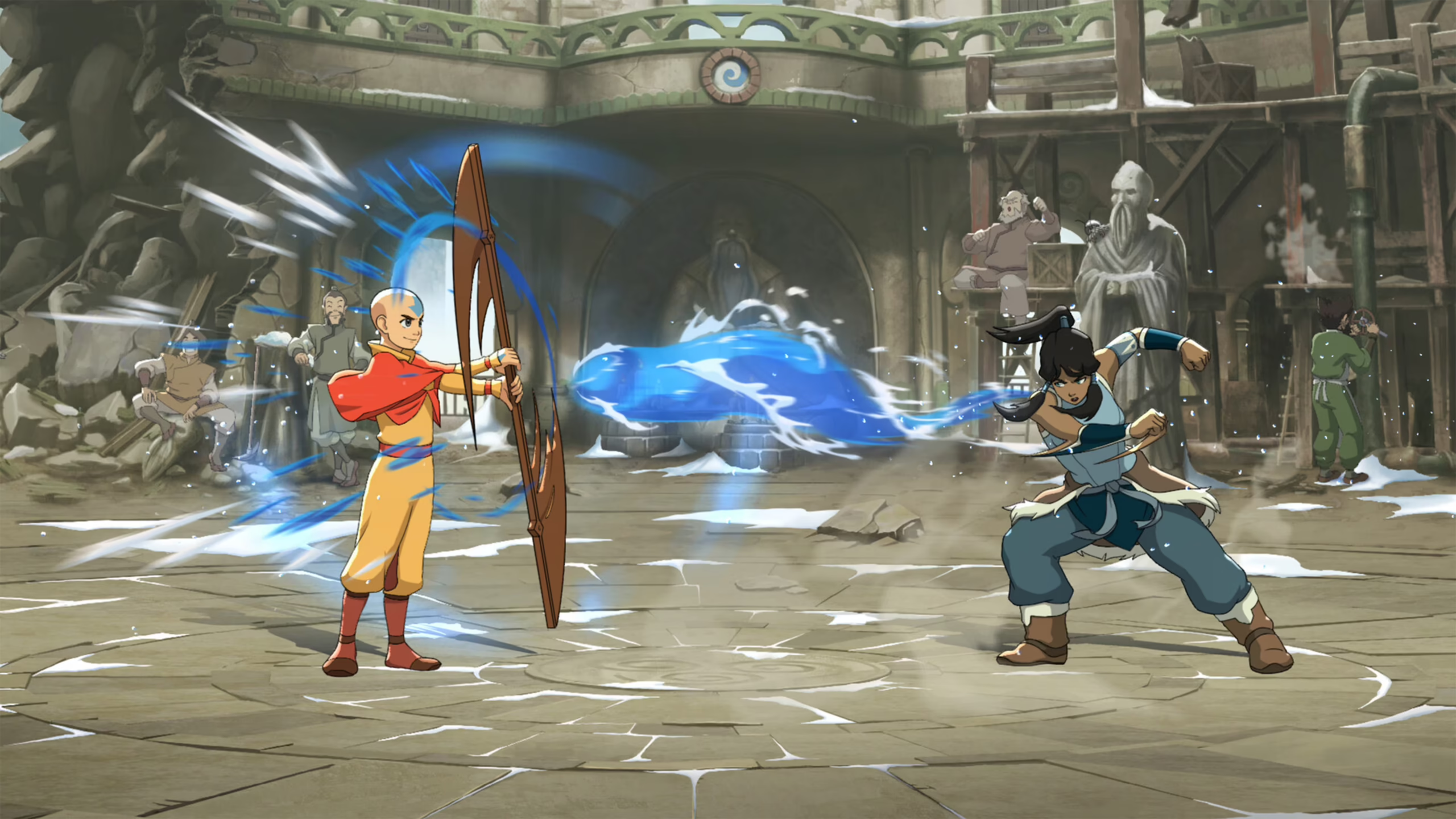
If you're dealing with Avatar Legends: The Fighting Game jitter, every online match can feel unpredictable. Even when your ping looks acceptable, sudden latency spikes can make combos drop, counters fail, and defensive reactions arrive too late. If you want smoother online battles, improving your connection is just as important as mastering your favorite character. You can also explore the full list of supported titles on ExitLag.
Unlike consistently high latency, Avatar Legends: The Fighting Game jitter creates an unstable experience because your connection constantly changes during a match. That means jitter, fluctuating ping, connection instability, and inconsistent inputs can ruin even the most well-practiced strategies in ranked and competitive play. Understanding why this happens is the first step toward fixing it.
What is Avatar Legends: The Fighting Game jitter?
Avatar Legends: The Fighting Game jitter refers to the irregular variation in your network latency while playing online. Instead of maintaining a consistent ping, your connection constantly changes its response time, making inputs arrive at the server at different intervals. This inconsistency often feels worse than having a slightly higher but stable latency because your timing becomes impossible to predict.
Avatar Legends: The Fighting Game, developed by Gameplay Group International and published by PM Studios and Paramount Games, is a competitive 2D fighting game built around rollback netcode and full cross-platform online play. Although rollback technology greatly improves online matches, it still depends on a stable internet connection. Excessive jitter can reduce its effectiveness, especially during fast-paced competitive fights where every frame matters.
Think of it this way. A stable connection running at 70 ms throughout an entire match is usually easier to adapt to than one jumping between 35 ms, 90 ms, 55 ms, and 140 ms every few seconds. Those sudden latency changes force the game to constantly compensate for delayed packets, making movement and attacks feel inconsistent.
Ideally, your ping should fluctuate by no more than 5 to 10 milliseconds. Once those variations become much larger, you'll begin to notice instability during gameplay, particularly in online ranked matches where reactions happen in fractions of a second.
How Avatar Legends: The Fighting Game jitter affects your gameplay
A fighting game demands precision. Every special move, punish, and combo depends on exact timing. When Avatar Legends: The Fighting Game jitter becomes a problem, that precision disappears.
Common issues include:
- Input delay inconsistency, where identical button presses produce different response times.
- Dropped combos because attack timing constantly changes.
- Missed counters caused by unpredictable latency spikes.
- Rollback corrections becoming more noticeable during online matches.
- Hit registration inconsistencies that make successful attacks appear to miss.
- Movement interruptions during positioning and defensive play.
- Reaction windows becoming difficult to judge.
- Competitive disadvantage against opponents with more stable connections.
These problems are especially frustrating because they rarely happen all the time. Instead, they appear randomly throughout a match, making it much harder to adapt than a consistently high ping.
Main causes of Avatar Legends: The Fighting Game jitter
Several different networking issues can produce Avatar Legends: The Fighting Game jitter. Identifying the source makes it much easier to choose the right solution.
Network congestion
When multiple devices are using your internet connection simultaneously, game packets compete for available bandwidth. Streaming videos, cloud backups, downloads, and software updates all contribute to fluctuating latency.
During peak internet usage hours, congestion becomes even more noticeable, particularly for competitive online games.
Unstable routing
Your internet traffic travels through multiple servers before reaching the game's infrastructure. If your ISP constantly changes those routes, packet travel times also change, producing ping variation and inconsistent gameplay.
Poor routing is one of the most common causes of jitter that players cannot fix by simply upgrading their internet speed.
Wireless interference
Wi-Fi connections are naturally more susceptible to interference than wired Ethernet connections. Walls, neighboring wireless networks, Bluetooth devices, and even household appliances can introduce signal fluctuations.
As a result, the connection remains fast enough most of the time but becomes inconsistent during critical gameplay moments.
ISP-related issues
Sometimes the problem is outside your home entirely. Internet service providers may experience overloaded infrastructure, routing inefficiencies, or temporary network instability.
Even high-speed fiber connections can experience significant jitter if routing quality is poor.
Distance from game servers
Avatar Legends: The Fighting Game supports worldwide online play through rollback netcode and cross-play. However, connecting to distant regions increases the number of network hops between you and the game server, creating more opportunities for response time variation.
Competitive rollback synchronization
Rollback netcode significantly improves online fighting games by correcting delayed inputs. However, when Avatar Legends: The Fighting Game jitter becomes excessive, rollback has to compensate more frequently, making visual corrections easier to notice during matches.
How to identify and measure Avatar Legends: The Fighting Game jitter
Before attempting to fix Avatar Legends: The Fighting Game jitter, you should confirm that unstable latency is actually the issue. Many players assume every online problem is caused by high ping, but jitter creates a very different pattern.
Perform an extended ping test
Instead of running a single speed test, use a continuous ping command for several minutes while no downloads or streaming applications are active.
If the results constantly fluctuate, such as 28 ms, 70 ms, 45 ms, 110 ms, and back to 35 ms, your connection is experiencing significant ping variation. Ideally, latency should remain within a narrow range of about 5 to 10 milliseconds.
Monitoring your connection during the hours you normally play is also important because congestion often becomes more severe during peak internet usage.
Signs inside the game
Even without specialized software, several in-game symptoms point to excessive jitter:
- Ping values constantly changing during matches.
- Inputs sometimes feeling instant and other times delayed.
- Intermittent rollback corrections.
- Movement that occasionally feels unresponsive.
- Inconsistent combo timing.
- Matches that feel smooth one moment and unstable the next.
If you regularly notice these symptoms despite having relatively low average ping, unstable latency is likely the main cause.
Jitter severity reference
| Jitter level | Ping variation | Gameplay impact |
| Excellent | 0 to 5 ms | Smooth competitive gameplay |
| Good | 5 to 10 ms | Minor variation, rarely noticeable |
| Moderate | 10 to 20 ms | Occasional inconsistent inputs |
| High | 20 to 40 ms | Frequent rollback corrections and delayed actions |
| Severe | Above 40 ms | Unstable online matches and unreliable timing |
Basic solutions to reduce Avatar Legends: The Fighting Game jitter
Improving connection stability often starts with a few practical changes before considering more advanced optimization.
Prioritize your connection
Follow these steps to reduce unnecessary network fluctuations:
- Use a wired Ethernet connection whenever possible.
- Close downloads, cloud backups, and streaming applications.
- Limit the number of active devices sharing your network.
- Disable automatic operating system and launcher updates while gaming.
- Update your network adapter drivers.
- Restart your modem and router regularly to clear temporary routing issues.
Although these steps cannot solve every networking problem, they often reduce smaller sources of instability.
Configure Quality of Service (QoS)
Many modern routers include a Quality of Service feature that allows gaming traffic to receive higher priority than other internet activity.
When configured correctly, QoS helps maintain more consistent packet delivery during periods of network congestion, reducing the chance of sudden latency spikes while someone else is streaming or downloading files.
Contact your internet service provider
If instability continues despite optimizing your local network, the issue may originate from your ISP.
Ask your provider to verify line quality, routing performance, and packet consistency instead of focusing only on download speed. Many routing issues can only be corrected by the provider.
ExitLag: the definitive solution for Avatar Legends: The Fighting Game jitter
For players who regularly experience Avatar Legends: The Fighting Game jitter, improving the quality of network routing is often the most effective long-term solution.
What is ExitLag?
ExitLag is a specialized connection optimization software built specifically for online gaming. Rather than increasing internet speed, it focuses on improving connection optimization by selecting more stable network routes between your PC and the game servers.
Instead of relying on a single route chosen by your ISP, ExitLag continuously analyzes available paths and redirects traffic through better-performing routes whenever necessary. Learn more about its technology at our official page!
Think of ExitLag as an intelligent network stabilizer that continuously adapts to changing internet conditions while you play.
How ExitLag reduces jitter
ExitLag uses several technologies designed to improve connection consistency. Additional technical details are available at our how it works page. Its optimization process includes:
- Multiple simultaneous network routes.
- Intelligent packet selection.
- Real-time route optimization.
- Reduced unnecessary network hops.
- Smart packet management for more stable latency.
Together, these technologies help minimize Avatar Legends: The Fighting Game jitter, allowing rollback netcode to perform much more consistently during online matches.
Benefits for Avatar Legends: The Fighting Game players
Using ExitLag provides several advantages:
- More stable ping throughout matches.
- Reduced latency variation.
- More reliable combo execution.
- Better defensive timing.
- Improved online consistency during ranked play.
- Simple setup without advanced networking knowledge.
Stable latency allows you to focus entirely on reading your opponent instead of fighting your own internet connection.
Is ExitLag worth using?
ExitLag is especially valuable if you:
- Frequently experience unstable latency.
- Play on distant servers.
- Participate in ranked or competitive matches.
- Use Wi-Fi most of the time.
- Experience instability during peak internet hours.
- Want more consistent online performance.
ExitLag can drastically improve your gameplay for an accessible price. To know more, check our pricing page.
How to configure ExitLag
Setting up ExitLag is straightforward:
- Download the software
- Create an account or sign in.
- Search for Avatar Legends: The Fighting Game.
- Enable automatic route optimization.
- Click Apply.
- Launch the game normally.
- Monitor your connection statistics during gameplay.
- Keep automatic optimization enabled unless manual adjustments are necessary.
FAQ: Avatar Legends: The Fighting Game jitter
What is the difference between jitter, lag, and packet loss?
Jitter measures fluctuations in latency, lag usually refers to consistently high latency, and packet loss occurs when data never reaches its destination.
A connection can have relatively low ping while still suffering from severe jitter, making gameplay feel inconsistent.
Why does my ping constantly fluctuate?
The most common causes include network congestion, unstable ISP routing, Wi-Fi interference, overloaded home networks, and distant game servers.
Each of these issues affects packet consistency rather than average speed.
Is jitter worse than high ping?
In many competitive fighting games, yes.
A stable 90 ms connection is often easier to adapt to than one that constantly jumps between 30 ms and 140 ms because your timing remains predictable.
How can I tell if I have jitter?
Run an extended ping test and monitor whether latency varies significantly.
Inside the game, inconsistent inputs, changing rollback behavior, and unpredictable timing are strong indicators.
Does Wi-Fi increase jitter?
Yes.
Wireless networks are naturally more susceptible to interference, making Ethernet the preferred option for competitive online gaming.
Can ExitLag solve more than jitter?
Yes.
Besides improving routing stability, ExitLag can also help reduce ping, minimize packet loss, improve routing efficiency, and provide a more consistent online gaming experience across thousands of supported games.
Should I keep ExitLag running while playing?
Yes.
The software must remain active throughout your gaming session so it can continuously monitor and optimize your network routes.
Conclusion
Avatar Legends: The Fighting Game jitter can quickly turn exciting online battles into frustrating experiences where every combo, counter, and defensive option feels unreliable. Fortunately, identifying unstable latency early allows you to take practical steps toward improving your connection.
Basic network optimization can help, but routing quality often plays an even larger role in competitive online games. With ExitLag's intelligent routing technology, you can significantly reduce ping fluctuations, improve connection consistency, and enjoy smoother online matches with greater confidence. Learn more about gaming optimization on the ExitLag blog.
Ready for more stable online matches?
Avatar Legends: The Fighting Game jitter can turn a competitive match into an unpredictable experience where combos fail, counters arrive late, and defensive reactions lose their precision. Although basic network adjustments can reduce smaller connection issues, consistent gameplay depends on keeping latency stable throughout every round.
With ExitLag, players can reduce Avatar Legends: The Fighting Game jitter, stabilize ping variations, and enjoy more predictable online matches. A stable connection helps every input, combo, and reaction feel closer to the way the game was designed to be played. Use the free trial to explore all features!