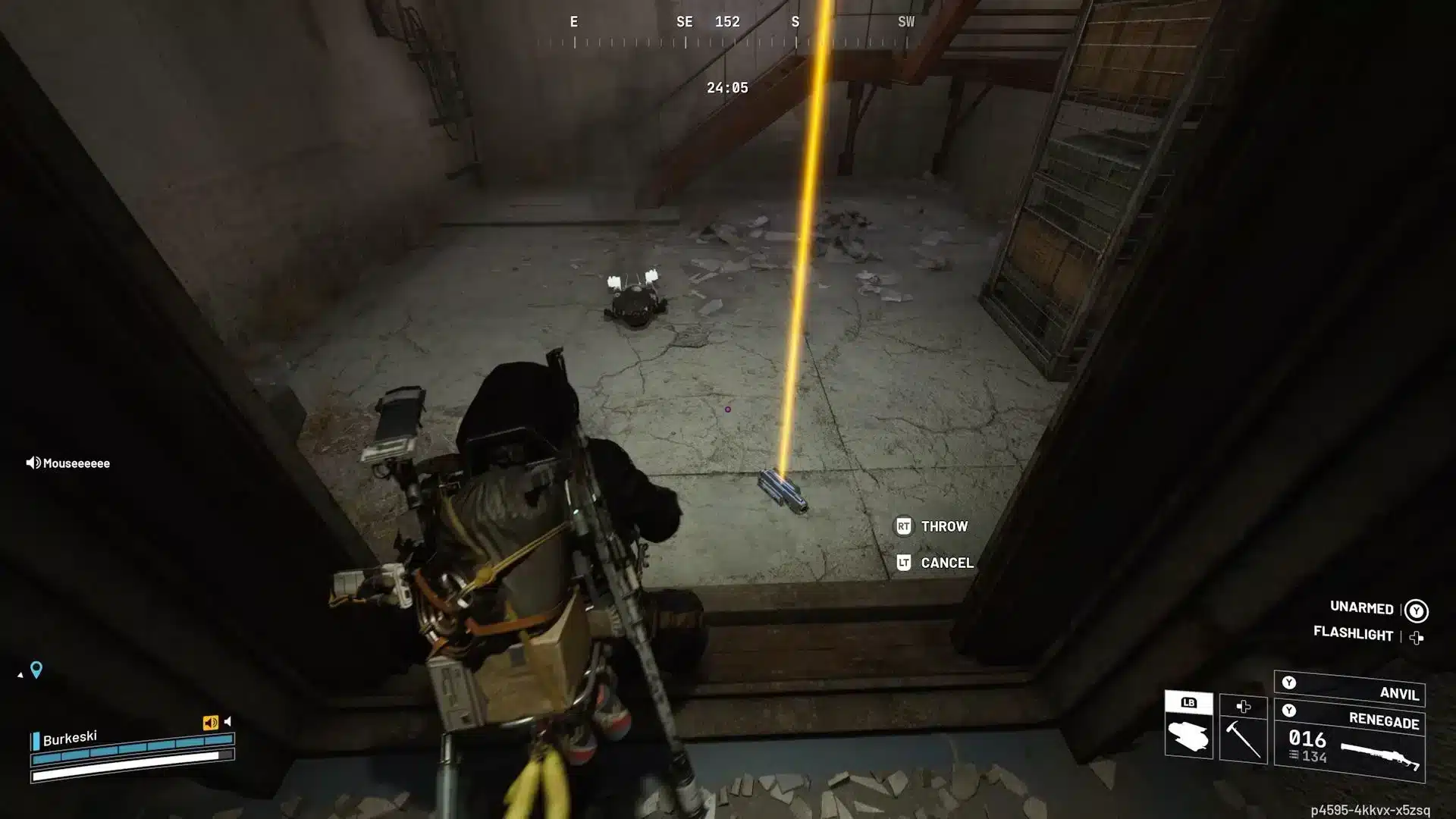
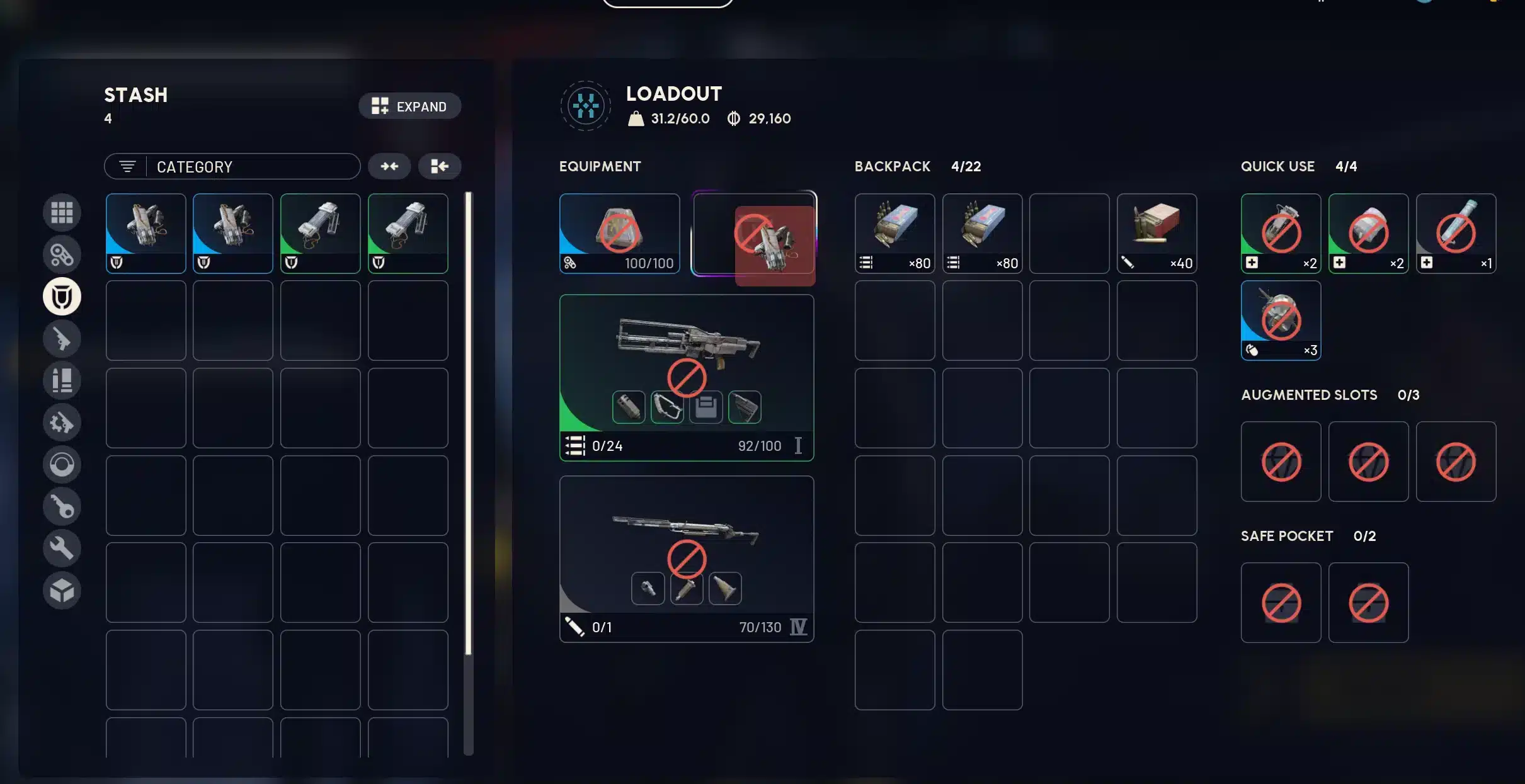
If you can’t equip medium shield ARC Raiders, you’re not alone. Many players enter their loadout screen, select a Medium Shield, and find the slot greyed out or completely unavailable.
The can’t equip medium shield ARC Raiders issue usually isn’t a bug - it’s a system restriction tied to augments and loadout compatibility. The game’s current build limits shield tiers depending on what augment you have equipped.
So why can’t I equip a medium shield in ARC Raiders? The answer is simple: Medium Shields require specific Combat or Tactical augments to unlock compatibility. If your current augment only supports Light Shields, the Medium Shield option will remain locked.
Understanding how shield tiers, augments, and loadouts interact is the key to solving this quickly.
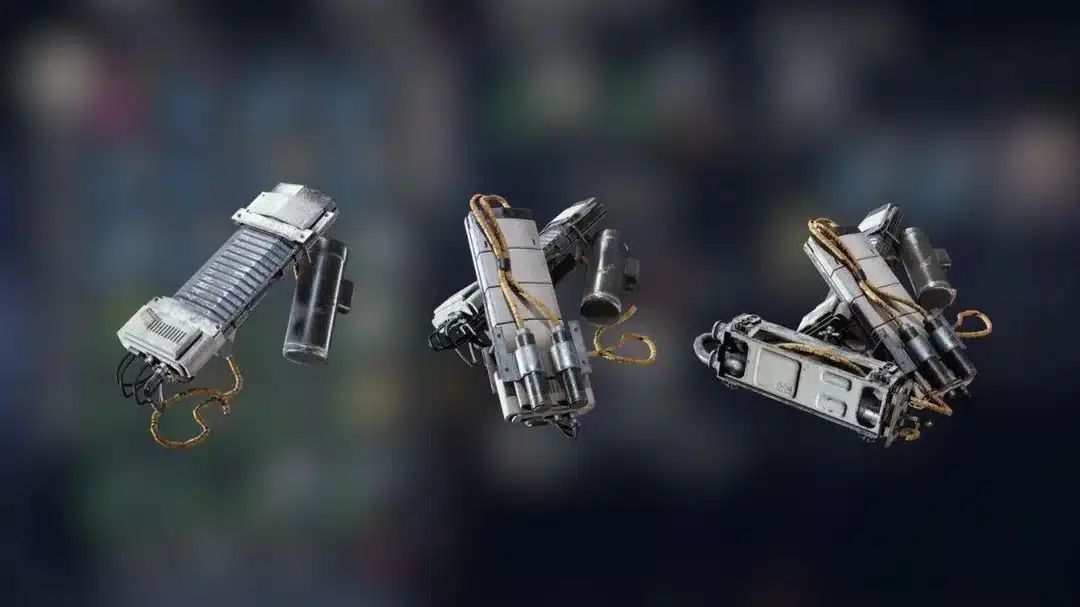
Can’t Equip Medium Shield ARC Raiders: How the Shield System Works
Before fixing the issue, you need to understand how shields function in the current ARC Raiders build.
Light, Medium, and Heavy Shields Explained
ARC Raiders currently features three shield tiers:
- Light Shield – Default compatibility, no movement penalty.
- Medium Shield – Balanced protection with small movement penalty (~5%).
- Heavy Shield – High mitigation with larger mobility penalty (~15%).
Medium Shields provide stronger damage mitigation than Light Shields, but they are not universally usable.
Why Medium Shields Don’t Equip by Default
Shields are tied to your Augment, not just your inventory.
If you’re asking why can’t I use medium shield ARC Raiders, the most common reason is that your equipped Augment only supports Light Shields.
Looting and Free Loadout augments do not unlock Medium Shield compatibility.
Why Can’t I Equip a Medium Shield in ARC Raiders?
There are three primary causes for this restriction.
1. Wrong Augment Equipped
The most common reason behind arc raiders can’t equip medium shield searches is simple: your augment does not allow it.
Augments that typically allow Medium Shields:
- Combat MK1
- Tactical MK1
- Higher-tier Combat augments
If you are using:
- Looting augment
- Free Loadout augment
You cannot equip Medium Shields.
2. Workbench Not Upgraded
If you cannot craft or access Combat MK1, your Gear Workbench may need upgrading.
Upgrading your Raider Den unlocks:
- New augments
- Higher shield compatibility
- Advanced crafting options
Players often search why can’t I wear medium shield ARC Raiders when the real issue is progression-based.
3. Loadout Sync or UI Delay
In rare cases, the issue appears when switching augments too quickly before deploying.
If ARC Raiders can’t equip medium shield even after changing augments:
- Return to Raider Den
- Re-equip augment
- Reopen loadout screen
- Confirm compatibility
This resolves most UI-related lock states.
How to Unlock Medium Shield Compatibility
Fixing the issue is straightforward once you know what to change.
Step-by-Step Fix
- Go to your Raider Den.
- Open your Augment inventory.
- Craft or equip Combat MK1 or Tactical MK1.
- Return to Loadout screen.
- Select Medium Shield - it should now be available.
If you’re searching arc raiders why can’t I equip medium shield, this process resolves the problem in nearly all cases.
Medium Shield Stats & Trade-Offs
Understanding whether you actually need a Medium Shield matters too.
| Shield Type | Required Augment | Movement Penalty | Damage Mitigation |
| Light | Looting / Free Loadout | None | ~40% |
| Medium | Combat MK1 / Tactical MK1 | ~5% | ~42–45% |
| Heavy | Higher Combat Tiers | ~15% | ~50%+ |
Medium Shields provide balanced protection without sacrificing too much mobility. However, in PvP-heavy sectors, even a 5% movement penalty can affect survival.
Why Connection Stability Can Affect Loadout Changes
Although shield compatibility is mainly progression-based, unstable connections can occasionally cause loadout sync delays.
During high server traffic:
- Augment changes may not immediately register
- UI may briefly lock shield slots
- Deployment can fail to sync properly
ExitLag improves ARC Raiders stability by:
- Using Real-Time Route Optimization
- Applying Traffic Shaper technology
- Leveraging Multipath routing
- Reducing packet loss across global servers
When your connection is stable, loadout changes register instantly and your can’t equip medium shield ARC Raiders issue won’t be worsened by network instability.
Understanding augment compatibility, workbench progression, and shield tier mechanics ensures you never get stuck wondering why you can’t equip a medium shield in ARC Raiders again.
Advanced Compatibility Rules Behind Can’t Equip Medium Shield ARC Raiders
Now that you understand the basics, let’s go deeper into why the can’t equip medium shield ARC Raiders issue still appears for some players even after crafting the shield.
Augment Tier Hierarchy Explained
Shield compatibility is controlled entirely by your equipped Augment tier.
Current compatibility structure in the latest build:
- Looting Augment → Light Shield only
- Free Loadout Augment → Light Shield only
- Combat MK1 → Light + Medium
- Tactical MK1 → Light + Medium
- Higher Combat Tiers → Light + Medium + Heavy
If your Augment only supports Light Shields, the Medium Shield slot will remain greyed out no matter how many Medium Shields you own.
This is the most common reason behind searches like arc raiders can’t use medium shield and why can’t I equip medium shield arc raiders.
Why Inventory Ownership Doesn’t Override Restrictions
A key misconception is that owning a Medium Shield item automatically unlocks it.
It does not.
Loadout validation checks Augment compatibility first, then shield tier.
If compatibility fails, the system blocks the equip action before deployment.
Hidden Restrictions Players Often Overlook
Even with the correct Augment equipped, there are edge cases that can cause confusion.
Weight and Mobility System Interaction
Medium Shields apply a movement penalty of roughly 5%.
Stacking the following can compound mobility reduction:
- Heavy armor pieces
- Large-capacity backpacks
- Heavy primary weapons
While mobility stacking does not usually hard-lock Medium Shields, some players misinterpret reduced movement as a shield malfunction.
This explains many searches like why can’t I wear medium shield ARC Raiders when the issue is actually build composition.
Gear Workbench Progression Lock
If you cannot access Combat MK1 or Tactical MK1, your Raider Den progression may be incomplete.
To unlock compatibility:
- Upgrade your Gear Workbench.
- Unlock Combat or Tactical Augment blueprints.
- Craft the Augment.
- Equip it before selecting the shield.
Many players experiencing arc raiders can’t equip medium shield simply have not advanced far enough in progression.
Patch Changes That Affected Medium Shield Usage
Older guides may suggest Medium Shields unlock independently.
This is outdated.
Recent builds moved shield compatibility fully into the Augment system.
Augment-Based Compatibility System Rework
The rework ensures:
- Loadout identity matters
- Shield tiers align with combat roles
- Progression impacts survivability
If you’re reading older tutorials, that’s likely why your shield won’t equip.
UI Bugs vs Intended Restrictions
Intended behavior:
- Slot greyed out due to incompatible Augment
Possible bug indicators:
- Augment supports Medium but slot remains locked
- Shield disappears after deploying
- Loadout resets after matchmaking
If this happens:
- Re-equip the Augment manually
- Exit to Raider Den and reopen loadout
- Restart client if necessary
Medium Shield Meta: When Should You Actually Use It?
Fixing the restriction is only half the decision. You must decide whether Medium is optimal.
PvE Farming Build
Medium Shields excel in:
- ARC-heavy zones
- Sentinel encounters
- Defensive objective fights
The balanced mitigation helps during sustained AI engagements.
PvP Extraction Trade-Offs
In high-skill PvP lobbies:
- Light Shields provide faster strafing
- Mobility can outweigh minor mitigation gains
This is why some advanced players intentionally avoid Medium Shields despite unlocking them.
Can’t Equip Medium Shield ARC Raiders: Complete Troubleshooting Checklist
If you still can’t equip medium shield ARC Raiders after following earlier steps, use this master checklist.
- Confirm Augment supports Medium tier.
- Verify Workbench progression level.
- Re-equip Augment in Raider Den.
- Reopen Loadout screen.
- Check for recent patch changes.
- Restart game client if UI seems desynced.
Quick reference table:
| Issue | Likely Cause | Fix |
| Slot greyed out | Wrong Augment | Equip Combat MK1 |
| Crafted but unusable | No compatibility | Upgrade Augment |
| Slot flickers | UI sync delay | Reopen loadout |
| Works then resets | Patch/loadout bug | Re-equip + restart |
This resolves nearly all instances of why can’t I equip medium shield in ARC Raiders.
Why Stable Connection Matters When Fixing Loadouts
Although most shield restrictions are intentional design, unstable routing can sometimes cause temporary loadout desync.
During high server load:
- Equip actions may delay
- Slot changes may not visually update
- Deployment data may fail to sync instantly
ExitLag improves ARC Raiders stability by:
- Applying Real-Time Route Optimization
- Using Traffic Shaper technology
- Leveraging Multipath routing
- Reducing packet loss and jitter
When your connection is stable, loadout changes register immediately, reducing confusion around the can’t equip medium shield ARC Raiders issue.
Common Player Questions About Medium Shield Restrictions
Why can’t I equip medium shield ARC Raiders even though I have one?
Because owning the shield isn’t enough - your augment must support it.
Why can’t I use medium shield ARC Raiders after crafting it?
Crafting does not override compatibility rules. Only specific augments unlock Medium tier usage.
ARC Raiders can’t use medium shield - bug or intended?
In almost every case, it’s intended progression design, not a bug.
All game images used in this blog belong to Embark Studios. They are used for informational/educational purposes only and do not imply endorsement or affiliation with the rights holders.