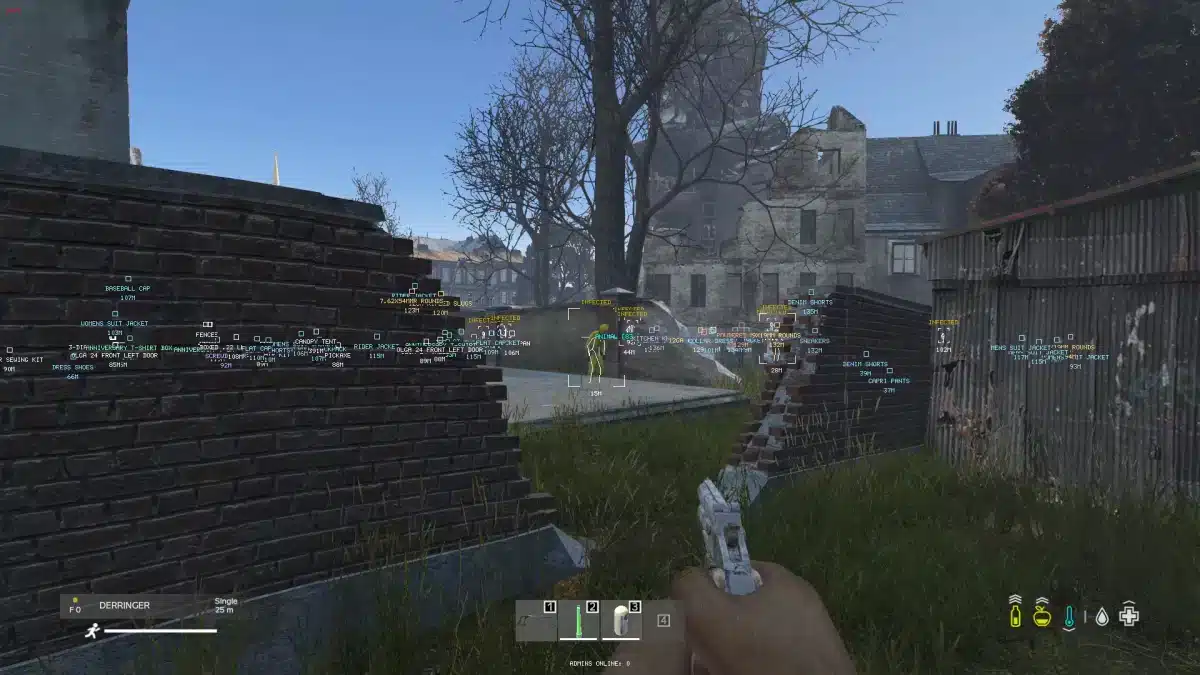
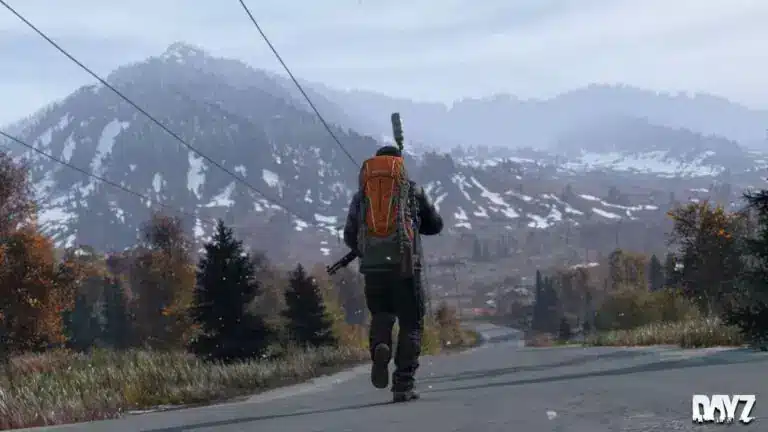
DayZ mods have become one of the main reasons the game continues to thrive years after its release. While the vanilla experience focuses on raw survival and realism, mods completely change how players interact with the world, offering new mechanics, content, and progression systems.
From custom weapons and vehicles to advanced base building, traders, and roleplay mechanics, DayZ modding allows players to shape the survival experience exactly how they want. Whether you are a casual survivor or a hardcore PvP enthusiast, modded DayZ opens the door to endless possibilities.
So, what exactly are DayZ mods, how does DayZ modding work, and why do so many players choose modded servers instead of official ones? This guide answers what DayZ mods are, where they come from, and how players use them today.
What Are DayZ Mods?
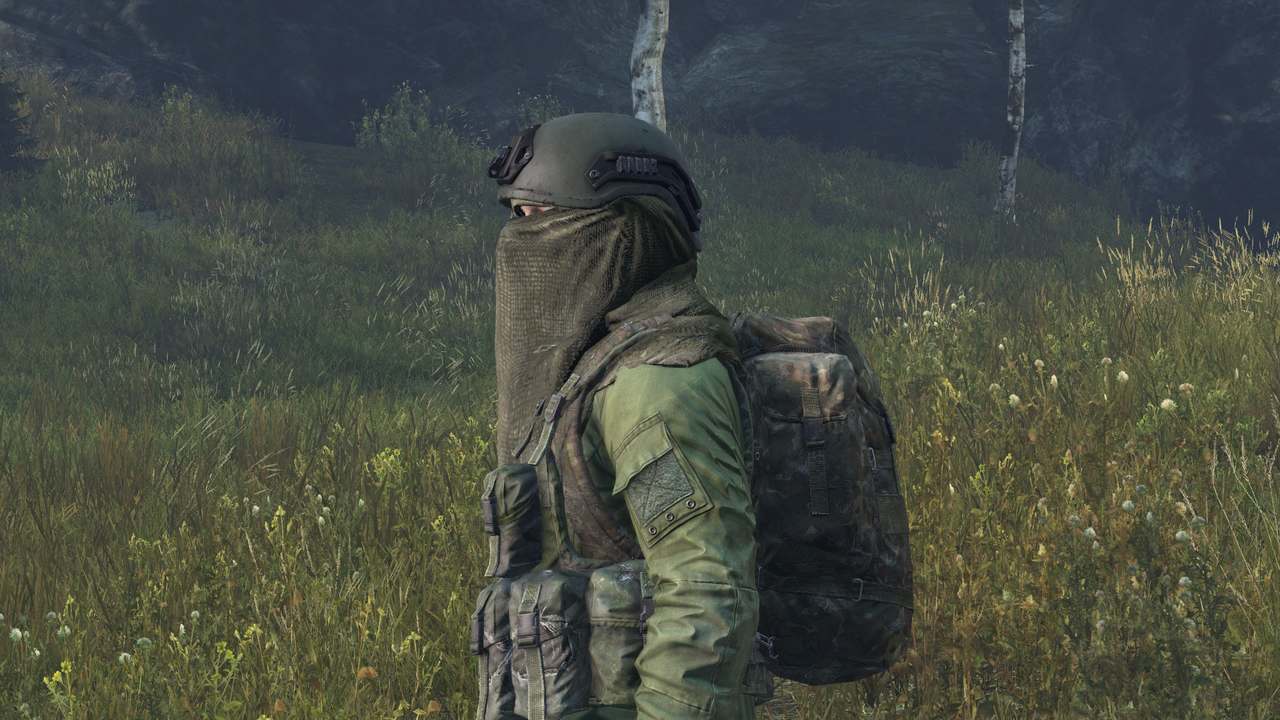
DayZ mods are community-created modifications that expand or alter the base game. These mods can add new items, systems, mechanics, and even entirely new ways to play. Instead of changing the core survival theme, most mods enhance it by adding depth and variety.
Originally, DayZ itself started as a mod for Arma 2. That mod became so popular that it eventually evolved into the standalone DayZ game. Because of this history, modding has always been deeply connected to the DayZ community.
Today, mods allow players to customize nearly every aspect of the game. Servers can adjust loot balance, introduce economies, add missions, create safe zones, or even turn DayZ into a full roleplay experience.
DayZ Modding Basics: How Modding Works
DayZ modding works through a combination of scripting, configuration files, and custom assets. Mod creators use official DayZ modding tools to create new items, mechanics, and interactions that integrate directly into the game.
Mods are written using Enforce Script, DayZ’s scripting language. This allows developers to define item behavior, crafting recipes, and game logic. In addition, configuration files control values such as spawn rates, damage, and interactions.
Once a mod is created, it is usually published through the Steam Workshop. This allows players and server owners to easily download, update, and manage mods without manual file handling.
Installing Mods in DayZ
Installing DayZ mods is simple for players, but it must be done correctly to avoid errors. Most mods are distributed through the Steam Workshop and automatically downloaded when you subscribe to them.
For players joining modded DayZ servers, the process usually works like this:
- Find a modded server
- Subscribe to the required mods
- Launch the game with the correct mod list
- Join the server
If the mod versions do not match the server’s setup, players may experience connection errors or crashes. This is why mod synchronization is critical in modded DayZ.
Using a DayZ Mod Launcher
A DayZ mod launcher is a tool that helps players manage mods and connect to modded servers more easily. Instead of manually enabling each mod, launchers automatically load the correct mod list based on the server you select.
Most launchers offer features such as:
- Automatic mod downloads
- Mod load order management
- One-click server joining
- Mod update notifications
Using a launcher significantly reduces setup time and prevents common issues like missing dependencies or incorrect mod order.
What Are Modded DayZ Servers?
Modded DayZ servers are community-run servers that use mods to customize gameplay. Unlike official servers, modded servers can completely change how the game feels and plays.
Some servers focus on realism and hardcore survival, while others emphasize PvP, base building, or roleplay. Because server owners choose which mods to use, no two modded servers feel exactly the same.
Popular modded server styles include:
- PvE survival servers with missions and traders
- Hardcore survival servers with limited loot
- Roleplay servers with rules and character progression
- PvP-focused servers with enhanced weapons and vehicles
This variety is what keeps the DayZ community active and constantly evolving.
Why Players Choose Modded DayZ
Many players choose modded DayZ because it offers more control and long-term progression. Mods can reduce downtime, add quality-of-life improvements, and create clear goals beyond basic survival.
Modded servers also tend to build strong communities. Discord integration, custom rules, and active moderation help create stable environments where players return regularly.
For players who want more than the vanilla experience, modded DayZ offers deeper systems, more content, and nearly endless replay value.
This foundation sets the stage for deeper topics like creating your own mods, setting up a modded server, and advanced crafting systems. In the next section, we’ll dive further into practical modding examples, popular mods, and common troubleshooting tips for modded DayZ servers.
Setting Up a Modded DayZ Server
Creating a modded DayZ server allows full control over gameplay, rules, and progression. Unlike official servers, a modded server lets administrators shape the experience through curated mods, custom settings, and community rules.
To start, you need access to a dedicated or rented server that supports DayZ Standalone. Most server hosts already provide DayZ server files, which simplifies the initial setup. Once the base server is running, mods can be layered on top to customize gameplay.
The typical setup process includes installing the DayZ server files, configuring startup parameters, and linking Steam Workshop mods to the server environment.
Installing Mods on a DayZ Server
Server-side mod installation follows a structured process to ensure players can connect without errors. Mods must be installed both on the server and on every client attempting to join.
The basic steps include:
- Downloading mods from the Steam Workshop
- Uploading mod folders to the server directory
- Copying .bikey files into the server’s keys folder
- Adding mods to the server startup parameters
Each mod must be correctly referenced in the launch configuration. A single missing key file can prevent players from joining, which makes organization critical.
Testing and Validation
Before opening a server to the public, administrators should test mod loading locally. This helps identify missing dependencies, script errors, or performance issues early.
Logs generated during server startup are the primary tool for troubleshooting. Reviewing them regularly helps maintain server stability after updates.
Popular and Recommended DayZ Mods
The DayZ modding community has produced thousands of mods, ranging from small quality-of-life improvements to full gameplay overhauls. Choosing the right combination depends on the type of server you want to run.
Below is a comparison of commonly used mod categories:
| Mod Category | Purpose | Example Features |
| Base Building | Expanded construction systems | Doors, walls, territory control |
| Survival Enhancements | Deeper survival mechanics | Advanced hunger, temperature effects |
| Economy & Traders | Structured loot and trading | NPC traders, currency systems |
| Maps & Environments | New worlds and challenges | Custom terrain, extreme weather |
| Overhaul Mods | Large-scale expansions | Vehicles, events, missions |
These mods extend replayability and allow servers to create unique identities within the DayZ ecosystem.
Creating Your Own DayZ Mods
DayZ modding is accessible to beginners willing to learn basic scripting and configuration. Mod creators use official DayZ Tools along with scripting files to define new items and behaviors.
Most mods follow a standard workflow:
- Create a mod folder structure
- Define items and logic using script files
- Configure values in config files
- Test locally in a development environment
- Package and publish to Steam Workshop
Even small mods, such as custom items or adjusted crafting values, can significantly change gameplay.
Enforce Script and Config Files
Enforce Script allows modders to control how items behave in-game. Config files define values like weight, durability, spawn locations, and crafting requirements.
By combining both, creators can add items that feel fully integrated into DayZ rather than external add-ons.
Crafting Systems and Custom Recipes
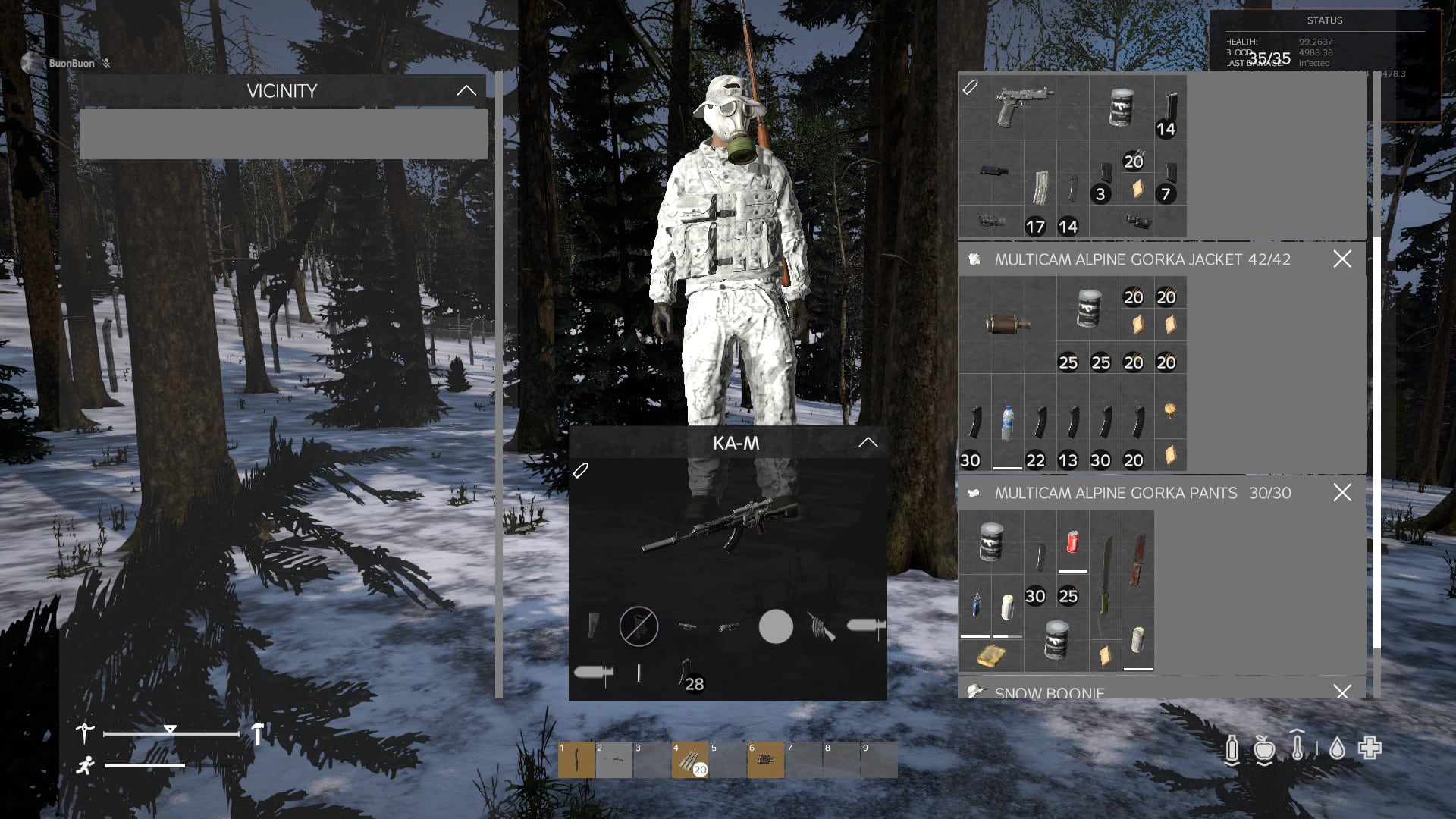
Crafting-focused mods are among the most popular in modded DayZ. They expand farming, base building, and long-term survival systems.
A common example is the addition of new crafting materials such as gardening lime. While not part of vanilla DayZ, modded servers often introduce gardening lime to enhance farming systems, soil treatment, or fertilizer mechanics.
A custom recipe might require:
- Crushed stone
- Chemical agents or ash
- Containers or tools
These recipes are defined in script files and balanced by server administrators to fit their progression system.
Advanced Mod Management Best Practices
As servers grow, managing mods becomes more complex. Running too many mods can impact performance, increase load times, and cause conflicts.
Best practices include:
- Keeping framework mods loaded before content mods
- Updating mods regularly after DayZ patches
- Removing unused or redundant mods
- Monitoring server performance and logs
Proper mod management ensures stability and a smooth experience for players.
Troubleshooting Common Mod Issues
Modded DayZ servers occasionally encounter problems. The most frequent issues include:
- Missing mod errors due to incorrect versions
- Startup crashes caused by conflicts
- Clients failing to connect because of missing keys
Most issues can be resolved by checking logs, verifying mod versions, and ensuring clients use the exact same mod list as the server.
Where to Find Mods and Community Support
The Steam Workshop is the primary hub for DayZ mods, offering ratings, updates, and documentation. Many mods also maintain Discord servers where developers provide direct support.
Community forums and discussion groups are valuable resources for troubleshooting, discovering new mods, and learning advanced techniques.
Final Notes and Optimization Tip
Modded DayZ offers limitless customization, but it also demands a stable connection-especially on heavily modded servers with custom assets and scripts.
To ensure smooth gameplay, reduced lag, and stable connections on modded DayZ servers, ExitLag can optimize your routing and minimize latency issues. This helps players stay competitive and immersed, even on complex modded environments.
All game images used in this blog belong to Bohemia Interactive. They are used for informational/educational purposes only and do not imply endorsement or affiliation with the rights holders.