If you are searching for Dragon Sword Packet Loss, you are probably dealing with a connection problem that makes otherwise smooth gameplay feel unpredictable. Commands may take longer to register, characters can appear to move backward, and important actions may fail at the worst possible moment. These issues are especially frustrating when they happen during combat, exploration, or other situations where timing matters.
When Dragon Sword Packet Loss appears, your internet connection may look normal outside the game while the game itself continues to experience instability. This can happen because the path between your device and the game server is not always the same as the path used by other applications. However, you do not necessarily need to replace your entire internet setup to improve the situation. With the right diagnosis and connection optimization, you can make your gameplay considerably more consistent.
For players who want a more reliable connection, ExitLag provides a specialized approach to gaming traffic and route optimization. Therefore, instead of simply accepting random freezes, delayed actions, or disconnects caused by Dragon Sword Packet Loss as part of online gaming, you can identify the source of the problem and take practical steps toward a more stable Dragon Sword experience.
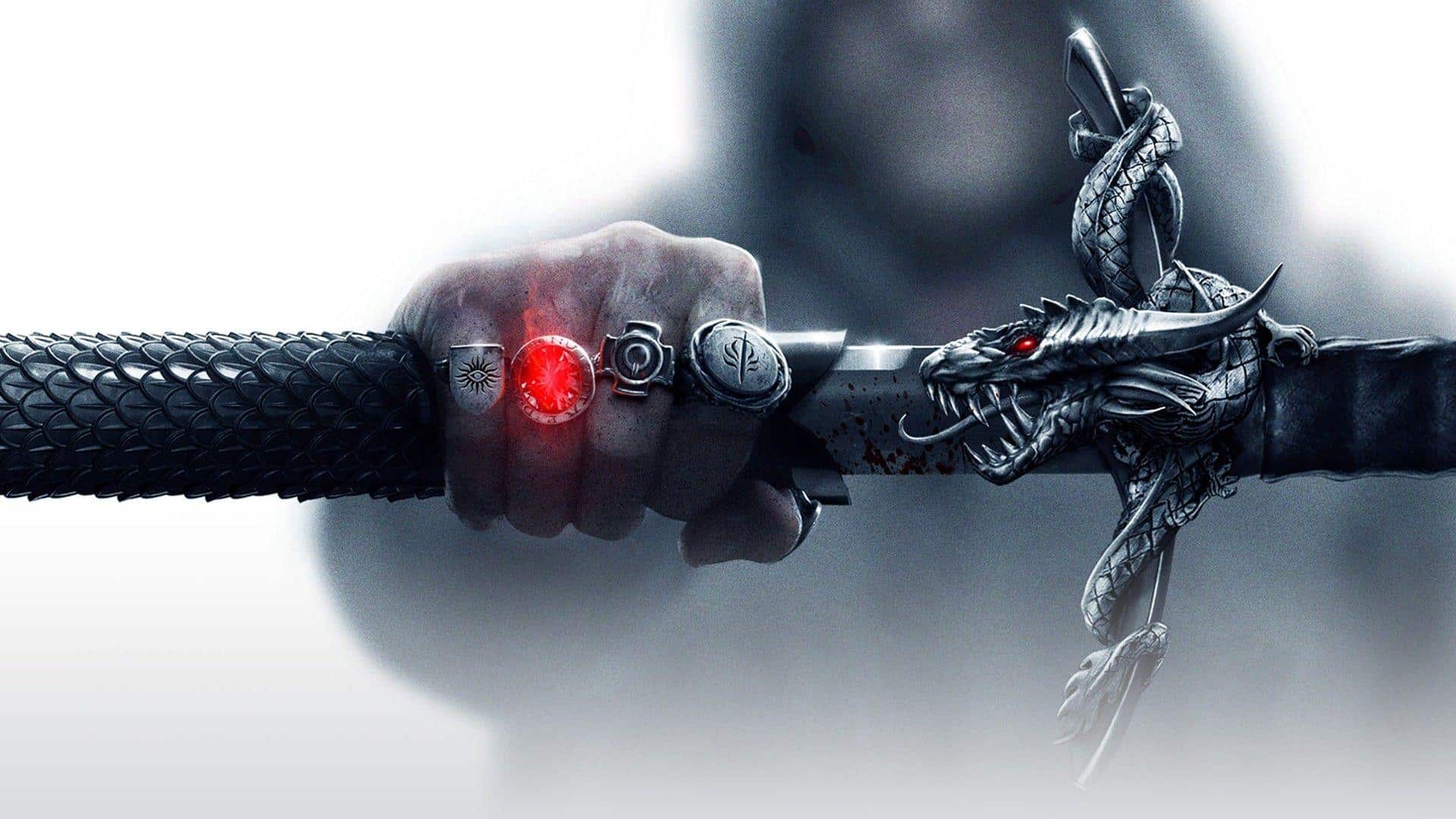
What is packet loss in Dragon Sword?
Packet loss happens when some of the data packets traveling between your computer and the game server fail to reach their destination. Online games constantly exchange information about your position, commands, combat actions, and the current state of the game. This transmission needs to remain consistent so that your client and the servers stay synchronized.
Think of data packets as individual messages being delivered between two locations. If you send ten messages and one never arrives, the recipient is missing part of the conversation. In a game, that missing information can translate into delayed actions, movement corrections, or other unexpected behavior. Therefore, even when your overall internet speed seems high, packet loss can still create noticeable problems.
The important point is that packet loss is not exactly the same as high ping. Ping measures how long information takes to travel, while packet loss measures whether information successfully reaches its destination. Consequently, you can have relatively low latency while still experiencing connection problems caused by lost packets.
How packet loss affects Dragon Sword gameplay
Packet loss can turn normal gameplay into an inconsistent experience. Instead of every action being communicated correctly, parts of the connection may arrive late or fail to arrive altogether.
- Delayed commands: You press an action, but the server receives it later than expected.
- Rubberbanding: Your character appears to move normally and then suddenly returns to a previous position.
- Sudden disconnections: A sufficiently unstable connection can cause you to lose communication with the server.
- Unregistered skills: An ability may appear to be activated locally but fail to register correctly.
- Erratic enemy movement: Other characters may appear to jump between positions because updates are missing or delayed.
- Hit registration problems: Attacks may not behave as expected when the necessary information is not transmitted consistently.
- Combat interruptions: In fast situations, even small connection inconsistencies can make reactions feel unreliable.
Therefore, if Dragon Sword feels inconsistent despite your computer running the game smoothly, network quality deserves attention alongside graphics and performance settings.
Main causes of packet loss in Dragon Sword
Inefficient routing
Your game traffic does not necessarily travel directly from your device to the server. Instead, information can pass through multiple network points before reaching its destination. If one part of that route is congested or unstable, packets may be delayed or discarded.
Therefore, the quality of the route can matter just as much as the quality of your local connection.
Unstable connection
Problems with your ISP, modem, router, or Wi-Fi signal can introduce packet loss. Wireless interference, temporary network instability, or an overloaded router can all affect real-time gaming traffic.
However, if other devices are working normally, do not immediately assume that your connection is perfect. Gaming can expose network inconsistencies that ordinary browsing does not reveal.
Distance from servers
The farther your connection has to travel, the more network infrastructure is involved. International connections can therefore be more vulnerable to problematic routing or congestion.
This is especially important when your preferred game server is geographically distant from your location.
Network congestion
Peak usage periods can place additional pressure on network infrastructure. Likewise, multiple devices streaming video, downloading files, or using bandwidth-intensive services can compete with your game traffic.
Therefore, testing Dragon Sword when your network is less busy can help determine whether congestion is contributing to the issue.
Hardware and cables
Damaged Ethernet cables, outdated network drivers, problematic adapters, or an aging router can also contribute to unstable connectivity.
Consequently, checking your physical setup is worthwhile before assuming the problem is entirely outside your home network.
How to identify packet loss in Dragon Sword
The first sign is often inconsistency rather than simply a high ping number. You may notice latency spikes, movement corrections, delayed actions, or strange behavior from other players and enemies.
Another useful clue is experiencing lag even when your average ping appears reasonable. Because packet loss and latency measure different aspects of a connection, a low ping value does not automatically mean that every packet is arriving correctly.
You can also test your connection through your operating system's terminal or command prompt using a ping test. Look for packet loss percentages alongside the response times. If packets are being lost consistently, investigate whether the problem appears on your local network, along the route to the server, or only when accessing a particular game service.
Finally, compare your results at different times of day. If problems become more frequent during busy hours, network congestion or routing conditions may be involved.
Packet loss levels and what they mean
| Packet loss | Gameplay impact | Recommended action |
| 0% | Ideal for online gameplay | Keep your current setup |
| Under 1% | Usually manageable for casual play | Monitor stability |
| 1–3% | Noticeable inconsistencies may appear | Investigate the connection |
| 3–5% | Frequent gameplay disruptions | Optimize your route and network |
| Above 5% | Severe instability is likely | Troubleshoot immediately |
Therefore, the goal for competitive or timing-sensitive gameplay should be as close to zero packet loss as possible.
Basic solutions to reduce packet loss in Dragon Sword
Optimize your local connection
- Use a wired connection: Ethernet is generally more consistent than Wi-Fi for real-time gaming.
- Close background applications: Downloads, streaming services, and other high-bandwidth activities can compete for network resources.
- Update network drivers: Outdated drivers can contribute to connection instability.
- Configure router QoS: If your router supports Quality of Service, prioritize gaming traffic where appropriate.
- Test another cable: A damaged Ethernet cable can create intermittent connectivity problems.
- Restart your network equipment: A modem or router restart can sometimes resolve temporary connection issues.
However, these steps mainly address problems within your own environment. If the issue is caused by the route between your ISP and the game server, additional optimization may be necessary.
Contact your ISP
If packet loss remains after checking your equipment, contact your internet provider and request a line and connection-quality check. Explain that you are experiencing packet loss during real-time gaming rather than simply asking about download speed.
Therefore, provide specific testing results when possible. This gives technical support more information to investigate instability instead of treating the issue as a standard speed complaint.
ExitLag can eliminate packet loss issues in Dragon Sword
What is ExitLag?
ExitLag is a software specialized in gaming connection optimization. Rather than focusing on increasing your internet plan's raw bandwidth, its purpose is to optimize how gaming traffic travels through available network routes.
The platform uses advanced technology designed specifically around gaming connections. Therefore, when the problem is related to inefficient routing, unstable paths, or network congestion outside your home, route optimization can make a meaningful difference to connection consistency.
For players repeatedly searching for connection stability Dragon Sword, this distinction is important. Faster internet is not automatically the same as better routing, and a better route can be more valuable for real-time gameplay than simply increasing download speed.
How ExitLag reduces packet loss
ExitLag's approach uses its Multi-Internet technology to optimize the path used by gaming traffic. According to the platform's explanation, the process focuses on maintaining a more stable route between the player and the destination.
The key principles include:
- Real-time analysis: Network routes are monitored to identify connection quality.
- Multiple simultaneous connections: Traffic can use multiple available routes.
- Automatic selection: When a route becomes problematic, another route can be selected.
- Hop optimization: The system seeks more efficient paths through network infrastructure.
- Connection stabilization: The objective is to maintain a more consistent gaming connection.
You can learn more about the process through how ExitLag works. Therefore, instead of manually guessing which route is responsible for your problem, the technology is designed to handle route optimization automatically.
Benefits of ExitLag for Dragon Sword players
Reduced packet loss: A more optimized route can help reduce the impact of problematic network paths.
Lower ping: When a more efficient route is available, unnecessary network distance or inefficient hops can be reduced.
Greater stability: Consistency matters just as much as speed in an online game. A stable connection makes commands and movement feel more predictable.
Simple setup: You do not need to manually configure complex routing tables every time you play.
Real-time monitoring: Connection information helps you understand what is happening while you are playing.
Multiple server support: The service is designed to optimize connections across supported gaming environments.
Therefore, if your main concern is reduce packet loss Dragon Sword, route optimization addresses an important part of the problem that conventional troubleshooting may not solve.
Is ExitLag worth using for Dragon Sword?
ExitLag is particularly relevant if you play on distant servers, experience recurring packet loss, participate in competitive gameplay, or notice connection instability during peak hours. It can also be useful when your ISP provides inconsistent routing to the destination server.
If you have already checked your cables, router, Wi-Fi, and local network but the problem continues, route optimization becomes even more relevant. Instead of repeatedly restarting your equipment without understanding the cause, you can focus on the route your gaming traffic actually takes.
Therefore, players who frequently lose progress or struggle with inconsistent gameplay because of network instability may find the investment worthwhile. You can review available plans and options on the ExitLag pricing page.
How to configure ExitLag for Dragon Sword
- Download and install ExitLag from the official ExitLag download page.
- Open the application before launching Dragon Sword.
- Search for Dragon Sword in the available game list.
- Select the appropriate game or server configuration.
- Use the automatic optimization mode to begin.
- Start Dragon Sword normally.
- Monitor your connection statistics while playing.
- If necessary, test different available configurations and compare stability.
Finally, keep the software updated so that you can benefit from current improvements to its optimization technology.
FAQ about packet loss in Dragon Sword
Is packet loss the same as lag?
No. Lag is commonly associated with high latency, while packet loss means that some data does not successfully reach its destination. Therefore, you can experience packet loss even when your displayed ping looks relatively low.
Why do I have packet loss only in Dragon Sword?
Different games can use different servers, regions, and network routes. Consequently, one game may encounter a problematic route while another works normally on the same internet connection.
Can packet loss make Dragon Sword disconnect?
Yes. Severe or sustained connection instability can interrupt communication with the game server. However, an occasional lost packet does not necessarily mean you will be disconnected.
How much packet loss is acceptable for competitive gameplay?
Ideally, competitive gameplay should have 0% packet loss. A very small amount may be less noticeable in casual situations, but even minor instability can become important when timing and precision matter.
Can my hardware cause packet loss?
Yes. Network adapters, routers, Ethernet cables, and other local equipment can contribute to connection problems. Therefore, checking your physical setup is an important part of troubleshooting.
Does ExitLag work with private servers?
Compatibility can depend on how the specific server is configured. ExitLag is designed to optimize supported gaming connections, so you should verify the configuration available for the server you use.
Do I need to keep ExitLag running all the time?
No. It is intended to be used while gaming. Starting it before launching the game allows the connection optimization to be active during your session.
Can ExitLag fix every connection problem?
No service can guarantee that every possible network problem will disappear. However, when instability is caused by inefficient routing, route optimization can address an important source of gaming connection issues.
Conclusion: eliminate packet loss and play Dragon Sword without interruptions
Packet loss does not have to define your Dragon Sword experience. Once you understand the difference between latency and lost data, you can identify whether the problem is coming from your local network, your ISP, congestion, hardware, or the route to the server. Therefore, troubleshooting becomes much more practical than simply changing random settings.
For players experiencing Dragon Sword Packet Loss, ExitLag provides a dedicated approach to connection optimization that can help create a more consistent path between your device and the game server. That means fewer frustrating interruptions, more reliable commands, and a connection better suited to demanding gameplay.
If you are ready to stop troubleshooting the same connection problems repeatedly, test ExitLag and see how route optimization affects your Dragon Sword sessions. Start with the available ExitLag free trial and evaluate your connection in real gameplay. The goal is simple: less instability, more consistency, and a smoother path to every objective. If Dragon Sword Packet Loss has been holding your gameplay back, optimizing your connection is the next step toward a more reliable experience.