Elden Ring Multiplayer turns a punishing solo journey into a shared adventure across the Lands Between. Whether you want to summon a friend for a brutal boss fight or invade another Tarnished's world, the system rewards players who understand its rules. Elden Ring Multiplayer has layers most guides never fully explain.
So, is Elden Ring multiplayer straightforward? Yes, but it works differently than most online games. There is no traditional matchmaking lobby for the base game.
Instead, players summon each other manually through in-world items, passwords, and signs. Nightreign, on the other hand, uses automatic matchmaking for its three-player expeditions, which makes it feel far more modern.
This guide breaks down co-op, PVP invasions, and Nightreign squads in detail. Furthermore, it covers the exact fixes for when Elden Ring Multiplayer Not Working issues pop up mid-session.
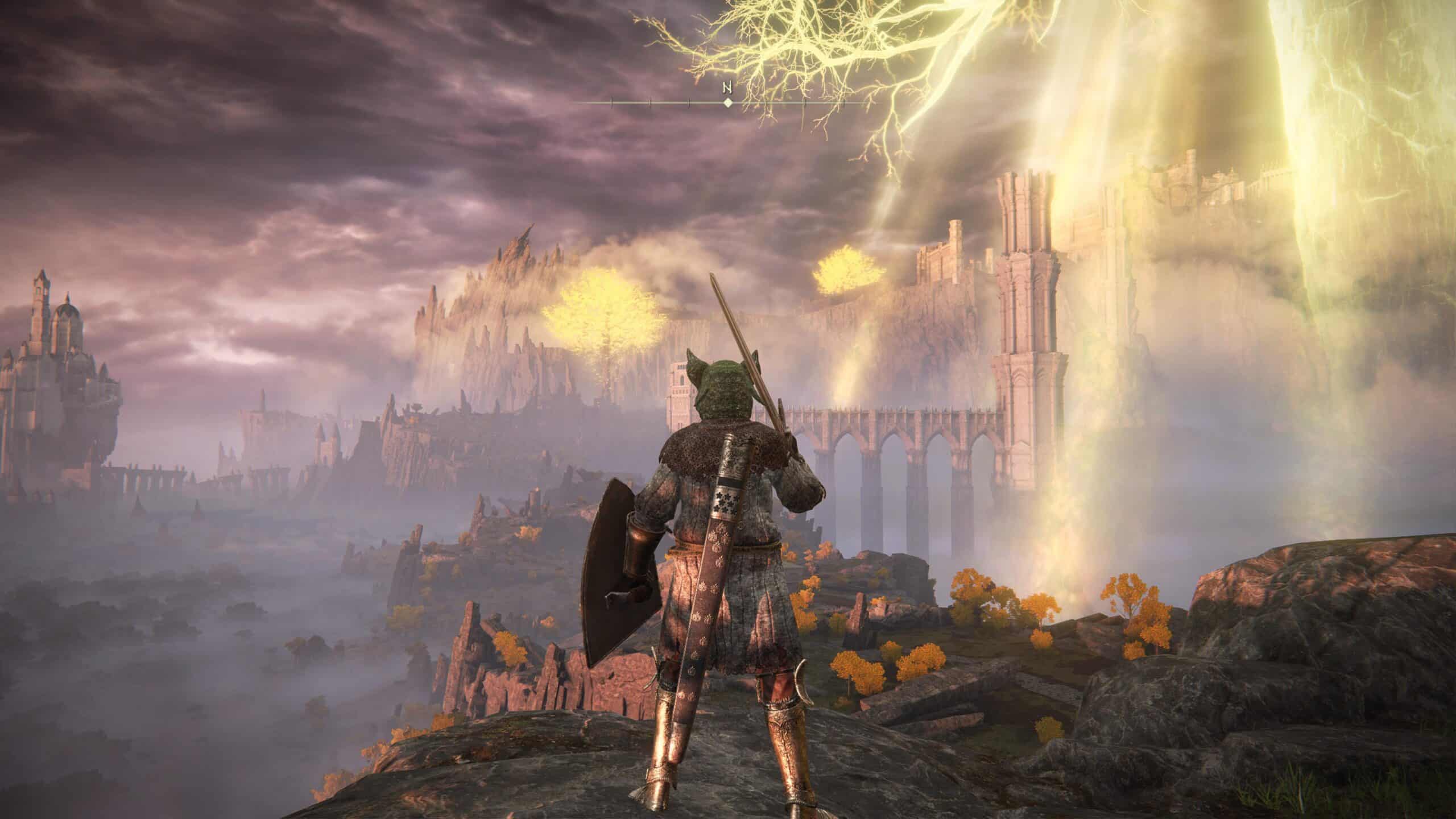
Is Elden Ring Multiplayer, And How Does It Actually Function?
Is Elden Ring Multiplayer a core feature or just a side mode? It is absolutely central to the experience, built around session-based cooperation rather than persistent servers. Players connect world to world instead of joining shared instances permanently.
The Core Co-Op Loop
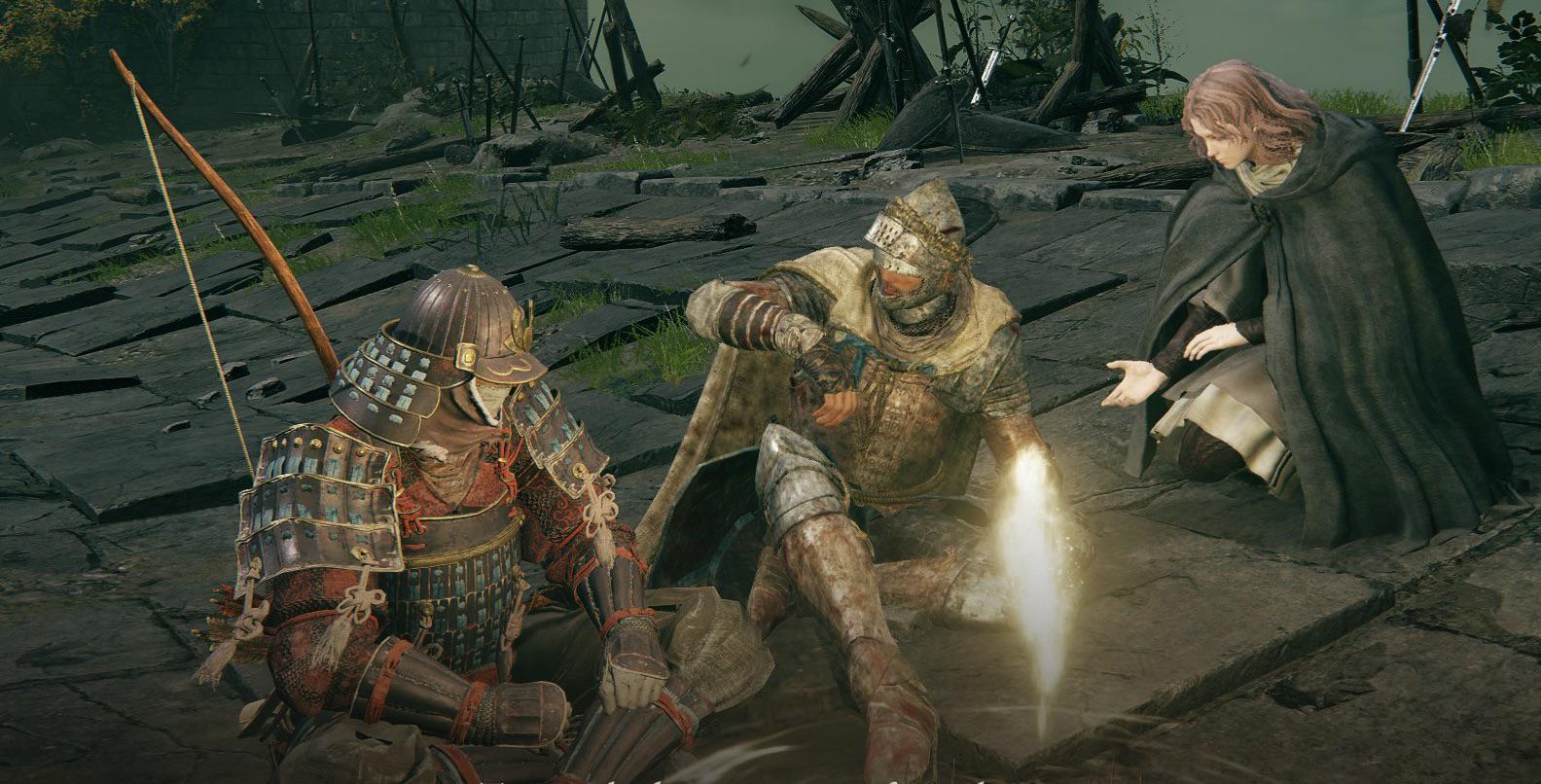
To play co-op, the host needs a Furlcalling Finger Remedy to reveal summon signs near a Martyr Effigy statue. Meanwhile, the joining player uses a Small Golden Effigy to place their sign into the pool.
Once summoned, phantoms fight alongside the host until the boss dies, someone disconnects, or a phantom is defeated. Consequently, players must repeat the process for every new area or boss attempt.
Passwords And Private Sessions
Setting a multiplayer password limits visibility so only your group sees each other's signs and messages. This does not stop invasions though, since password sessions only filter cooperative summons, not hostile ones.
- Passwords are set from the Multiplayer menu under Settings.
- Any group using the same password can see each other's summon signs exclusively.
- Overleveled friends using a password get their stats scaled down to match the weakest member.
- Voice chat requires external apps like Discord, since the game has no built-in chat.
How To Play Multiplayer In Elden Ring Step By Step
Understanding How To Play Multiplayer In Elden Ring starts with knowing which item does what. The base game separates cooperative summoning from invasive PVP through distinct consumables and mechanics.
Setting Up A Co-Op Session
- Open the Multiplayer menu and set a shared password with your friend.
- As the host, find a Martyr Effigy statue near the dungeon or boss you want help with.
- Use a Furlcalling Finger Remedy to make nearby summon signs visible.
- Select your friend's gold summon sign and confirm to pull them into your world.
- Defeat the boss or clear the area before the session ends automatically.
Level Range And Summon Restrictions
Without a password, summon signs only appear within a level range tied to your character level and highest weapon upgrade used. This prevents overleveled players from trivializing early content for newcomers.
| Your Level | Approximate Summon Range | Notes |
|---|---|---|
| Level 50 | Roughly 35 to 65 | Standard early-to-mid game range |
| Level 150 (PVP meta) | Roughly 120 to 180 | Common competitive bracket |
| Any level with password | No restriction | Stats normalized to weakest player |
Notably, weapon upgrade level counts too. A heavily upgraded weapon can push you into a higher matchmaking bracket even if your character level stays low.
Multiplayer Elden Ring PVP: Invasions Explained
Multiplayer Elden Ring PVP revolves around invasions, where a hostile Tarnished enters another world uninvited. This is separate from co-op and uses its own set of items and rules entirely.
Getting Invaded And Fighting Back
A multiplayer password does not block invasions since that setting only governs cooperative signs. If you want to opt into hostile encounters, equip a Taunter's Tongue to actively invite invaders.
- Taunter's Tongue increases invasion frequency and shortens the cooldown between invasion windows.
- It also allows a second invader to join if a cooperator is already present in your world.
- Blue Cipher Rings let you become a Blue Sentinel, invading hosts marked by red signs to defend other players.
- Recusant Rooting Fingers are consumed to actively hunt down and invade hosts near you.
Why Do Invasions Feel Unfair Sometimes?
Invaders often fight at a disadvantage since hosts can have up to two phantoms backing them up. However, invaders get healing restrictions removed and typically outnumber the odds with superior build knowledge.
Serious PVP players tend to gather at level 125, inherited from earlier Souls games, or push toward level 150 with heavy investment in Vigor. Therefore, expect tougher fights the deeper you go into these popular brackets.
Elden Ring Nightreign Multiplayer: What Changed?
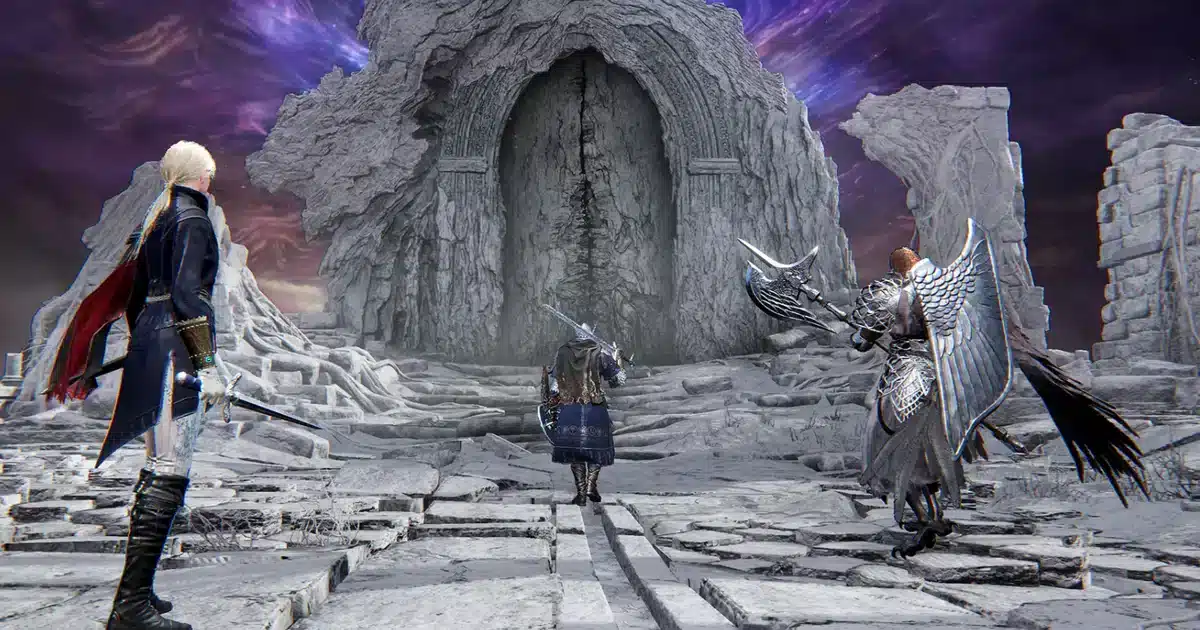
Elden Ring Nightreign Multiplayer ditches the manual summon system entirely in favor of automated matchmaking. This spinoff mode focuses on fast, roguelike expeditions rather than the slower base game formula.
Is Elden Ring Nightreign Multiplayer Automatic?
Is Elden Ring Nightreign Multiplayer handled through matchmaking like a typical online shooter? Largely yes. Approaching the Roundtable Hold's central table and selecting "Commence Expedition" automatically pairs you with two other players unless you invite friends directly.
Squad Size, Duos, And Solo Play
Nightreign supports trios, duos, and solo expeditions, each with different difficulty scaling. Solo runs face reduced enemy health but lose team revives, while duos sit between trio and solo difficulty.
- Trio squads are the default and easiest way to clear expeditions consistently.
- Duo mode scales difficulty down slightly but still leans toward the trio balance.
- Solo mode drops enemy HP to roughly 43 percent but removes aggro splitting entirely.
- Revives require teammates to strike a downed player until their Near-Death meter empties.
Character selection is first come, first served, so only one player per class per run. As a result, having backup class preferences matters when queuing with friends.
Cross-Platform Limits
Nightreign currently does not support crossplay between PC, PlayStation, and Xbox. Consequently, PC players matched through Steam only pair with other Steam players, and the same isolation applies to each console family.
Why Is Elden Ring Multiplayer Not Working?
Elden Ring Multiplayer Not Working is one of the most common frustrations reported by players. Several overlapping causes typically explain the failure, and most have straightforward fixes.
Common Causes Behind Connection Failures
Server overload during peak hours is a frequent culprit, especially right after updates or big content drops. In addition, unstable home networks, outdated game versions, and overly aggressive firewall or antivirus software can all block multiplayer traffic.
Fast Fixes For Connection Issues
- Confirm the servers are actually online before troubleshooting your own setup.
- Update the game to the latest patch, since outdated versions often fail to connect entirely.
- Switch to a wired ethernet connection instead of relying on WiFi for stability.
- Allow Elden Ring through your firewall and temporarily disable overly strict antivirus rules.
- Restart your router and modem to clear any stuck NAT or routing issues.
Pro Tips: Elden Ring Multiplayer
- Match your password exactly: Even a single character typo creates a completely separate session, so double check spelling with your group before summoning.
- Use a Martyr Effigy near the fog wall: Summoning right before a boss fight keeps phantoms close and avoids losing them to travel time.
- Stack Taunter's Tongue only when ready: Since it invites double invaders, only equip it when you actually want a PVP fight rather than a quiet exploration run.
- Coordinate builds before Nightreign runs: Since classes cannot overlap, agreeing on backup picks with your squad avoids awkward last-second scrambles.
- Prioritize a stable connection during boss fights: Desyncs during multiplayer boss phases are far more punishing than during normal exploration, so stabilize your network before engaging.
Common Mistakes Elden Ring Multiplayer Players Make
- Forgetting the summon sign expires: Signs vanish after certain deaths or area transitions, leaving hosts confused why nobody appears. Fix: refresh your Furlcalling Finger Remedy and check the pool again near the effigy.
- Ignoring level range restrictions: Many players assume any friend can join anytime, then get stuck unable to see each other's signs. Fix: set a shared password to bypass range limits entirely.
- Running unstable WiFi during invasions or boss co-op: Sudden disconnects during a fight often get blamed on the game itself. Fix: use a wired connection or a dedicated network optimizer to keep the route stable throughout the session.
Fixing Elden Ring Multiplayer Connection Issues With ExitLag
When Elden Ring Multiplayer Not Working turns into a recurring headache, the problem is often the route your data takes to the server, not your raw internet speed. ExitLag is not a VPN, it is a connection optimizer built specifically to solve this kind of issue.
ExitLag scans multiple network paths in real time and automatically routes your traffic through the fastest, most stable option available. This directly helps with the host and phantom desyncs that plague co-op sessions and invasions.
The tool supports over 4,000 games, with more than 1,500 servers spread across 190+ countries worldwide. As a result, it is trusted by over 30 million users who run more than 18 million optimizations every single week.
For Elden Ring specifically, a smoother route means fewer dropped summons, fewer failed invasions, and less rubber-banding during Nightreign expeditions. Grab the ExitLag Download and get your connection optimized before your next boss run with friends.
Common ExitLag Features Elden Ring Players Rely On
- Real-time optimization: Reduces delay and packet loss so summons and invasions register faster.
- Multipath technology: Routes packets through several paths simultaneously, keeping the session alive even if one path drops.
- Multi-internet support: Combines up to four connections so a single network hiccup does not kick you from a boss fight.
- Traffic shaper: Prioritizes game traffic over background downloads or streaming apps running on the same network.
Wrapping Up Elden Ring Multiplayer
Elden Ring Multiplayer rewards players who learn its manual systems, from summon signs and passwords to Taunter's Tongues and Nightreign matchmaking. Once the rules click, cooperative runs and PVP duels both become far more consistent and fun.
Whether you are helping a friend through Malenia or diving into a Nightreign expedition with strangers, a stable connection matters just as much as build knowledge. Combine solid game sense with a reliable network setup, and Elden Ring Multiplayer stops being frustrating and starts being one of the best parts of the game.
All game images used in this blog post belong to FromSoftware and Bandai Namco. They are used for informational and educational purposes only and do not imply endorsement or affiliation with the rights holders.