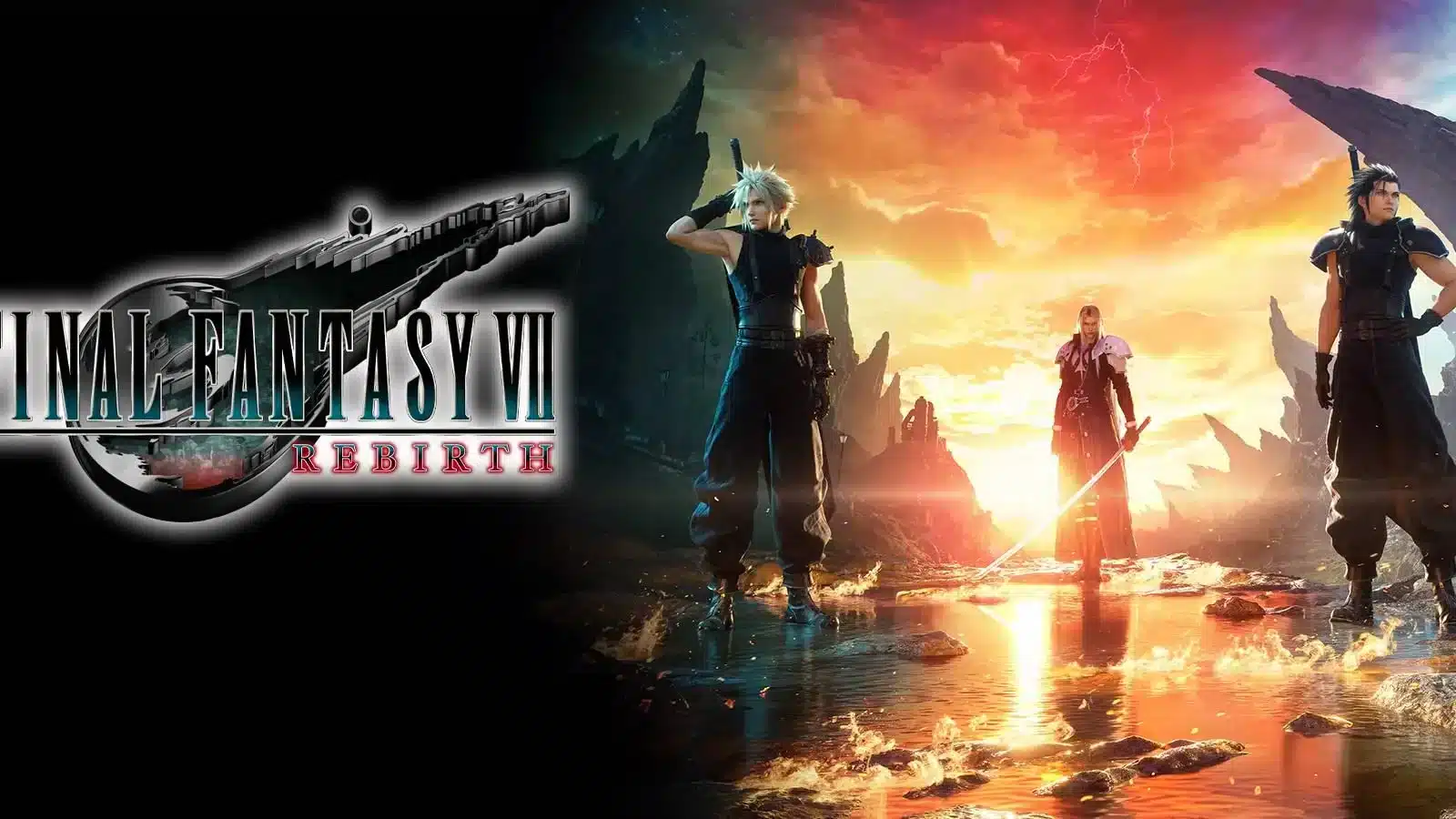
Final Fantasy VII Rebirth is one of the most visually ambitious RPGs currently available on PC, but that ambition comes with a cost. Many players open the game excited to explore Gaia, only to run straight into stutter, frame drops, and inconsistent frame pacing during cutscenes and open world traversal.
If you searched for ff7 rebirth pc jitter, you already know the frustration. The game can hit high average frame rates on paper while still feeling rough, choppy, or inconsistent in motion, which is exactly what frame pacing issues look like in practice.
The short answer: ff7 rebirth pc jitter is almost always caused by a mix of shader compilation stutter, VRAM pressure, and frame pacing mismatches between your GPU and display, not by a single broken setting. The good news is that most of these causes have practical, testable fixes you can apply today, and this guide walks through every one of them step by step.
This is not a shallow "verify your files" checklist. It is a deep, currently relevant breakdown built from real player reports, official patch behavior, and community-tested configuration changes that actually move the needle on smoothness.
Why Does FF7 Rebirth Have PC Jitter In The First Place?
Unreal Engine games are notorious for shader compilation stutter, and Final Fantasy VII Rebirth is no exception. The engine compiles certain shaders in real time as new assets, enemies, or effects appear on screen instead of fully precompiling everything before you press play.
This means the first time you see a new spell effect, enemy model, or environment transition, your GPU has to pause briefly to compile that shader. Multiply that across dozens of unique assets in a sprawling open world and you get the jitter, hitching, and momentary freezes many players describe.
Is It Shader Stutter Or Frame Pacing?
These two issues feel similar but have different signatures, and telling them apart matters for troubleshooting:
- Shader compilation stutter: Short, sharp freezes tied to new content, cutscene cuts, or entering a new area for the first time.
- Frame pacing jitter: A rougher, less smooth feel even when the frame counter shows a stable number, often noticeable when panning the camera.
- Traversal stutter: Brief hitches while running or fast traveling, usually linked to asset streaming rather than shaders.
- VRAM-related stutter: Consistent freezing that gets worse the longer you play, often tied to texture and background detail settings.
What Causes The Camera Pan Jitter Specifically?
Several players have reported frame rate drops when turning the camera quickly, even on capable hardware. This is generally linked to how the engine handles frame time consistency rather than raw GPU power, which is why simply owning a stronger graphics card does not always solve it.
Consequently, the fix usually involves frame rate capping and pacing tools rather than upgrading hardware, something we will cover in detail below.
How Do You Fix FF7 Rebirth PC Jitter Step By Step?
Before diving into individual settings, it helps to have a clear, ordered process. Random tweaking wastes time, so follow this sequence for the best results.
- Update your GPU driver to the latest version, since Square Enix and GPU vendors regularly ship optimizations specifically for this title.
- Cap your frame rate below your monitor's max refresh rate using an in-game limiter or RivaTuner Statistics Server, since uncapped frame rates often worsen pacing.
- Lower background model detail from Ultra to High or Medium, since this setting has been repeatedly linked to stutter and memory pressure.
- Enable DirectStorage-related updates through the latest game patch, since Square Enix has improved streaming behavior in updates after launch.
- Test Dynamic Resolution Scaling on or off, since forcing a fixed resolution sometimes produces steadier frame times than the adaptive option.
- Restart the shader cache by clearing temporary shader files if stutter persists after a driver update, since stale caches can conflict with new driver versions.
Which In-Game Settings Actually Reduce Jitter?
Not every graphics setting carries equal weight for smoothness. Some settings barely affect visuals but hit performance hard, while others do the opposite.
| Setting | Impact On Jitter | Recommended Action |
|---|---|---|
| Background Model Detail | High | Lower from Ultra to High or Medium |
| Dynamic Resolution Scaling | Medium | Test both on and off for your rig |
| Frame Rate Cap | High | Cap below your monitor's max refresh rate |
| Texture Quality | Medium | Match to available VRAM, not maxed by default |
| Motion Blur | Low | Personal preference, minimal performance cost |
| Ray Tracing Reflections | High | Disable on GPUs under 12GB VRAM |
Which Driver And System Settings Help Most?
Beyond in-game menus, your GPU control panel and Windows settings also play a role in how consistent your frame times feel.
- Preferred maximum performance power mode: Some players eliminated stutter by setting FF7 Rebirth to prefer maximum GPU power in their NVIDIA or AMD control panel instead of the adaptive default.
- V-Sync and VRR combination: Running V-Sync alongside a variable refresh rate display sometimes causes conflicting pacing signals, so test with V-Sync off if you have G-Sync or FreeSync.
- Background process cleanup: Overlay software, recording tools, and browser tabs competing for VRAM and CPU cycles can all contribute to inconsistent frame delivery.
- Windows Game Mode: Keep it enabled, since it helps prioritize resource allocation to the foreground game process.
Do You Need To Worry About VRAM For FF7 Rebirth?
Yes, and this is one of the most overlooked causes of ff7 rebirth pc jitter. Square Enix has stated that higher resolutions demand substantial video memory, with 4K play recommended on cards carrying 12GB or more.
If your GPU has less VRAM than the game wants for your chosen settings, the engine has to constantly swap textures in and out of memory, which produces exactly the kind of stutter players describe. This is separate from shader compilation stutter and needs a different fix.
How Much VRAM Do You Actually Need?
- 6GB cards should stick to 1080p with reduced texture and background detail settings.
- 8GB cards handle 1080p to 1440p comfortably at medium to high settings.
- 12GB cards are the realistic minimum for smooth 4K play according to official guidance.
- 16GB cards give the most headroom for maxed settings without VRAM-related stutter.
What Are The Warning Signs Of A VRAM Bottleneck?
Stutter that gets progressively worse the longer your play session runs, rather than staying consistent, strongly suggests a VRAM or memory leak issue rather than shader compilation. Lowering background model detail and texture quality is the most reliable first response.
Pro Tips For A Smoother FF7 Rebirth PC Experience
- Play a new area for a few minutes before judging performance: Shader compilation stutter is heaviest on first exposure to new assets, so give each zone a short warm-up period before deciding your settings are wrong.
- Use RivaTuner Statistics Server for frame time graphs: Watching frame time consistency, not just average FPS, shows you exactly when and why jitter happens.
- Keep your GPU driver current but stable: Brand new drivers occasionally introduce their own bugs, so check community reports before jumping to the very latest release during a busy patch week.
- Close overlay and capture software you are not using: Discord overlays, GPU monitoring tools, and browser hardware acceleration all compete for the same resources the game needs for smooth frame delivery.
- Reapply thermal paste on older laptops: Thermal throttling can masquerade as software stutter, so rule out heat issues on hardware that is a few years old.
Common Mistakes Players Make When Troubleshooting Jitter
- Assuming a high average FPS means smooth gameplay: A monitor showing 90 average FPS can still feel jittery due to inconsistent frame times. Fix: focus on frame time consistency using RivaTuner Statistics Server rather than the FPS counter alone.
- Maxing every graphical setting immediately: Background model detail and ray tracing reflections have an outsized impact on stutter relative to their visual payoff. Fix: lower these two settings first before touching anything else.
- Ignoring VRAM limits for your resolution: Running 4K textures on an 8GB card guarantees stutter regardless of GPU speed. Fix: match texture and resolution settings to your actual VRAM capacity, not your monitor's native resolution.
- Leaving the frame rate uncapped: An uncapped frame rate often produces worse pacing than a properly capped one, even though it sounds counterintuitive. Fix: cap frame rate a few frames below your monitor's maximum refresh rate.
Where Does ExitLag Fit Into A Single-Player Game Like This?
It is worth being transparent here. Final Fantasy VII Rebirth is primarily a single-player experience, so the jitter most players report is a local, on-device issue tied to shader compilation, VRAM, and frame pacing, not a network problem.
ExitLag is not a VPN, and it will not fix GPU stutter or shader compilation hitches directly. It does not modify game files, inject code, or interact with anti-cheat systems in any way, so it stays completely safe to run alongside a game like this.
Where it does help is on the system level. ExitLag's PC Boost feature cleans RAM, reduces unnecessary background processes, and adjusts system settings to free up resources, which can complement the in-game fixes above for a generally smoother overall PC gaming session, including during save syncing through Steam Cloud.
For players managing multiple games and background apps, that kind of system-level cleanup is a genuinely useful companion step. You can grab the tool through the official ExitLag Download page and test PC Boost before your next Gaia playthrough session.
ExitLag also supports 4,000+ titles across PC and mobile, with 1,500+ servers spanning 190+ countries, trusted by over 30 million users who rely on it for smoother connections in their online games, backed by roughly 18 million optimizations processed weekly across its network.
Final Thoughts On Fixing Jitter For Good
Ff7 rebirth pc jitter is a well documented, currently active issue with multiple overlapping causes, but it is far from unsolvable. Shader compilation stutter, VRAM pressure, and frame pacing conflicts each have distinct fixes you can test individually.
Start with the ordered checklist above, pay attention to which type of stutter you are actually experiencing, and adjust background model detail and frame rate capping first since they carry the biggest impact. Combine that with a clean system through tools like ExitLag's PC Boost, and your sessions in Gaia should feel noticeably steadier.
All game images used in this blog post belong to Square Enix. They are used for informational and educational purposes only and do not imply endorsement or affiliation with the rights holders.