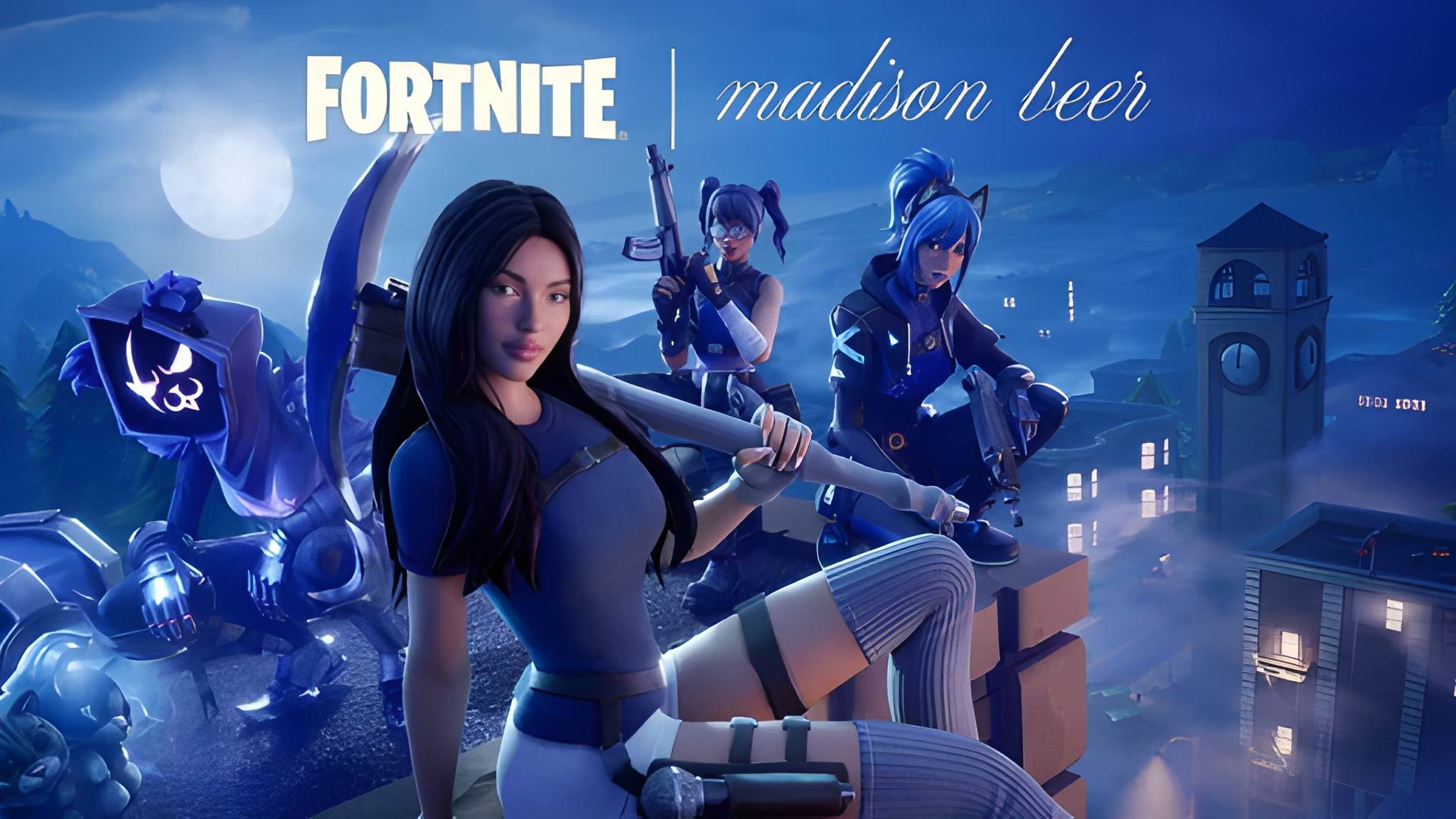
Hunting for a new Fortnite Mobile Skin can feel confusing since Epic Games rotates offers, promotions, and store items constantly. What worked last season might not apply anymore.
This guide breaks down every current method for getting skins on mobile, including free options that many players overlook entirely.
To answer the main question directly: right now, the best ways to get a Fortnite Mobile Skin are through the Item Shop, Battle Pass rewards, and free promotional account linking offers like Disney+ and LEGO partnerships. There are currently no active free redeem codes, so account linking is your most reliable free route today.

Fortnite Mobile Skin: Where to Find New Cosmetics
Skins in Fortnite come from several different sources, and mobile players have access to all of them. Therefore, knowing where to look saves you time scrolling through menus.
The Item Shop
The Item Shop refreshes daily with a rotating selection of outfits, back blings, and other cosmetics. Consequently, checking it regularly is the most direct way to find a specific Fortnite Mobile Skin you want.
- Daily rotation: New items appear every 24 hours, with some returning periodically.
- Featured bundles: Combine a skin with matching accessories at a slight discount.
- Rarity tiers: Common, Rare, Epic, and Legendary skins each have different pricing.
Battle Pass Rewards
Each season's Battle Pass includes exclusive skins unlocked by earning experience through matches and challenges. As a result, active players naturally accumulate new cosmetics just by playing regularly.
How Do You Get a Free Fortnite Mobile Skin Right Now?
This is the question most players actually care about. Fortunately, there are legitimate free options currently available, even without active redeem codes.
- Link your Epic Games account to your Disney+ subscription to unlock a Star Wars themed outfit.
- Connect your LEGO account to Epic Games to receive the Explorer Emilie and Mr. Dappermint skins along with their LEGO styles.
- Link your Epic Games account to MyDisney to claim a free Carbonite Fishstick Back Bling.
- Check official Fortnite social media channels regularly for new limited-time promotions.
- Complete in-game challenges tied to free reward tracks during special events.
Are There Any Active QR Code Promotions?
Currently, there are no confirmed QR code skin promotions running. However, Epic Games has used QR codes for limited campaigns in the past, so it is worth checking official channels periodically rather than relying on unofficial sources claiming to offer them.
Fortnite Mobile Skin: Comparing Your Current Options
Different unlock methods come with different costs, effort levels, and exclusivity. Understanding the trade-offs helps you prioritize where to spend your time or money.
| Method | Cost | Exclusivity | Effort Required |
|---|---|---|---|
| Item Shop purchase | V-Bucks or real money | Rotates, may return | Low |
| Battle Pass | One-time purchase per season | Season-exclusive | Moderate (requires playtime) |
| Disney+/LEGO account linking | Free | Promotion-exclusive | Low |
| In-game event challenges | Free | Often limited-time only | Moderate to high |
Why Do Some Skins Disappear From the Shop?
Epic Games intentionally rotates and retires certain cosmetics to create scarcity and encourage timely purchases. Consequently, a Fortnite Mobile Skin you see today might not return for months, or at all in some cases.
Does Every Fortnite Mobile Skin Work the Same on Every Device?
Cosmetics are tied to your Epic Games account rather than a specific device or platform. Therefore, a skin purchased or unlocked on mobile appears identically on PC, console, or any other platform you log into.
- Cross-platform visibility: Your entire Locker syncs across every device automatically.
- No mobile-exclusive skins currently: Most cosmetics are universal rather than platform-locked.
- Performance settings unaffected: Skin choice does not impact frame rate or graphics performance.
- Style variants included: Many skins include unlockable style variations tied to challenges.
Pro Tips: Getting the Most Out of Fortnite Mobile Skins
- Check the Item Shop daily: Missing a limited rotation often means waiting months for a specific skin to return.
- Prioritize Battle Pass completion: The value per skin is typically much higher than individual Item Shop purchases.
- Take advantage of free promotions immediately: Account linking offers like Disney+ often have expiration dates.
- Verify official sources before linking accounts: Only use official Epic Games and partner websites to avoid phishing attempts.
Common Mistakes Players Make Hunting for Fortnite Mobile Skins
- Falling for fake skin generator websites: These sites often request your account credentials and lead to compromised accounts. Fix: Only unlock skins through official Epic Games channels, the Item Shop, or verified partner promotions.
- Missing limited-time promotions: Free skins tied to events or account linking often have firm deadlines. Fix: Follow official Fortnite social channels to catch announcements early.
- Assuming redeem codes are always active: Many outdated guides list codes that no longer work. Fix: Always verify codes on official or currently updated sources before attempting to redeem them.
Playing Smoothly While You Show Off Your New Fortnite Mobile Skin
Getting a great new look is only half the experience, performing well while wearing it matters too. Mobile connections, especially over cellular data, can introduce lag that undermines an otherwise solid match.
This is where ExitLag makes a real difference. It is a connection optimizer, not a VPN, that continuously scans multiple network paths and automatically selects the fastest, most stable route to Fortnite's servers.
Whether you are showing off a fresh Fortnite Mobile Skin in a casual match or grinding Battle Pass challenges, a stable connection means fewer lag spikes and more consistent input response. ExitLag supports over 4,000 games across PC and Mobile, backed by more than 1,500 servers spread across 190+ countries.
It does not modify game files, inject code, or interfere with anti-cheat systems, so it is completely safe to run with Fortnite. Get it here: Android or iOS.
How Do Fortnite Mobile Skins Affect Gameplay Performance?
Many new players wonder whether certain outfits offer a hidden competitive advantage. Understanding how cosmetics actually work clears up a lot of confusion here.
Do Skins Impact Hitboxes or Visibility?
No, every character model uses the same standard hitbox regardless of the equipped Fortnite Mobile Skin. Epic Games designed the system this way specifically to keep matches fair regardless of cosmetic choices.
However, some players do prefer darker or smaller-profile skins for a slight visual advantage in certain environments. This is more about personal perception than any actual mechanical benefit built into the game.
Fortnite Mobile Skin: Managing Your Growing Locker
As you unlock more cosmetics over time, organizing your Locker becomes surprisingly useful for quick access during matches. A cluttered Locker can slow down your pre-match preparation.
- Favorite frequently used skins: This places them at the top of your selection screen for faster access.
- Create loadout presets: Save combinations of skin, back bling, and pickaxe for quick switching between matches.
- Review new unlocks regularly: Newly earned Battle Pass skins are easy to forget about if you do not check periodically.
- Preview before equipping: Use the preview feature to see how a skin looks with your current back bling combination.
Steps to Organize Your Fortnite Mobile Locker
- Open your Locker and review all currently owned cosmetics.
- Mark your most-used combinations as favorites for quick access.
- Build a few complete loadout presets covering different styles.
- Periodically clear out presets you no longer use to keep things tidy.
How Often Does the Fortnite Mobile Skin Selection Change?
The Item Shop refreshes every single day, which means the available selection is constantly shifting. Consequently, players who check only occasionally miss a large portion of the rotation.
Are Any Skins Truly Permanent?
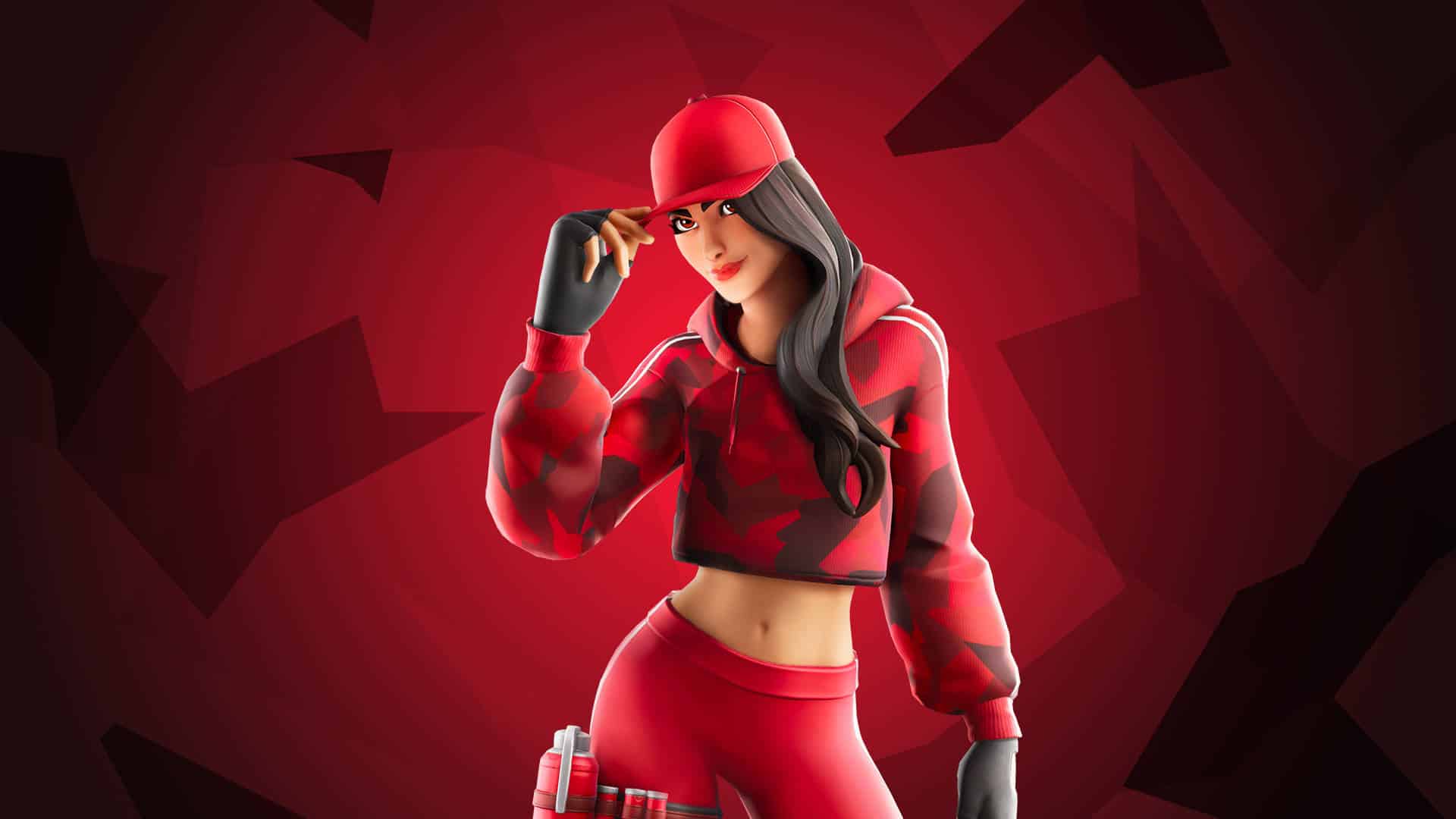
Some cosmetics, particularly Battle Pass exclusives, become effectively unavailable once a season ends unless Epic Games runs a special rerun event. As a result, completing a Battle Pass before its season closes is the safest way to secure those specific rewards.
- Track how many days remain in the current Battle Pass season.
- Prioritize challenges that unlock skins you specifically want.
- Avoid waiting until the final days to grind, since server load can slow progress.
- Double check your Locker before a season ends to confirm everything unlocked correctly.
Fortnite Mobile Skin: Final Thoughts
Unlocking a new Fortnite Mobile Skin does not have to mean constant spending. Between the rotating Item Shop, Battle Pass progression, and free account linking promotions, there are legitimate paths for every type of player.
Keep an eye on official channels for new promotions, prioritize the unlock methods that fit your playstyle, and always verify sources before linking any account. Your Locker will keep growing either way.
All game images used in this blog post belong to Epic Games. They are used for informational and educational purposes only and do not imply endorsement or affiliation with the rights holders.