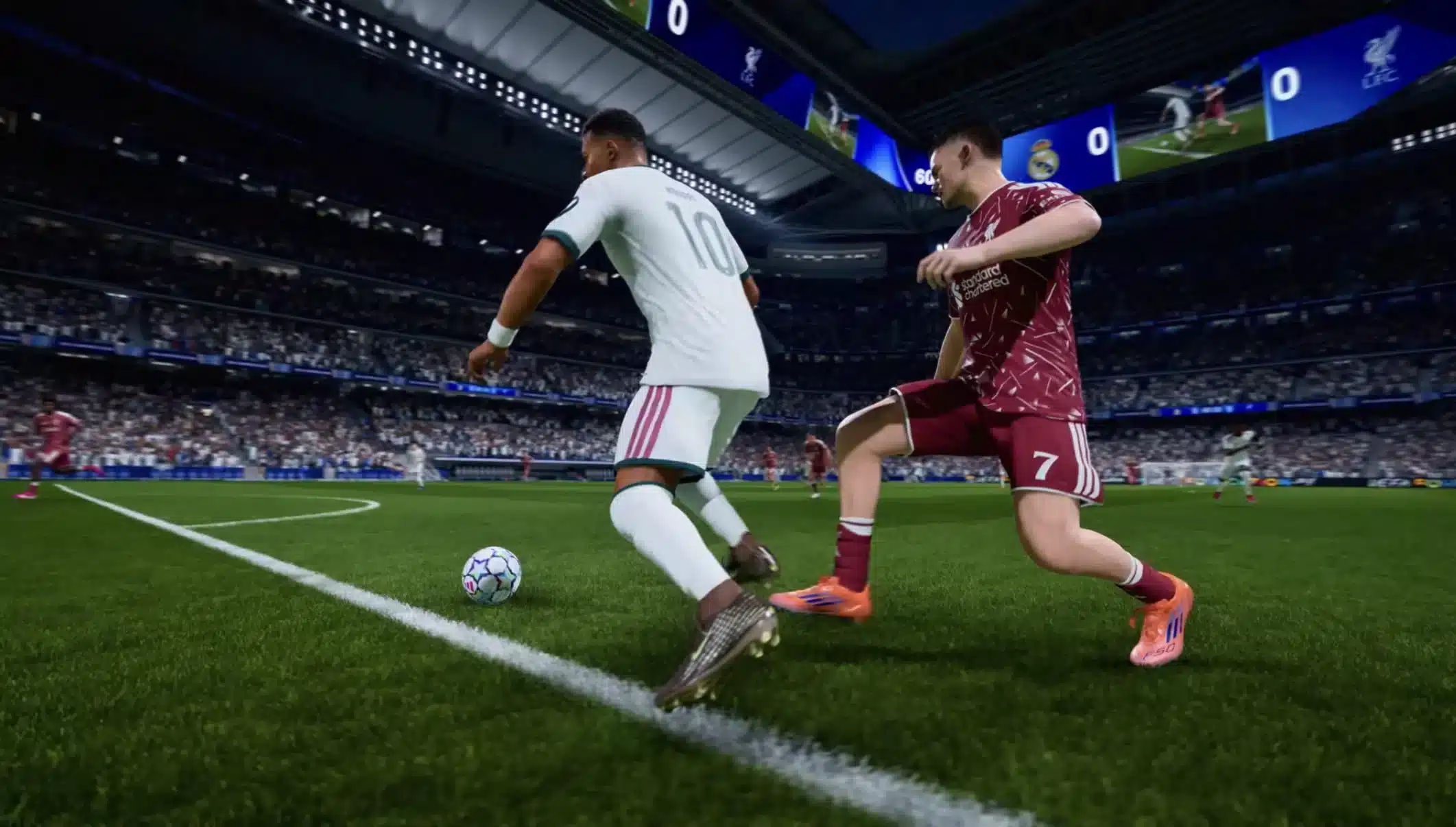
You are one step from goal. The ball rolls to your striker, the goalkeeper rushes out, and you time the finesse shot exactly the way you practiced in the arena. Then nothing happens. The animation lags,your player stumbles instead of shooting, and by the time the input registers the keeper has already smothered the ball. This is high ping in EA Sports FC, and it can turn a clean Ultimate Team chance into a wasted skill move in a heartbeat. An EA Sports FC FPS Boost can improve frame-rate consistency, but it is important to distinguish that from network-related high ping.
It is not just Ultimate Team either. Career mode online seasons, Division Rivals, and Champs matches all depend on a stable connection between your console or PC and EA's servers. When that connection is unstable, every pass, tackle, and shot becomes a gamble. If you play other competitive titles too, it is worth checking which games ExitLag supports, since connection issues rarely affect just one game. Likewise, an EA Sports FC FPS Boost addresses rendering performance rather than directly reducing network latency.
The good news is that high ping is not something you have to accept as part of the experience. Once you understand what causes it and how it shows up in your matches, you can take concrete steps to reduce it and get back to playing football the way it was meant to be played, sharp, responsive, and fair. If you are also experiencing inconsistent frame rates, an EA Sports FC FPS Boost can be considered separately from connection optimization.

What Is High Ping in EA Sports FC?
Ping is the time it takes for a data packet to travel from your device to the game server and back, measured in milliseconds (ms). In a fast paced simulation like EA Sports FC, where a single touch or tackle can decide a match, that round trip time matters enormously.
As a general reference:
- Under 50ms: actions feel instant, shots and passes register the moment you press the button.
- 50-100ms: still playable for most players, with a small but tolerable delay.
- Above 150ms: input delay becomes noticeable, and high ping in EA Sports FC starts to visibly interfere with timing-based actions like tackles, first touches, and shot power.
Understanding where your connection falls on this scale is the first step toward fixing the problem instead of just blaming bad luck after every missed chance.
How High Ping Affects Your Gameplay
High ping does not just make the game feel "laggy" in a vague sense, it changes specific mechanics in ways that cost you goals and matches. Common symptoms include:
- Delayed shot activation, where your striker takes an extra beat to shoot after you press the button.
- Difficulty timing tackles, resulting in missed slides or unnecessary fouls.
- Broken passing sequences, as through balls and one-twos arrive a fraction late.
- Sudden opponent teleporting, when a player appears to jump several meters in an instant.
- Frustrating online seasons matches, where every match feels inconsistent regardless of your actual skill.
- Wasted skill moves, since inputs do not register in the correct order or timing.
- Inconsistent first touch, making close control feel random instead of skill based.
Any one of these can decide a match. Together, they make high ping in EA Sports FC one of the most common reasons competitive players lose games they should have won.
Main Causes of High Ping
- Network congestion. Too many devices or applications sharing your bandwidth at the same time can slow down the packets your game depends on.
- Unstable routing. The path your data takes to reach EA's servers is not always the most efficient one, and inefficient routes add unnecessary delay.
- Wi-Fi instability. Wireless connections are more prone to interference and packet loss than a wired connection, directly increasing ping.
- ISP-side issues. Your internet provider may throttle certain traffic or route it through congested nodes during busy periods.
- Server distance. The physical distance between you and the EA Sports FC servers adds latency simply due to the time data takes to travel.
- Peak-hour congestion. Evenings and weekends bring more players online at once, increasing load on shared network infrastructure and servers alike.
How to Identify and Measure High Ping
Extended Ping Test
Running a single ping test is not enough because network conditions fluctuate. Run an extended ping test over several minutes, ideally during the same time you usually play, to see how consistent (or inconsistent) your connection really is. Look for both the average ping and any sudden spikes, since spikes are often the real cause of missed inputs.
In-Game Signs
- The in-game connection indicator shows yellow or red instead of green.
- Players visibly stutter or freeze for a split second before snapping to a new position.
- Your inputs feel delayed even though your local frame rate looks smooth.
- Matches feel fine for a few minutes and then suddenly become unresponsive.
- Voice or party chat lags at the same moments the match does, suggesting a broader connection issue rather than a game-specific one.
Ping Reference Table
| Ping Range | Experience | Recommended Action |
|---|---|---|
| Under 50ms | Instant response, ideal for competitive play | Maintain current setup |
| 50-100ms | Playable with minor delay | Monitor connection, optimize if possible |
| 100-150ms | Noticeable lag in timing-based actions | Address network issues promptly |
| Above 150ms | Severe input delay, broken gameplay | ExitLag strongly recommended |
Basic Solutions to Reduce Ping
Prioritize Your Connection
- Connect your console or PC directly to the router with an Ethernet cable instead of relying on Wi-Fi.
- Close background applications and downloads that compete for bandwidth while you play.
- Restart your router and modem before longer play sessions to clear temporary congestion.
- Pause cloud backups, streaming devices, or other bandwidth-heavy activity on your network.
- Position your router closer to your gaming setup if you must use Wi-Fi, and avoid physical obstructions.
Configure QoS on Router
Quality of Service (QoS) settings let you prioritize gaming traffic over other activity on your home network. Access your router's admin panel and set your console or PC as a high priority device, or specifically prioritize the ports EA Sports FC uses, so other traffic does not delay your match data.
Check With Your ISP
If ping issues persist even on a wired connection with QoS configured, contact your ISP to ask about routing problems, throttling policies, or known outages in your area. Sometimes the bottleneck exists outside your home network entirely, and only your provider can address it.
ExitLag: The Best Solution for High Ping
What Is ExitLag? (It Is NOT a VPN)
ExitLag is a connection optimization tool built specifically for gamers, and it is important to be clear that it is not a VPN. While a VPN focuses on privacy and can often add extra latency by routing traffic through unrelated servers, ExitLag analyzes multiple possible network routes in real time and selects the most efficient one specifically for reaching your game's servers. You can read more details here about how this technology differs fundamentally from traditional VPN software.
How ExitLag Eliminates High Ping
- Real-time route analysis, constantly scanning available paths to the EA Sports FC servers.
- Dynamic route switching, automatically shifting your traffic to a faster path when conditions change mid session.
- Reduced packet loss, minimizing the dropped data that causes stutters and rubber banding.
- Optimized data tunneling, sending your packets through a more direct and stable route than your default ISP path.
- Continuous monitoring, adjusting in real time rather than relying on a static configuration.
You can get a full explanation here of the technology behind each of these processes.
Advantages of ExitLag for EA Sports FC Players
- More consistent shot and pass timing during Ultimate Team matches.
- Fewer instances of opponents appearing to teleport across the pitch.
- Smoother online seasons and Division Rivals sessions overall.
- Easy setup that works alongside your existing internet connection.
- Real-time visibility into your route quality and ping before and during matches.
- Support for a wide range of competitive titles beyond EA Sports FC.
Is ExitLag Worth It for EA Sports FC?
If you regularly experience high ping in EA Sports FC, especially during Ultimate Team or ranked online seasons, ExitLag is worth using. It makes the most sense if you fall into any of the following situations:
- You live far from EA's regional servers.
- Your matches feel fine early on but degrade during peak hours.
- You have already tried wired connections and QoS settings without lasting improvement.
- You compete in Weekend League or Champs and cannot afford input delay.
- Your ISP routing seems inconsistent or unpredictable.
- You play multiple online competitive games, not just EA Sports FC.
- You want real-time visibility into your connection quality instead of guessing.
Check the available pricing options to find a plan that fits how often you play.
How to Configure ExitLag for EA Sports FC
- Download and install ExitLag on your PC.
- Create your ExitLag account or log in if you already have one.
- Search for EA Sports FC in the supported games list within the app.
- Select the game and choose your region or server preference.
- Click connect and let ExitLag analyze the available routes.
- Launch EA Sports FC once ExitLag confirms an optimized route is active.
- Monitor your in-app ping to confirm improvement compared to your default connection.
- Adjust route preferences if needed during peak hours for the most stable path.
Frequently asked questions about high ping
Q: What is the difference between high ping, lag, and packet loss?
A: Ping is the round trip time for data to travel to a server and back. Lag is the visible result of delay, such as stuttering or slow response. Packet loss happens when data does not arrive at all, forcing the game to guess or freeze. High ping often causes lag, but packet loss is a separate and often more disruptive issue.
Q: Does ExitLag increase FPS in EA Sports FC?
A: No. ExitLag does not increase FPS directly. It only eliminates the micro-stuttering caused by network lag, which can make gameplay feel smoother, but it does not boost raw frame rate performance.
Q: Can Wi-Fi alone cause high ping in EA Sports FC?
A: Yes. Wireless connections are inherently less stable than wired ones and are more prone to interference, which directly increases ping and packet loss during matches.
Q: Is high ping worse in Ultimate Team than in career mode?
A: High ping affects any online mode, but Ultimate Team's competitive online seasons and Champs matches tend to feel its impact more because timing based actions like shots and tackles are more frequent and higher stakes.
Q: Will restarting my router fix high ping permanently?
A: It can provide temporary relief by clearing congestion, but it does not address deeper issues like inefficient routing, ISP throttling, or server distance, which is where a dedicated solution becomes necessary.
Q: Does ExitLag work for console players as well as PC?
A: ExitLag is installed on a PC or router setup that then optimizes the network path for connected devices, so it can benefit console sessions as well when configured correctly.
Conclusion
High ping in EA Sports FC turns what should be a fair, skill based match into a frustrating guessing game of delayed shots, broken tackles, and inconsistent first touches. Understanding the causes, from network congestion to server distance, and learning to measure your connection properly are essential first steps. Basic fixes like wired connections and QoS settings help, but for players who are serious about Ultimate Team, career mode online seasons, and competitive matches, a dedicated solution is necessary. For more tips on optimizing your setup, check out more on the blog.
ExitLag was built specifically to solve this problem by finding the most efficient route to the game's servers and keeping it stable throughout your session. If you are tired of losing matches to high ping in EA Sports FC, stop guessing and start fixing it at the source.