

Changing your how to change call of duty name might seem confusing at first, especially if you’re new to Activision accounts or switching between platforms like PC, console, and mobile.
However, understanding how to change call of duty name is essential if you want to fix an old username, rebrand your identity, or simply stand out in competitive lobbies.
So, how do you change your name in COD? The process depends on your platform, but most players will use their Activision ID, which connects your identity across Warzone, Modern Warfare, and Black Ops 6.
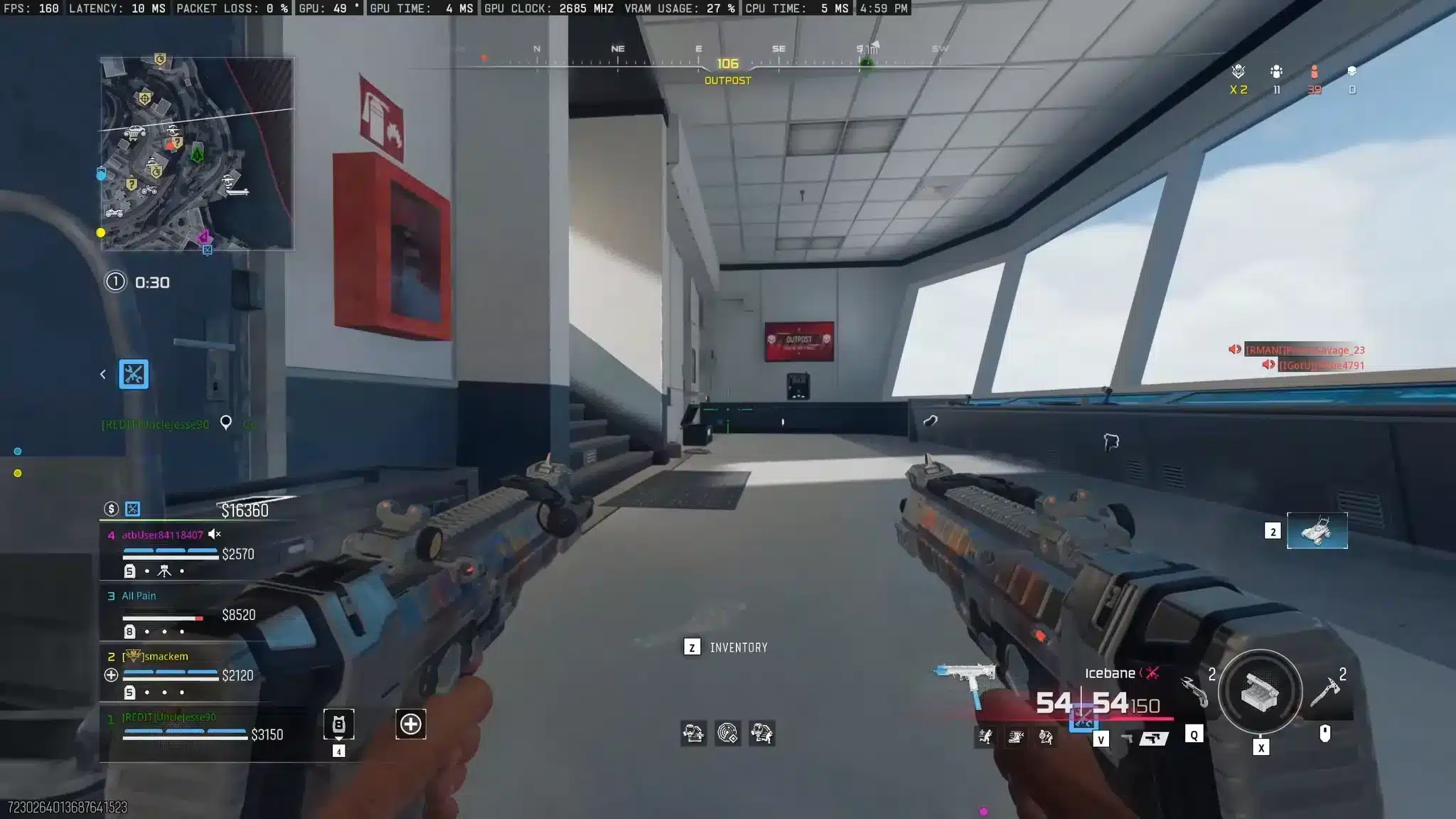
How to Change Call of Duty Name (Activision ID Guide)
Step-by-Step on Activision Website
The main method for changing your name is through your Activision account.
Follow these steps:
- Go to the official Activision website
- Log into your account
- Navigate to "Profile" settings
- Select "Basic Info"
- Click "Edit" next to your Activision ID
- Enter your new name
- Confirm using a rename token
This is the easiest way to complete a call of duty name change across all supported platforms.
Rename Tokens Explained
Before you change your name, you need to understand rename tokens.
- Each account has a limited number of tokens
- You need one token per name change
- Tokens are refreshed periodically by Activision
If you don’t have a token, you won’t be able to complete the process.
How to Change Name on COD (In-Game Method)
Changing Name Inside Game Settings
You can also change your name directly inside the game.
Here’s how:
- Open Call of Duty
- Go to "Settings"
- Navigate to the "Account" tab
- Select "Activision Account"
- Choose "Change Display Name"
This method is useful if you want a faster way to handle how to change cod name without leaving the game.
Platform Differences (PC, Xbox, PlayStation)
While the process is similar, there are slight differences depending on your platform:
- PC: Direct access via Battle.net or Steam login
- PlayStation: Linked through PSN account
- Xbox: Synced with Xbox Live profile
Regardless of platform, your Activision ID is what controls your COD display name.
Call of Duty Name Change Rules You Must Know
Character Limits and Symbols
There are specific rules when choosing your name.
- Maximum character limit applies
- Special characters are allowed but limited
- Avoid excessive symbols for readability
These rules ensure your how to change cod display name process goes smoothly.
What Names Are Not Allowed
Activision enforces strict naming guidelines.
Avoid using:
- Offensive or abusive language
- Hate speech or slurs
- Inappropriate references
Violating these rules can result in forced name changes or penalties.
How to Change Your Name on COD Mobile
Using Rename Cards
In COD Mobile, the process is different from PC and console.
You must use a Rename Card to change your name.
You can get Rename Cards by:
- Purchasing them with in-game currency
- Earning them through events
Step-by-Step Mobile Guide
Follow these steps:
- Open COD Mobile
- Go to your profile
- Tap the edit icon next to your name
- Use a Rename Card
- Enter your new name
This is the standard method for how to change name on cod mobile.
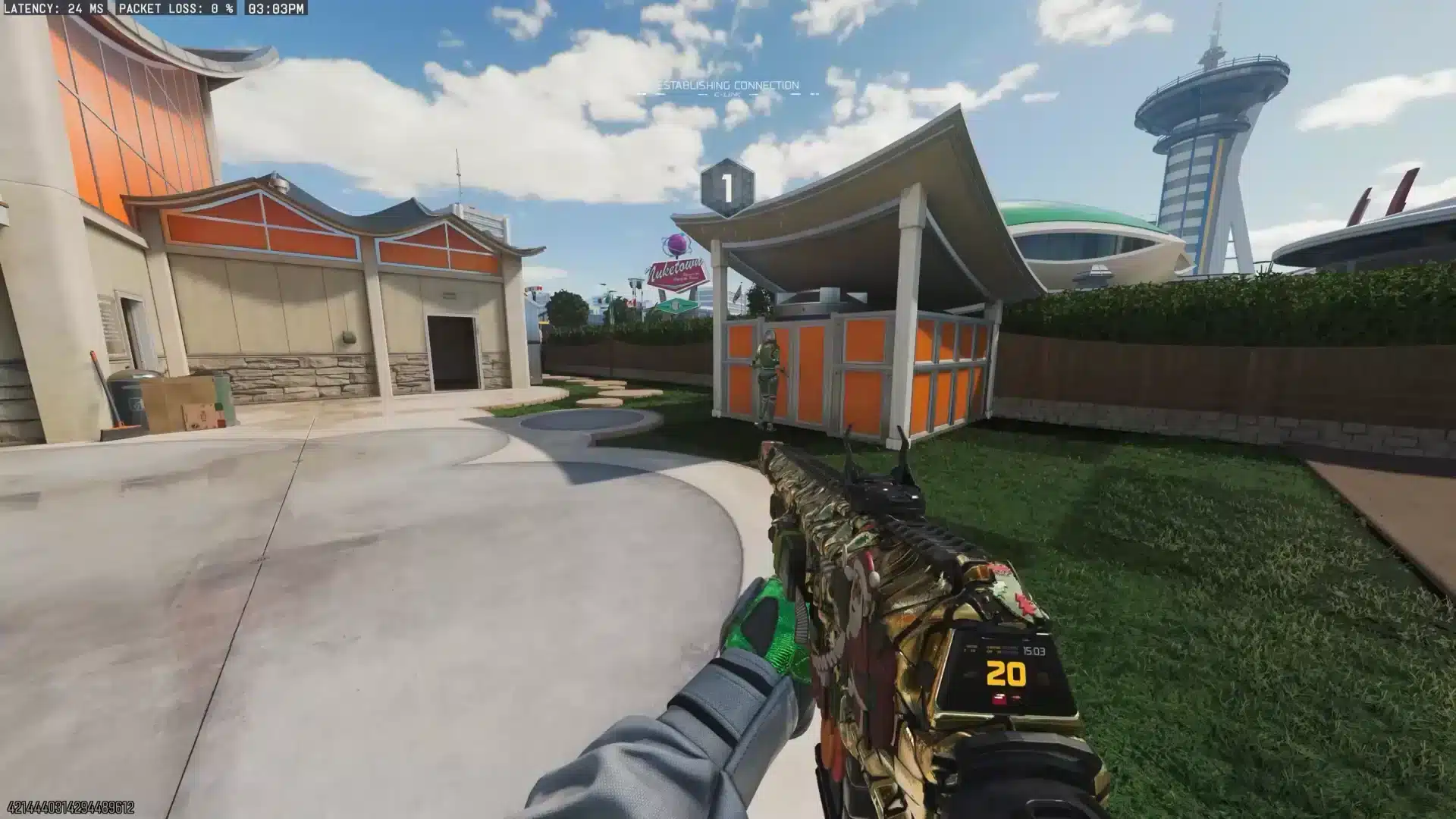
Improve Your Call of Duty Performance with ExitLag
After updating your name, performance becomes the next priority.
ExitLag helps improve your connection by optimizing routing in real time, reducing ping, packet loss, and lag spikes.
For fast-paced matches in Call of Duty, this means smoother gameplay, better hit registration, and a more stable experience.
Whether you’re playing Warzone, multiplayer, or COD Mobile, ExitLag ensures your connection is as strong as your new identity.
How to Change COD Name BO6 (Black Ops 6 Guide)
Does BO6 Use Activision ID?
If you’re wondering how to change your call of duty name in Black Ops 6, the answer is simple: BO6 uses the same Activision ID system as Warzone and Modern Warfare.
This means your name is shared across:
- Warzone
- Multiplayer
- Zombies
- Cross-platform accounts
So when you change your name once, it updates everywhere.
Step-by-Step BO6 Name Change
Follow this quick guide for how to change name on cod bo6:
- Log into your Activision account
- Go to Profile settings
- Click Edit Activision ID
- Enter your new name
- Use a rename token
Once confirmed, your new name will sync automatically in BO6.
Common Problems When Changing Call of Duty Name
No Rename Token Available
One of the most common issues when trying to change cod name is not having a rename token.
Here’s what you can do:
- Wait for Activision to refresh tokens
- Avoid wasting tokens on temporary names
Name Already Taken
If your desired name is unavailable, COD adds a unique number ID.
To fix this:
- Add slight variations (extra letter or symbol)
- Use capitalization creatively
Name Change Not Showing In-Game
Sometimes your update doesn’t appear immediately.
Fix it by:
- Restarting the game
- Logging out and back in
- Waiting for server sync
Call of Duty Name Change Table (Methods Comparison)
| Method | Platform | Requirement | Difficulty | Time |
| Activision Website | All | Rename Token | Easy | 2 min |
| In-Game Settings | PC/Console | Token | Easy | 1 min |
| COD Mobile | Mobile | Rename Card | Easy | 1 min |
How to Change COD Display Name Safely
Avoid Getting Flagged
When learning how to change cod display name, it’s important to follow the rules.
Avoid:
- Offensive language
- Hate speech
- Inappropriate references
Best Practices for Safe Names
Follow these tips:
- Keep names clean and readable
- Avoid excessive symbols
- Stay within guidelines
This ensures your how to change your name in cod process doesn’t lead to penalties.
Advanced Tips After Changing Your COD Name
Sync Across Platforms
After updating your name, make sure everything is synced.
- Check all platforms (PC, Xbox, PlayStation)
- Restart your game
- Verify your Activision account
Update Your Gaming Identity
If you’re serious about gaming, your name should match your brand.
- Use the same name across games
- Align with social media handles
- Add clan tags if needed
These steps help optimize how to change your name on call of duty for long-term use.
Why Your Call of Duty Name Matters
Your name is more than just a label.
- It builds your reputation
- It makes you recognizable in matches
- It can even intimidate opponents
Choosing the right name after learning how to change name in call of duty can impact your experience.
Improve Your Call of Duty Experience with ExitLag
Even after you master how to change call of duty name, your performance depends heavily on connection quality.
ExitLag uses real-time optimization and multipath routing to reduce ping, eliminate packet loss, and stabilize your connection.
This results in:
- Better hit registration
- Smoother gameplay
- Faster response time
Whether you’re playing competitively or casually, ExitLag ensures your gameplay matches your new identity.
All game images used in this blog belong to Activision. They are used for informational/educational purposes only and do not imply endorsement or affiliation with the rights holders.