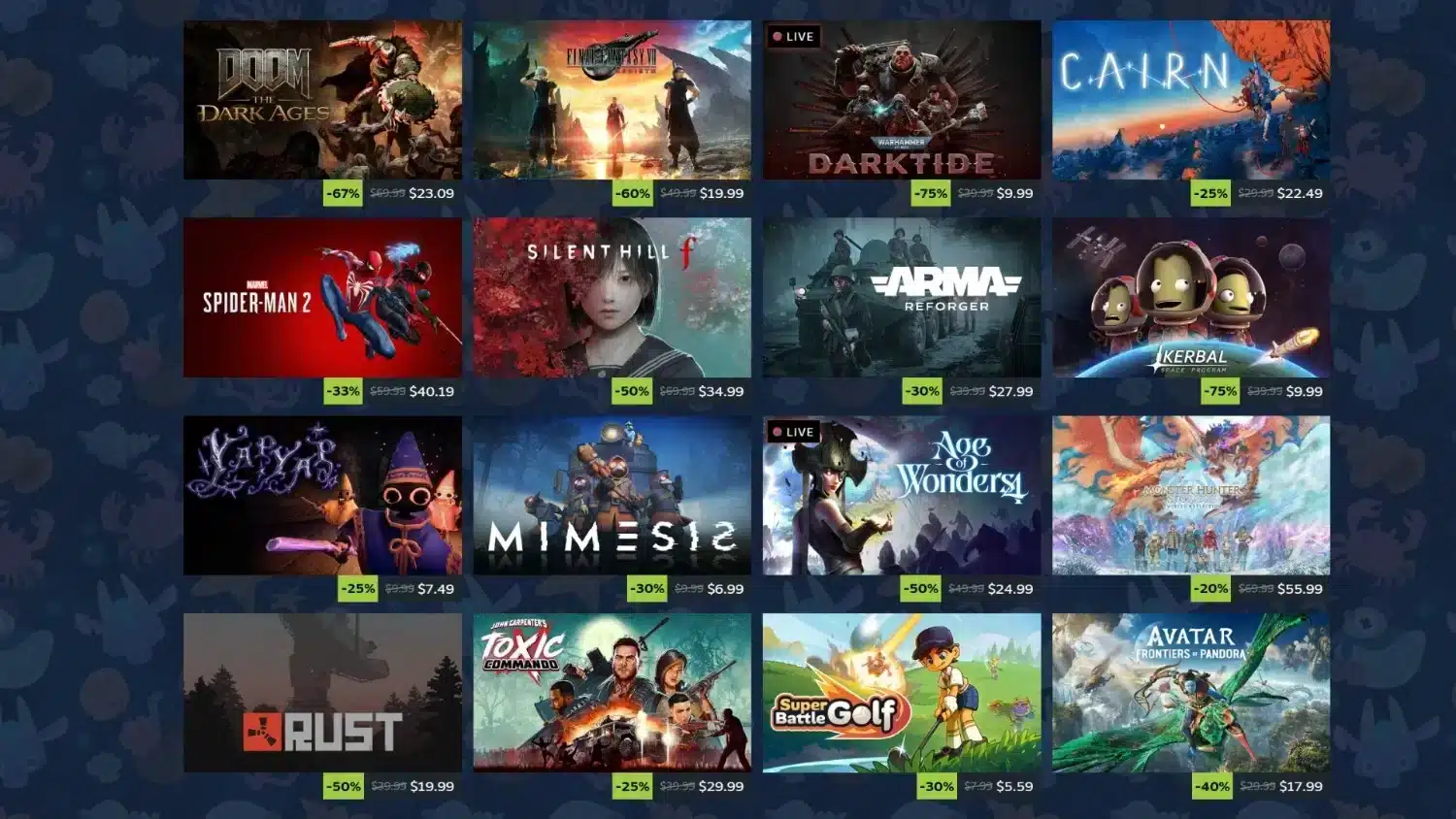
Steam and mobile games have a more complex relationship in 2026 than the question suggests. Steam itself is a PC game platform, not a mobile app store. However, several Steam-connected systems allow mobile device participation in the Steam ecosystem in meaningful ways.

Is There Steam for Mobile Games?
There is no "Steam for mobile" in the sense of a mobile app store where you purchase and play games natively on a phone. Steam's storefront is designed for PC, Mac, and Linux games. Mobile games are distributed through the Apple App Store and Google Play Store, not Steam.
What does exist on mobile:
- The Steam mobile app (iOS and Android): A companion app for managing your Steam account, accessing the Steam store, accepting trade offers, using the Steam Guard authenticator, and messaging friends. It does not play games.
- Steam Link (iOS and Android): A separate free app that streams games from a Steam PC to a mobile device. You play PC games on the phone's screen but the game runs on the PC.
- GeForce NOW and Xbox Cloud Gaming: Third-party cloud services that can stream Steam games without a PC required.
What Is the $5 Rule on Steam?
The "$5 rule" on Steam refers to a platform policy requiring accounts to have spent at least $5 USD in the Steam store (or equivalent in other currencies) to unlock certain features:
- Sending friend requests to other Steam users
- Accessing community features and the Steam Workshop
- Participating in trading and gifting
- Posting reviews
Accounts without this minimum spend have limited social functionality. The threshold was introduced to reduce spam accounts and fraudulent activity. A purchase of $5 or more at any point permanently unlocks these features.
How to Find Mobile Games on Steam
Steam does have a category for games that include mobile components or are described as mobile-friendly:
- Open the Steam store
- Go to Browse → Categories or use the search bar
- Search "mobile" to find games that have Android or iOS companion apps, or games with cross-platform elements
- Look for the device compatibility section on individual game pages
However, the vast majority of results are PC games with mobile features rather than standalone mobile-only games. Steam is fundamentally a PC platform.
Can I Play Steam Games on iOS?
Yes, through specific methods:
Method 1: Steam Link App
The Steam Link app for iOS streams games from a Steam PC on your local network:
- Install Steam Link from the App Store (free)
- Launch Steam on your PC
- Open Steam Link on your iPhone or iPad
- Connect them on the same WiFi network
- Stream any game from your Steam library to your iOS device
Performance depends on your network speed. A 5GHz WiFi connection with 15+ Mbps speed provides a smooth streaming experience for most games.
Method 2: GeForce NOW Cloud Gaming
GeForce NOW streams Steam games from NVIDIA's cloud servers to any iOS device through the Safari browser:
- Go to play.geforcenow.com in Safari on iOS
- Sign in with your NVIDIA account
- Link your Steam account to add your library
- Stream games without needing a PC
GeForce NOW runs through a browser specifically because Apple's App Store policies restrict native game streaming apps.
Method 3: Xbox Cloud Gaming
Xbox Cloud Gaming streams games including some available on PC through xCloud's iOS browser experience. Not all Steam games are available here, but the catalog includes many popular titles.
Pro Tips: Steam on Mobile
- Use Steam Link for home couch gaming: Steam Link works best on your home network. If your router supports 5GHz WiFi and you have a controller, the experience is close to native gaming quality.
- GeForce NOW for away-from-home Steam access: When you need to access your Steam library outside your home network, GeForce NOW is the most polished cloud solution that supports Steam titles.
- Steam mobile app as a trading and account management tool: Even without playing games, the Steam app is essential for approving trades, receiving Steam Guard codes, and managing your account securely from your phone.
Play Steam Games with ExitLag
Whether you are streaming through Steam Link or using cloud gaming to access your library, a stable low-latency connection is essential for a playable experience.
ExitLag is a connection optimizer used by over 30 million players across 4,000+ game titles. It optimizes your route to game servers for reduced latency and improved stability.
Download ExitLag and try it free.
All product names and trademarks belong to their respective owners. Used for informational purposes only.