Starting a new save in the Forbidden Lands is exciting, but Monster Hunter Wilds Character Creation can also feel overwhelming. The creator packs hundreds of sliders, presets, and voice options into one menu. Getting it right the first time saves you real frustration later.
This guide breaks down every part of the process, from basic sliders to advanced editing tricks. We will also cover Monster Hunter Wilds Character Edit Voucher mechanics, since editing your look after launch works differently than most players expect.
Can you change your look after you leave the character screen? Yes, though only partially for free. Full edits to facial structure, body, and gender require a voucher, while hairstyle and makeup can be adjusted at camp any time.
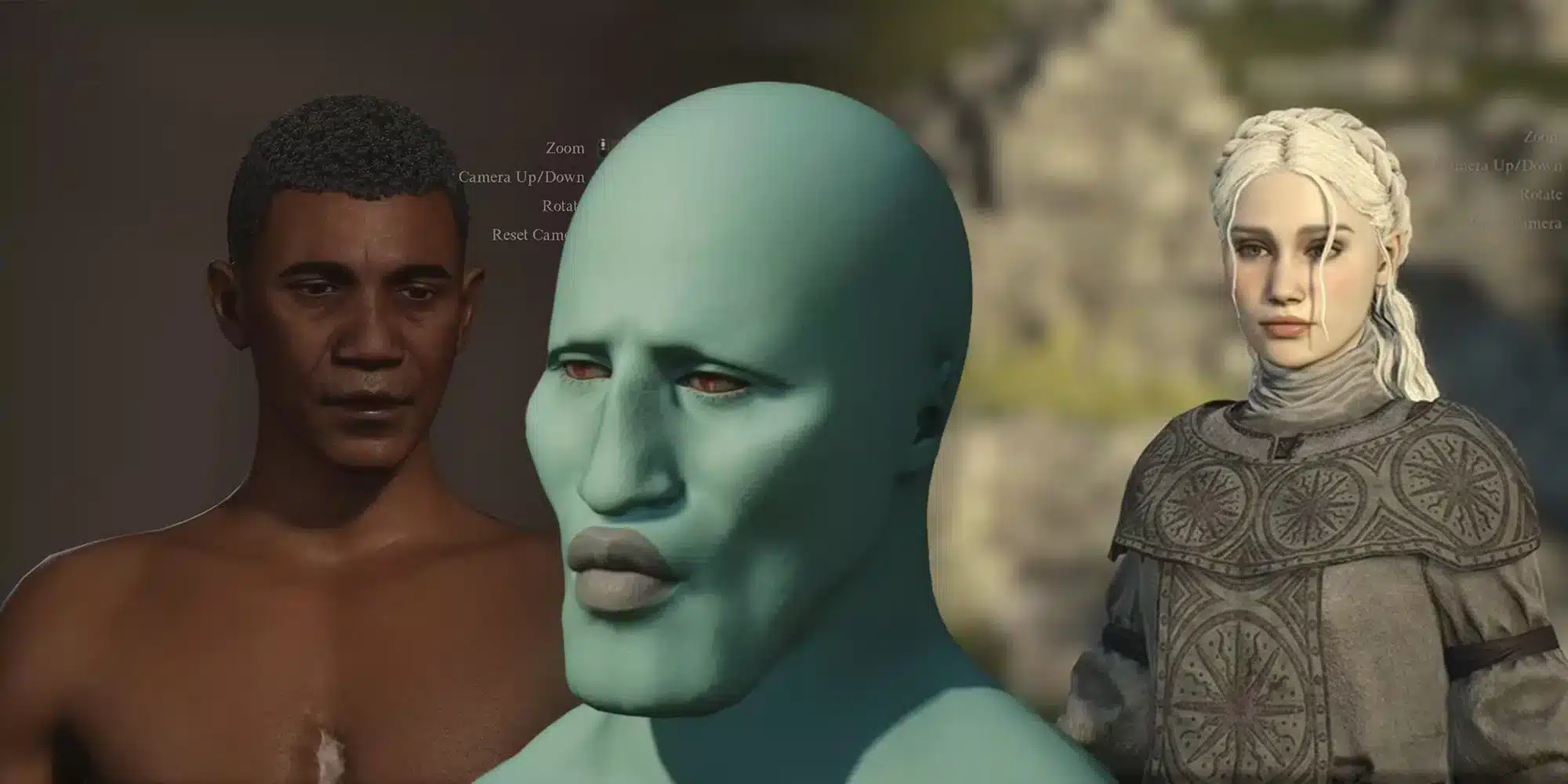
Getting Started With Monster Hunter Wilds Character Creation
Before you touch a single slider, it helps to know how the menu is organized. The creator splits your Hunter into general features, face, hair, and voice categories.
Furthermore, you also design your Palico companion in the same session, so budget extra time for that step too.
Basic Sliders And Presets
The fastest way to start is picking a preset that already matches your vision. Presets give you a solid base, and then you fine-tune from there instead of building from zero.
Here is the general order most experienced hunters follow:
- Choose a base preset for your Hunter (male or female body type).
- Adjust skin tone, facial structure, and posture.
- Move to hair, selecting style, color, and length.
- Set voice type and pitch.
- Repeat the process for your Palico.
Notably, the body slider system is simpler than in many other games. There is essentially one Physique slider, so most of your personalization work happens in the face and hair menus instead.
Voice And Posture Options
Voice pitch changes how your Hunter sounds during cutscenes and combat barks. Posture, meanwhile, affects how your character stands and moves during idle animations.
Consequently, small tweaks here can make your Hunter feel distinct even with a common preset. Try previewing combat animations before finalizing, since some voices sound different under stress than in the calm preview screen.
Monster Hunter Wilds Character Creator Deep Dive
The Monster Hunter Wilds Character Creator rewards patience. Zooming in on the face editor reveals dozens of hidden sliders for eyes, brows, and mouth shape that are easy to miss on a first pass.
Face And Makeup Customization
Makeup options include blush, eyeliner, lip color, and facial markings. These can all be layered, so subtle combinations often look more natural than extreme single choices.
- Zoom out periodically to check how the face reads from a normal camera distance.
- Armor helmets can hide detailed facial work, so test with a full set before committing.
- Save often using an empty design slot in case you want to compare two looks.
- Lighting in the creator differs slightly from in-game lighting, so recheck your Hunter once you load into the world.
Hair, Facial Hair, And Accessories
Hairstyles range from short practical cuts to elaborate braids, and each has adjustable color gradients. Facial hair options exist for male presets, letting you add stubble, beards, or clean-shaven looks.
Below is a quick comparison of what you can edit for free versus what requires a voucher.
| Feature | Editable For Free At Camp | Requires Character Edit Voucher |
|---|---|---|
| Hairstyle and hair color | Yes | Not needed |
| Makeup and facial hair | Yes | Not needed |
| Facial structure and bone shape | No | Yes |
| Body type and gender preset | No | Yes |
| Voice type | No | Yes |
Monster Hunter Wilds Female Character Creation
Monster Hunter Wilds Female Character Creation has become especially popular in the community, with hunters sharing elaborate designs online. The face editor offers enough depth to create very distinct looks, even among default presets.
Balancing Detail And Silhouette
Heavy armor sets can bulk up any Hunter's silhouette, which sometimes hides careful facial work. If you want a sleeker final look, consider lighter armor sets or the Transmog feature once unlocked.
- Start from a preset closest to your target look rather than building from scratch.
- Adjust eye shape and brow height first, since these define the overall expression.
- Fine-tune lip shape and makeup last, after the bone structure feels right.
- Test your Hunter in both daylight and cave lighting before finalizing.
Common Style Requests
Many players search for softer jawlines, specific eye colors, or natural-looking makeup combinations. Indeed, community-shared codes make this process much faster than manual trial and error.
Character Codes Monster Hunter Wilds
Character Codes Monster Hunter Wilds let you import someone else's design instantly instead of building one from scratch. Codes are twelve characters long and case-sensitive, so copy them carefully.
How To Generate And Share A Code
To create your own code, open the Design tab inside character creation and choose Save/Load. Then select an empty slot, save your design, and choose Upload Design to generate a shareable code.
Interestingly, sharing a code technically requires an Edit Voucher screen to be open, but backing out with Discard All Changes will not actually consume it. This means you can generate and share codes without spending your voucher.
Where To Find Community Codes
Numerous community hubs and forum threads host thousands of shared designs for both Hunters and Palicos. Searching by style tags, like realistic, anime-inspired, or fantasy, narrows results quickly.
- Check dedicated code-sharing sites for curated, ranked designs.
- Browse Steam community discussions for recently posted codes.
- Look for codes with images attached so you know the result before importing.
- Save multiple codes to slots and compare them side by side in the creator.
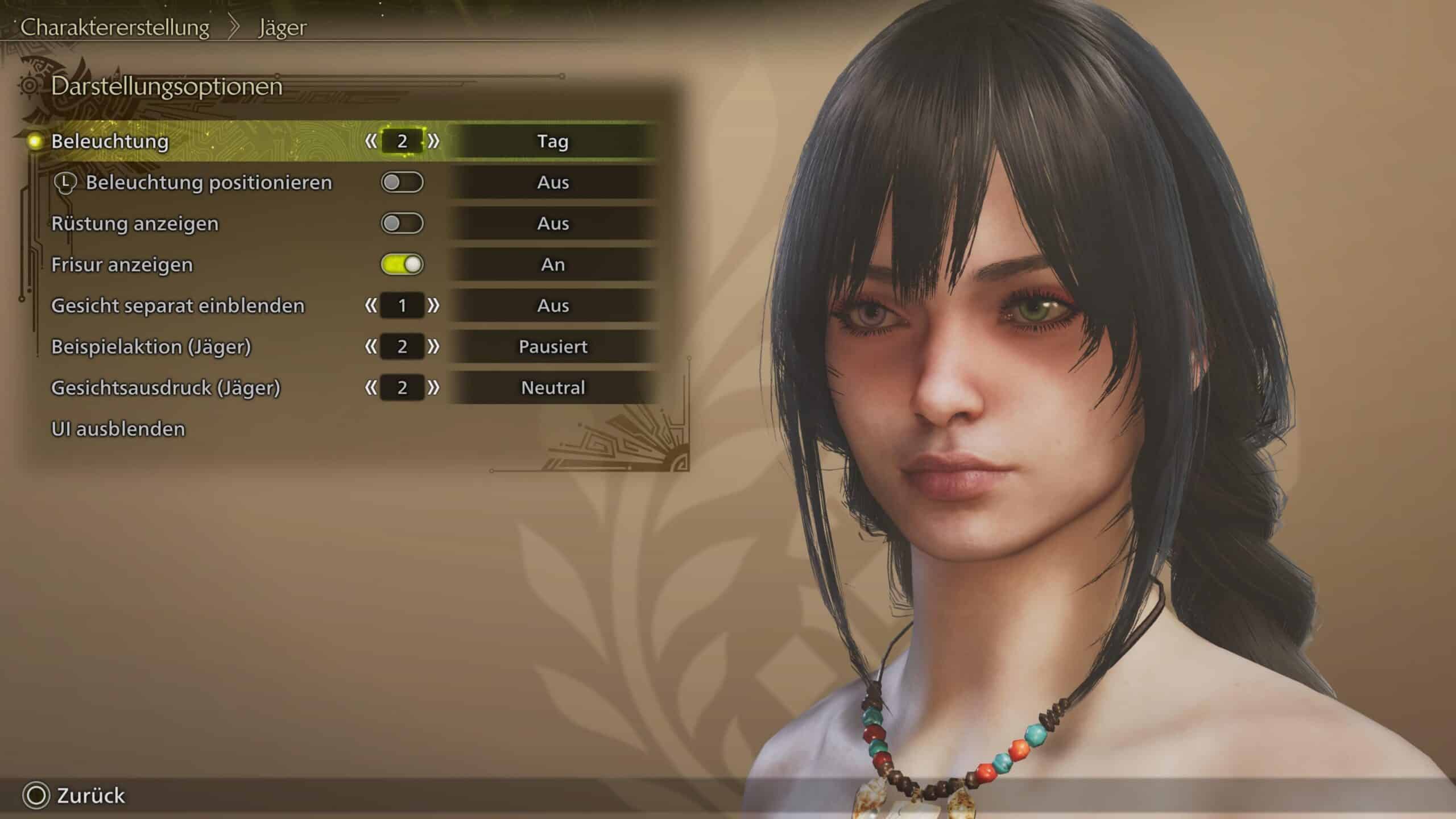
Can You Change Your Character's Appearance In Monster Hunter Wilds?
This question comes up constantly among new hunters. The short answer is yes, but the depth of change depends on whether you use the free camp menu or a paid voucher.
Free Adjustments At Camp
Once you unlock your tent in the Windward Plains base camp, an Appearance Menu becomes available. From there, you can freely change hairstyle, facial hair, and makeup at any time, including at Pop-up Camps later in the game.
What Requires A Character Edit Voucher
Bigger changes, like facial bone structure, body preset, gender, or voice, need a Monster Hunter Wilds Character Edit Voucher. Every platform offers one free trial voucher as downloadable content after purchase, and additional three-packs are available for purchase if you want more edits later.
To redeem the free one, check the DLC or Add-Ons section of your platform's store page for the game. Afterward, highlight your save file on the main menu and open the Edit menu to apply it to your Hunter or Palico.
Advanced Tips For Monster Hunter Wilds Characters
Building strong Monster Hunter Wilds Characters takes more than just picking a nice face. Small technical choices affect how your Hunter reads across cutscenes, hunts, and multiplayer lobbies.
Testing Your Design Under Real Conditions
Always preview your Hunter mid-combat animation, not just standing idle. Some faces that look great in the static preview appear stiff or odd when your Hunter is swinging a weapon.
Planning Ahead For Vouchers
Since free vouchers are limited, plan your major structural choices carefully before finalizing. Treat hair and makeup as flexible since those are free to change anytime at camp.
Pro Tips: Monster Hunter Wilds Character Creation
- Save multiple design slots: Keep at least two saved versions before committing, so you can compare them side by side without redoing your work.
- Preview in combat stance: Faces and hair sometimes clip or look different once your Hunter is swinging weapons, so always check before finalizing.
- Use community codes as a starting point: Import a Character Codes Monster Hunter Wilds design close to your vision, then tweak individual sliders instead of starting from zero.
- Prioritize permanent choices first: Lock in body type, gender preset, and facial structure early, since only vouchers can change these later.
- Check lighting in different zones: The character creator lighting differs from cave, desert, and night lighting in the actual world, so recheck your Hunter after your first hunt.
Common Mistakes Monster Hunter Wilds Character Creation Players Make
- Rushing through the face editor: Many players click through presets quickly and regret it hours later. Fix: spend extra time zooming in on eyes, brows, and mouth shape before moving to hair.
- Forgetting Palico customization: Hunters often skip Palico design entirely and default to a random look. Fix: give your Palico the same attention, since it appears in nearly every cutscene alongside you.
- Assuming all changes are free: Some players try to redo their Hunter's face later and discover they need a voucher. Fix: understand the free versus paid split beforehand, listed in the table above.
- Ignoring saved design slots: Without saving a backup, players lose good designs while experimenting. Fix: always save before making risky adjustments.
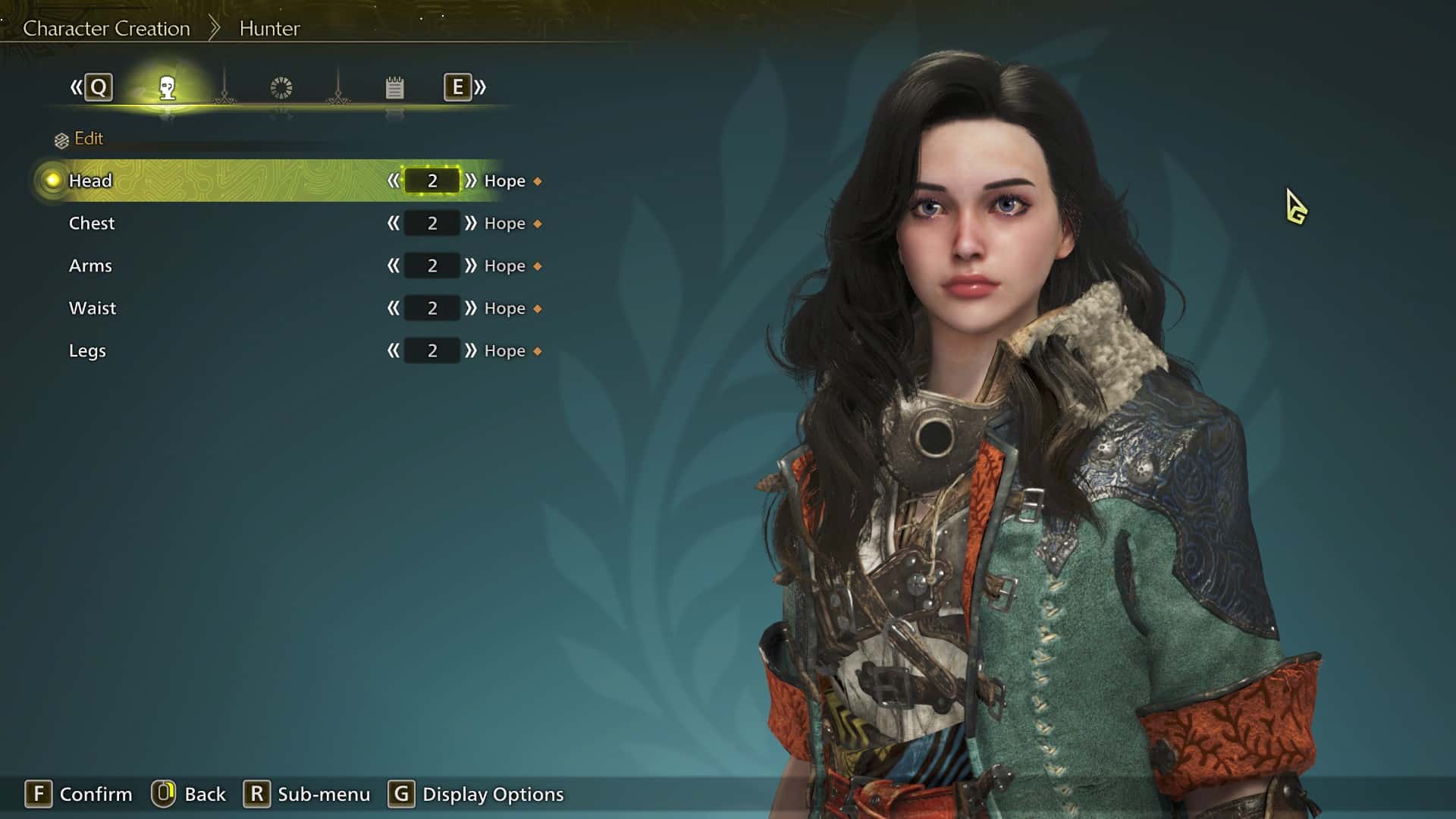
Playing Monster Hunter Wilds Online With A Stable Connection
Once your Hunter is ready, the real fun starts in co-op hunts and Special Investigations with friends. Unfortunately, connection instability can turn an exciting multi-hunter fight into a frustrating rubber-banding mess.
This is where ExitLag becomes genuinely useful for Monster Hunter Wilds squads. ExitLag is not a VPN, it is a connection optimizer that analyzes multiple network paths in real time and picks the fastest, most stable route to game servers.
It supports over 4,000 titles across PC and Mobile, with more than 1,500 servers spread across 190+ countries. As a result, more than 30 million users rely on it for over 18 million optimizations every week.
For Monster Hunter Wilds specifically, stable routing matters most during large multiplayer hunts, where desync or packet loss can cost you a carve, a capture, or a full quest. The Multipath technology sends your traffic through several routes simultaneously, so if one path degrades, others keep the session smooth.
Traffic Shaper also helps by prioritizing game traffic over background downloads or streaming, which matters if your household shares one connection during a long hunting session. Hunters who play with friends across regions often notice fewer disconnects and steadier ping once optimized routing kicks in.
If your squad keeps getting interrupted mid-hunt, grabbing the ExitLag Download before your next Wilds session is a simple way to test whether routing, not your hardware, was the real problem.
Final Thoughts On Monster Hunter Wilds Character Creation
Monster Hunter Wilds Character Creation rewards players who take their time, experiment with sliders, and lean on community codes when inspiration runs dry. Between free camp edits and voucher-based structural changes, there is enough flexibility to get your Hunter exactly right eventually.
Therefore, do not stress over getting every slider perfect on your first attempt. Between saved design slots, shareable codes, and eventual vouchers, your Hunter can always evolve alongside your hunts.
All game images used in this blog post belong to Capcom. They are used for informational and educational purposes only and do not imply endorsement or affiliation with the rights holders.