Building the perfect hunter takes time, and not everyone wants to spend an hour tweaking sliders before their first quest. That is exactly why Monster Hunter Wilds Character Design Codes exist. They let you skip the guesswork and load a finished look in seconds.
Whether you want a battle-ready warrior, a soft anime-inspired face, or a near-perfect celebrity lookalike, the community has already built it. Consequently, Monster Hunter Wilds Character Design Codes have become one of the most searched topics since launch, and for good reason.
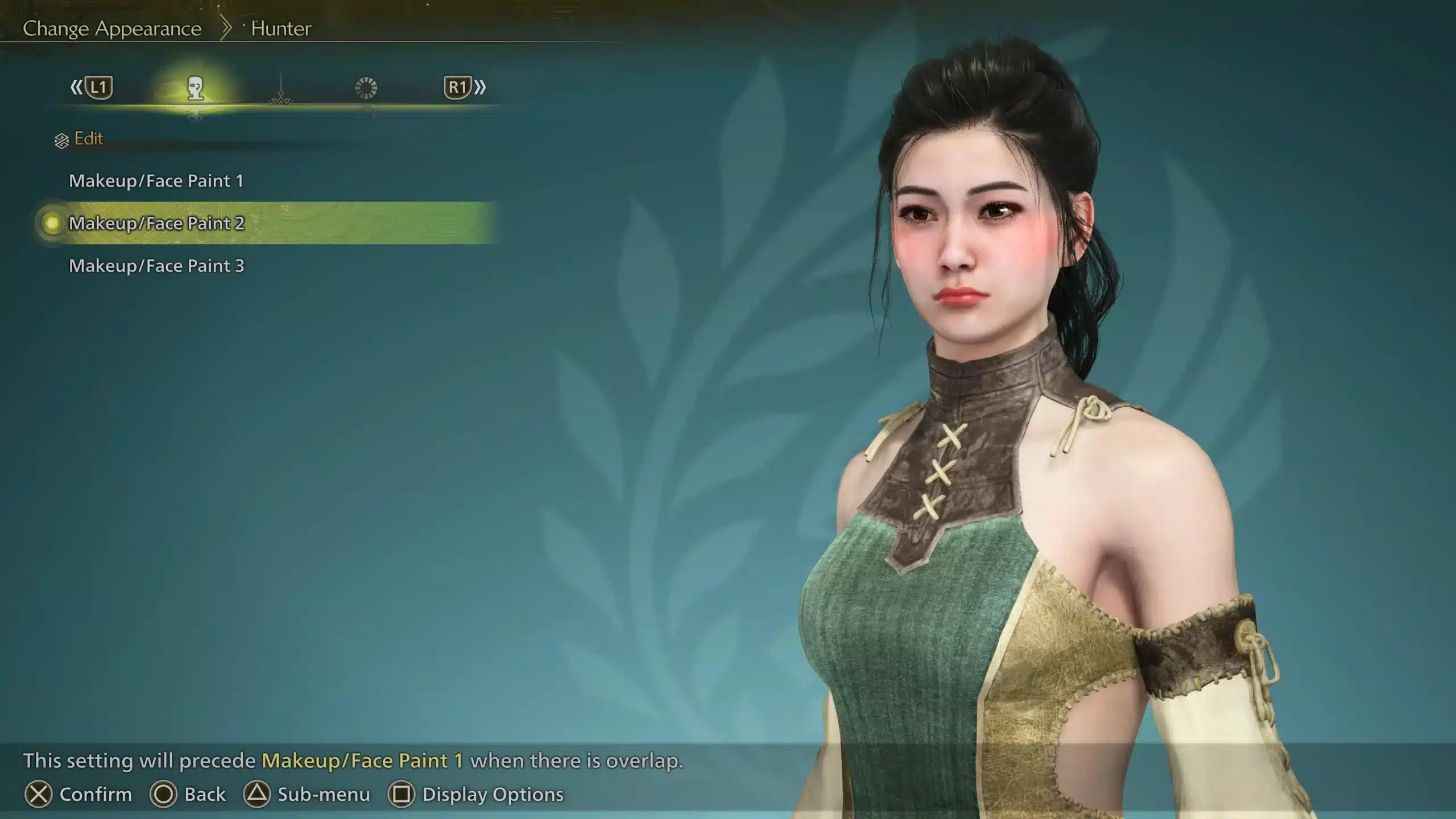
To use one, you simply enter the Design tab during character creation, choose Download Design, and type in the twelve-character code. From there, the game instantly applies the hunter or Palico look tied to that code, no manual sculpting required.
This guide breaks down how the code system works, where to find reliable presets, and how to build and share your own. We will also cover the Monster Hunter Wilds Character Creation Codes system for Palicos, common slip-ups, and how a stable connection keeps your online hunts running smoothly.
What Are Monster Hunter Wilds Character Design Codes?
A design code is a compact string that stores every slider, texture, and cosmetic choice made during character creation. Instead of rebuilding a face manually, you paste the code and the system reconstructs it automatically.
Each code is twelve characters long and uses a mix of uppercase letters, lowercase letters, and numbers. Because the codes are case-sensitive, a single mistyped letter will pull up the wrong design entirely.
How The Code System Works
The underlying system links your save data to a shared design file uploaded through the game's servers. Once uploaded, that file becomes accessible to anyone who enters the matching code.
Here is what every valid code needs to function correctly:
- Exactly twelve alphanumeric characters, with correct capitalization
- An active internet connection during the download attempt
- An available save slot in the Design tab to store the imported look
- A Character Edit Voucher or Palico Edit Voucher if you are editing an existing hunter mid-save
Why Players Use Them
Most hunters use codes to save time, but there is more to it than convenience. Some players want a specific aesthetic, such as a stylized anime face or a design that matches a favorite show.
Others simply enjoy browsing what the community has made. In fact, many creators treat the character creator itself as an art tool, and codes let that work reach a wider audience.
How Do You Use Monster Hunter Wilds Character Creation Codes?
You can redeem a code either at the very start of a new save file or later using an Edit Voucher. Both paths lead to the same Design tab menu, so the process feels identical either way.
Here is the direct answer: open the Design tab during character creation, select Download Design, enter the twelve-character code exactly as written, and confirm to load the finished hunter or Palico instantly.
Redeeming A Code Step By Step
Follow this order every time you want to import a design:
- Start a new game or activate a Character Edit Voucher on your current save.
- Enter the character creation menu and open the Design tab.
- Select Save/Load, then choose Download Design.
- Type the code carefully, matching every uppercase and lowercase letter.
- Confirm the download and preview the finished look before saving.
What You Need Before You Start
Before entering a Monster Hunter Wilds Character Creation Code, double check a few basics. Otherwise, the download can fail or apply incorrectly.
- Make sure you are connected to the internet, since offline mode blocks the download
- Save the imported design to an empty slot so you do not overwrite your current hunter
- Preview the Palico separately if the code covers both hunter and companion
- Keep your Edit Voucher ready if you are modifying a hunter already in progress
Monster Hunter Wilds Female Character Creation Codes
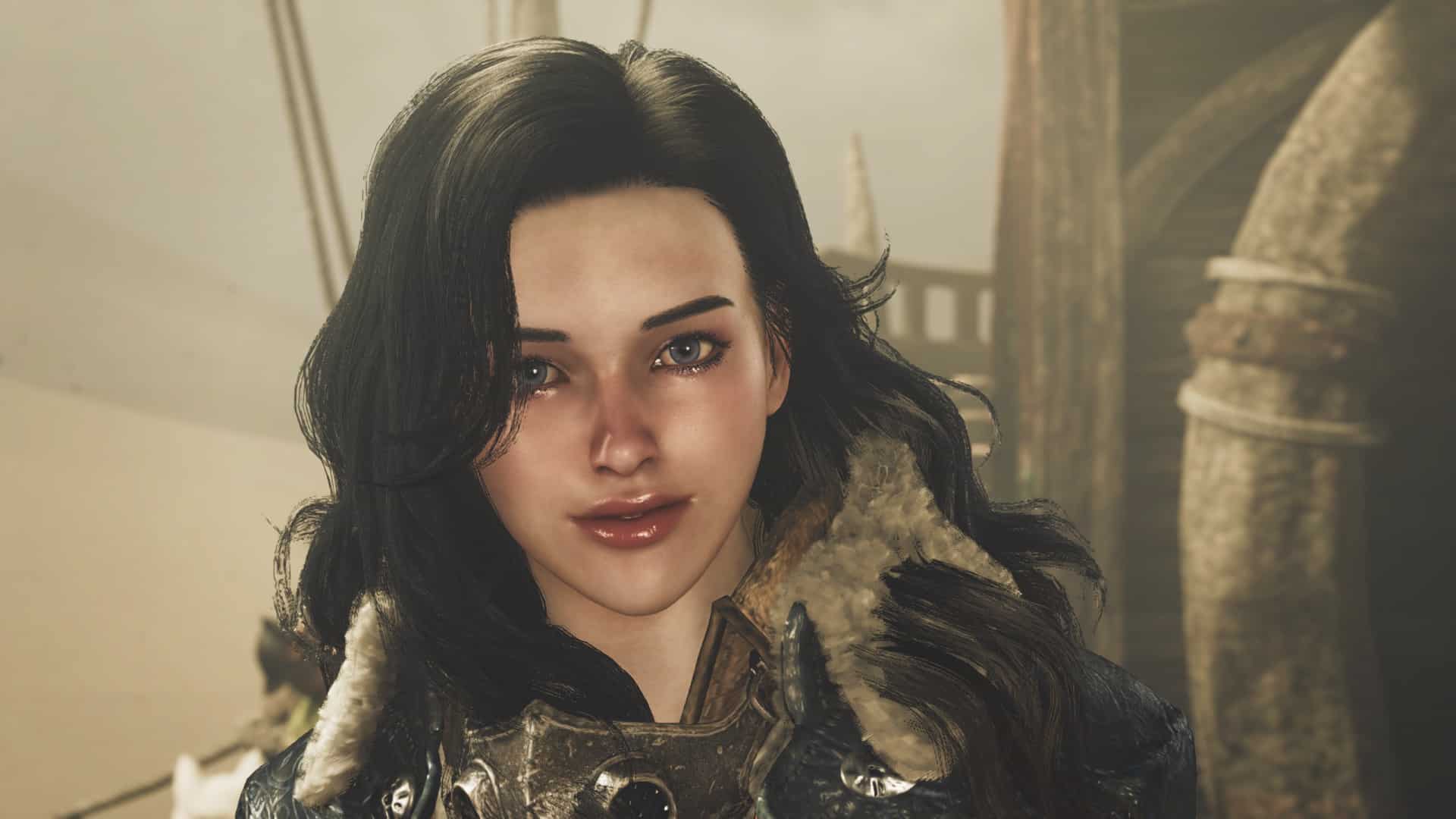
Female hunter designs are consistently among the most requested creations in the community. Many players search specifically for Monster Hunter Wilds Female Character Creation Codes to get a softer, more stylized look without touching a single slider.
Popular styles range from realistic western faces to fully anime-inspired proportions. Because the character creator supports such a wide range of adjustments, both extremes look convincing in-game.
Popular Female Style Categories
Community creators tend to fall into a few recognizable design lanes:
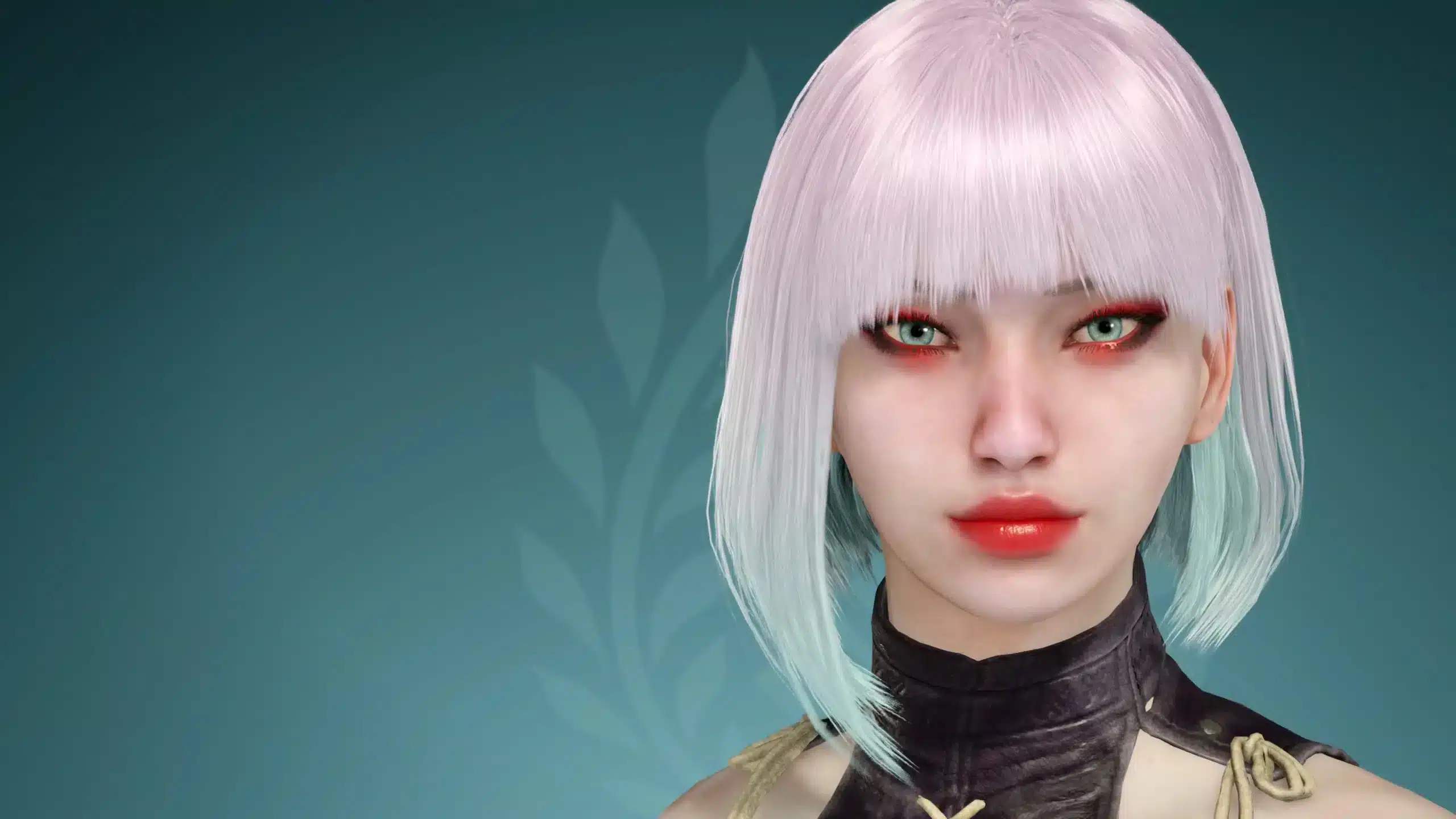
- Anime-inspired presets with large eyes, softened jawlines, and vivid hair colors
- Realistic western faces built to resemble actors or public figures
- Fantasy-themed looks featuring elven proportions or unusual eye colors
- Minimalist, practical hunters designed for a grounded, lived-in feel
Tips For Building Your Own Female Hunter
If you would rather create your own design instead of downloading one, work in stages. Start with the face shape, then adjust eyes and brows before touching hair or makeup.
Furthermore, testing your hunter under different lighting during the preview phase helps avoid surprises once you reach the Wilds. Sunlight and shadow change how makeup and skin tone actually read in the field.
Where Can You Find A Monster Hunter Wilds Character Design Codes List?
Since there is no official in-game gallery, most sharing happens through community-run spaces. A reliable Monster Hunter Wilds Character Design Codes List usually comes from a dedicated fan site or an active forum thread.
These hubs are updated constantly, so newer, better-tested codes tend to rise to the top over stale ones. That said, quality still varies from post to post.
Trusted Community Hubs
When hunting for a solid Monster Hunter Wilds Character Code, check these types of sources first:
- Fan-run design directories that organize codes by style or gender
- Active subreddits focused specifically on sliders and presets
- Steam community discussion threads tied to the game's page
- Creator videos that walk through a design step by step
How To Judge A Good Preset
Not every uploaded design ages well. Look for codes with recent comments confirming they still work, since presets occasionally break after major patches.
Additionally, prefer posts that include a screenshot next to the code. That way, you know exactly what you are downloading before you commit an Edit Voucher to it.
Creating And Sharing Your Own Monster Hunter Wilds Character Code
Sharing your own hunter is just as simple as downloading someone else's. The process mirrors the redemption flow, just in reverse, and it takes only a few extra taps.
Each player can currently upload a limited number of designs at once, so it helps to finalize a look before publishing it. Once uploaded, the code becomes shareable immediately.
Uploading Your Design
To generate your own Monster Hunter Wilds Character Creation Code, follow these steps:
- Finish customizing your hunter or Palico in the Design tab.
- Choose Save/Load and select an empty save slot for the current look.
- Open the saved file's submenu and choose Upload Design.
- Confirm the upload to generate a unique download code.
- Copy the code exactly and share it wherever you like.
Managing Edit Vouchers
Every player starts with one free Character Edit Voucher and one free Palico Edit Voucher. These let you change your hunter's face, body, or gender after the story has already begun.
However, cosmetic tweaks like hair, makeup, and outfits can be changed freely from the tent without spending a voucher. Save your vouchers for the bigger structural changes instead.
| Style Category | Typical Vibe | Best Use Case |
|---|---|---|
| Realistic Preset | Grounded, natural proportions | Players who want a lived-in, believable hunter |
| Anime-Inspired Preset | Bright eyes, stylized features | Fans who want a bold, character-driven look |
| Fantasy Preset | Elven ears, unusual eye colors | Roleplay-focused hunters and screenshot fans |
| Minimalist Preset | Simple, practical styling | Players who prioritize speed over customization |
Common Questions About Monster Hunter Wilds Character Codes
A few questions come up again and again once players start experimenting with the code system. Here are the ones worth clearing up before you dive in.
Do Codes Work Across Platforms?
Yes, in most cases a code created on one platform can be downloaded on another, since the design data is stored independently of hardware. That said, always confirm the uploader mentions cross-platform testing.
Can You Edit A Code After Loading It?
Absolutely. Once a design loads, you can still adjust individual sliders before finalizing your hunter. This makes codes a great starting point rather than a rigid final product.
Pro Tips: Monster Hunter Wilds Character Design Codes
- Preview before committing: Always check the full preview screen before saving, since a code can look different under the character creator's default lighting.
- Save a backup slot: Keep one empty design slot free at all times so you can test new codes without losing your current hunter.
- Combine codes creatively: Download a hunter code and a separate Palico code together to build a matching duo instead of settling for a single all-in-one design.
- Check patch dates: Presets uploaded shortly after a major update are usually the safest bet, since older codes can occasionally shift after balance or cosmetic patches.
- Type slowly on controller: On-screen keyboards make case-sensitive codes easy to fumble, so double check each character before confirming the download.
Common Mistakes Monster Hunter Wilds Character Design Codes Players Make
- Ignoring capitalization: Many players type codes in all lowercase and wonder why the download fails. Fix: match the exact uppercase and lowercase pattern shown by the creator.
- Wasting a voucher on a bad preview: Committing an Edit Voucher before confirming the final look wastes a limited resource. Fix: preview thoroughly in the Design tab before saving over your hunter.
- Overwriting a favorite save: Loading a new design directly into an active slot can erase hours of prior customization. Fix: always save to an empty slot first, then compare before finalizing.
- Skipping the Palico design entirely: Players often import a hunter code but forget the companion still needs its own separate code. Fix: search for a matching Palico design if the creator uploaded one.
Monster Hunter Wilds Character Design Codes And Playing Online With ExitLag
Once your hunter looks the part, the next step is actually enjoying the Wilds with friends, and that means dealing with online stability. Long co-op hunts against apex monsters can fall apart fast if your connection drops mid-fight.
This is where ExitLag comes in. ExitLag is not a VPN, it is a connection optimizer that scans multiple network paths in real time and routes your traffic through the fastest, most stable option available.
Co-op Hunts And Connection Stability
Nothing ruins a well-designed hunter's big moment like a desync during a monster's tell. ExitLag's Multipath technology sends your data through several routes at once, so if one path degrades, the others keep the session steady.
For squads chasing multi-target quests together, that stability matters just as much as gear or build choices. A smoother connection means fewer dropped attacks and fewer wasted carts caused by lag rather than skill.
Getting Started With ExitLag
Setting things up takes only a few minutes before your next hunt. Simply grab the ExitLag Download, add Monster Hunter Wilds from the supported game list, and let the tool select the most stable route automatically.
You can also fine-tune routing manually if you prefer a hands-on approach. Either way, the goal stays the same: fewer interruptions, so your carefully designed hunter actually gets to shine in the field.
Ultimately, a great-looking hunter deserves a connection that keeps up with it. Combining a strong Monster Hunter Wilds Character Design Codes pick with a stable network setup is the easiest way to get the most out of every expedition.
All game images used in this blog post belong to Capcom. They are used for informational and educational purposes only and do not imply endorsement or affiliation with the rights holders.