Picture logging in tomorrow and finding your inventory empty — every knife, every glove, every case gone. It happens to thousands of players, and almost every time, one missing security step made it possible. The good news? Locking down your account takes less time than a single competitive match. This guide walks you through Steam Account Security for CS2 step by step: the threats, the settings, the trade rules, and the habits that keep your skins exactly where they belong — with you.

Why CS2 Accounts Are a Target for Scammers and Hackers
Your Steam account isn't just a game login — it's a wallet. CS2 skins carry real market value, trade freely between accounts, and convert into money on third-party platforms within days. That combination makes a stocked inventory more attractive to thieves than most bank accounts of the same size: digital goods move fast, cross borders instantly, and rarely come back.
The scale matters too. CS2 holds hundreds of thousands of concurrent players, and the skin economy runs into billions of dollars — a hunting ground big enough that scamming operates like an industry, with scripted playbooks, fake sites built in bulk, and bots probing accounts around the clock. As cybersecurity analysts note in their research on gaming account attacks, skins effectively turned gaming credentials into financial credentials — and attackers treat them accordingly.
Here's the uncomfortable truth: hackers rarely "break" Steam itself. They break people — through fake links, borrowed trust, and rushed decisions. Which means the defense is also personal, and it starts with knowing what's coming.
Common Threats You Should Know Before You Trade
Nearly every stolen inventory falls to one of these five patterns:
- Phishing logins. Fake sites that clone Steam's login page pixel-perfect — one entered password, and the account changes hands.
- API key hijacking. After a phishing login, scammers plant their API key on your account, silently cancel your real trades, and resend identical-looking fake ones to their own bots.
- Impersonation. Fake "Steam admins," fake marketplace support, fake tournament organizers — anyone who messages you first and asks for items, codes, or logins.
- Malware. Free "cheats," suspicious downloads, and pirated software that quietly steal your session cookies and bypass your password entirely.
- Trade tricks. Item-switch scams, fake middlemen, and "I'll pay you after" promises that evaporate the moment your skins leave.
Notice the common thread: every single one needs you to act — click, enter, approve, send. That's actually empowering, because it means every layer of protection you add breaks these chains. Let's build those layers, starting with the most important one.
Steam Guard and Mobile Authenticator: Your First Line of Defense
Steam Guard is Valve's two-factor authentication, and it comes in two flavors: email codes and the mobile app. Email Guard is the bare minimum — but the Steam Guard Mobile Authenticator is the real shield. It generates fresh login codes on your phone every 30 seconds and forces you to manually confirm every trade and market listing from the app. A thief with your password still hits a wall: they don't have your phone.
The numbers make the case better than we can. Steam requires Guard active for 15 days before you can trade or use the market at all. Without the mobile authenticator, your trades sit frozen for up to 15 days. With it active for at least 7 days — trades move without holds. Same account, same skins, completely different experience.
Setting it up takes five minutes: install the Steam Mobile app, log in, open the Steam Guard menu, and follow the prompts. One critical step people skip: save the recovery code somewhere that isn't your phone. Lose the phone without it, and you're locked out of your own defenses.
Authenticator running? Good — now let's fix the doors it's guarding.
Password and Email Hygiene
Your authenticator protects you from strangers with your password. Nothing protects you if the password and the email behind it are both weak — because whoever controls your email can eventually control everything attached to it.
Three rules cover 90% of the risk. First: your Steam password must be unique — never reused from any other site, because breaches elsewhere get tested against Steam within hours. Second: your email account needs its own two-factor authentication, since it's the master key to password resets. Third: use a password manager to generate and store long random passwords — it removes the human weakness of memorable (and guessable) combinations.
One more habit worth adopting: change your credentials calmly, not constantly. Steam applies temporary trade restrictions after password and email changes precisely because sudden credential swaps are what hijackers do. A stable, strong setup beats frequent panicked changes.
With the account core hardened, it's time to look at what the outside world can see.
Steam Privacy and Trade Link Settings
Scammers scout before they strike — and your profile is their reconnaissance. Two settings decide how much they learn.
Inventory privacy: a public inventory full of expensive skins is a shop window for thieves. They target accounts worth targeting. Setting your inventory to Private or Friends Only removes you from that shopping list entirely. The trade-off: marketplaces and trade partners need to see your items during active deals, so many traders flip visibility on only when needed.
Your Trade URL: this link lets non-friends send you trade offers. It's not a password — but if it leaks into the wrong hands, expect a stream of scam offers designed to catch you off guard. If that starts happening, generate a new Trade URL in your inventory privacy settings. The old link dies instantly, and the spam stops with it.
These settings control who reaches you. The next layer — Valve's own rules — controls what happens when items actually move.
Understanding Steam Trade Holds and Trade Protection
Two Valve systems guard your trades, and knowing the difference saves both confusion and skins.
A Steam trade hold is the older mechanism: a delay before items transfer. Trade without a mobile authenticator, and Steam freezes the exchange for up to 15 days — a window where a hijacked account's items can't instantly vanish. With the authenticator aged past 7 days on both sides, holds disappear. The full rules live in Valve's official documentation.
Steam trade protection, launched on July 16, 2025, works after the transfer. Traded CS2 items arrive instantly but carry a 7-day protected status — you can play with them, but not sell, trade, or modify them. During that week, the sender can reverse the entire trade with one click (at the cost of a 30-day trading cooldown on their own account). It's insurance against hijacked-account theft: even stolen items can come home. We broke down the full mechanics in the Trade protection update guide.
In short: holds delay, protection reverses. Together they've made raw item theft dramatically harder — pushing scammers toward tricking you instead. Case opening, thankfully, sidesteps most of this entirely.
How to Safely Open Cases Without Risking Your Account
Here's some genuinely good news: opening cases is one of the safest activities in the entire CS2 economy. No trade partner, no middleman, no stranger involved — just you and the drop. The risks around case opening come from the edges, not the act itself.
Rule one: only open cases on platforms you trust. In-game openings run entirely inside Steam's ecosystem. For third-party sites, stick to established platforms with years of history, transparent odds, and real community reputations.
Rule two: guard the login. Legitimate case sites use Steam's official OpenID login — a window on the real steamcommunity.com domain that never asks you to type your password into the site itself. Any platform requesting your actual Steam credentials directly is a scam, full stop.
Rule three: keep your authenticator active before you start. Withdrawing winnings to your inventory means trades — and everything you learned above about holds applies. An aged authenticator turns your wins into instant deliveries.
Cases covered — now for the part of the economy where scammers actually live.
How to Spot and Avoid Trading Scams
Every trading scam shares one DNA strand: pressure. Someone wants you to act faster than you think. Here's how you avoid CS2 skin scams in practice — learn the red flags until they're reflexes:
- Deals too good to be true. A stranger offering $200.00 value for your $100.00 knife isn't generous — they're baiting a switch.
- Urgency. "Only today," "right now," "quick before the price changes" — real traders wait, scammers can't afford to.
- Off-platform payments. "I'll send PayPal after the trade" is the oldest theft in the book. Once your items leave, nothing comes back.
- Middlemen and "verification bots." No legitimate deal requires sending your items to a third party for "checking".
- Lookalike accounts. Scammers clone your friends' profiles and ask for "borrowed" skins — verify through a second channel before sending anything.
- Trade window switches. Always re-read the final confirmation on your authenticator: items get swapped at the last second more often than you'd think.
The single strongest habit: slow down. Every scam dies when you give yourself five minutes to think. For the complete breakdown of scam patterns and how to counter each one, check the full guide on how to avoid scams.
But what if the worst already happened? Here's your emergency plan.
What to Do If Your Account Is Compromised
Speed matters more than anything in the first hour. If you suspect a breach, run this sequence immediately:
- Change your Steam password from a clean, trusted device — not the possibly infected one.
- Change your email password right after, since attackers grab both when they can.
- Check your authorized devices and log out all other sessions in Steam's security settings.
- Revoke your API key at Steam's developer page — if one exists that you didn't create, that's the hijack confirmed.
- Cancel all pending trades and market listings, then review your trade history for anything you didn't send.
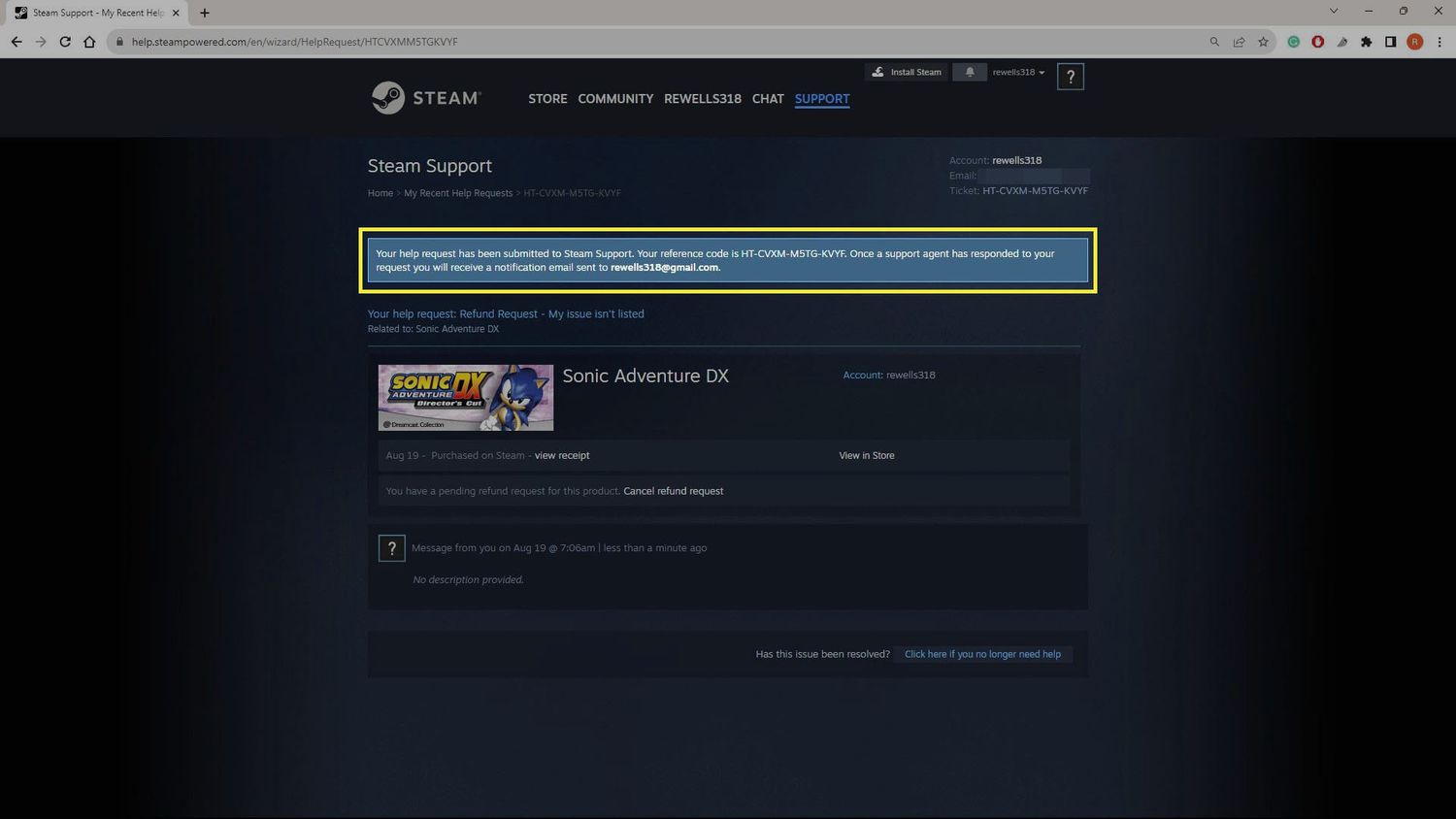
- Deauthorize all devices and contact Steam Support through the official help site with the details.
- Scan your computer for malware before logging back in anywhere.
Then face the honest part: Valve's long-standing policy is that scammed items are generally not restored. Trade protection's 7-day reversal window is your one real safety net — if the theft happened within it, reverse everything immediately. Prevention isn't just cheaper than the cure here. It's the only cure that reliably exists.
Which brings us to the two-minute ritual that makes all of this automatic.
A Quick Pre-Trade Security Checklist
Before any significant trade, deposit, or big case session, run through this list — it takes two minutes and catches nearly everything:
- Mobile authenticator active and aged past 7 days.
- Password unique to Steam, email secured with its own 2FA.
- The site URL double-checked, character by character, before any login.
- Trade partner's profile verified — account age, level, and history.
- Final trade window re-read on your phone before confirming.
- No third parties, no off-platform payment promises, no urgency.
- API key page clean — no keys you didn't create yourself.
Habits beat memory. Run this list ten times, and by the eleventh, your hands do it without you thinking. That's what real Steam account security looks like — not paranoia, just routine.
To Sum Up
Protecting your inventory comes down to three layers: the authenticator that guards your logins, the settings and hygiene that shrink your attack surface, and the habits that defeat social engineering. Master those, and Steam Account Security for CS2 stops being a worry and becomes background noise — leaving you free to actually enjoy the game and everything in it. Your skins are worth real money. Treat the account holding them like the vault it is.
FAQ
Do I need Steam Guard to open CS2 cases?
Technically, opening a case you already own works without it. Practically, you need Steam Guard active for 15 days to buy cases or keys on the market and to trade anything afterward — so any player who opens cases regularly needs it running anyway.
How long does Steam Guard need to be active before I can trade?
Steam requires Guard enabled for 15 days before trading unlocks at all. To trade without item holds, your Mobile Authenticator specifically needs to be active for at least 7 full days — and your trade partner needs the same.
Is it safer to keep my Steam inventory public or private?
Private or Friends Only is safer by default: scammers scout public inventories to pick targets worth attacking. Flip visibility to public only when an active trade or marketplace listing genuinely requires it, then switch it back.
Can Steam recover my skins if I get scammed?
In most cases, no — Valve's long-standing policy is that items lost to scams aren't restored. The one exception is the trade protection window: if the theft happened within the last 7 days via a protected trade, the reversal option can bring everything back.
What is the difference between a Trade Hold and Trade Protection?
A Trade Hold delays the transfer itself — items wait up to 15 days before moving if a mobile authenticator isn't aged on the account. Trade Protection works after delivery: items arrive instantly but stay locked for 7 days, during which the sender can reverse the whole trade.
How do I know if a Steam login pop-up is fake?
Check the address bar: the real Steam login lives only on steamcommunity.com or steampowered.com. Fake windows often can't be dragged outside the browser tab, show subtle domain misspellings, or ask for your password where a real OpenID window never would.
Should I use a password manager for my Steam account?
Yes, without hesitation. A manager generates long, unique passwords you never reuse elsewhere — which neutralizes the credential-stuffing attacks that compromise most accounts. Pair it with 2FA on your email, and the password layer becomes genuinely solid.
What should I do immediately if my account gets hacked?
Change your Steam and email passwords from a clean device, log out all sessions, revoke any API key you didn't create, cancel pending trades, and contact Steam Support right away. If any theft happened within the last 7 days through protected trades, trigger the reversal before the window closes.