You line up the perfect shot in UniqKiller, your Seeker is finally in position, and right as you pull the trigger the game freezes for a fraction of a second. By the time it catches up, you are already dead.
That sudden stutter is an FPS drop, and in a fast paced top down shooter like UniqKiller, even a small one can cost you the entire fight. Frame drops during urban firefights are one of the most common complaints among competitive players.
The good news is that most FPS drop issues have identifiable causes, and many of them are tied directly to your connection, not just your hardware. This guide walks through both the causes and the fixes, including how ExitLag helps.
What Is FPS Drop and Why Does It Happen in UniqKiller?
Understanding Frames Per Second
FPS, or frames per second, measures how many images your game renders every second. Higher FPS means smoother, more responsive visuals.
- 144+ FPS: Extremely smooth, ideal for competitive play.
- 60-120 FPS: Solid and reliable for most players.
- 30-60 FPS: Playable, but noticeably less responsive.
- Below 30 FPS: Choppy and difficult to compete with.
FPS Drop vs Network Lag
These two problems feel similar but come from different sources, and confusing them leads to wasted troubleshooting time.
| Aspect | FPS Drop | Network Lag |
|---|---|---|
| Cause | Rendering or system bottleneck | Connection instability |
| Symptom | Visual stutter, choppy frames | Delayed actions, rubberbanding |
| Solution | System optimization | ExitLag |
Why UniqKiller Can Suffer From FPS Drop
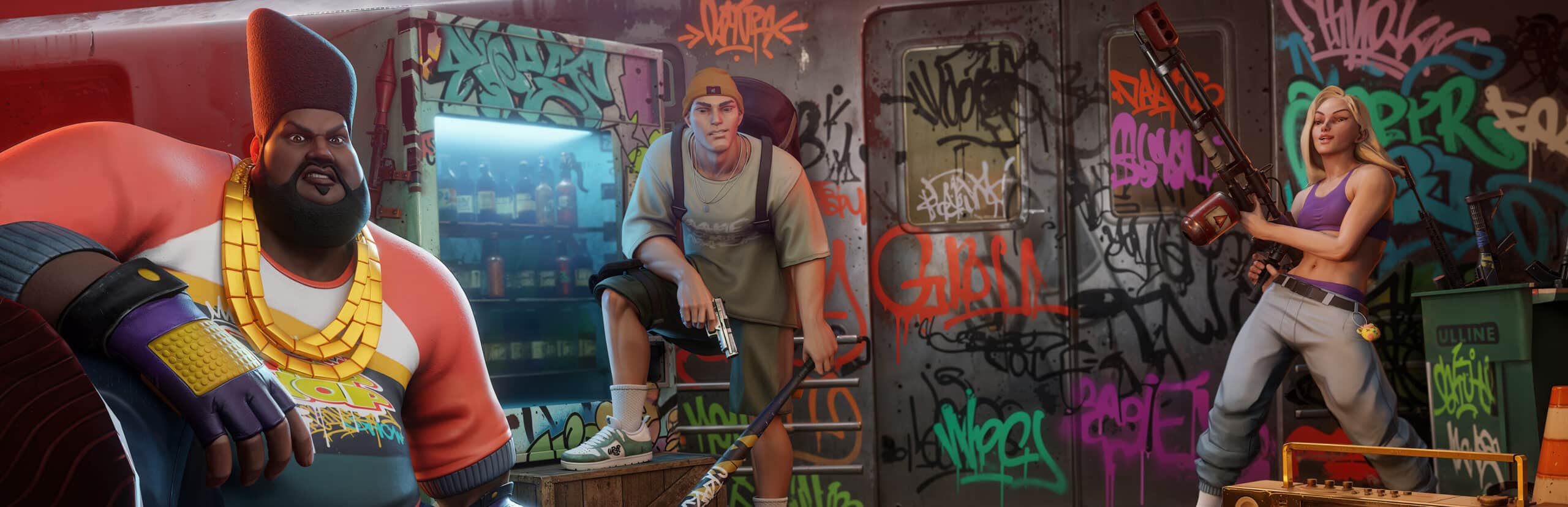
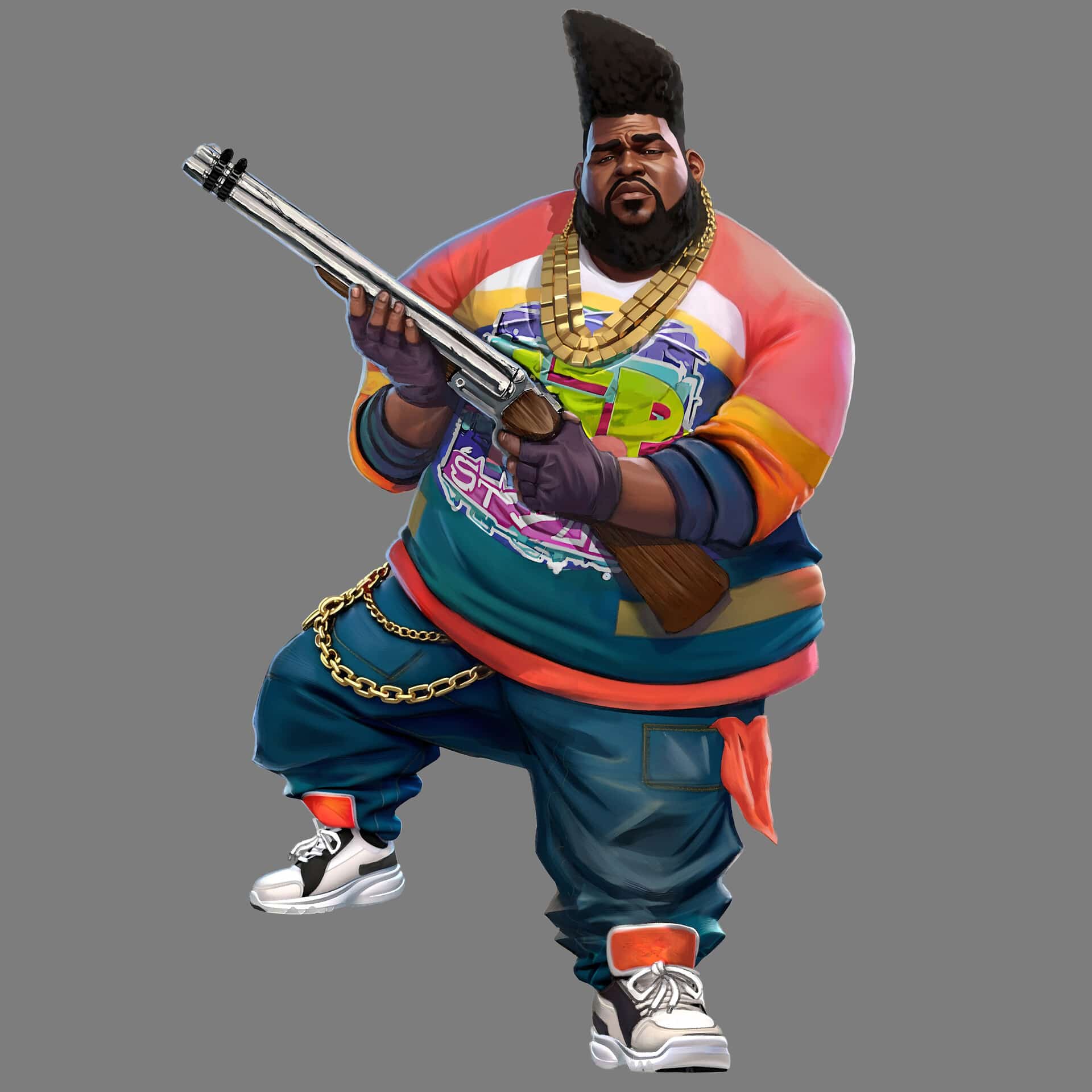
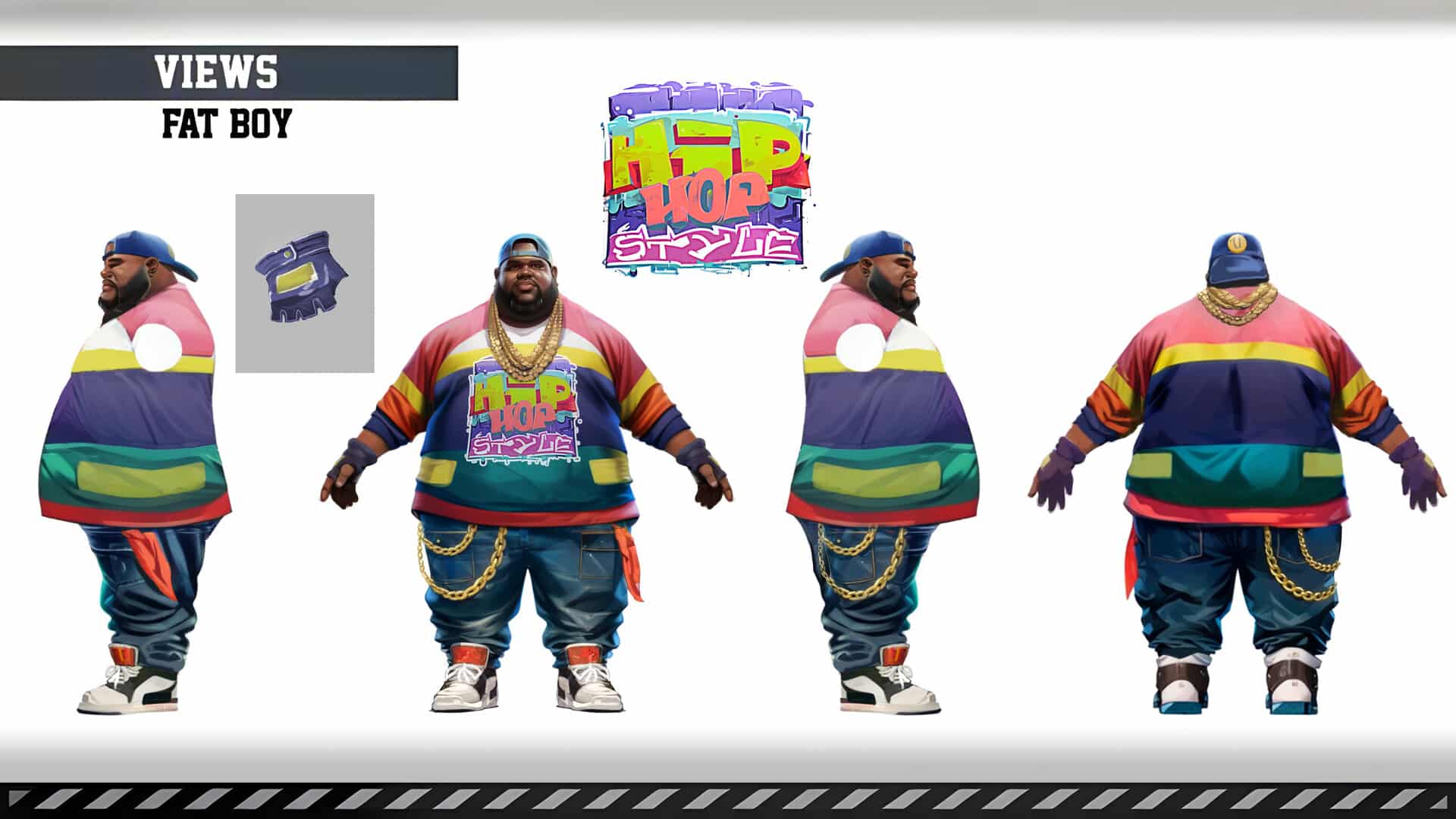
UniqKiller's character customization system, with combinable bodies, skins, and skills, adds visual variety but also extra rendering load during hectic team fights. Urban maps with dense environments can push weaker systems and unstable connections to their limit at the same time.
Main Causes of FPS Drop in UniqKiller
1. Overheating
When your CPU or GPU runs too hot, the system automatically throttles performance to protect itself, causing sudden frame drops mid match.
2. Outdated Drivers
Old graphics drivers are not optimized for current games and can cause unpredictable stuttering, especially after a UniqKiller update.
3. Graphics Settings Too High
Running settings beyond what your hardware can handle is one of the most common causes of consistent FPS drop.
4. Background Processes
Apps running silently in the background consume CPU, RAM, and bandwidth that UniqKiller needs to run smoothly.
5. Insufficient Hardware
Older or lower spec systems may simply struggle to keep up with the game's rendering demands during large fights.
6. Network Instability
Packet loss and jitter force UniqKiller to constantly resync with the server, which can manifest visually as micro-stuttering even when your hardware is capable.
How ExitLag Resolves FPS Drop in UniqKiller
This is the most important section of this guide.
What Is ExitLag? (Not a VPN)
ExitLag is a connection optimization software, and it is important to understand that ExitLag is not a VPN. A VPN routes and often encrypts all your traffic, which can add overhead and reduce performance.
ExitLag instead selects the fastest, most stable path specifically for supported games like UniqKiller, without encrypting your traffic or touching apps outside the game. Learn more about how ExitLag works.
How ExitLag Optimizes Performance in UniqKiller
- Network route optimization: Finds the most efficient path to UniqKiller's servers.
- Latency reduction: Lowers the delay between your actions and the server's response.
- Packet loss elimination: Prevents dropped data from forcing resyncs mid match.
- Connection stabilization: Keeps your route consistent throughout the session.
- Game traffic prioritization: Ensures UniqKiller data gets handled ahead of other network activity.
Why ExitLag Helps With FPS Drop
Network instability does not just cause lag, it can also cause micro-stuttering that looks identical to a hardware related FPS drop. When packets arrive out of order or late, the game has to pause briefly to resync, and that pause reads as a frame drop.
- Smoother frame pacing during intense team fights.
- Fewer visual stutters caused by resync events.
- More consistent frame delivery even on unstable home networks.
- A noticeably steadier experience in crowded urban maps.

Technologies Behind ExitLag That Impact FPS
- Multi route technology: Sends data through multiple paths at once for redundancy.
- Redundant connections: If one route fails, another takes over instantly.
- Gaming optimized protocol: Built specifically around the demands of competitive titles.
ExitLag vs Other Approaches
| Solution | Improves FPS Stability | Reduces Lag | Ease of Use |
|---|---|---|---|
| ExitLag | Yes | Yes | Very easy |
| Basic system cleanup | Sometimes | No | Moderate |
| Doing nothing | No | No | N/A |
For a full list of compatible titles, check the supported games page.
Step by Step: Configure ExitLag for UniqKiller
Installing ExitLag on PC
- Download the software from the official site.
- Install it, which takes less than a minute.
- Create your account.
- Activate your free trial.
- Search for UniqKiller in the games list.
- Apply the recommended routes.
- Launch UniqKiller as usual.
- Monitor performance from the in app dashboard.
Optimizing Your Results
Test different regional routes if your default option is not performing well, and keep the application updated so it always has the latest server data available.
For Console Players
ExitLag currently focuses on PC optimization. If UniqKiller is available on console for you, consider a PC setup for the most consistent experience with full route optimization support.
Additional Optimizations to Maximize FPS With ExitLag
Network Optimizations
- Use an ethernet cable whenever possible.
- Close background applications that consume bandwidth.
- Configure QoS settings on your router.
- Avoid running large downloads during matches.
System Optimizations
- Switch Windows to high performance power mode.
- Update your GPU and network drivers regularly.
- Disable unnecessary background programs.
- Keep your system free of unnecessary startup clutter.
In Game Optimizations
- Lower shadow and effect quality if frames feel inconsistent.
- Turn V-Sync off for more responsive input.
- Set a sensible FPS cap that matches your monitor.
- Adjust resolution scaling to match your hardware's real capability.
Frequently Asked Questions About UniqKiller FPS Drop
Does ExitLag really improve FPS? ExitLag optimizes your network connection, which reduces the micro-stuttering caused by lag and packet loss. This often results in a smoother, more consistent frame rate, even though it does not add raw rendering power to your GPU.
Is ExitLag safe to use? Yes. It does not modify UniqKiller's game files and is used safely by millions of players across many competitive titles.
Does ExitLag work on console? ExitLag is built for PC optimization. If you play on console, a PC setup is the most reliable way to access full route optimization.
How much does ExitLag cost? Pricing details are available on the pricing page, and you can also start with a free trial before committing.
My PC is weaker, will ExitLag still help? ExitLag optimizes your network, not your hardware. It can reduce stuttering caused by connection issues, but it will not compensate for insufficient GPU or CPU power.
Does ExitLag work with UniqKiller specifically? Yes, UniqKiller is supported. Check the games list for full details on regional availability.
What is the difference between ExitLag and a VPN? ExitLag is not a VPN. A VPN encrypts all your traffic and can add overhead, while ExitLag focuses purely on finding the fastest, most stable path for your supported game.
Resolve FPS Drop in UniqKiller Today
Final Benefits
- Stable, predictable frame rate during firefights.
- Fewer stutters caused by network resync events.
- Smoother gameplay across every urban map.
- A real competitive advantage when it matters most.
Next Steps
- Start your free ExitLag trial.
- Configure it for UniqKiller in a few minutes.
- Feel the difference in your very next match.
FPS drop can feel like an unsolvable mystery, but once you separate hardware causes from network causes, the fix becomes clear. Combine smart system settings with a dedicated connection optimizer and stop letting stutters decide your matches.
Remember, ExitLag is not a VPN, it is a specialized tool built for exactly this kind of problem. Register today and play UniqKiller the way it was meant to be played.
All images used in this blog post belong to their respective owners and are used for informational and educational purposes only. They do not imply endorsement or affiliation with the rights holders.