Above all, V Rising mod opens the door to a fully customized gameplay experience. From combat enhancements to visual changes, mods allow players to reshape Vardoran to match their own playstyle.
In this guide, you'll explore the top V Rising mod tools, how to install them and which ones offer the most value. Whether you're new to modding or looking to upgrade your setup, we’ll cover everything you need to know.
Finally, by the end of this article, you’ll be ready to choose, install, and manage your favorite v rising mod with confidence — maximizing performance, creativity and fun.
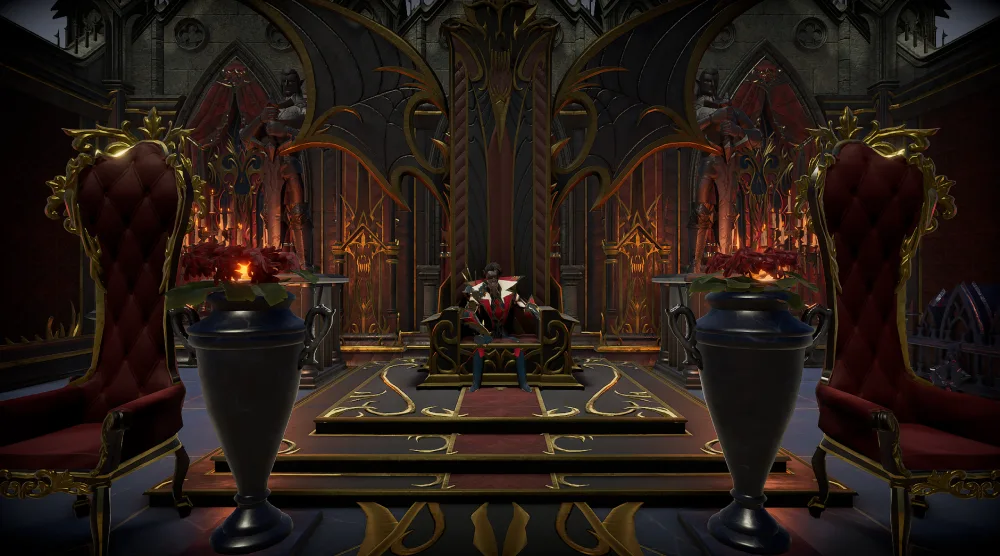
What are mods for V Rising?
Above all, V Rising mod refers to community-created modifications that change how the game behaves, looks, or feels. From adjusting gameplay mechanics to transforming the user interface, these custom features offer players total control over their experience in Vardoran.
Furthermore, V Rising mods can dramatically improve quality of life or completely reinvent the game. Some focus on performance tweaks, while others add entirely new content.
Whether you're interested in visuals, automation, or creative gameplay changes, there's likely a V Rising mod that suits your needs.
Quality-of-life improvements in V Rising mods
First of all, many players look for mods that remove repetitive tasks or add helpful shortcuts. The best V Rising mods often fall into this category. Popular examples include:
- Quick stash – instantly transfer items between your inventory and nearby storage.
- Craft from containers – use materials from nearby chests without manually moving them.
- Increased stack sizes – carry more resources with reduced clutter.
In addition, these features streamline gameplay without altering core mechanics, making your journey more efficient.
Visual and interface enhancements
Secondly, some mods aim to improve immersion or usability through visual upgrades. For instance, the V Rising mod camera expands your viewing options, allowing for smoother navigation and better exploration angles.
- HUD cleaners – simplify your screen for a more cinematic experience.
- UI overhaul tools – redesign the interface for better clarity and modern aesthetics.
- V Rising mod menu – add customizable overlays and in-game toggles for easier access to modded functions.
Moreover, these improvements don’t just enhance aesthetics — they make moment-to-moment gameplay more intuitive.
UPDATED V Rising 1.0 Camera Mod | How to Mod V Rising 1.0
How to install mods in V Rising
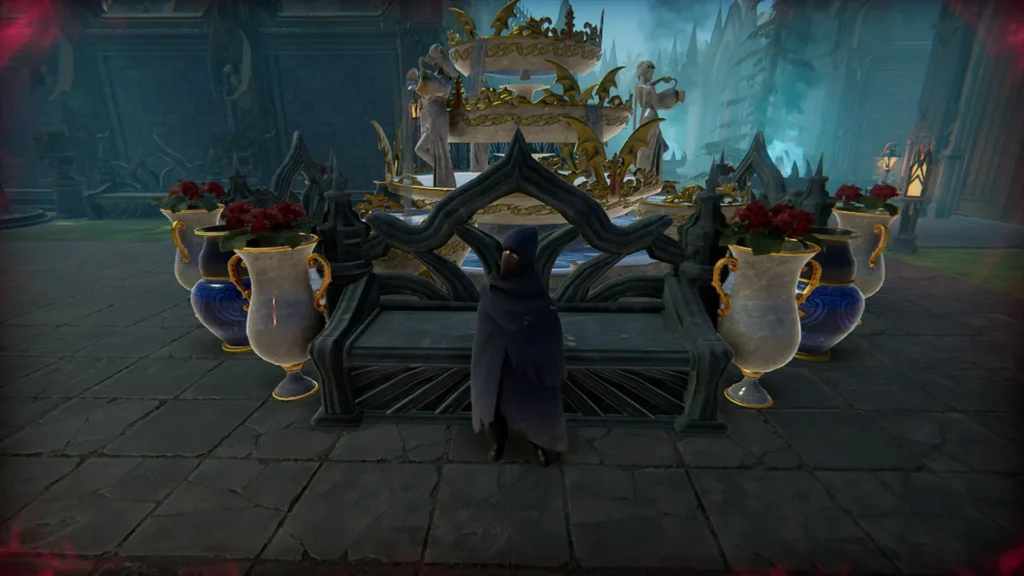
First of all, knowing how to install V Rising mods is essential for anyone looking to improve or customize their vampire journey.
Fortunately, the process is straightforward when using the right V Rising mod tools and trusted platforms.
In the same way that other survival games like Valheim or Skyrim rely on mod managers, V Rising mod manager solutions simplify the entire process—making it accessible even for beginners.
Step-by-step guide to installing V Rising mods
Above all, following these steps ensures that your mods run smoothly and don't conflict with each other:
- Download a mod manager: tools like Thunderstore Mod Manager or r2modman are user-friendly and safe.
- Install the manager: launch the software and select V Rising from the list of supported games.
- Browse available mods: inside the platform, search for the best V Rising mods based on popularity or category.
- Download and enable: install the desired mods, and make sure they are toggled on in your V Rising mod menu.
- Launch the game through the manager: this step ensures proper loading of all selected modifications.
- Check for compatibility: always verify that your installed V Rising mods are updated and compatible with the latest version of the game.
Moreover, you should back up your game data before installing any major changes, especially if you're adding multiple or experimental mods.
Recommended tools and sources
Additionally, not all platforms are created equal. These are some of the most trusted and recommended sources for V Rising mods:
- Thunderstore.io – the largest and most active mod repository for V Rising and other Unity-based games.
- NexusMods.com – a veteran modding community with manual and manager-based downloads.
- GitHub – ideal for accessing experimental V Rising mod tools released by developers or enthusiasts.
Similarly, many mod creators offer support and updates via communities like the V Rising mod discord, where you can troubleshoot, request features, or find beta builds.
Best V Rising mods to try
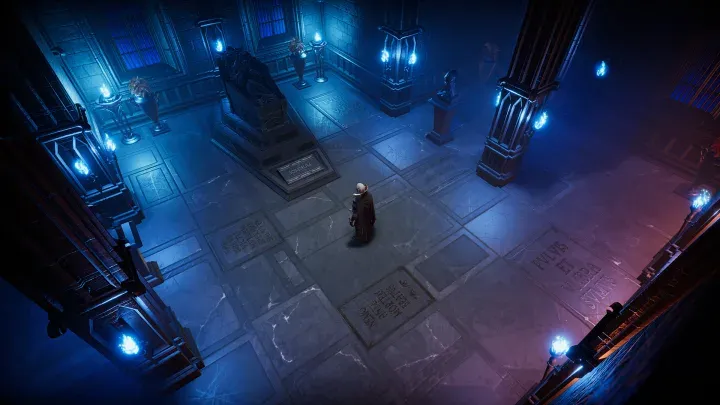
Above all, choosing the best V Rising mods can completely reshape your gameplay — from combat and camera control to interface accessibility and aesthetic immersion.
These community-made tools bring both depth and convenience to your vampire saga.
In addition, each V Rising mod listed below is compatible with popular managers like Thunderstore and supports customization via a streamlined V Rising mod menu.
Gameplay and quality-of-life enhancements
First of all, these V Rising mods aim to improve core mechanics and reduce frustration in your day-to-day vampire duties:
- Craft from containers – this mod allows you to craft directly from nearby chests, reducing item micromanagement.
- Increased stack sizes – carry more materials per inventory slot, perfect for long expeditions.
- Quick stash – one-click transfer between your inventory and storage, saving precious time.
- More servants – expand your castle workforce by unlocking additional servant slots.
- Bloodbound weapons – introduces unique weapon traits based on your blood type, adding new strategic layers.
Moreover, these options are considered some of the best V Rising mods not only for what they add, but how seamlessly they integrate into the game.
Visual, camera, and customization mods
Secondly, these V Rising mods enhance immersion through visuals, camera control, and personalized aesthetics.
- FreeBuild – remove construction limitations and redesign your castle freely.
- Custom skins and outfits – adds unique clothing options to distinguish your vampire lord.
- Enhanced camera – improve your viewpoint with the V Rising mod camera, allowing wider zoom, rotation control, and smoother tracking.
- Minimal UI – clean up your interface for a cinematic experience, especially useful with the V Rising mod camera.
- Player customization+ – expands character creation options, including hairstyles, facial features, and accessories.
Even more, several of these mods include integration with the V Rising mod menu, making them easy to toggle and configure mid-game.
Mod manager and support for mods
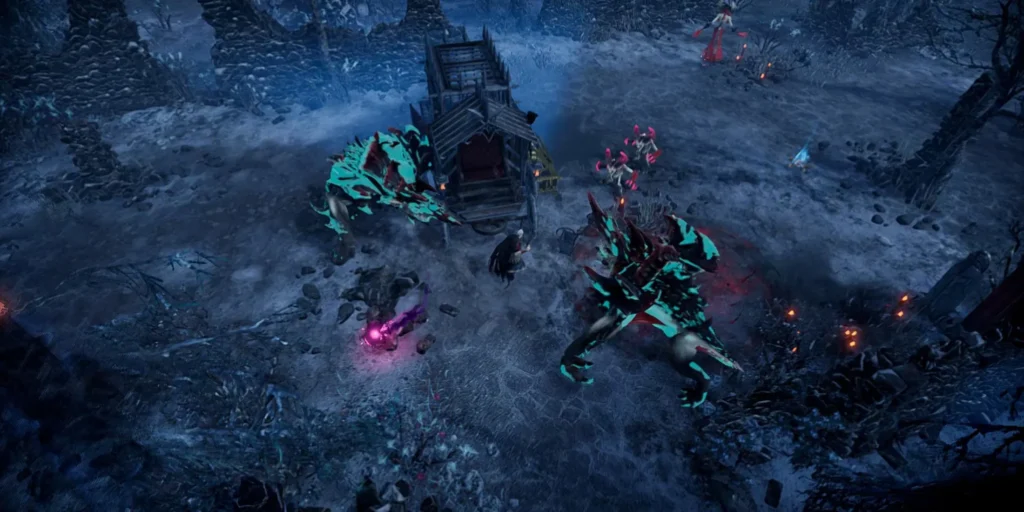
First of all, managing your V Rising mods efficiently is just as important as choosing the right ones.
Without a reliable V Rising mod manager, users may face conflicts, crashes, or version mismatches that compromise the gameplay experience.
Furthermore, having proper V Rising mod support ensures your customized setup runs smoothly, especially after game updates or when combining multiple mods.
Top mod managers for V Rising
Above all, these tools simplify how to install V Rising mods and manage them safely:
- Thunderstore mod manager – a user-friendly solution designed for Unity-based games like V Rising. It offers profiles, auto-updates, and easy rollback.
- r2modman – preferred by advanced users, this manager supports version control and dependency checks. It also allows local profile backups and supports cross-game modding.
- Manual installation (advanced) – some users prefer installing V Rising mods manually, especially when testing beta versions or exclusive V Rising mod tools from GitHub.
Additionally, most of these platforms offer integration with the V Rising mod menu, so you can enable or disable mods with a single click before launching the game.
Important precautions when using mods
Secondly, even the best V Rising mods can cause issues if not installed correctly or if they’re incompatible with your game version. To avoid problems:
- Always back up your save files before installing or updating mods.
- Check for game version compatibility on the mod’s description page.
- Avoid combining mods that alter the same core systems (e.g., camera and UI simultaneously) unless explicitly marked as compatible.
- Update your mods regularly using your chosen V Rising mod manager, especially after V Rising patches.
In the same way, many mod developers provide changelogs and hotfixes via the V Rising mod discord, which is an excellent space for troubleshooting and asking questions in real time.
Moreover, if a mod becomes outdated or breaks after an update, look for forks or temporary fixes published by the V Rising mods community — many are available on forums or GitHub within 24 hours of a patch.
What are the best mods for V Rising?
In summary, the best V Rising mods are those that enhance gameplay without breaking stability. Some improve interface functionality, while others expand your vampire abilities or improve visuals.
Recommended top mods
- Craft from containers – for seamless crafting.
- Quick stash – for fast inventory sorting.
- Enhanced camera – a powerful V Rising mod camera tool for better visibility.
Where to download the best mods
Above all, always download from trusted platforms:
- Thunderstore
- NexusMods
Both sites ensure the latest version and community ratings for all V Rising mods.
Is there a mod manager for V Rising?
Definitely, yes. Tools like Thunderstore Mod Manager and r2modman are the most popular V Rising mod manager options currently available.
Why use a mod manager?
First of all, mod managers offer:
- Easy toggling via V Rising mod menu.
- Profile creation for different builds.
- Auto-updates and rollback support.
Compatible tools
Moreover, mod managers often include built-in V Rising mod tools like dependency checkers and version filters.
Can you mod V Rising official servers?
In contrast, V Rising mod functionality is typically limited to private or community servers. Official servers do not support modding for fairness and stability reasons.
What’s possible on modded servers?
Above all, modded servers allow:
- Custom game rules.
- V Rising mods with new mechanics or enemies.
- Admin use of the V Rising mod menu for live changes.
Where to find modded servers?
Furthermore, communities on the V Rising mod discord frequently list active modded servers with their rules and mod lists.
Where to find V Rising mods?
First of all, the best sources for V Rising mods include:
- Thunderstore.io – frequent updates and wide variety.
- NexusMods – community-driven reviews and stable versions.
- GitHub – great for experimental V Rising mod tools and early-access builds.
Tips to find trusted mods
- Check the number of downloads and user reviews.
- Look for mods with V Rising mod support and recent updates.
- Join the V Rising mod discord for early release links and support threads.
Unlock the full power of V Rising with mods and smooth connection
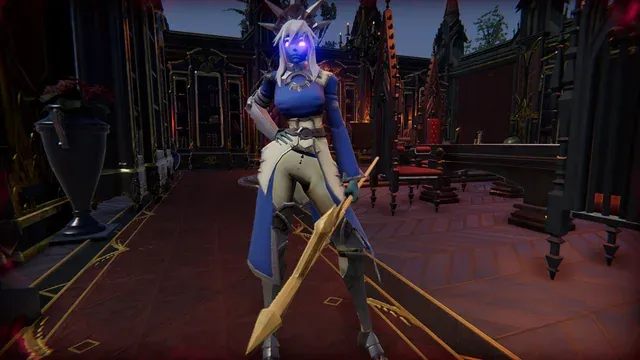
First of all, stepping into the world of V Rising mods opens up endless possibilities to reshape your gameplay. From managing your castle more efficiently to enhancing visuals and adding new mechanics, mods give you full creative control over your vampire journey.
Furthermore, tools like the V Rising mod manager and support from the V Rising mod discord make customization safe and accessible.
In the same way, a stable connection is just as important as a powerful mod setup. That’s why we recommend using ExitLag — especially for players on modded servers.
In conclusion, experiment, customize, and dominate — your next adventure begins with a bold setup and low latency. Maximize your gameplay and unleash your inner vampire lord with the ultimate weapon: V Rising mod.