
Ace Force players know the frustration: you line up your shot, move in for a clean elimination and suddenly the game freezes. In moments like this, nothing feels worse than losing control because of Ace Force Lag. The match slips away, not because of skill, but because your game simply refuses to respond. Therefore, players start searching for real, permanent solutions.
Even with high-speed internet, Ace Force Lag is notorious for unpredictable spikes, stuttering movement, delayed shots, and sudden micro-freezes. The problem seems random, but it happens to thousands of players daily. Like this, the issue goes far beyond just “slow internet.” What’s really happening behind the scenes is more complex and also completely solvable.
This guide explains why Ace Force Lag happens, how to identify its causes, and finally how ExitLag becomes the most reliable fix for stability, routing, and online performance. However, before solving anything, we need to understand what lag actually is inside this specific hero-shooter environment.
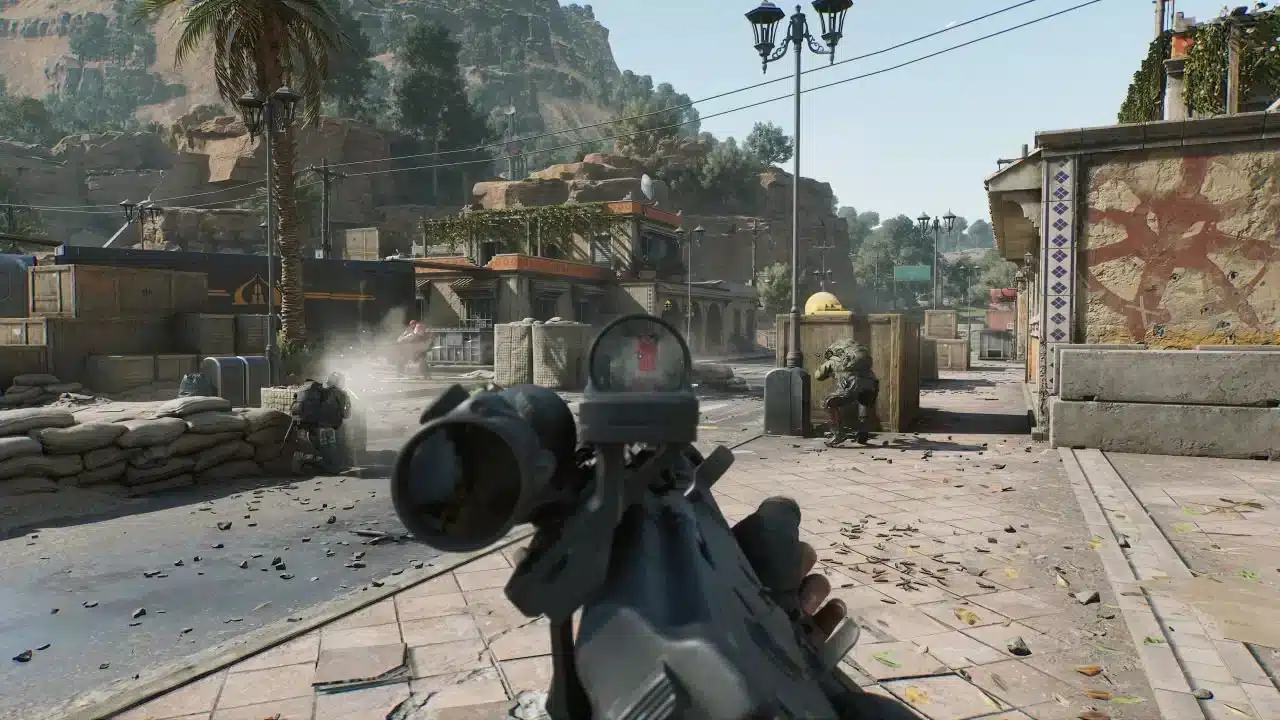
What is lag in Ace Force?
Lag in Ace Force is the delay between your command and the game’s response. When you fire, move, jump or use an ability, your device sends data packets to the server. If anything interferes with these packets, the result is visual delays, input delays, or sudden character rubberbanding.
In Ace Force specifically, lag manifests as:
- delayed weapon firing
- characters teleporting
- abilities activating seconds late
- enemies moving erratically
- stuttering during teamfights
Therefore, regardless of your PC or phone performance, lag is heavily tied to how your connection communicates with Ace Force’s servers.
Causes of lag in Ace Force
When a player experiences instability, the source is usually one of the following:
Connection route problems
Your ISP automatically chooses the route your data takes. Sometimes, this path is long, congested, or passes through inefficient nodes.
Packet loss
When data packets fail to reach the server, you see freezing, teleporting enemies, or delayed hit registration.
Distance from servers
The farther you are from the server region, the greater the delay between your action and the server’s response.
ISP instability
Even with fast internet, instability causes fluctuations in ping and frequent mini-disconnections.
These factors combine and create the scenario most players simply call lag.
Lag, ping and fps in Ace Force: what’s the difference?
Players often blame their PC or phone when Ace Force feels unresponsive, but not all stuttering is hardware-related.
Lag
A delay between input and in-game action.
Ping
The time it takes for data to go from you → server → you. High ping equals slow response.
Fps
Frames per second related to device performance and graphics rendering.
Therefore, if your FPS is stable but abilities trigger late or enemies teleport, your problem is network-related, not hardware-related.
Why lag happens even with good internet
Many players get confused when Ace Force is lagging even though a speed test shows perfect numbers. However, the issue is not about internet speed, it's about the path your data takes.
Imagine your connection as a delivery truck. The truck can be fast, but if the route is full of traffic jams, obstacles, and unnecessary detours, the delivery will still be late.
Like this, your ISP may route you through:
- overcrowded nodes
- inefficient international paths
- servers with heavy congestion
That is the core reason players experience Ace Force Lag during peak hours, despite fast connections.
The solution: Exitlag
Now, what if you could choose the best route yourself, avoiding all the digital traffic? That’s exactly what ExitLag does.
ExitLag is a connection-optimization software designed for gamers. Instead of relying on your ISP’s automatic routing, ExitLag uses intelligent tunneling and multi-route technology to send your data through the fastest possible path.
What Exitlag does:
- reduces ping
- stabilizes route paths
- eliminates packet loss
- prevents random spikes
- improves hit registration
- reduces rubberbanding
Because of these benefits, Ace Force becomes smoother, more responsive, and significantly more consistent even during crowded peak hours.
Benefits of Exitlag for Ace Force
Lower and more stable ping
Your commands register faster, abilities trigger instantly, and character movement feels natural again.
Reduced packet loss
No more delayed shots or disappearing bullets.
Improved combat accuracy
In fast-paced gunfights, milliseconds matter. ExitLag gives you the reaction advantage.
Smoother ranked matches
Competitive players notice the biggest difference, especially in team fights and clutch situations.
Easy setup
ExitLag works with a clean interface and requires no technical knowledge.
Comparison table: playing ace force with vs without Exitlag
| Experience Factor | Without Optimization | With ExitLag |
| Ping Stability | Frequent spikes | Highly stable |
| Packet Loss | Common | Nearly eliminated |
| Hit Registration | Delayed or inconsistent | Sharp and accurate |
| Rubberbanding | Frequent | Rare |
| Server Routing | Automatic and inefficient | Optimized multi-route tunneling |
How to use Exitlag
Before applying any settings, it’s important to understand why ExitLag makes such a noticeable difference. Ace Force relies on fast, stable communication with the game server, and when your internet provider chooses a slow or congested route, you experience delays, stuttering, and lag spikes. ExitLag fixes this by automatically selecting the most efficient path for your data, resulting in faster response times, fewer interruptions, and a smoother overall experience.
Go to the official ExitLag website.
- Download and install the application.
- Create your account.
- Select Ace Force from the game list.
- Click “Apply Routes.”
- Start the game and feel the difference instantly.
Finally, once the best routes are applied, you will immediately notice how much smoother the gameplay feels.
How to use Ping for Games: step-by-step guide
Checking your connection quality before entering a match has never been easier. Here’s how to use Ping for Games in just a few steps:
1. Open the ExitLag software on your PC
Ensure the application is installed and open. The feature is integrated into the platform and available for free to all users.
2. Access the Network Analyzer tool
Locate the Network Analyzer in the software menu. This is where you’ll find Ping for Games along with other connection analysis features.
3. Select the game you want to test
Choose from the list the title you plan to play. The tool supports major online multiplayer games, including MOBAs, FPS, Battle Royales, MMORPGs, and more.
4. Choose the specific server
Now you select directly the server you want to test, instead of just a generic region. This ensures much more accurate results for your choice.
5. Start the ping test
With one click, the measurement is performed in real-time between your device and the chosen server, considering your current connection (cable or Wi-Fi).
6. Analyze the results
Results appear in milliseconds (ms), automatically sorted from best to worst ping. You can also reorganize the view alphabetically, if you prefer.
7. Choose the best server and play worry-free
With the information in hand, just select the server with the lowest latency and enter the match knowing your connection is optimized.
Your best experience in Ace Force starts with stability
Nothing ruins a match faster than unstable gameplay. However, lag doesn’t have to control your Ace Force sessions anymore. With the right routing and optimized connection, you regain full control over your reflex-based gameplay.
ExitLag ensures you get consistent performance, reduced ping, and maximum stability even when everyone else is complaining about spikes. Like this, your competitive matches finally depend on skill, not connection issues.
Try ExitLag today and eliminate Ace Force Lag for good enjoy smoother combat, faster response times, and a truly competitive edge.



