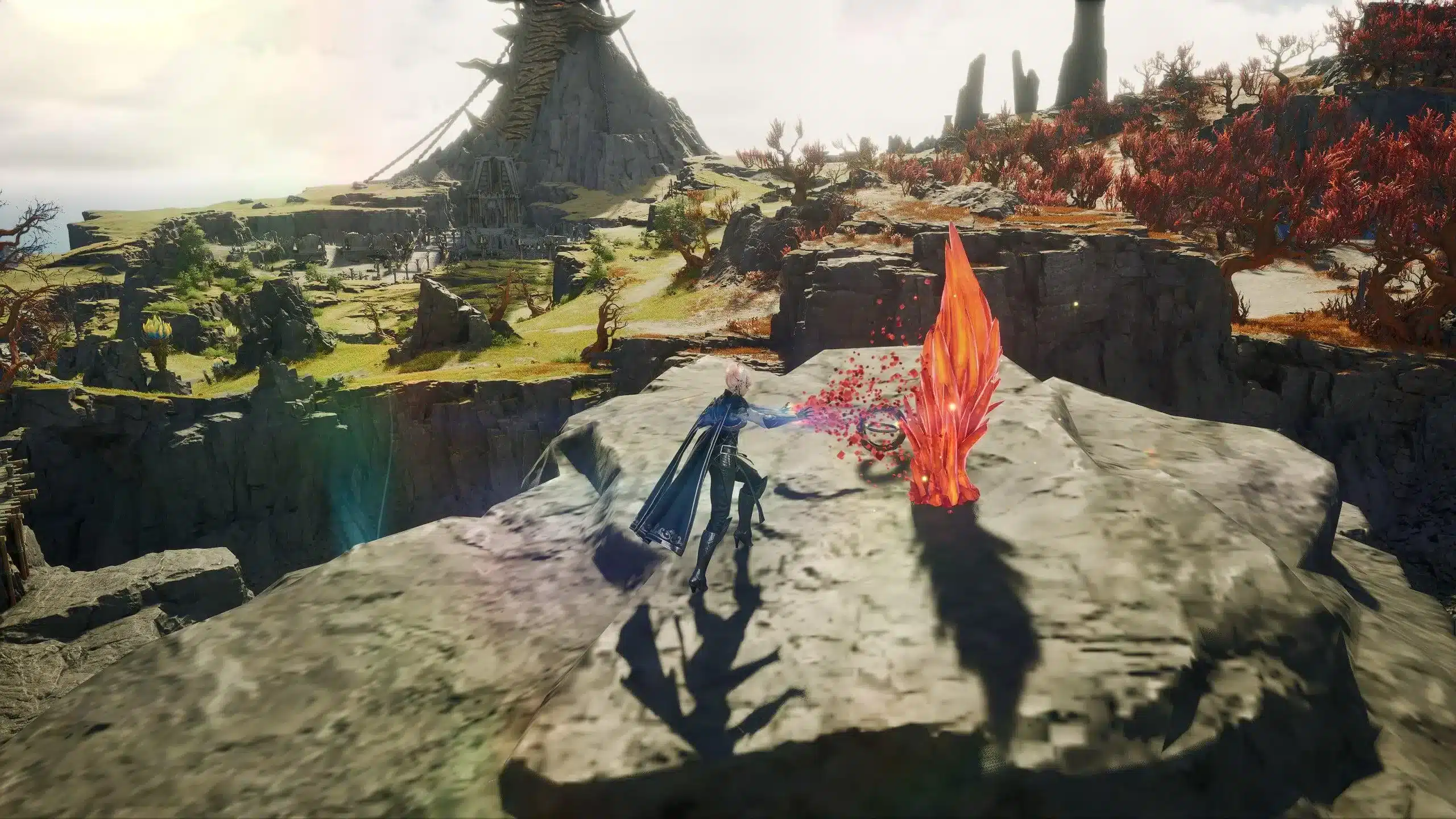
Finding a safe AION 2 download is the first step toward exploring NCSoft's next-generation MMORPG. As anticipation builds around the game's launch, many players are searching for download links, system requirements, and installation guides. However, downloading the game from unofficial websites can expose your computer or mobile device to unnecessary security risks.
Whether you're preparing to play on PC or looking for information about mobile availability, understanding the AION 2 download process helps ensure a smooth installation from trusted sources. In this guide, we'll explain where to download the game, what hardware you'll need, how much storage to prepare, and why official platforms should always be your first choice. And before we continue, know that to know more about all the relevant content about gaming, you just have to check our blog.

AION 2 download: where to download safely
The AION 2 download is available through official distribution platforms supported by NCSoft. Depending on your region, players can install the game using the official launcher or Steam once the title becomes available in their market.
Downloading from official sources guarantees that you receive authentic game files, automatic updates, and access to customer support if installation issues occur. More importantly, official downloads protect players from modified installers, malware, and fake launchers commonly found on unofficial websites.
When searching for the game, always choose trusted sources such as:
- Official Steam page
- Official NCSoft website
- Official PURPLE launcher (supported regions)
Avoid third-party download portals that claim to offer early access or modified clients, as these are not supported by the developer.
AION 2 download PC
For PC players, the safest installation method is through the official launcher provided by NCSoft or the official Steam release when available in your region.
Installing through official platforms offers several advantages:
- Verified installation files
- Automatic game updates
- Secure account authentication
- Access to official support
- Improved launcher stability
Before beginning the installation, verify that your computer meets the recommended system requirements. Although the game can run on supported hardware, using newer components helps deliver smoother gameplay, particularly during large-scale PvP battles and crowded cities.
If you plan to install the game immediately after launch, downloading the client as soon as preloading becomes available can also reduce waiting times.
AION 2 download Windows 10/11
AION 2 is designed for modern Windows operating systems, supporting both Windows 10 and Windows 11 on 64-bit systems.
Before downloading, confirm the following:
- Windows is fully updated.
- Graphics drivers are current.
- DirectX 12 is installed.
- An SSD is available for installation.
- Sufficient storage space is free.
Keeping your operating system updated not only improves compatibility but also reduces the likelihood of installation errors during launch week.
Although installing on a traditional hard drive is technically possible for some games, SSD storage is strongly recommended for AION 2 because it significantly improves loading times and asset streaming throughout the game world.
AION 2 download size
One of the most common questions before launch concerns the AION 2 download size. Like many modern MMORPGs, AION 2 includes detailed environments, high-resolution textures, cinematic content, and large multiplayer maps that require substantial storage space.
While the exact download size may change with future updates, players should prepare enough free storage before beginning the installation.
| Platform | Estimated Download Size | Notes |
| PC | Approximately 100 GB | SSD recommended |
| Mobile | Varies by region and updates | Additional resources may download after installation |
It's also worth remembering that installation requires more free space than the initial download. Temporary files are created while unpacking game data, so leaving additional storage available helps prevent installation failures.
Players with limited SSD capacity should consider freeing disk space before launch by removing unused applications or moving large files to secondary storage devices.
Large MMORPGs continue to grow after release through patches, seasonal updates, and expansion content. Keeping extra storage available allows future updates to install smoothly without forcing players to uninstall other games.
While most players are preparing for the PC version, many are also searching for mobile downloads and APK files. Understanding where official mobile versions are available, and how to avoid unsafe downloads, is just as important as installing the PC client correctly.
AION 2 download APK mobile
As interest in AION 2 continues to grow, many players are searching for an AION 2 download apk mobile before the official release. While this is understandable, it's important to verify whether the mobile version is officially available in your region before downloading any installation files.
NCSoft distributes its games through official platforms whenever possible. For Android users, this typically means Google Play, while iOS users should use the Apple App Store once the game becomes available. Downloading the game from these official stores ensures you receive verified files, automatic updates, and access to official support.
Should you install unofficial APK files?
Unofficial APK files often appear online before launch, promising early access or modified versions of the game. However, these files can present significant security and compatibility risks.
Potential issues include:
- Malware or spyware hidden inside installation files
- Outdated or modified game clients
- Login or authentication failures
- Missing updates and patches
- Possible account security risks
Even if an unofficial APK appears to work initially, it may not receive future updates or function correctly once the official servers open. For that reason, downloading directly from official sources remains the safest option.
How to install AION 2 safely on mobile
Once the official mobile version is released in supported regions, installation is straightforward.
Follow these steps:
- Open Google Play or the Apple App Store.
- Search for the official AION 2 listing.
- Verify that NCSoft is listed as the publisher.
- Download and install the game.
- Complete any additional in-game downloads after launching.
Depending on future updates, the mobile client may download additional game assets after installation. Using a stable Wi-Fi connection during this process is recommended to reduce download time and avoid interruptions.
AION 2 download link official
Finding the AION 2 download link official is essential for a secure installation. As the game's popularity increases, unofficial websites frequently appear in search results, often offering fake installers or outdated clients.
To avoid unnecessary risks, always download AION 2 through official distribution channels.
The safest installation process is:
- Visit the official AION 2 website or Steam page.
- Download the official launcher if required.
- Install the game client.
- Allow all updates to complete.
- Log into your NCSoft account and begin playing.
Official platforms provide several important advantages:
- Verified installation files
- Automatic updates
- Official customer support
- Secure account authentication
- Access to future game patches
Avoid downloading installation files from forums, file-sharing websites, or unofficial APK repositories, even if they claim to provide early access.
How ExitLag improves your AION 2 experience
Downloading the game is only the beginning. Once you're exploring Atreia, connection quality becomes just as important as your PC's hardware. MMORPGs continuously exchange information with game servers, making stable routing essential for smooth movement, combat, and large-scale PvP encounters.
ExitLag helps optimize your connection by improving the network route between your computer and the game servers, reducing common issues such as unstable latency and packet loss.
Real-Time Optimization
ExitLag continuously monitors your connection through its Real-Time Optimization technology.
Rather than relying on a fixed internet route, the software automatically detects better paths whenever network conditions change. This helps maintain a more consistent connection during long gaming sessions.
Benefits include:
- More stable routing
- Lower average latency
- Reduced packet loss
- Improved connection consistency
Because internet traffic changes throughout the day, automatic route adjustments help minimize sudden performance fluctuations.
Traffic Shaper and Multipath Connection
ExitLag also includes several proprietary technologies designed specifically for online gaming.
These include:
- Multipath Connection, which sends packets through multiple optimized routes.
- Traffic Shaper, which prioritizes game traffic over background applications.
- Multi-Internet, providing greater connection stability when multiple networks are available.
- FPS Boost, which helps optimize Windows by reducing unnecessary background processes.
Together, these technologies create a smoother online experience during exploration, raids, and competitive PvP. Find out how it works on our technology page!
The difference becomes especially noticeable during busy launch periods when network congestion is at its highest.
| Feature | Without ExitLag | With ExitLag |
| Server Routing | Standard ISP routing | Intelligent optimized routing |
| Ping Stability | Can fluctuate | More consistent |
| Packet Loss | Possible during congestion | Reduced whenever possible |
| Background Optimization | None | FPS Boost available |
| Automatic Route Selection | No | Yes |
While no software can eliminate every network issue, optimized routing can significantly improve connection consistency for online games like AION 2.
Frequently Asked Questions (FAQ)
Where can I download AION 2?
The safest option is downloading AION 2 from the official NCSoft website, the official launcher, or Steam when available in your region.
Is AION 2 free to download?
Availability and pricing depend on NCSoft's release plans for each region. Check the official website or Steam page for the latest information.
What is the AION 2 download size?
The PC version requires approximately 100 GB of available storage, although the total size may increase after future updates and content patches.
Can I download AION 2 on Android?
Yes, once officially released in supported regions. Android users should download the game through Google Play instead of using unofficial APK files.
Is there an official AION 2 download link?
Yes. Official download links are provided through NCSoft's website, the official launcher, and Steam where supported.

Conclusion
Completing your AION 2 download through official sources is the safest way to prepare for launch. Whether you're installing the PC version or waiting for mobile availability, using verified platforms helps protect your account, ensures automatic updates, and provides access to the latest game content as soon as it's released.
Once the installation is complete, maintaining a stable connection becomes just as important as meeting the game's hardware requirements. ExitLag enhances your online experience with intelligent routing, Real-Time Optimization, Multipath Connection, Traffic Shaper, and FPS Boost technologies, helping reduce latency and improve connection stability throughout your adventures in Atreia. Download ExitLag now!