Getting blocked by an Aion 2 Phone Number Error right before you can even step into Atreia is frustrating. You are not alone. Thousands of players trying to create an NC PURPLE account for Aion 2 are hitting the same wall during signup.
The good news is that most of these failures come down to a handful of fixable causes. Formatting mistakes, regional restrictions, and temporary server overload are the usual suspects, not a broken account.
So what actually causes the Aion 2 Phone Number Error, and how do you get past it? In short, it is almost always a country code formatting mistake, an unsupported carrier or VOIP number, or a temporary overload on NCSoft's authentication servers. Fixing the format, waiting a few minutes, and retrying resolves the issue for most players.
This guide breaks down every known cause of Aion 2 phone verification problems. You will also get a step-by-step troubleshooting process, a comparison table of common error triggers, and practical tips from players who have already solved this.
Why You Get An Aion 2 Phone Number Error During Signup
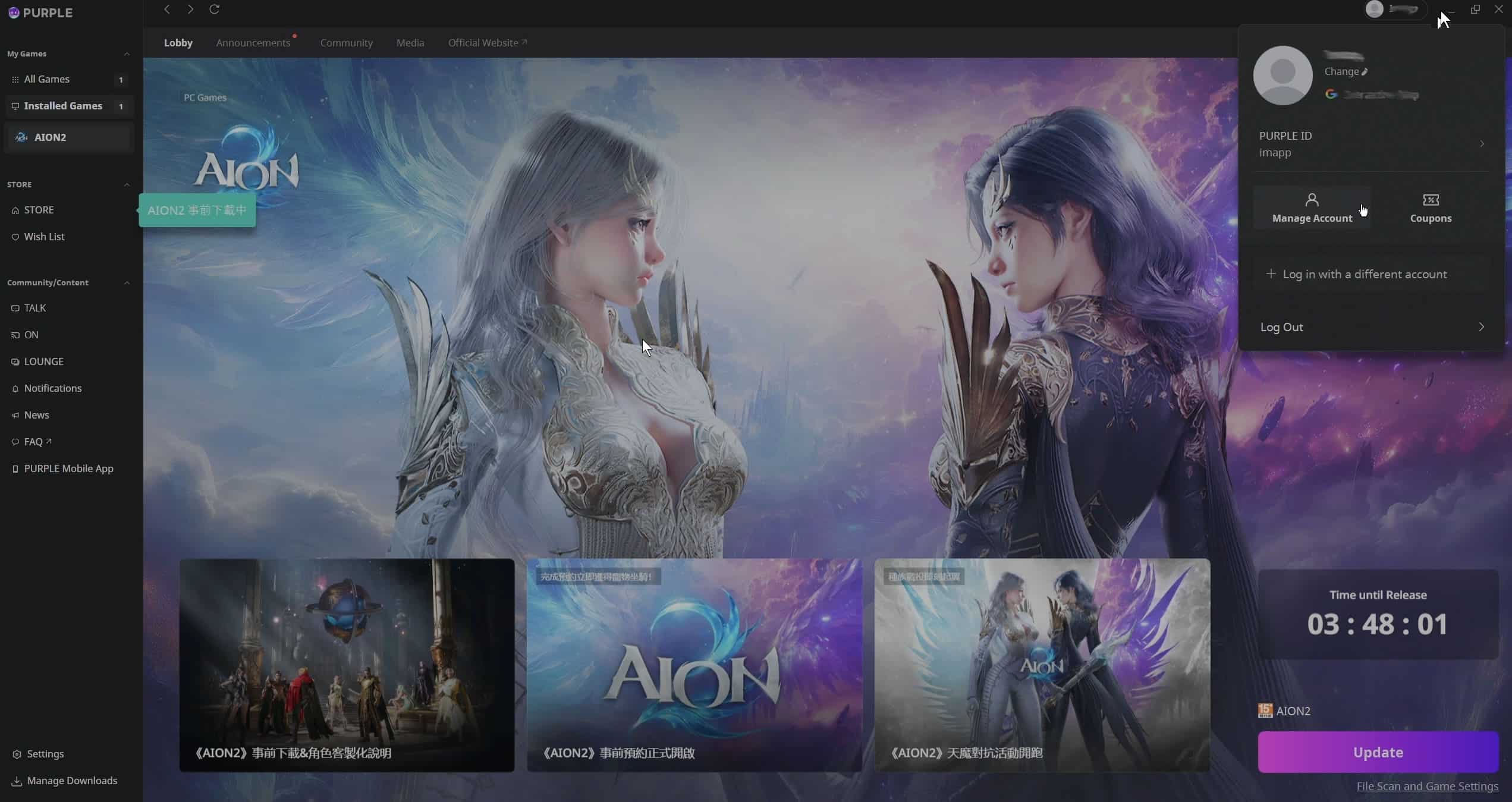
NC PURPLE, the account platform behind Aion 2, requires phone or device verification for most regions. This is a security layer, similar to two-factor authentication used by many online services.
However, the verification screen is notoriously strict about formatting. Consequently, a huge share of reported errors are not technical bugs at all.
The Verification Screen Is Picky About Formatting
The phone number field expects an exact structure. If you type it wrong, the system rejects the number instantly, even if the number itself is valid.
- Always select your country from the dropdown menu first, before typing anything.
- Do not manually add your country code if the dropdown already inserts it automatically.
- Remove the leading zero from your local number after the country code is applied.
- Avoid spaces, dashes, or parentheses inside the number field.
Server Load Also Triggers Verification Failures
During peak hours or right around launch windows, NCSoft's authentication servers can become overloaded. As a result, valid numbers sometimes fail to verify simply because the request times out.
- Peak evening hours in your region tend to have the highest failure rate.
- Retrying five to ten minutes later often succeeds with the exact same number.
- Refreshing the page fully, rather than just resubmitting the form, can clear a stuck session.
Aion 2 Phone Verification Error: Common Root Causes
The Aion 2 Phone Verification Error is rarely one single problem. Instead, it is usually a combination of factors working against you at once. Understanding which one applies to your situation saves a lot of wasted retries.
Here is a breakdown of the most frequent triggers reported by players:
| Cause | How It Shows Up | Typical Fix |
|---|---|---|
| Wrong formatting | Instant rejection on submit | Reselect country, remove leading zero |
| VOIP or virtual number | Code never arrives | Use a real mobile carrier number |
| Server overload | Long delay then timeout | Wait and retry later |
| Unstable connection | Verification loop, no progress | Switch network or restart router |
| Region restriction | Field will not accept the number | Try the alternate verification path if offered |
Is Your Carrier The Problem?
Many carriers, especially prepaid or budget providers, are known to block or delay one-time SMS codes from international senders. This is not unique to Aion 2, but it does make the Aion 2 SMS Verification Error far more common for certain networks.
If your code never arrives after several minutes, try these steps in order:
- Confirm your phone has signal and is not in airplane mode or a do-not-disturb profile.
- Check whether your carrier has an SMS filter or spam-blocking feature enabled.
- Request a new code instead of waiting indefinitely for the first one.
- Try a different personal mobile number if you have access to one.
- Contact your carrier only if the issue persists across multiple attempts.
What Is An Aion 2 Phone Number Registration Issue Exactly?
An Aion 2 Phone Number Registration Issue refers specifically to problems that occur the first time you attach a phone number to a brand-new NC PURPLE account. This differs slightly from a login error, which happens on an account that was previously verified successfully.
Registration issues are more sensitive to formatting mistakes because the system has no prior verified data to reference. Therefore, double-checking every character before submitting matters even more at this stage.
How Do You Fix An Aion 2 Login Phone Error?
An Aion 2 Login Phone Error happens when an already-verified account suddenly gets prompted for phone confirmation again. This is usually triggered by a change in device, network, or location.
- Logging in from a new PC or a different internet connection can force a re-verification prompt.
- Using a VPN or switching between mobile data and Wi-Fi mid-session can also trigger this loop.
- Clearing your browser cache or restarting the game client sometimes resolves a stuck session.
If the login error keeps returning even after re-verifying successfully, avoid switching networks again immediately. Staying on one stable connection for the full login process reduces repeated prompts significantly.
Does Using A VPN Cause Aion 2 Account Verification Error Loops?
Yes, in many reported cases. Switching networks or routing through a VPN mid-verification can confuse the authentication server, since it sees inconsistent connection data.
Notably, this is different from using a dedicated game connection optimizer, which is designed specifically to stabilize routing rather than mask it. We will cover that distinction later in this guide.
Aion 2 Phone Number Not Accepted: What To Check First
When the field flatly refuses your number, the Aion 2 Phone Number Not Accepted message usually points to one of two things: an unsupported number type, or a country restriction on the account platform itself.
- Landline numbers and most VOIP numbers are not accepted for SMS verification.
- Some regions require the account to be registered through a specific storefront or client version.
- Numbers with unusual formatting from certain telecom providers can also be misread by the form.
Quick Checklist Before You Contact Support
Before reaching out to NCSoft support, run through this list. It resolves the vast majority of cases without needing a support ticket at all.
- Confirm you selected the correct country in the dropdown before typing your number.
- Remove any leading zero, spaces, or symbols from the number itself.
- Try a different personal mobile number if the first one keeps failing.
- Wait at least ten minutes between repeated verification attempts.
- Restart your router or switch to a different stable network.
- Clear your browser cookies and cache if verifying through a web page.
- Check official NCSoft support channels for any known outage affecting your region.

Pro Tips: Aion 2 Phone Number Error
Pro Tips: Aion 2 Phone Number Error
- Always pick the country first: Selecting your country from the dropdown before typing prevents duplicate or mismatched country codes, which is the single most common cause of instant rejection.
- Space out your retries: Submitting the same number repeatedly within seconds often gets flagged by rate limiting. Waiting a few minutes between attempts gives the server room to process your request cleanly.
- Use a real mobile number, not a virtual one: Authentication systems widely block VOIP and virtual numbers because they are commonly abused for account creation. A standard personal mobile line verifies far more reliably.
- Keep one stable connection during verification: Switching between Wi-Fi and mobile data mid-process can reset your session. Staying on a single stable network from start to finish avoids unnecessary loops.
- Screenshot the exact error text: If you do need to contact support, having the precise error message and timestamp speeds up the resolution significantly compared to a vague description.
Common Mistakes Aion 2 Players Make
Common Mistakes Aion 2 Players Make
- Typing the country code manually: Many players add "+1" or their country code by hand even though the dropdown already inserted it, creating a duplicate. Fix: clear the field completely and let the dropdown handle the code automatically.
- Spamming the resend button: Repeatedly clicking resend within seconds triggers rate limiting on the server side, delaying every subsequent code. Fix: wait at least sixty seconds before requesting a new code.
- Ignoring the leading zero rule: Local numbers that start with a zero often fail because the system does not expect it after a country code is applied. Fix: remove the leading zero before submitting.
- Switching networks mid-verification: Changing from home Wi-Fi to mobile data while waiting for a code confuses the session state. Fix: stay on one connection until verification completes fully.
- Assuming the account is broken: Many players give up and assume their account is permanently blocked after one failed attempt. Fix: most cases resolve within minutes with a corrected number format or a short wait.
Stabilize Your Connection Before You Verify And Play
A shaky or inconsistent internet connection does not just cause lag once you are inside Atreia. It can also interfere with the verification handshake itself, since the request needs a clean, uninterrupted route to NCSoft's servers.
This is where ExitLag comes in handy for Aion 2 players. ExitLag is not a VPN. It is a connection optimizer that analyzes multiple network paths in real time and automatically routes your traffic through the fastest, most stable option available.
For an MMORPG like Aion 2, that stability matters well beyond the login screen. Raids, world bosses, and large-scale PvP fights all demand a consistent connection, and a single dropped packet during a boss fight can be as costly as a failed verification attempt.
ExitLag supports thousands of titles across PC and mobile, with a huge global server network spanning well over a hundred countries. Its real-time optimization reduces delay and packet loss, while Multipath technology keeps your session alive even if one route fails.
Unlike a VPN, ExitLag does not mask your IP or encrypt your traffic, so it will not interfere with regional account checks the way some VPNs can during login attempts. It also does not touch game files or anti-cheat systems, making it safe to run alongside Aion 2 without any conflict.
If you want smoother logins and steadier gameplay once you are past verification, you can grab the ExitLag Download and get your connection optimized before your next session in Atreia.
Final Thoughts On The Aion 2 Phone Number Error
Most cases of the Aion 2 Phone Number Error trace back to formatting mistakes, unsupported number types, or short-term server congestion rather than a permanent account problem. Working through the checklist above resolves the overwhelming majority of cases without any need for support intervention.
If you have tried every formatting fix, waited out server congestion, and the Aion 2 Phone Number Error still blocks your registration, reaching out to official NCSoft support with a clear description and screenshot is the next step. Include your region, the exact error text, and the number format you attempted, since that context helps support diagnose the issue faster.
All game images used in this blog post belong to NCSoft. They are used for informational and educational purposes only and do not imply endorsement or affiliation with the rights holders.