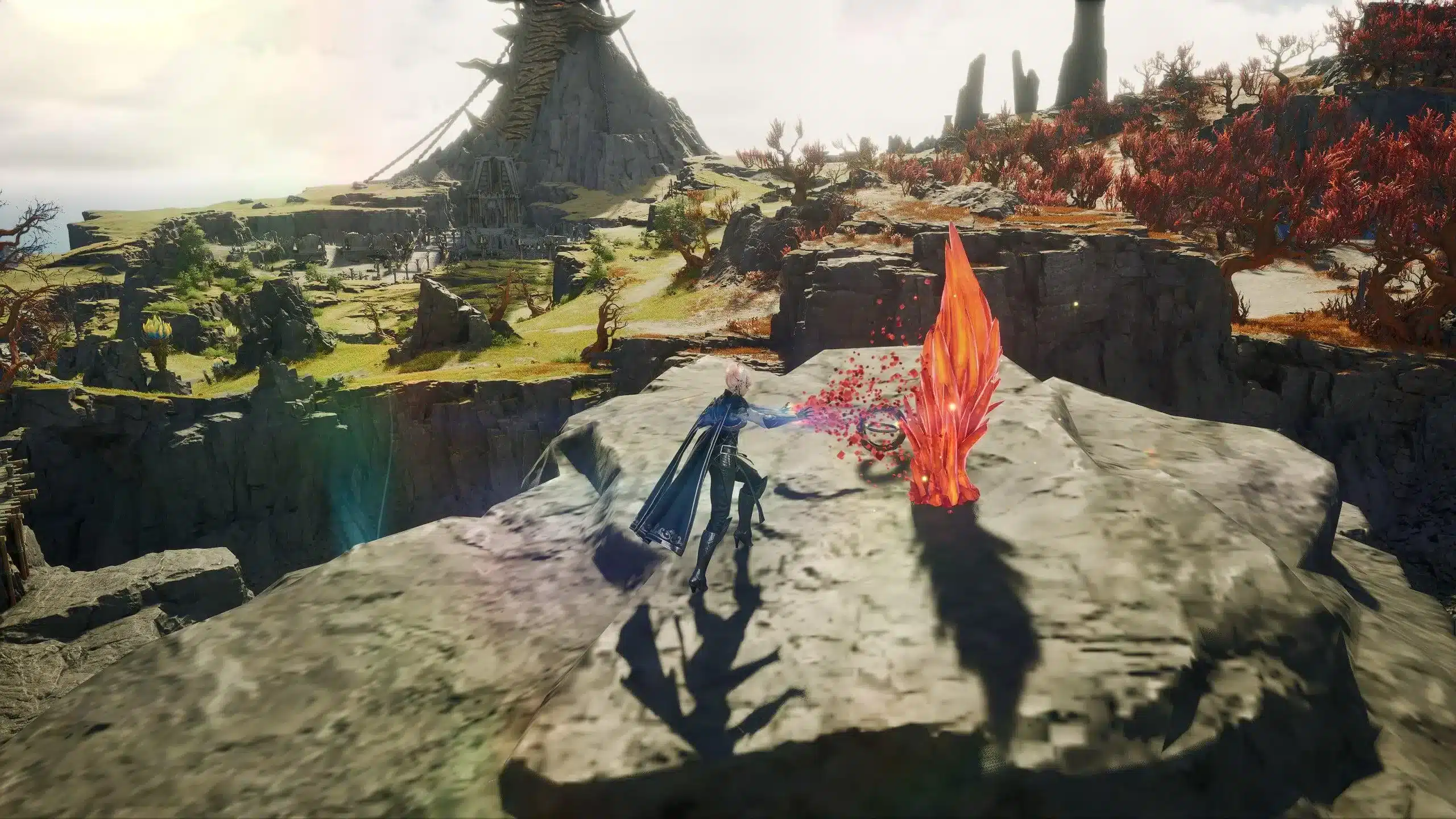
An AION 2 security settings error can prevent you from logging into the game, even if your account credentials are correct. Because AION 2 uses NC Corporation's security systems together with the PURPLE launcher, authentication depends on several protection mechanisms that verify both your account and device before granting access.
The AION 2 security settings error does not always indicate that your account has been compromised. In many cases, the problem is caused by incomplete security verification, outdated launcher settings, temporary authentication failures, or incorrect account configuration. Understanding how these security systems work makes troubleshooting much easier. And before we continue, know that to know more about all the relevant content about gaming, you just have to check our blog.
AION 2 security settings error: what causes it?
The AION 2 security settings error occurs when the authentication system detects that one or more required security checks cannot be completed successfully. These checks are designed to protect player accounts from unauthorized access and suspicious login attempts.
Before launching AION 2, several security processes typically take place:
- NC account authentication
- PURPLE launcher verification
- Device authentication
- Security policy validation
- Regional account verification
- Server authorization
If any of these stages fail, the launcher may display an authentication or security-related error before the game starts.
How AION 2 security works
AION 2 relies on NC Corporation's account protection services through the official PURPLE launcher. Depending on the regional service, additional security verification may be required before access is granted.
Security features may include:
- Email verification
- Device registration
- Account authentication
- Regional verification
- Password confirmation
- Login activity monitoring
These layers help reduce unauthorized access while protecting player accounts from suspicious login attempts.
Common causes of security errors
Several situations may trigger an AION 2 security authentication error.
The most common include:
- Expired login sessions
- Incomplete account verification
- Outdated PURPLE launcher
- Corrupted launcher cache
- Temporary authentication server issues
- Regional account restrictions
- Security policy updates
Authentication problems are especially common immediately after launcher updates or scheduled maintenance because many players attempt to reconnect simultaneously.
Understanding AION 2 security configuration issue
A security-related message does not always mean that your account has been restricted. Often, it simply indicates that one of the required security checks did not complete successfully.
Understanding the difference between authentication failures and configuration problems helps determine the correct solution.
Account security configuration
Your NC account contains several security settings that work together during authentication.
Before troubleshooting your computer, confirm that:
- Your account information is complete.
- Your email address has been verified.
- Your password is current.
- Your registered device is authorized.
- Your account belongs to the correct regional service.
Reviewing these settings often resolves authentication problems without requiring advanced troubleshooting.
Enable required security features
Some players encounter authentication problems because recommended security options have not been configured properly.
To AION 2 enable security features successfully, you should verify that every available protection method associated with your account has been completed.
These may include:
- Email verification
- Device registration
- Account recovery information
- Security notifications
- Password recovery settings
Using all available security features not only improves account protection but also reduces authentication failures caused by incomplete account configuration.
Temporary security protocol interruptions
Occasionally, authentication systems experience temporary delays during maintenance, infrastructure updates, or periods of unusually heavy login traffic.
These interruptions may generate an AION 2 security protocol error even when your account information is completely correct.
Common temporary causes include:
- Scheduled maintenance
- Authentication server synchronization
- PURPLE launcher updates
- Backend security services restarting
- High login volume after new content releases
If official announcements indicate ongoing maintenance, repeatedly restarting the launcher is unlikely to resolve the problem immediately.
Instead, wait until authentication services stabilize before attempting another login.
However, if no maintenance has been announced and the error continues, the next step is to troubleshoot your launcher configuration, repair authentication files, review your account security settings, and perform a complete AION 2 security settings fix.
AION 2 security settings fix
If the error continues after verifying your account information, the next step is to review your launcher configuration and security settings. Most authentication failures can be resolved by refreshing your login session, updating the PURPLE launcher, and confirming that all required security options have been completed.
The following AION 2 security settings fix covers the most common causes of security-related login problems.
Refresh your authentication session
Authentication sessions can expire after long periods of inactivity, launcher updates, or password changes.
Follow these steps to create a fresh session:
- Close both AION 2 and the PURPLE launcher.
- Restart your computer.
- Launch PURPLE as an administrator.
- Sign out of your NC account.
- Sign back in using your current credentials.
- Install any available launcher updates.
- Restart the launcher before opening AION 2.
If the problem was caused by an expired authentication token, creating a new login session usually resolves it immediately.
Verify launcher configuration
An outdated launcher or damaged configuration files may also trigger an AION 2 security authentication error.
Before launching the game again, verify:
- PURPLE is fully updated.
- Game files have been repaired or verified.
- Windows date and time are synchronized.
- Your internet connection is stable.
- No required launcher updates remain pending.
Completing these checks helps eliminate the most common launcher-related authentication failures.
Fixing AION 2 security configuration issue
If refreshing the authentication session does not solve the problem, review your account's security configuration.
Many authentication failures occur because one or more required security features have not been completed.
Review your account security
Open your official NC account management page and confirm that every required security option has been configured correctly.
Check the following:
- Verified email address.
- Updated password.
- Registered recovery information.
- Authorized device registration.
- Correct regional account settings.
Small inconsistencies in account information can occasionally prevent successful authentication.
Enable recommended security features
If available for your region, AION 2 enable security features such as additional account protection and recovery options before attempting another login.
Recommended security measures include:
- Email verification.
- Recovery email confirmation.
- Device registration.
- Account recovery information.
- Security notifications.
These features improve account protection while reducing authentication interruptions caused by incomplete account configuration.
Resolving AION 2 security protocol error
An AION 2 security protocol error generally indicates that communication between the launcher and the authentication servers was interrupted before all required security checks finished.
This does not necessarily mean your account is restricted.
Temporary authentication interruptions
Temporary protocol errors may occur because of:
- Scheduled server maintenance.
- Authentication service updates.
- Heavy login traffic.
- Launcher synchronization delays.
- Backend security maintenance.
If official announcements indicate authentication maintenance, waiting until services stabilize is often more effective than repeatedly restarting the launcher.
Improve authentication stability
Although account verification depends on NC's security infrastructure, a reliable network connection still plays an important role.
Network interruptions during authentication can prevent the security protocol from completing successfully.
To improve stability:
- Use a wired Ethernet connection whenever possible.
- Restart your router before logging in.
- Close unnecessary background applications.
- Pause downloads during authentication.
- Restart PURPLE after reconnecting to the internet.
These steps cannot bypass security verification, but they reduce the chance of authentication failures caused by unstable connectivity.
Improve login stability with ExitLag
ExitLag cannot bypass NC Corporation's account security requirements, authentication policies, or regional verification procedures. Those protections remain entirely under NC's control.
However, stable network communication is still important during the login process. Authentication requests depend on uninterrupted communication between your computer and NC's servers, and packet loss or unstable routing can occasionally interrupt that process.
ExitLag improves network quality through several gaming-focused technologies:
- Multipath Connection for more reliable routing.
- Real-Time Optimization that continuously selects the most stable network path.
- Traffic Shaper to prioritize game-related traffic.
- FPS Boost for additional PC performance improvements on supported systems.
These features help reduce packet loss and routing instability, providing a smoother connection during both authentication and gameplay once your account has been successfully verified. Find out how it works on our technology page!
Frequently asked questions (FAQ)
Why do I receive an AION 2 security settings error?
The error usually appears because authentication cannot complete successfully. Common causes include expired login sessions, incomplete account security configuration, outdated launcher files, or temporary authentication server issues.
How do I perform an AION 2 security settings fix?
Refresh your login session, update the PURPLE launcher, verify your game files, review your account security settings, and complete any required verification before attempting another login.
What causes an AION 2 security authentication error?
Authentication failures may result from launcher problems, expired sessions, incomplete account verification, regional restrictions, or temporary server-side authentication issues.
How do I enable security features in AION 2?
Security features are managed through your NC account rather than inside the game itself. Complete all available account verification and recovery options provided for your regional service.
Can ExitLag fix security settings errors?
ExitLag cannot bypass account security or authentication requirements. However, it can improve routing stability, reduce packet loss, and provide a more reliable connection while your authentication requests are processed.
In conclusion
The AION 2 security settings error is usually caused by authentication failures, incomplete account configuration, outdated launcher files, or temporary security service interruptions rather than permanent account restrictions. Reviewing your account settings, updating the PURPLE launcher, and following a structured troubleshooting process will resolve most login issues.
If the problem is related to unstable network communication instead of account security, optimizing your connection can improve authentication reliability. ExitLag reduces packet loss, stabilizes routing, and helps maintain a smoother connection to NC's authentication servers after your AION 2 security settings error has been resolved. Download ExitLag now!