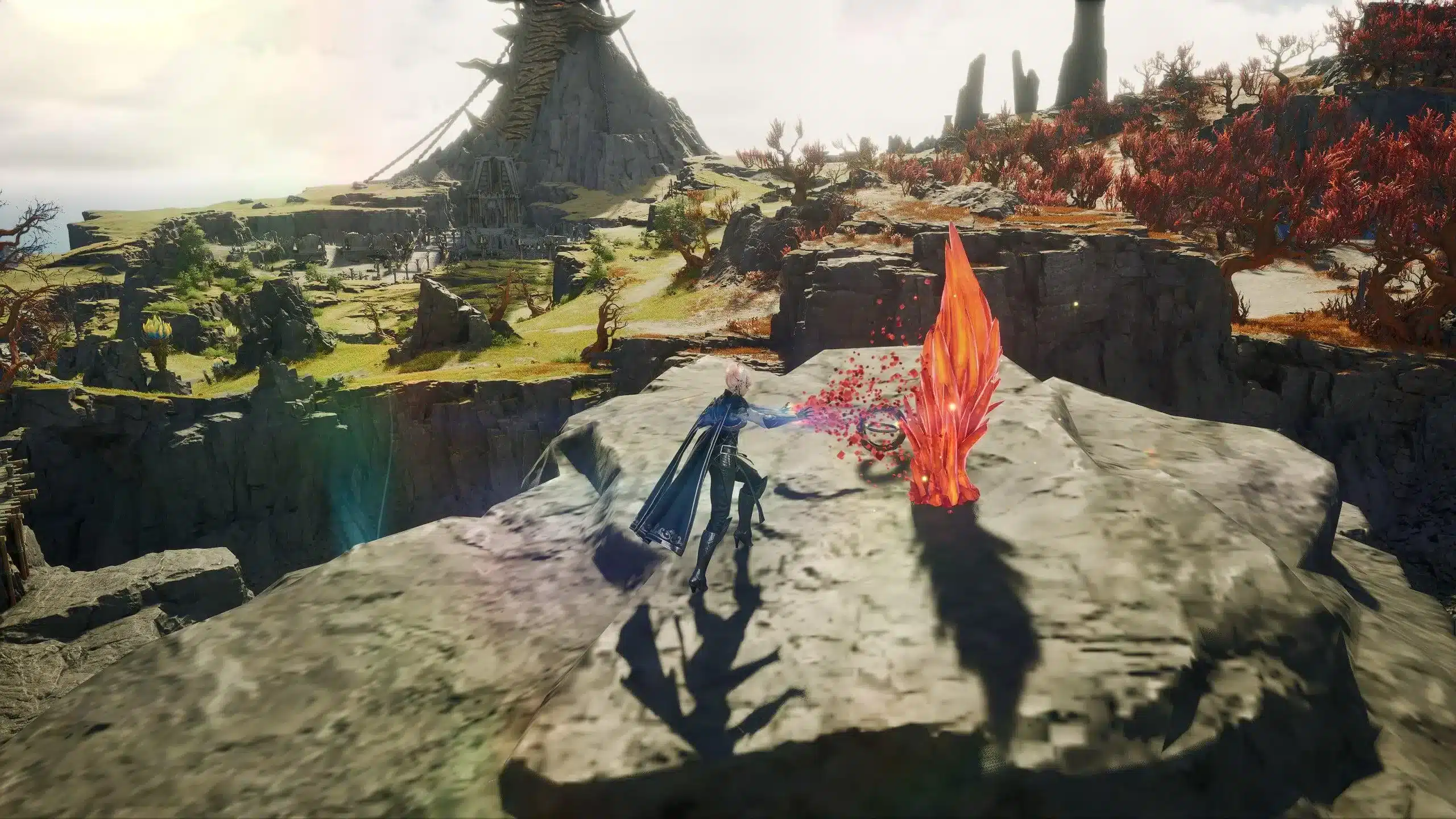
Seeing the AION 2 unable to connect to login server message can stop your session before you even reach character selection. The error may appear after launching the game, signing into PURPLE, selecting a server, or waiting through a connection attempt that eventually fails.
The AION 2 unable to connect to login server error does not always mean something is wrong with your computer. Server maintenance, regional access, launcher authentication, unstable routing, or a local network restriction can all interrupt the login process. Understanding which cause applies to your situation is the fastest way to avoid unnecessary reinstalls and repeated connection attempts. And before we continue, know that to know more about all the relevant content about gaming, you just have to check our blog.

AION 2 unable to connect to login server: what causes it?
AION 2 unable to connect to login server refers to an authentication or network failure that prevents the game client from communicating with NC’s login infrastructure. AION 2 is an MMORPG developed and published by NC Corporation, also known as NCSOFT, and it is accessed through the company’s PURPLE platform on PC. The game officially launched in South Korea and Taiwan on November 19, 2025.
Because logging in involves several services, the error can appear even when your regular internet connection seems normal. PURPLE must authenticate your account, connect to the correct regional service, retrieve game information, and establish communication with the selected AION 2 server.
The most common causes include:
- Scheduled maintenance or an unexpected server outage
- Heavy login traffic after an update or event
- PURPLE authentication problems
- Incorrect regional account or service settings
- Firewall or antivirus interference
- Damaged launcher or game files
- Router, DNS, or internet service provider issues
- Packet loss or unstable network routing
Before changing advanced settings, confirm whether other players are experiencing the same problem. If many users are suddenly unable to log in, local troubleshooting may not solve the issue.
Server maintenance and login outages
An AION 2 login server down situation can affect every player attempting to access a specific server or region. This usually happens during scheduled maintenance, emergency maintenance, major updates, or periods of unusually high demand.
AION 2 has continued receiving seasonal updates, new dungeons, class additions, and other major content since its launch. Large patches can require maintenance or create temporary congestion when many players attempt to reconnect at the same time.
Check the official AION 2 website before modifying your device. Maintenance notices, update announcements, and known problems are normally published through official NC channels. The PURPLE support page can also provide information about installation, access, account security, and launcher execution problems.
Several signs suggest the problem is server-side:
- The error began immediately after a patch.
- Friends using different networks cannot connect either.
- The website or launcher displays a maintenance notice.
- The game disconnects at the same point during every attempt.
- A particular server is unavailable while others remain accessible.
In this situation, repeatedly restarting the launcher will rarely help. Wait for an official service update and avoid reinstalling the entire game unless NC support specifically recommends it.
Regional availability and account restrictions
Regional access is another important reason players see AION 2 unable to connect to login server. Although AION 2 launched in South Korea and Taiwan in November 2025, the English-language official website still presents newsletter registration and pre-launch information for other markets. Therefore, access and service availability may differ according to the player’s country and selected region.
Your NC account region must match the service you are attempting to use. An account created for another territory may not authenticate correctly with a Korean or Taiwanese game client. Local phone verification, age verification, account agreements, or regional identification requirements may also affect access.
Review the following details before attempting more technical fixes:
- Confirm that your account supports the selected AION 2 region.
- Make sure you downloaded PURPLE from the correct official regional page.
- Check whether additional account verification is required.
- Review the service agreements shown when launching the game.
- Confirm that the selected server is accepting new connections.
Do not download modified clients or unofficial launchers to bypass these restrictions. They can expose your account to malware, stolen credentials, or penalties. Use only the official AION 2 website, PURPLE launcher, and NC support channels.
PURPLE launcher and authentication problems
Sometimes the game servers remain operational, but PURPLE cannot complete authentication. The launcher may contain an expired session, a stalled update, or damaged temporary data. As a result, players encounter AION 2 cannot connect to server messages even though their internet connection works in other applications.
Start by closing both AION 2 and PURPLE completely. Open the Windows Task Manager and confirm that no related launcher or game process remains active. After that, restart PURPLE as an administrator and sign into your account again.
You should also complete these quick checks:
- Confirm that PURPLE has installed every available update.
- Sign out of your NC account and sign back in.
- Use the launcher’s file verification or repair option.
- Restart the computer after repairing the installation.
- Check that Windows date, time, and time zone settings are correct.
Incorrect system time can interfere with secure authentication because login services rely on valid certificates and synchronized timestamps. Similarly, damaged files can prevent the client from completing the connection process even when PURPLE appears to launch normally.
Firewall, antivirus, and background applications
Windows Firewall or third-party security software may block PURPLE after an update changes one of its executable files. Add PURPLE and AION 2 to the allowed application list rather than disabling protection permanently.
Background programs can also interfere with the login process. Proxy tools, bandwidth monitors, aggressive antivirus scans, download managers, and other network-heavy applications may delay authentication or trigger an AION 2 connection timeout error.
Close unnecessary applications and test the game again. If the login succeeds, enable each program one at a time until you identify the conflict.
Local checks can resolve launcher blocks and account problems, but they cannot repair overloaded servers or poor routing outside your home network. The next stage of troubleshooting focuses on DNS, router settings, packet loss, and route optimization. These steps are especially important when the AION 2 unable to connect to login server error appears intermittently, since a more stable path between your device and the game infrastructure can reduce timeouts and failed authentication attempts.
AION 2 login server error fix
If the previous checks did not solve the problem, it is time to perform a more detailed diagnosis. Most persistent login problems are related to network routing, DNS resolution, or temporary communication failures between your device and the AION 2 login servers.
The following steps provide a practical AION 2 login server error fix that covers the most common causes without making unnecessary changes to your system.
Step-by-step troubleshooting
Work through these solutions in order. After completing each step, launch AION 2 again before moving to the next one.
- Restart your modem and router, then reboot your PC.
- Launch PURPLE as an administrator.
- Verify the integrity of the game files using PURPLE.
- Install any pending Windows updates.
- Update your network adapter drivers.
- Flush your DNS cache by opening Command Prompt and running:
- ipconfig /flushdns
- Restart your computer after completing the command.
- Test another internet connection, such as a mobile hotspot, to determine whether the issue is ISP-related.
If the game connects successfully on another network, your original internet connection is likely responsible for the authentication failure.
Advanced network fixes
If the error continues, check for signs of unstable connectivity rather than complete internet loss. Even small amounts of packet loss can interrupt authentication requests before the login process finishes.
These indicators often point toward network instability:
- Login attempts fail randomly.
- The launcher occasionally connects after several retries.
- The game freezes during authentication.
- Other online games also experience disconnects.
- Voice chat or streaming services briefly lose connection.
In these cases, the issue may exist somewhere between your ISP and the game servers instead of inside your home network.
Before making major system changes, you can also:
- Switch from Wi-Fi to a wired Ethernet connection.
- Disable VPN software temporarily.
- Restart your router if it has been running for several weeks.
- Change to a reliable public DNS service if your ISP's DNS appears unstable.
- Pause large downloads or cloud synchronization while launching the game.
Is AION 2 login server down?
When players cannot access AION 2 simultaneously, the problem is frequently server-related rather than local.
A temporary AION 2 login server down situation usually happens during:
- Scheduled maintenance
- Emergency server maintenance
- Major content updates
- Login server congestion after a patch
- Unexpected infrastructure outages
Fortunately, you can verify this before spending time troubleshooting your own PC.
How to verify official server status
Always begin with official information instead of relying on rumors.
Useful places to check include:
- Official AION 2 website
- Official NC announcements
- PURPLE launcher notices
- Official social media accounts
- Community forums discussing current outages
If multiple players report identical login failures at the same time, waiting for the servers to recover is usually the best solution.
When should you wait?
There are situations where troubleshooting simply will not help.
Wait for an official update if:
- Maintenance has already been announced.
- Thousands of players report the same error.
- Login servers are marked offline.
- The launcher displays a maintenance notification.
- Only one specific server is unavailable.
Repeated reinstallations rarely solve official server outages.
Fix AION 2 cannot connect to server and connection timeout errors
Sometimes authentication succeeds, but communication with the selected world server fails immediately afterward. This is where players commonly encounter AION 2 cannot connect to server or AION 2 connection timeout error messages.
Unlike complete outages, timeout errors usually indicate that communication begins successfully but is interrupted before completion.
Common causes of timeout errors
Several conditions can trigger timeout messages:
| Problem | Possible cause | Recommended solution |
| Login timeout | Packet loss | Restart router and stabilize connection |
| Authentication failed | Launcher issue | Repair game files |
| Server unavailable | Maintenance | Wait for official update |
| Random disconnects | Network routing instability | Optimize network path |
| Failed server selection | Regional restrictions | Verify account region |
Identifying the exact symptom helps avoid unnecessary troubleshooting steps.
Improve connection stability with ExitLag
Even when game servers are operating normally, inefficient routing between your ISP and the login server can increase latency and packet loss. Those interruptions may prevent authentication requests from completing successfully.
ExitLag helps optimize the connection path by using technologies designed specifically for online games, including:
- Multipath Connection for more stable routing
- Real-Time Optimization that continuously adjusts network paths
- Traffic Shaper to prioritize game traffic
- FPS Boost for additional system optimization on supported configurations
For MMORPGs like AION 2, these features can reduce unstable routing that contributes to login failures, disconnects, and inconsistent latency during gameplay. While ExitLag cannot fix official maintenance or server outages, it can improve connection quality whenever the issue lies between your computer and the game servers.
ExitLag can drastically improve your gameplay for an accessible price. To know more, check our pricing page.
Frequently asked questions (FAQ)
Why does AION 2 say unable to connect to login server?
The error usually appears because of server maintenance, launcher authentication problems, unstable internet routing, firewall restrictions, damaged game files, or regional access limitations.
How do I fix the AION 2 login server error?
Start by checking whether the servers are online by the official Aion 2 website. Then verify the game files, restart PURPLE, reboot your router, update Windows, and test another internet connection if necessary.
Is AION 2 login server down?
Sometimes. Official maintenance, emergency updates, or heavy player traffic can temporarily make login servers unavailable. Always confirm the current server status through official NC announcements before troubleshooting your PC.

Why do I get a connection timeout error in AION 2?
Connection timeout errors typically occur when communication with the server is interrupted before authentication finishes. Packet loss, unstable routing, or temporary ISP issues are common causes.
Can ExitLag help with AION 2 connection problems?
Yes. ExitLag can improve routing stability, reduce packet loss, and lower latency when connection issues originate between your network and the game servers. However, it cannot restore access during official maintenance or complete server outages.
In conclusion
The AION 2 unable to connect to login server error can have several causes, ranging from scheduled maintenance to local network instability. By checking official server status first, repairing the launcher, verifying your network configuration, and following a structured troubleshooting process, most players can identify the source of the problem without wasting time on unnecessary reinstalls.
If the issue turns out to be related to unstable routing rather than server maintenance, optimizing your connection can make a noticeable difference. Tools like ExitLag help provide more stable routes, lower packet loss, and smoother communication with game servers, allowing you to spend less time troubleshooting and more time exploring Atreia once your AION 2 unable to connect to login server issue has been resolved. Download ExitLag now!