The arc raiders launch error is one of the most frustrating issues players encounter when trying to jump into Embark Studios’ high-intensity PvPvE extraction shooter. Whether you're participating in a technical test or accessing a live build, startup problems can completely block your access.
If you're seeing the arc raiders launch error, you're not alone. Many players report authentication failures, anti-cheat conflicts, and instance-limit messages during peak server hours or after crashes.
So why won't Arc Raiders launch in the first place? In most cases, the issue is tied to server authentication, corrupted files, background conflicts, or account session limits. The good news is that nearly every arc raiders launch error has a structured fix.
Before reinstalling the entire game, it’s important to understand what’s actually causing the problem. Below, we break down the most common launch failures and exactly how to solve them.
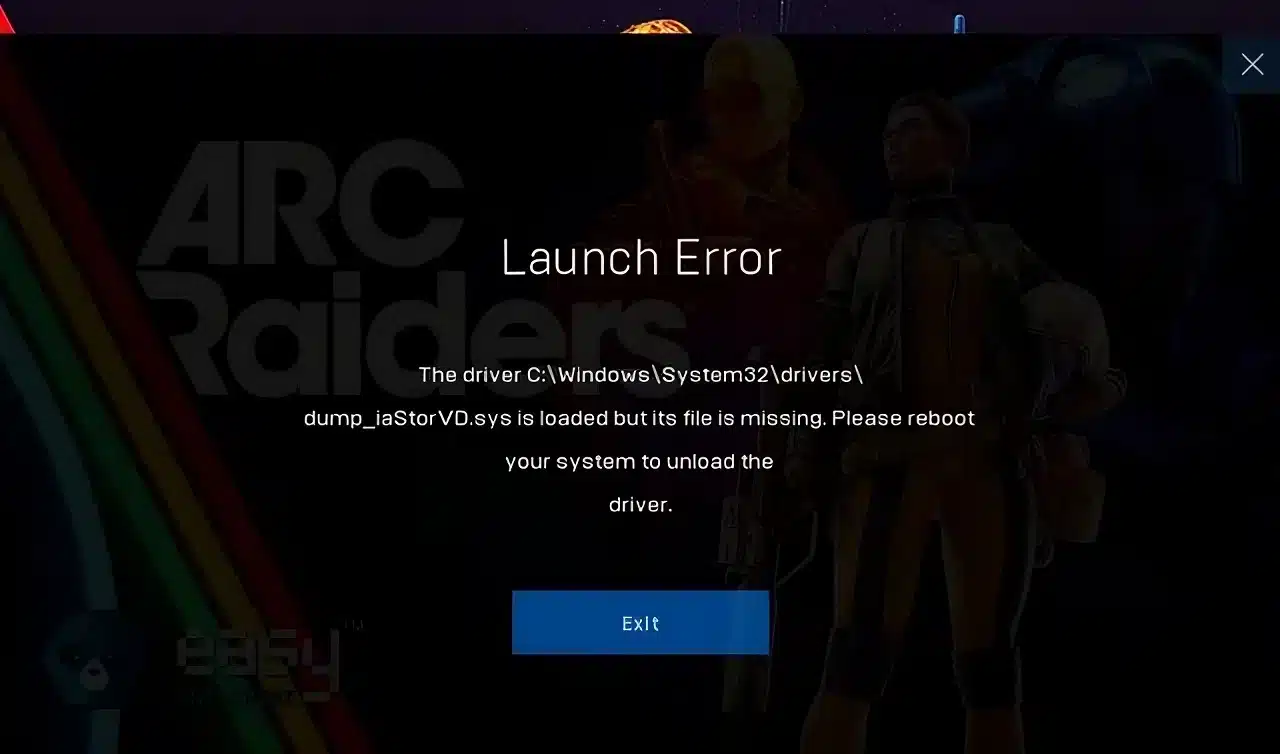
Arc Raiders Launch Error - Common Causes
Server Authentication Failures
One of the most frequent causes of arc raiders an error occurred messages is backend authentication failure.
This typically happens when:
- Servers are under heavy load during playtests
- Your session token fails to validate
- There is a temporary regional routing issue
- The backend times out during login handshake
Because Arc Raiders relies on online verification, even small connection delays can prevent launch.
Arc Raiders “An Error Occurred” Message
The generic “arc raiders an error occurred” popup usually appears without much explanation. However, it often points to one of the following:
- Outdated GPU drivers
- Corrupted game files
- Easy Anti-Cheat initialization failure
- Missing Microsoft Visual C++ redistributables
- Overlay software conflicts
Instead of guessing, run through the troubleshooting checklist below before escalating.
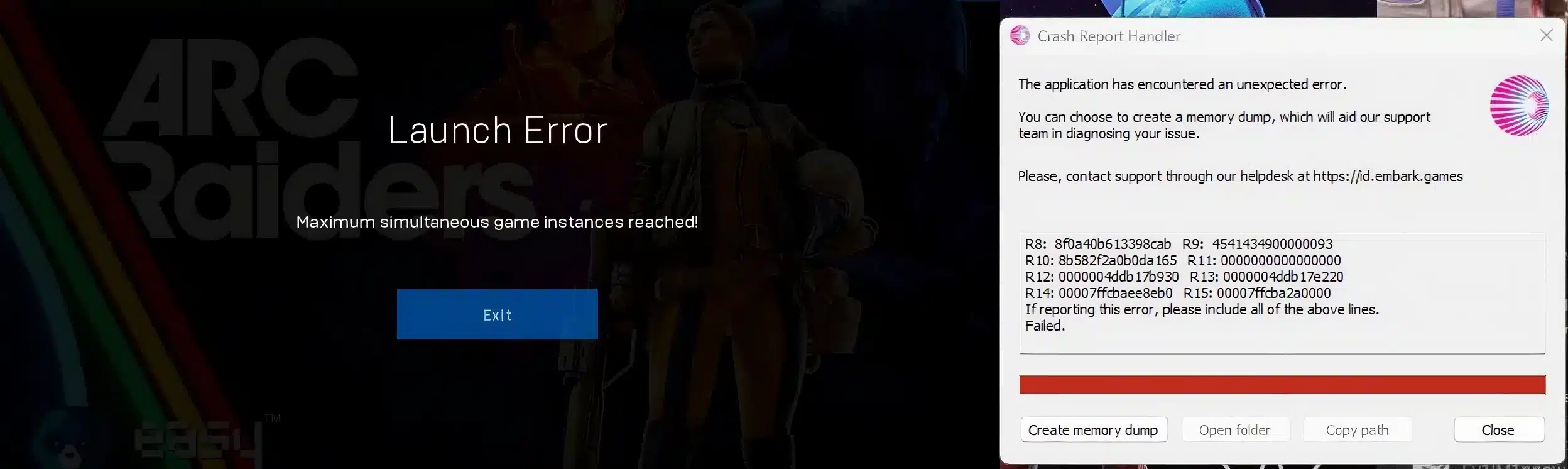
Arc Raiders Launch Error - Maximum Simultaneous Game Instances Reached
What Does “Maximum Simultaneous Game Instances Reached” Mean?
The arc raiders launch error maximum simultaneous game instances reached message appears when the system believes your account is already logged in.
This can happen if:
- The game crashed previously
- A background process remains active
- You logged in from another PC
- The server session hasn’t timed out yet
Even if the game is closed visually, the session may still be active server-side.
How to Fix Maximum Simultaneous Game Instances Reached
Follow this exact sequence:
- Fully close Steam or Epic Games Launcher
- Open Task Manager and end all ARC Raiders processes
- Restart your PC completely
- Log out and back into your platform account
- Wait 10-15 minutes before relaunching
In most cases, this forces the server to clear your stuck instance and resolves the arc raiders launch error immediately.
Why Won’t Arc Raiders Launch on PC?
System Requirement Mismatch
If Arc Raiders won’t launch at all, your system may not meet minimum specifications.
Check for:
- GPU below minimum requirement
- Insufficient RAM
- Outdated Windows version
- DirectX version mismatch
Even slight hardware incompatibility can prevent anti-cheat from initializing properly.
Anti-Cheat Conflicts
Arc Raiders uses Easy Anti-Cheat, which can block launch if it detects conflicts.
Common triggers include:
- VPN software
- Firewall restrictions
- Discord or Steam overlays
- MSI Afterburner or monitoring tools
Disable overlays and temporarily Allow-list the game in your firewall to test.
Arc Raiders Launch Error Fix - Step-by-Step Checklist
If you’re still facing arc raiders launch error issues, follow this structured troubleshooting guide:
- Verify game files in Steam or Epic
- Update NVIDIA or AMD drivers
- Run the game as Administrator
- Disable background overlays
- Reinstall Easy Anti-Cheat
- Restart your router
- Flush DNS (ipconfig /flushdns)
- Try launching with no VPN active
Most players fix their arc raiders an error occurred problem within these steps.
Arc Raiders Launch Error and Network Stability
Server Region Mismatch
Arc Raiders automatically assigns server regions. If your connection fluctuates during login, authentication can fail.
High latency during handshake may cause:
- Session rejection
- Anti-cheat verification timeout
- Login loop errors
How Connection Instability Prevents Launch
When your connection drops packets during login, the server may interpret it as:
- Suspicious behavior
- Incomplete authentication
- Duplicate session attempt
This is especially common during playtests when servers are under stress.
Reducing packet loss and stabilizing routing can significantly decrease arc raiders launch error occurrences, particularly the arc raiders launch error maximum simultaneous game instances reached message.
A stable connection ensures faster login handshakes, proper anti-cheat validation, and smoother server authentication. Tools like ExitLag optimize routing paths in real time, reducing ping spikes and stabilizing packet flow during login attempts.
If you’ve been wondering why won’t Arc Raiders launch despite meeting all system requirements, connection instability is often the hidden factor. Fixing routing inconsistencies can be the difference between repeated startup failures and instant access.
By systematically addressing system compatibility, anti-cheat conflicts, stuck sessions, and network stability, most arc raiders launch error problems can be resolved without reinstalling the game.
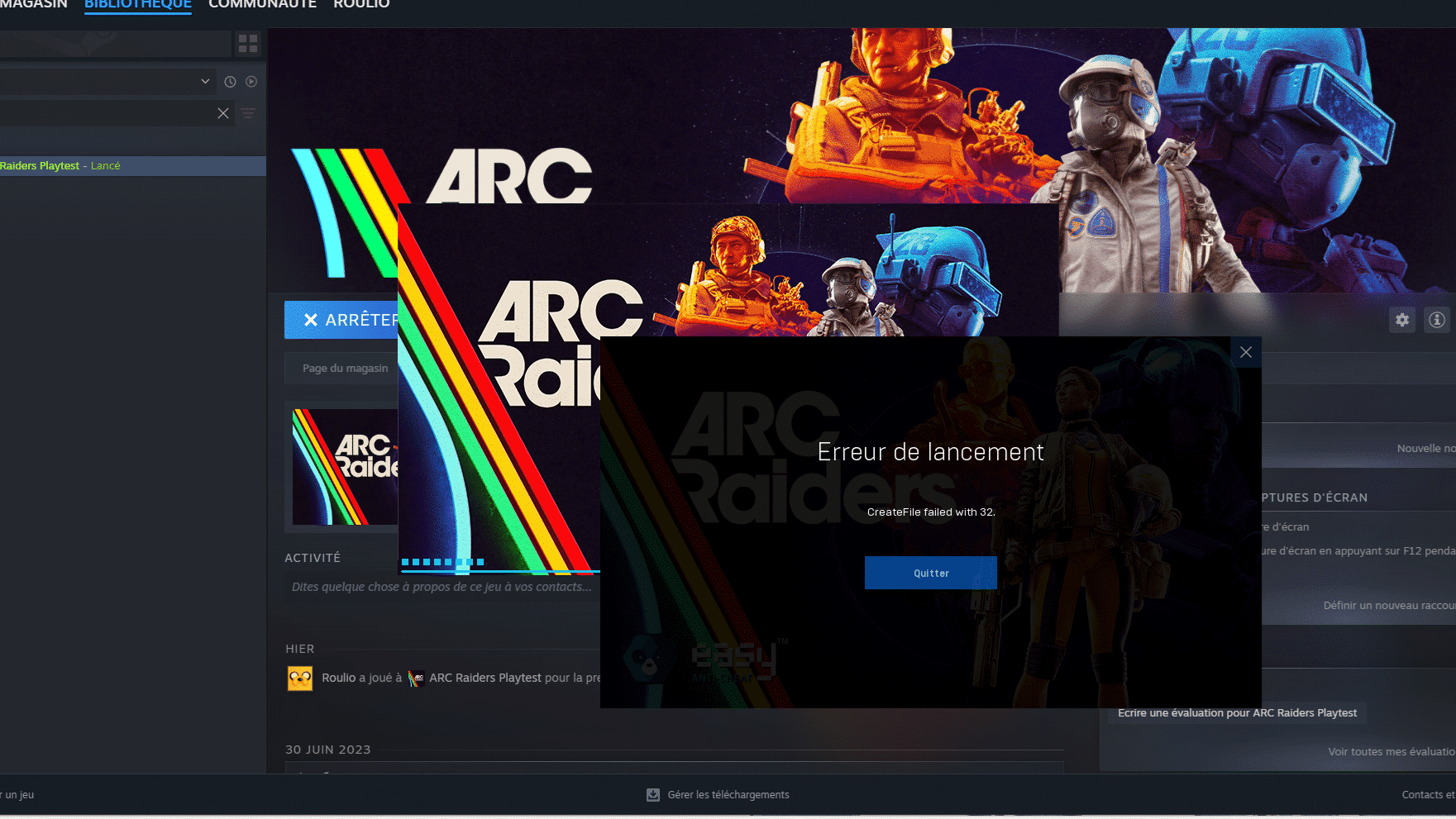
Arc Raiders Launch Error - Advanced Fixes for Persistent Issues
If the arc raiders launch error continues even after basic troubleshooting, deeper system-level fixes may be required. Persistent startup failures usually indicate corrupted dependencies, stuck authentication tokens, or anti-cheat integrity issues.
Clean Reinstallation (Proper Method)
Many players reinstall incorrectly and leave behind residual files that recreate the same arc raiders an error occurred message.
Follow this exact process:
- Uninstall ARC Raiders from Steam or Epic Games Launcher
- Manually delete the remaining ARC Raiders installation folder
- Navigate to Easy Anti-Cheat directory and run the repair tool
- Clear temporary files using %temp% in Windows
- Restart your PC before reinstalling
This ensures corrupted files, cached login tokens, and damaged anti-cheat modules are fully removed.
Arc Raiders Launch Error Maximum Simultaneous Game Instances Reached - Deep Fix
Understanding Server-Side Session Locks
The arc raiders launch error maximum simultaneous game instances reached message is not always client-based. In many cases, it is triggered by server-side session locking.
This happens when:
- A crash prevents proper logout handshake
- Backend servers fail to release session tokens
- Anti-cheat validation stops mid-authentication
- Beta instance caps limit simultaneous sessions
Because ARC Raiders operates with persistent online validation, incomplete logout signals may cause temporary account locks.
Advanced Resolution Steps
If restarting does not solve it, try:
- Logging out from Steam via web browser
- Deauthorizing other active devices
- Clearing Steam download cache
- Restarting your modem to refresh IP session
- Waiting 20-30 minutes for backend timeout
In most cases, this clears the arc raiders launch error tied to simultaneous instance restrictions.
Why Won’t Arc Raiders Launch After Update?
Patch Mismatch and Partial Updates
After a game update, why won't Arc Raiders launch even though it worked before? Often, the issue stems from partial patch downloads.
Symptoms include:
- Immediate crash on startup
- Anti-cheat initialization failure
- Infinite loading screen
Verifying game files usually resolves corrupted patch fragments.
GPU Driver Conflicts After Update
Major updates sometimes introduce shader changes that conflict with outdated drivers.
Check for:
- NVIDIA shader cache conflicts
- AMD timeout detection errors
- Windows Game Mode interference
Updating GPU drivers often eliminates recurring arc raiders an error occurred crashes.
Arc Raiders Launch Error and Firewall / Router Configuration
Windows Firewall Allow-listing
Windows Defender can silently block ARC Raiders or Easy Anti-Cheat.
Manually allow:
- ARC Raiders executable
- Easy Anti-Cheat service
- Steam or Epic launcher
After Allow-listing, reboot before testing launch again.
Router and NAT Type Issues
Strict NAT configurations may interfere with backend authentication.
Potential network problems include:
- UPnP disabled
- Double NAT setup
- ISP routing instability
- High packet loss during login handshake
If you consistently face arc raiders launch error messages during login, router configuration may be contributing.
Arc Raiders An Error Occurred - Hardware & OS Conflicts
Windows Compatibility Settings
Ensure:
- Compatibility mode is disabled
- Windows is fully updated
- DirectX runtime is current
Running outdated system libraries can trigger arc raiders an error occurred popups without detailed logs.
Background Software That Blocks Launch
Some programs interfere directly with anti-cheat initialization.
Common conflict sources:
- RGB control software
- Monitoring tools (MSI Afterburner)
- VPN applications
- Third-party antivirus programs
- Screen recording overlays
Temporarily disable these before relaunching.
Arc Raiders Launch Error Prevention Checklist
To prevent recurring arc raiders launch error problems, follow this structured approach:
- Keep GPU drivers updated
- Avoid force-closing the game
- Log out properly before shutting down
- Avoid switching between multiple PCs quickly
- Disable VPN during login
- Maintain stable network routing
Preventive maintenance dramatically reduces repeat startup failures.
Arc Raiders Launch Error - Issue Comparison Table
| Issue Type | Most Common Cause | Difficulty to Fix | Recommended Action |
| Instance Limit | Stuck session token | Low | Restart + wait |
| Authentication Failure | Network instability | Medium | Optimize routing |
| Anti-Cheat Crash | Background conflict | Medium | Reinstall EAC |
| Patch Mismatch | Corrupted update | Low | Verify files |
| Hardware Conflict | Outdated driver | Medium | Update GPU |
Understanding the root cause helps prioritize the correct solution instead of reinstalling blindly.
Why Connection Stability Matters for Arc Raiders Launch Error
Login Handshake and Packet Flow
During startup, ARC Raiders performs several backend checks:
- Account authentication
- Anti-cheat validation
- Session creation
- Region assignment
If packet loss or routing instability occurs during this handshake, the server may reject the login attempt, triggering arc raiders launch error or arc raiders launch error maximum simultaneous game instances reached.
How ExitLag Helps Prevent Launch Failures
ExitLag improves routing consistency by using multipath connection technology. Instead of relying on a single unstable route, it dynamically selects the most stable path in real time.
Benefits include:
- Reduced ping spikes during authentication
- Lower packet loss during anti-cheat validation
- Faster backend response time
- More stable region handshake
If you’ve been asking why won't Arc Raiders launch despite meeting all technical requirements, unstable routing is often the hidden cause.
By combining proper system configuration with optimized network performance, most arc raiders launch error cases can be resolved permanently.
In the end, preventing arc raiders launch error issues requires both technical troubleshooting and stable connectivity. A clean system, updated drivers, correct firewall configuration, and optimized routing ensure smooth access every time you press play.
All game images used in this blog belong to Embark Studios. They are used for informational/educational purposes only and do not imply endorsement or affiliation with the rights holders.