
Anyone who plays Ark: Survival Evolved knows the frustration of dealing with sudden stutters, delayed commands, and unstable gameplay. Even players with fast internet often find themselves struggling with spikes, freezes, and delays. This pain becomes even more noticeable when large bases, dinosaurs, or complex fights enter the scene. Therefore, it’s no surprise that many survivors search for ways to fix Ark Lag, especially when it starts ruining their progress.
However, what most players don’t realize is that lag in Ark is not always caused by the PC or the game itself. In many situations, the real issue lies in how your connection reaches the game server. That means even a high-speed connection can suffer from instability, packet loss, or routing errors. Like this, players begin an endless hunt for fixes—restarting their router, tweaking settings, reinstalling game files but the problem keeps returning.
Finally, the good news: Ark’s lag issues can be solved definitively when you understand what causes them and apply a solution designed specifically for online games. This guide will explain what lag truly is, why it happens in Ark, and how ExitLag becomes the most stable and effective way to eliminate Ark Lag once and for all.
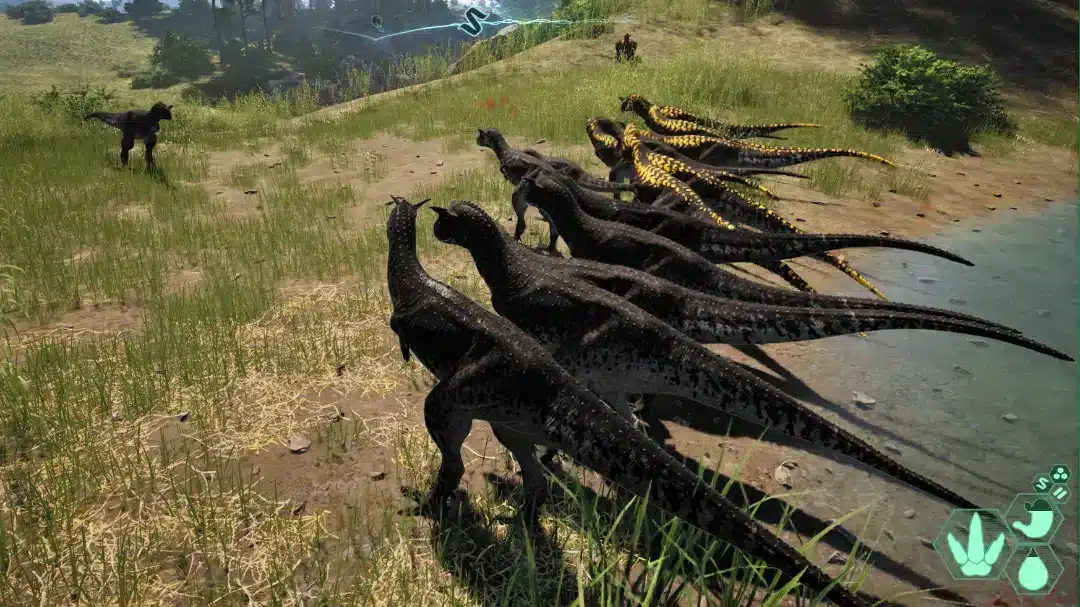
Understanding lag in Ark
Before exploring solutions, it’s important to clearly understand what “lag” means inside Ark. Lag occurs when there is a delay between your action (like moving your character or attacking) and the server’s response. This delay usually happens because of:
- High latency (ping)
- Unstable route between you and the server
- Packet loss during data transmission
- Network congestion
Therefore, even if your PC is powerful, Ark can still lag if your connection isn't reaching the server efficiently.
Lag, ping and fps: key differences
Many players confuse these three concepts, but they represent totally different problems:
| Term | Meaning | Impact in Ark |
| Lag | Delay between your action and server response | Slow commands, rubberbanding |
| Ping | Time it takes for your data to reach the server and return | High ping = delayed actions |
| FPS | Frames per second (graphics performance) | Stuttering visuals, slow animations |
As you can see, FPS problems come from the hardware, while most Ark issues are related to connection stability rather than graphical performance.

Why Ark lags even with good internet
This is one of the most common questions among Ark players. If your connection is fast, why does the game still lag? The answer lies in how your internet provider chooses the route your data takes.
ISPs automatically select paths that aren’t always the fastest or most stable. Sometimes, your data travels through several congested or long-distance nodes before finally reaching the Ark server. Like this, your connection gets stuck in a sort of “digital traffic jam,” causing packet loss, rubberbanding, and unpredictable lag spikes.
Another cause is geographical distance. If the Ark server is far from your region, your connection naturally takes longer to reach it making high ping inevitable.
Solution: ExitLag
At this point, you may wonder: “Is it possible to choose a better route manually and avoid all these connection problems?” Yes, ExitLag does exactly that.
ExitLag is a game optimization software that uses intelligent multi-routing technology to guide your connection through faster, more stable paths. Instead of letting your ISP pick the route, ExitLag selects the best path with the lowest latency and minimal packet loss.
Therefore, players get:
- Lower ping
- Fewer lag spikes
- More stable gameplay
- Less packet loss
- Better hit registration
ExitLag was designed specifically for online games, making it the perfect match for fixing Ark Lag.
Exitlag benefits for Ark players
Lower and more stable ping
Ark relies heavily on server synchronization. With better routing, your actions register faster and more accurately.
Fewer freezes and packet loss
Even during peak hours, ExitLag maintains a smooth and stable connection, reducing rubberbanding and sudden rollbacks.
More consistent gameplay in raids and boss fights
Large-scale battles are usually the moments when lag hits hardest. However, with optimized routes, you get real-time responsiveness even in chaotic environments.
Easy to use
ExitLag has a simple interface, and the setup takes just minutes with no technical knowledge required.
How to use ExitLag in Ark
The process is extremely simple:
Step 1 – Access the official ExitLag website and download the application. There’s a free trial period for new users.
Step 2 – Install and open the program. Log in with your account.
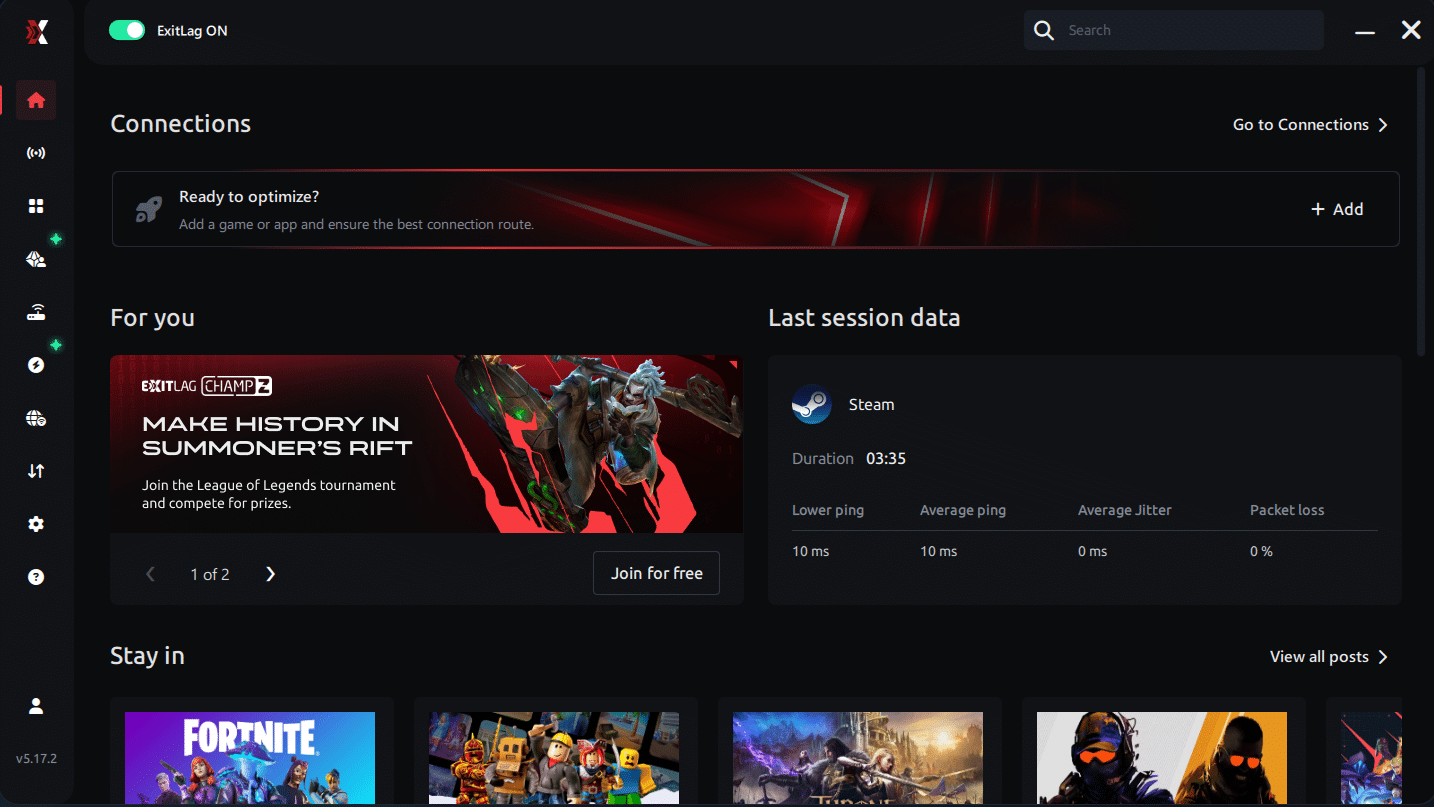
Step 3 – In the search bar, type “Ark” and select the game from the list.

Step 4 – Choose between automated or manual route
Based on the results, you can let ExitLag automatically select the best route or manually choose the server that showed the lowest latency for your connection.
AI-optimized automated route
Based on the results, you can let ExitLag automatically select the best route through AI optimization. The system analyzes multiple connection paths in real time and automatically identifies the most efficient route for your connection, ensuring the lowest possible latency without requiring manual choices.
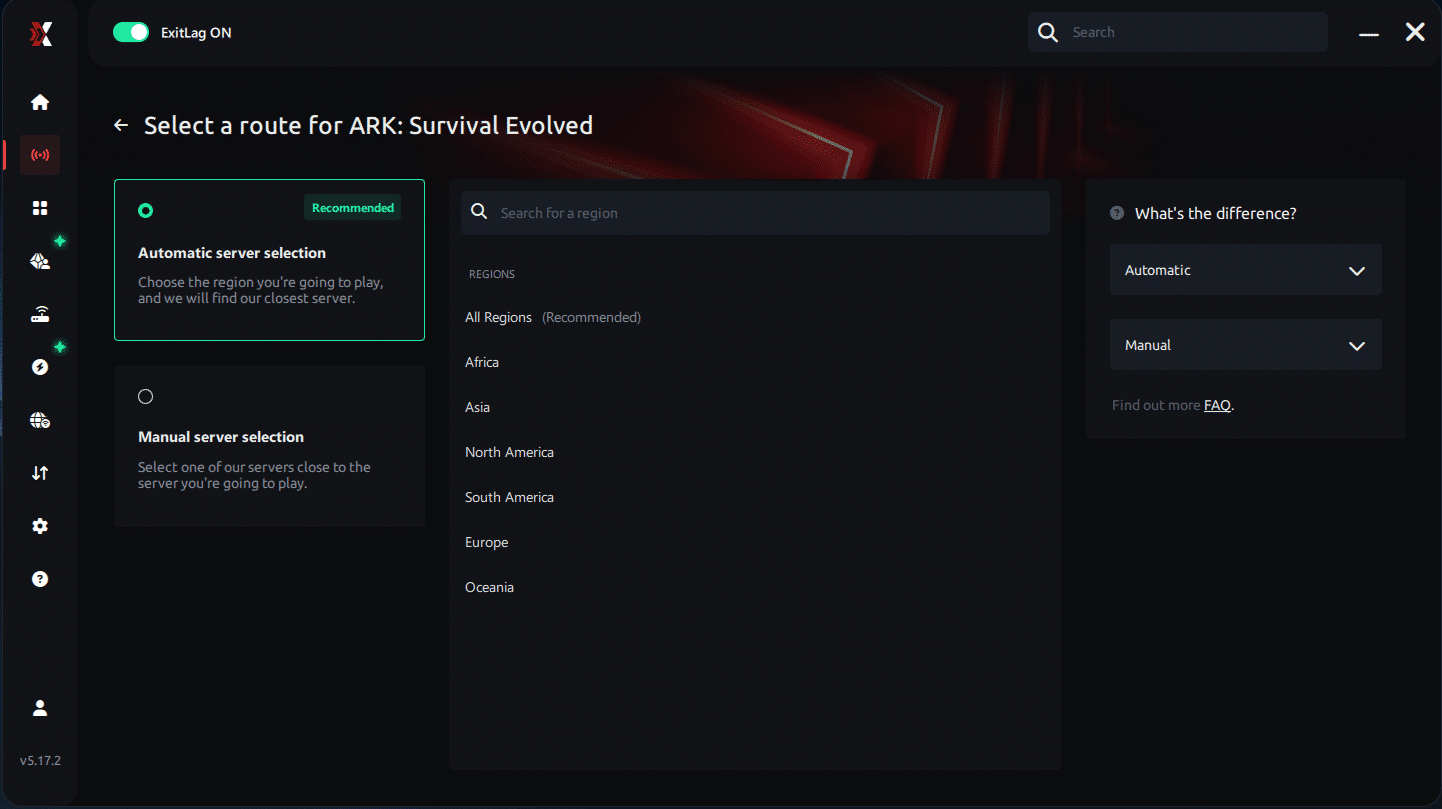
Manual route
If you prefer to have full control over your connection, you can manually choose the server based on the ping test results. Simply select the server that showed the lowest latency or the one that best meets your specific gaming needs, allowing complete customization of your experience.
Step 5 – Click “Ark” or the play button. ExitLag will begin optimizing your connection automatically.
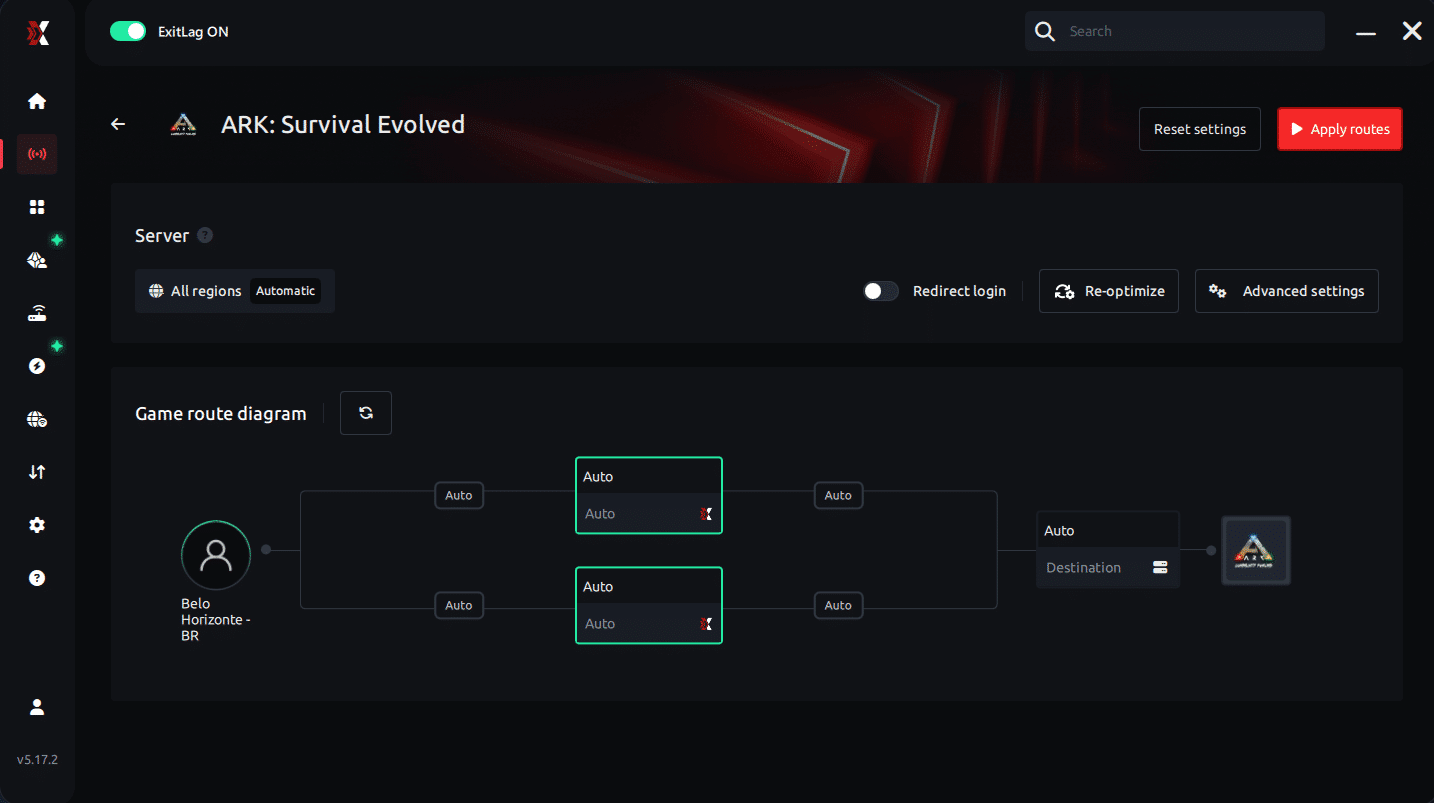
Step 6 – Wait a few seconds until optimization is complete. You’ll see ping indicators in the interface.
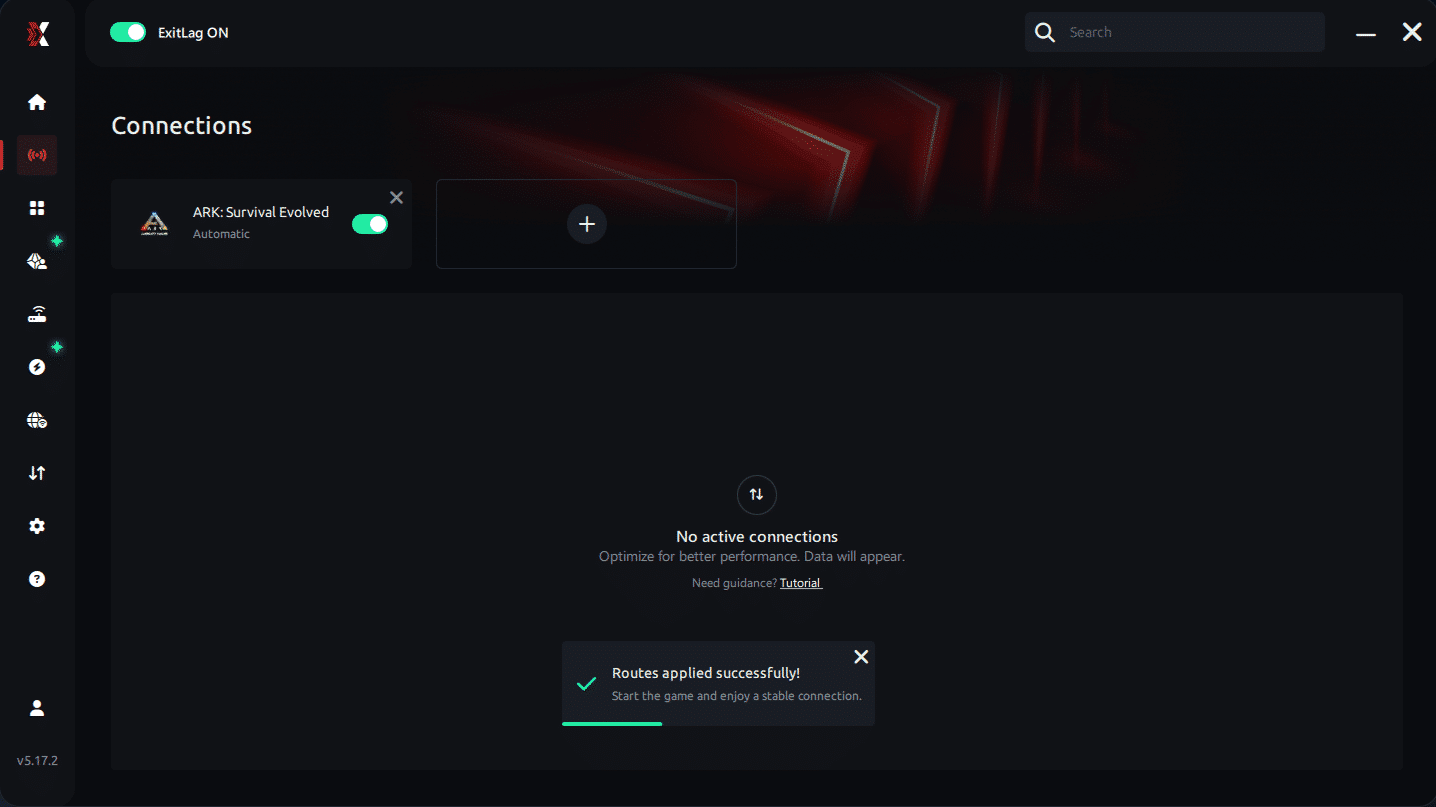
Step 7 – Launch Ark normally. The optimization will already be active.
ExitLag runs in the background while you play, constantly adjusting routes to maintain the best possible performance.
Play Ark without lag
You don’t need to let lag dictate the outcome of your raids, boss fights, or survival challenges. Ark is a complex and demanding game, and having a stable connection is essential to enjoy it properly. However, traditional fixes like restarting the router or lowering graphics simply don’t address the real cause of the problem.
ExitLag solves lag at its root by giving your connection the fastest route available. Therefore, whether you are farming resources, taming creatures, or facing an intense PvP encounter, you can finally enjoy the game with consistent performance.
Test ExitLag for free today and discover what it feels like to play Ark with the stability and smoothness you’ve always wanted. No more spikes, no more sudden delays just gameplay free of Ark Lag from start to finish.



