Navigating the massive world of Grand Theft Auto V modification requires knowing where to look for active communities. The multiplayer modification framework has transformed standard open-world sessions into immersive roleplay experiences. Therefore, finding reliable directories helps you connect with active lobbies instantly.
The FiveM Server List acts as the primary gateway for discovering populated roleplay hubs, custom economy servers, and law enforcement roleplay environments. Whether you want serious character development or chaotic custom racing, exploring the right directories ensures you find a thriving community. Furthermore, understanding how filters operate lets you bypass dead lobbies and jump straight into action.
Finding the ideal community on a FiveM Server List changes your entire multiplayer experience from a frustrating lag fest into a seamless adventure. In this comprehensive guide, you will learn how to evaluate communities, sort listings effectively, and optimize your connection for smooth sessions.
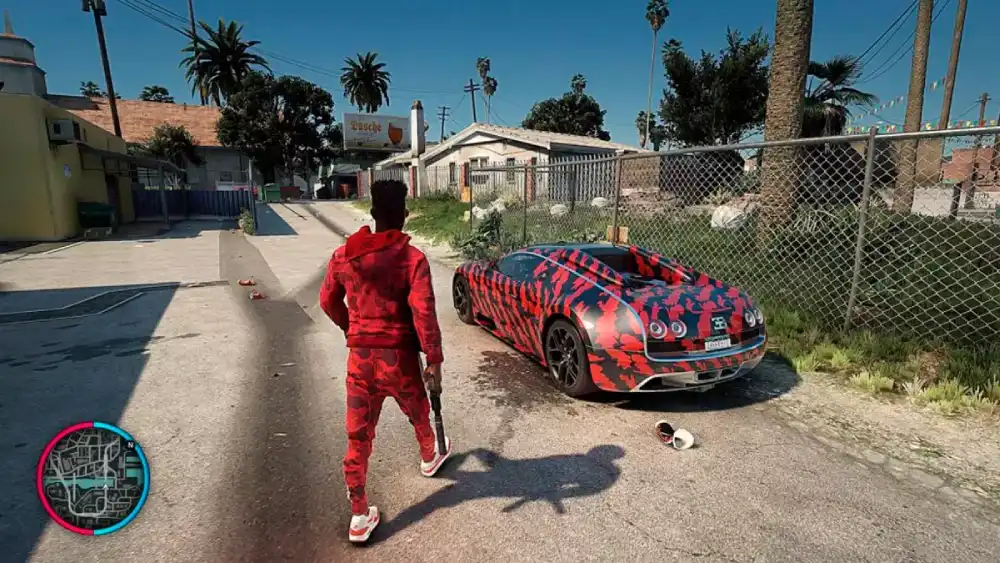
Exploring The FiveM Server List And Community Types
Choosing where to invest your roleplay time depends heavily on the specific rule sets and themes of each community. FiveM Server Lists feature thousands of active choices ranging from hardcore police simulations to casual economy servers. Consequently, reviewing the core categories helps you narrow down your preferences quickly.
Hardcore Economy And Roleplay Servers
Economy-driven worlds require players to work legitimate jobs, buy apartments, and build criminal empires from scratch. These environments enforce strict rules to maintain immersion and prevent random violence.
- Players must maintain a consistent character persona throughout every interaction in the city.
- Emergency services such as police, medical staff, and mechanics are fully operated by real human players.
- Criminal syndicates compete for territory control and bank heist planning over weeks of gameplay.
Casual Custom Freeroam And Racing Communities
If strict roleplay rules feel too restrictive, casual lobbies offer instant access to customized supercars, drift tracks, and mini-games. These servers prioritize pure adrenaline over deep storytelling.
- Custom vehicle handling packages make driving feel drastically different from the base single-player game.
- Deathmatch arenas and gun-game modes let you test your shooting accuracy against other players.
- Instant cash spawns allow you to test every vehicle available without grinding hours for virtual currency.
How To Navigate A Cfx Server List FiveM Environment
Utilizing the official platform interface efficiently saves considerable time when searching for stable multiplayer sessions. The native Cfx Server List FiveM dashboard provides powerful filtering tools that most players overlook during their initial browse.
Filtering By Ping, Region, And Player Count
Sorting options dictate whether your game session runs smoothly or suffers from catastrophic rubberbanding before you even spawn your vehicle. Therefore, configuring your filters correctly is a mandatory first step.
- Set your regional filter to match your geographic location to keep latency under fifty milliseconds.
- Sort active lobbies by player count descending to find bustling cities with high social activity.
- Check the resource load indicators to see if a server runs heavy custom scripts that might impact your frame rate.

Checking Server Requirements And Custom Assets
Most popular communities require downloading gigabytes of custom assets including clothing packs, custom vehicles, and unique map interiors. Understanding these downloads prevents frustrating connection timeouts.
- Ensure your game installation matches the specific version required by the target modification framework.
- Pre-download asset caches if the community provides a direct download link to speed up your first connection.
- Verify whether the community uses a whitelist application process before granting access to the main city.
| Server Category | Primary Focus | Ping Impact | Recommended For |
| Serious Roleplay | Immersive economy and deep storytelling | Low to Moderate | Dedicated roleplayers seeking long-term progression |
| Casual Freeroam | Custom cars, racing, and stunt arenas | Moderate | Players looking for relaxed driving and mini-games |
| Hardcore PvP | Gang wars, turf control, and shootouts | Low | Competitive players testing gunplay mechanics |
Pro Tips: Finding The Best FiveM Server Listing
- Check community Discord servers first: Joining a community communication channel reveals the true toxicity levels and staff responsiveness before you invest hours into downloading custom assets.
- Look for active staff presence: Communities with active moderators handling rule breakers in real time provide a much cleaner gameplay experience than unmoderated lobbies.
- Test server tick rates: High-performance hardware hosts maintain stable tick rates during high-speed vehicle pursuits, preventing physics bugs and desync crashes.
- Bookmark your favorite hubs: Saving reliable communities to your favorites tab ensures you can rejoin your preferred economy sessions without searching the global directory again.
Common Mistakes FiveM Server List Players Make
- Joining high-ping servers across different continents: Playing on foreign data centers introduces massive input delay and severe rubberbanding during gunfights. Fix: Always filter your search results to show local regional nodes before joining.
- Ignoring client cache bloat: Accumulating gigabytes of temporary server asset files slows down your loading screens and causes stuttering. Fix: Clear your FiveM application data cache regularly to maintain optimal loading performance.
- Failing to read city rules before spawning: Breaking unspoken server guidelines results in instant administrative bans without warning. Fix: Spend ten minutes reading the rulebook channel inside the community Discord before creating your character.
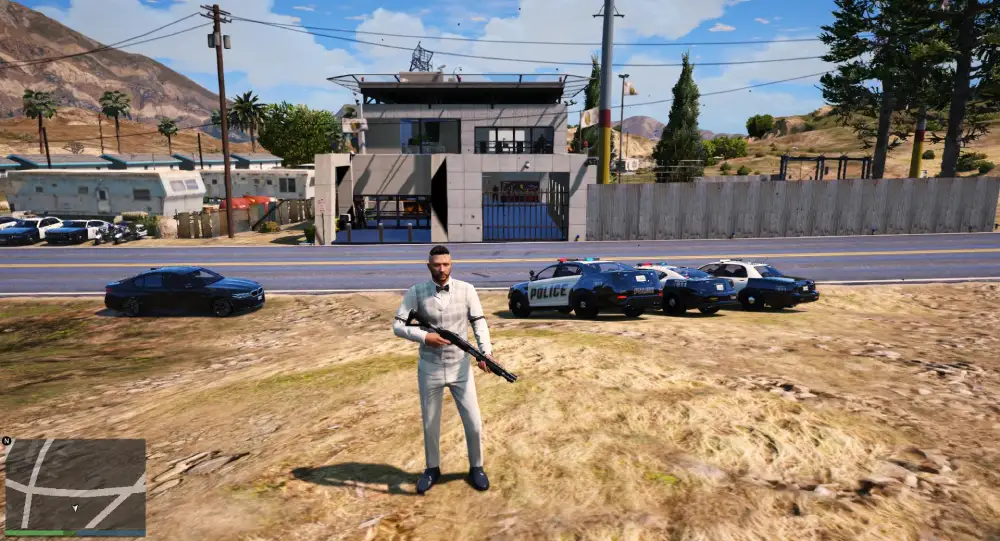
How Do You Choose The Right FiveM Server Listing?
Selecting the correct home for your multiplayer adventures requires balancing your personal gameplay style with technical performance metrics. Many players jump into the first populated lobby they see, only to discover toxic player bases or poorly optimized custom scripts. Therefore, establishing a systematic evaluation checklist ensures long-term enjoyment.
Evaluating Server Stability And Uptime
A community might feature incredible custom features, but frequent crashes destroy the immersion of long roleplay scenarios. Checking historical uptime statistics helps you avoid unstable hosting providers.
- Look for servers that announce scheduled restarts rather than unexpected emergency crashes.
- Monitor player retention rates over consecutive weeks to gauge community satisfaction.
- Assess how quickly developers push hotfixes after major game updates disrupt modification compatibility.

Understanding Economy Balance And Pay Rates
Economy-focused worlds rely heavily on balanced monetary progression to keep players engaged over hundreds of hours. Unbalanced job payouts quickly ruin the virtual marketplace.
- Avoid servers where basic jobs make you rich instantly, as hyperinflation destroys property values.
- Look for balanced progression where criminal enterprises require genuine teamwork and risk management.
- Check if the administration hosts regular community meetings to gather feedback on economic adjustments.

Stabilize Your Connection And Eliminate Lag With ExitLag
Grand Theft Auto V modification frameworks require stable data exchanges between your client and community-hosted data centers worldwide. When your internet service provider routes your traffic through congested commercial nodes, you suffer from delayed vehicle synchronization and sudden disconnects. ExitLag is a dedicated game connection optimizer that analyzes multiple network paths in real time and selects the absolute fastest route for your gaming traffic.
Using advanced Multipath Technology, ExitLag transmits your game data packets simultaneously across several independent routes. If one intermediate network node experiences sudden lag spikes or packet loss, the remaining paths maintain your connection instantly without rubberbanding. Furthermore, the built-in Traffic Shaper prioritizes your gaming data over background applications, ensuring your inputs register the exact millisecond you press them.
- Real-Time Route Optimization: Automatically connects you through the lowest-ping pathway available globally.
- Multi-Internet Support: Combines up to four separate internet connections for ultimate reliability during crucial moments.
- PC Boost Features: Cleans system memory and minimizes background distractions to stabilize your frame rates.
Safe to use with thousands of PC titles, ExitLag operates entirely without modifying game files or triggering server anti-cheat systems. Enjoy seamless roleplay sessions today by getting theExitLag Download for your gaming rig.
All game images used in this blog post belong to Rockstar Games. They are used for informational and educational purposes only and do not imply endorsement or affiliation with the rights holders.
Got questions or want to connect with other players? Join the conversation at the ExitLag Forum!