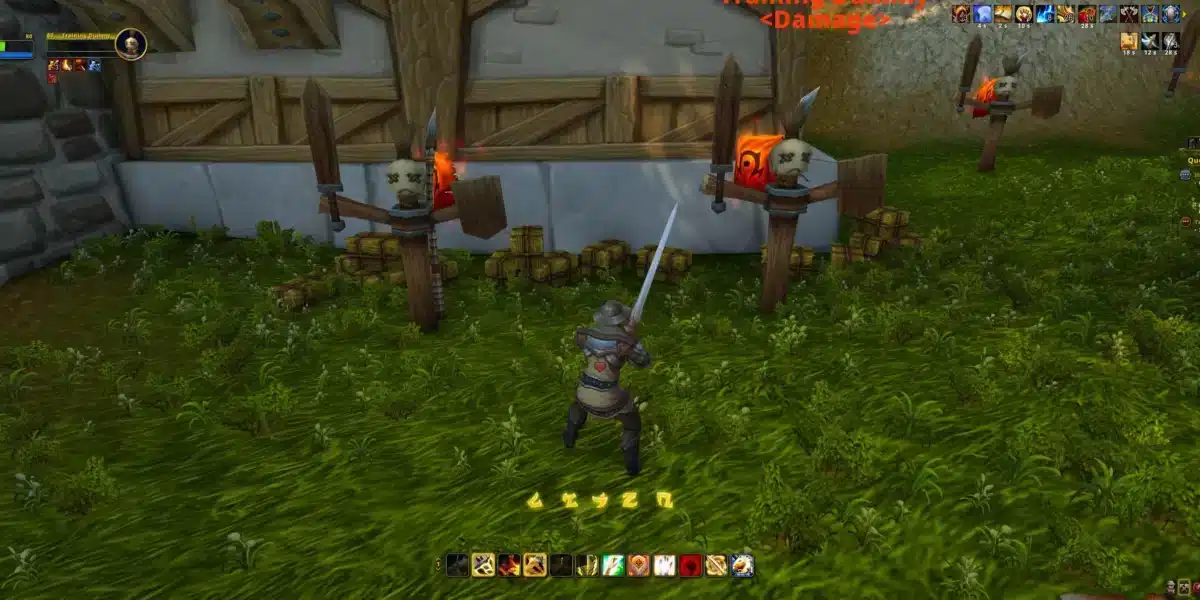
If you’re serious about making World of Warcraft easier to navigate, more informative in combat, and just all-around more enjoyable, WoW addons are tools that redefine how you play. These powerful third-party additions — from best addons WoW lists to specific World of Warcraft mods that track damage or highlight quests — serve to customize nearly every part of the game’s interface and experience.
In this complete guide, we’ll cover the most essential WoW addons for every player type — whether you’re focused on UI improvements, raid performance, leveling, inventory management, or immersion. By the end, you’ll know not only which addons to install but also how to choose the right combination for your playstyle.
What Are WoW Addons and Why Use Them?

WoW addons are community-created modifications that enhance or change how certain features of World of Warcraft work. These mods can improve your user interface (UI), help you level faster, analyze combat metrics, assist in inventory management, and much more.
WoW addons do not alter the core game or give unfair advantages, but they do surface important information and convenience features that aren’t available by default. Whether you’re a casual player or a raid master, learning how to use and customize these addons makes World of Warcraft more efficient and enjoyable.
How WoW Addons Work?
Most addons integrate with WoW’s built-in API and draw from addon libraries. These libraries supply custom code and interface elements that interpret game data and display it in helpful ways. Addons are installed into a dedicated folder and automatically loaded each time you launch WoW.
To manage these mods efficiently, addon managers (covered later) are strongly recommended.
How to Install WoW Addons
Before we dive into specific categories of WoW addons, here’s a quick overview of how to get them:
- Choose an addon manager such as CurseForge or WowUp.
- Search for World of Warcraft mods in the manager’s library.
- Install the addons you want with a click.
- Launch World of Warcraft and enable your addons from the “AddOns” menu on the character selection screen.
Best WoW Addons for UI Improvements
These addons make your interface cleaner, more functional, and highly customizable.
ElvUI – Complete UI Overhaul
ElvUI is a comprehensive UI replacement used by many players who want a complete redesign of unit frames, action bars, and menus. Its depth of customization makes it a centerpiece addon for players who want full control of their interface.
Bartender4 – Action Bar Flexibility
If you want to control every aspect of your action bars — resizing, placement, and appearance — Bartender4 delivers. This is essential for players who want precise positioning and rapid access to abilities.
MoveAnything – Total UI Control
MoveAnything lets you reposition nearly any interface element in the game. It’s perfect for players who like a clean or minimal screen layout.
Best WoW Addons for Combat and Raiding
Raids and dungeons demand advanced alerts and real-time metrics. These best addons WoW tools are indispensable for high-level content.
Deadly Boss Mods (DBM) – Encounter Alerts
Provides timers and warnings for boss mechanics so you can anticipate attacks and phases more effectively.
Details! Damage Meter – Combat Analysis
Details! offers breakdowns of damage, healing, and other combat metrics so you can analyze performance and compare with others in your group.
WeakAuras – Visual Cues and Alerts
WeakAuras allows you to craft custom visual events that track buffs, debuffs, cooldowns, and more — a must-have for serious raiders.
Best WoW Addons for Questing and Leveling
These addons help you complete quests faster and more efficiently.
Questie (Classic) – Classic Quest Tracker
Displays quest objectives and locations directly on your map for Classic versions of the game.
Zygor Guides (Retail) – Step-by-Step Guidance
Offers walkthroughs and optimized questing routes — excellent for leveling in Retail WoW.
Azeroth Auto Pilot (Retail) – Speed Leveling
Optimizes questing paths and suggests efficient routes for faster leveling.
Best WoW Addons for Inventory & Economy
Organizing gear and trading effectively can transform your gameplay experience.
Bagnon – Unified Inventory Window
Combines all bags into a single search-enabled window, simplifying inventory management.
Auctionator – Auction House Efficiency
Streamlines buying and selling, shows historical prices, and speeds up transactions.
TradeSkillMaster (TSM) – Gold-Making Powerhouse
Offers complex crafting and auction strategies — ideal for dedicated traders.
Best WoW Addons for Role-Playing & Immersion

Enhance the narrative side of your game with role-play tools.
Total RP 3 – Full RP Profiles
Adds deep character profiles and role-play details to interactions.
MyRolePlay – Lightweight RP Tool
Provides an easier onboarding for players who want basic role-play features.
Niche WoW Addons Worth Exploring
These addons aren’t essential for every player but offer great utilities:
- HandyNotes – Map notes for hidden treasures and rare mobs.
- TomTom – Custom waypoints and coordinate guides.
- GatherMate2 – Tracks resources like herbs and ores.
Addon Managers (2025)
To keep all your World of Warcraft mods organized and updated, you need addon managers:
| Manager | Features |
| WowUp | Open-source, user-friendly |
| CurseForge app | Full addon library & auto-updates |
| Ajour (discontinued) | Lightweight, but no longer supported¹ |
¹ Community alternatives may exist but use them cautiously.
How to Choose the Best WoW Addons for You
Different players benefit from different tools:
- Raiders: DBM/BigWigs, WeakAuras, Details!
- Levelers: Questie (Classic), Zygor, Azeroth Auto Pilot
- Traders: TSM, Auctionator, Bagnon
- Roleplayers: Total RP 3, MyRolePlay
Test addons individually so you avoid performance issues from overlapping features.
Recommended WoW Addon Setups by Player Type
Raiders & High-End PvE
- Deadly Boss Mods (DBM) or BigWigs
- WeakAuras for custom alerts
- Details! Damage Meter for performance data
- ElvUI or Bartender4 for clean action bar layouts
Solo Levelers
- Azeroth Auto Pilot for optimized leveling
- Zygor Guides for guidance
- HandyNotes for exploring quests
Classic Players
- Questie for quest tracking
- Total RP 3 for immersion
- GatherMate2 for farming routes
Gold Makers & Market Players
- TSM for deep market analysis
- Auctionator for everyday sales
- Bagnon for inventory sorting
Roleplayers
- Total RP 3 for detailed profiles
- MyRolePlay for lighter customization
Addon Usage Tips for Better Performance
- Start with essential addons — avoid installing too many at once.
- Update regularly using addon managers.
- Create profiles and backups when tweaking UI mods.
- Test new addons during downtime, not mid-raid.
- Monitor memory usage and disable unused modules.
Always download addons from trusted repositories like CurseForge, WoWInterface, or other reputable sources.
External Resource for WoW Addon Support
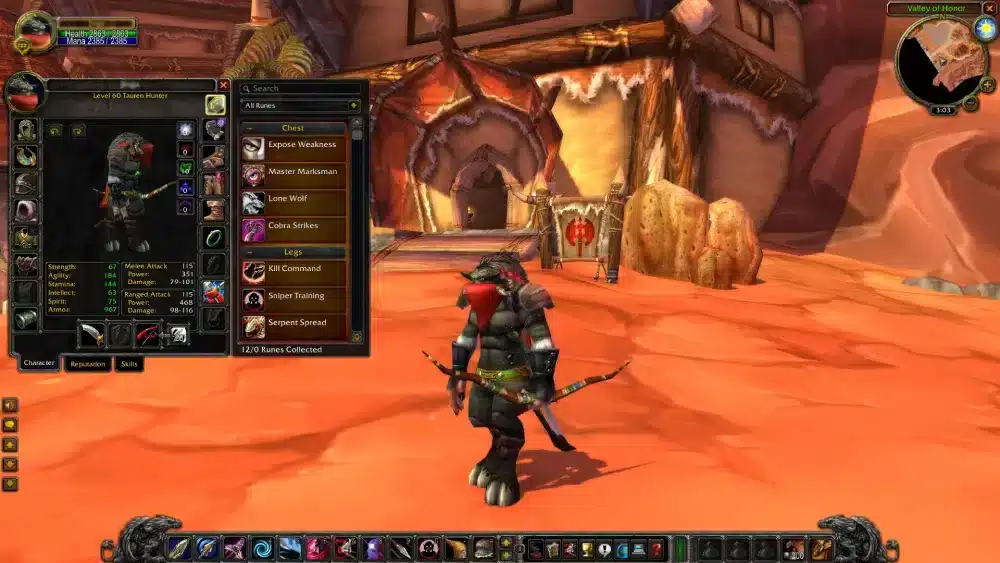
For community recommendations, guides, and downloads, check out the CurseForge Addon Database — the most authoritative repository for World of Warcraft mods and tools.
Conclusion About WoW Addons
Now you know everything about WoW addons. But remember: in PvP, raids, and high-level dungeons. Tools like ExitLag help reduce latency so your addons perform smoothly and your actions register with minimal lag.
Frequently Asked Questions
Start with ElvUI for UI cleanup, Questie (for Classic) or Zygor (Retail) for quest help, and DBM for basic dungeon alerts.
No — they provide enhanced information and convenience, but actual skill still comes from practice.
Yes, as long as they do not automate gameplay. Always download from trusted sources.
Yes, poorly optimized or outdated addons may impact performance — use addon managers and monitor memory usage.
Use your addon manager or remove the addon folder from the WoW directory.
Got questions or want to connect with other players? Join the conversation at the ExitLag Forum!