If you have ever thrown a Super at the perfect angle only to watch it land somewhere completely different, you already know what Brawl Stars Lag feels like. It is frustrating, it costs Trophies, and it usually strikes right when a match matters most.
The good news is that most lag in this game is fixable. Brawl Stars Lag is almost always a network issue, not a hardware one, since the game itself is light enough to run smoothly on nearly any modern phone.
In short, high ping, packet loss, and unstable Wi-Fi are the real culprits behind rubber-banding, delayed Supers, and skipped animations. Once you address the connection itself, most matches feel instantly smoother and more responsive.
This guide breaks down exactly why Brawl Stars Lag happens, how to diagnose it, and which fixes actually work. We will also cover settings, common mistakes, and a tool that many competitive players now use to stabilize their connection.
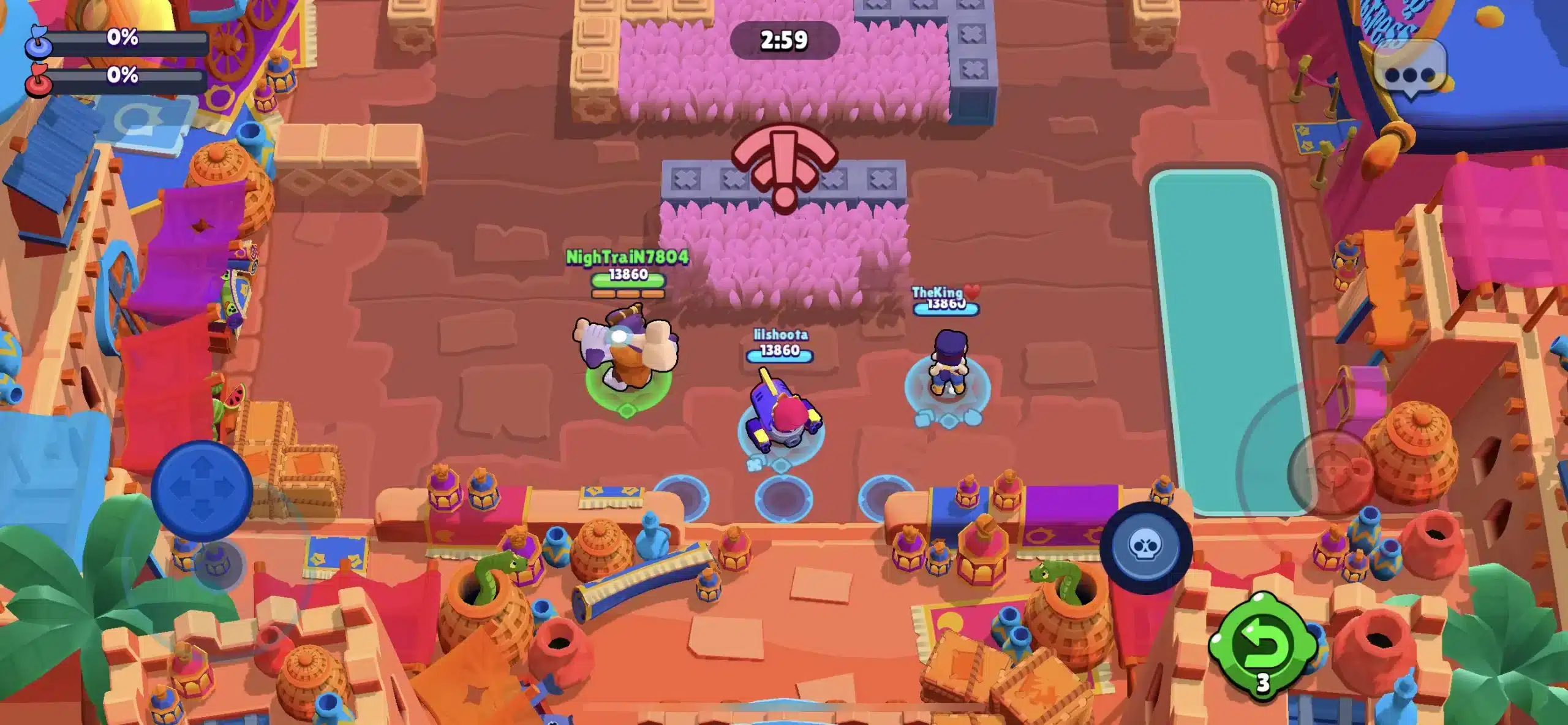
What Causes Brawl Stars Lag?
Understanding the root cause is the first step toward a real fix. Most lag issues fall into a handful of predictable categories.
Furthermore, once you know which category you are dealing with, the fix becomes much easier to target.
Network-Side Problems
The majority of Brawl Stars Lag complaints trace back to the connection between your device and Supercell's servers. This includes ping spikes, jitter, and packet loss.
- Weak or overloaded Wi-Fi signal at home
- Distant game servers relative to your physical location
- ISP routing that takes an inefficient path to the server
- Regional server congestion during peak hours
- Frequent switching between Wi-Fi and mobile data
Device-Side Problems
Although less common, your phone or tablet can also contribute to poor performance. This is usually easier to fix than network issues.
- Too many background apps consuming RAM and bandwidth
- Overheating, which throttles CPU and GPU performance
- Outdated app version with unpatched performance bugs
- Low storage space slowing down data processing
How Do You Know If It Is Ping Or FPS Lag?
This is one of the most common questions players ask when troubleshooting. The answer usually comes down to what you actually see on screen.
If your Brawler teleports short distances, if enemies freeze then snap forward, or if your attacks land late, that is network lag. On the other hand, if the entire game slows down and the frame rate visibly drops, that points to device performance.
Notably, true frame drops are rare in Brawl Stars because the game is optimized for lower-end hardware. Consequently, most players experiencing stutters are actually dealing with ping instability, not FPS problems.
Diagnosing Brawl Stars Lag Step By Step
Before applying fixes, it helps to isolate the actual source of the problem. Follow this process to narrow things down quickly.
- Check your ping in the game's network indicator or a dedicated ping test tool during a match.
- Switch from Wi-Fi to mobile data (or vice versa) and note whether the issue changes.
- Close all background apps and restart Brawl Stars completely.
- Restart your router by unplugging it for 30 seconds, then test again.
- If lag persists across multiple networks, the issue is likely server-side or route-based.
Best Settings To Reduce Brawl Stars Lag
Adjusting in-game and device settings will not fix a bad connection, but it removes unnecessary strain that can make lag worse. Therefore, this step should always come first.
- Graphics Quality: Set to Low or Medium to reduce GPU load on older devices.
- Frame Rate: Keep at High whenever your device supports it for smoother input response.
- Power Saving Mode: Turn this off, since it throttles performance mid-match.
- Background App Refresh: Disable it for apps you are not using during play sessions.
- Notifications: Turn off push notifications while gaming to prevent processing spikes.
| Setting | Recommended Value | Why It Helps |
|---|---|---|
| Graphics Quality | Low or Medium | Reduces GPU strain on mid-range phones |
| Frame Rate | High (60 FPS) | Smoother animations and faster reactions |
| Power Saving Mode | Off | Prevents mid-match CPU throttling |
| Wi-Fi Band | 5 GHz or 6 GHz | Less interference than 2.4 GHz |
| Background Apps | Closed | Frees bandwidth and RAM for the game |
Network Fixes That Actually Work
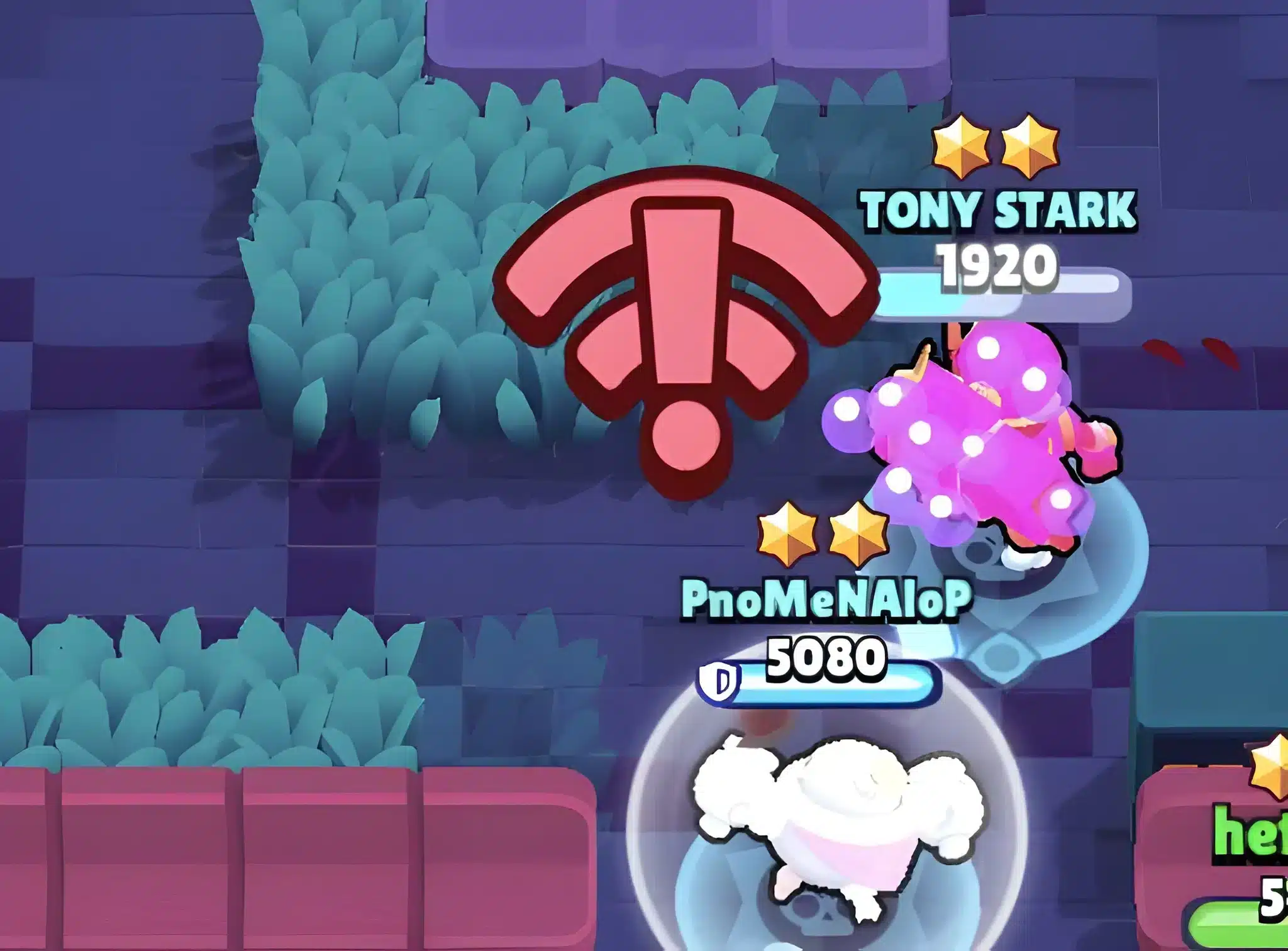
Once your settings are optimized, the connection itself becomes the priority. This is where most of the real improvement happens for Brawl Stars Lag.
Router And Wi-Fi Adjustments
Your home network is often the weakest link in the chain. A few adjustments can make a noticeable difference within minutes.
- Move closer to your router or use a Wi-Fi extender if signal is weak
- Switch to the 5 GHz or 6 GHz band for less interference
- Limit the number of devices streaming or downloading during matches
- Restart your router periodically to clear congestion
Mobile Data Considerations
If Wi-Fi is unreliable, mobile data can sometimes offer a more stable route, especially with a strong signal. However, results vary heavily by carrier and location.
As a result, it is worth testing both connection types during off-peak hours to see which one gives you consistently lower ping.
Is ExitLag Worth It For Brawl Stars?
Many competitive Brawl Stars players have started using ExitLag specifically to deal with routing issues that a simple router restart cannot fix. Unlike a VPN, ExitLag does not encrypt your traffic or hide your IP address.
Instead, ExitLag analyzes multiple network paths in real time and automatically selects the fastest, most stable route to the game's servers. This directly targets the ISP routing problems that cause much of the Brawl Stars Lag players experience.
ExitLag supports over 4,000 titles across PC and Mobile, with more than 1,500 servers spread across 190-plus countries. It is trusted by over 30 million users and handles millions of optimizations every week.
For a fast-paced mobile game like Brawl Stars, where a single delayed Super can flip a match, that kind of routing precision matters. Here is what makes it especially useful for mobile players:
- Real-time Optimization: Cuts delay and packet loss so Supers and attacks land exactly when you fire them.
- Multipath Technology: Routes packets through multiple paths simultaneously, so one bad hop does not tank your whole match.
- AI-powered routing: Automatically finds the fastest route in one click, with manual server selection also available.
- Traffic Shaper: Prioritizes game traffic over other apps quietly running in the background on your phone.
ExitLag does not modify game files, inject code, or interact with anti-cheat systems, so it is safe to use with Brawl Stars and other supported titles. If you are on mobile, you can grab ExitLag for Android directly from the Play Store, or get ExitLag for iOS from the App Store if you are playing on an iPhone or iPad.
Pro Tips: Brawl Stars Lag
Beyond the basics, a few extra habits separate players who fix their lag permanently from those who keep fighting it every session.
- Test at different times of day: Server congestion often peaks during evening hours, so shifting your play window can lower ping naturally.
- Avoid VPNs alongside ExitLag: Running both at once reduces effectiveness, so pick one connection tool and stick with it.
- Keep the app updated: Outdated versions sometimes carry unpatched performance bugs that Supercell has already fixed in newer builds.
- Use a stable charging setup: A phone plugged in while overheating can throttle harder than one left to cool naturally, so ventilate your device during long sessions.
- Monitor your data cap: Mobile carriers sometimes throttle speeds after you hit a data threshold, which mimics lag symptoms.
Common Mistakes Brawl Stars Players Make
Even experienced players fall into a few predictable traps when trying to fix connection issues. Recognizing these early saves a lot of wasted effort.
- Blaming the game immediately: Players often assume Supercell's servers are always at fault. Fix: run the diagnostic steps above first, since most lag originates on your own network.
- Ignoring background apps: Streaming, downloading, or cloud backups running silently can eat bandwidth mid-match. Fix: close everything unrelated to Brawl Stars before queuing.
- Using a VPN to "fix" ping: Standard VPNs add encryption overhead that often increases latency instead of reducing it. Fix: use a dedicated connection optimizer built for gaming traffic instead.
- Never restarting the router: Routers accumulate congestion over long uptime periods. Fix: restart it weekly, or before any ranked session that matters.
Final Thoughts On Fixing Brawl Stars Lag
Brawl Stars Lag rarely comes down to a single cause, which is why a layered approach works best. Start with device and in-game settings, move on to router and Wi-Fi adjustments, and finally address routing with a dedicated tool if the problem persists.
Indeed, most players who go through this checklist notice a real difference within their first few matches. Consistency matters more than any single fix, so revisit these steps whenever a new season or update shifts your connection quality.
Whether you are pushing for a higher Trophy Road rank or grinding ranked ladder matches, a stable connection turns close losses into wins you actually deserve. Testing your setup with ExitLag Download options for PC, or the Android and iOS mobile apps, is a fast way to see if routing was your missing piece all along.
All game images used in this blog post belong to Supercell. They are used for informational and educational purposes only and do not imply endorsement or affiliation with the rights holders.