

The release of Call of Duty Modern Warfare 3 has reignited the franchise’s legacy, delivering fast-paced combat, iconic characters, and a new wave of tactical gameplay. As the latest entry in the Call of Duty universe, Modern Warfare III blends nostalgia with innovation, featuring classic maps from MW2 (2009), intense co-op modes, and an expanded campaign experience.
For FPS fans craving a gritty, cinematic shooter with modern performance features, Call of Duty Modern Warfare 3 offers more than just gunfights. It brings new layers of immersion through revamped mechanics, enhanced AI, and seamless multiplayer systems — all optimized for PC and console performance alike.
What is Call of Duty Modern Warfare III?
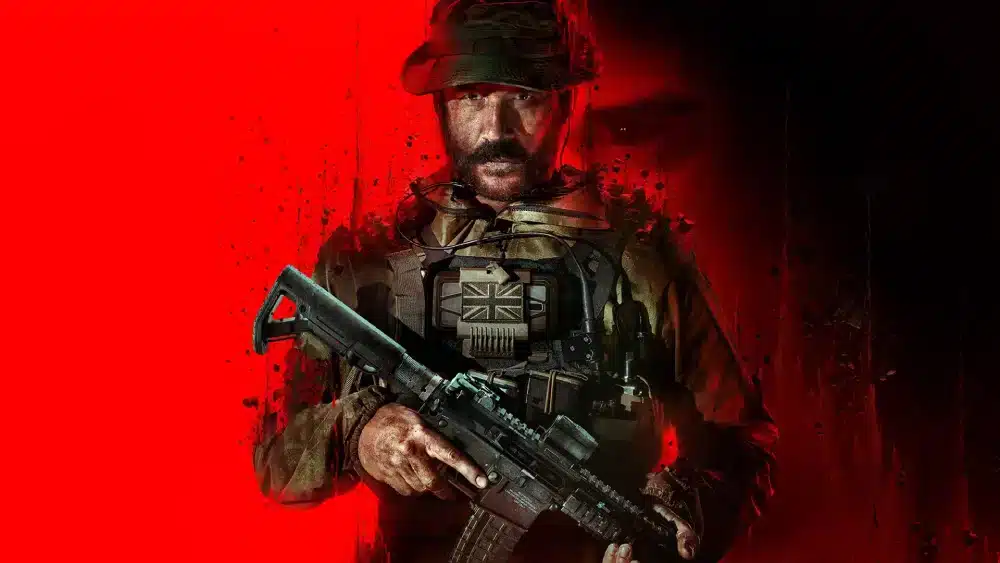
Call of Duty Modern Warfare III is a first-person shooter developed by Sledgehammer Games and published by Activision. It continues the rebooted Modern Warfare storyline, picking up right after the events of MW2.
With a focus on gritty realism, the game introduces new missions, iconic characters like Captain Price and Soap, and an arsenal of modern weaponry.
The title is known for its balance between cinematic single-player campaign, chaotic multiplayer matches, and large-scale PvE experiences.
It also features new progression systems, the return of 16 remastered maps from Call of Duty: Modern Warfare 2 (2009), and the long-awaited introduction of Open Combat Missions.
How ExitLag Improves Call of Duty MWIII Gameplay
ExitLag significantly enhances Call of Duty modern Warfare 3 by optimizing network routes, reducing ping, and stabilizing connections. Especially in competitive multiplayer and co-op modes, ExitLag ensures smoother gameplay by avoiding packet loss and jitter — a must-have for serious players aiming for high KD ratios and ranked success.
With Modern Warfare III’s servers handling global traffic, ExitLag gives players a tactical edge by routing traffic through the best-performing servers in real time, ensuring low latency and consistent gameplay across regions.
Call of Duty Modern Warfare III Overview
Campaign Highlights
The single-player campaign in Call of Duty Modern Warfare 3 introduces high-stakes missions with moral choices and intense cinematic sequences. Open Combat Missions allow players to approach objectives with stealth or aggression, offering a more personalized experience.
Multiplayer Evolution
Multiplayer in MWIII evolves with faster Time-to-Kill (TTK), revamped movement, and the return of 16 remastered classic maps from Modern Warfare 2 (2009). Players can unlock weapons, killstreaks, and perks through a new progression system, enhancing tactical variety.
Co-Op and Zombies
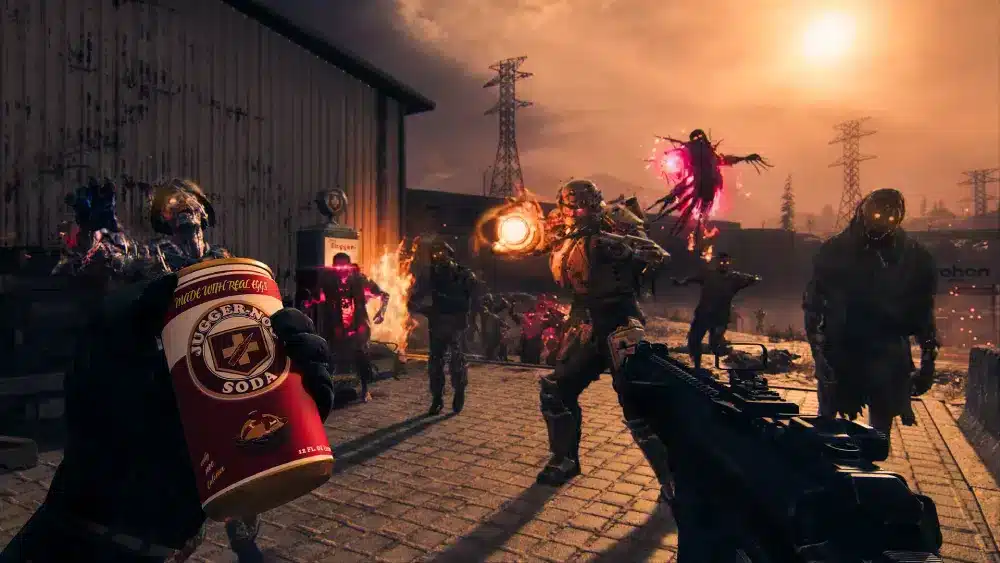
For the first time in the rebooted series, Call of Duty Modern Warfare 3 includes a large-scale, open-world Zombies mode developed by Treyarch in collaboration with Sledgehammer Games.
This PvE experience includes dozens of players in squads operating across a massive map, completing objectives, looting, and extracting — blending survival, extraction shooter mechanics, and cooperative chaos.
System Requirements and Performance
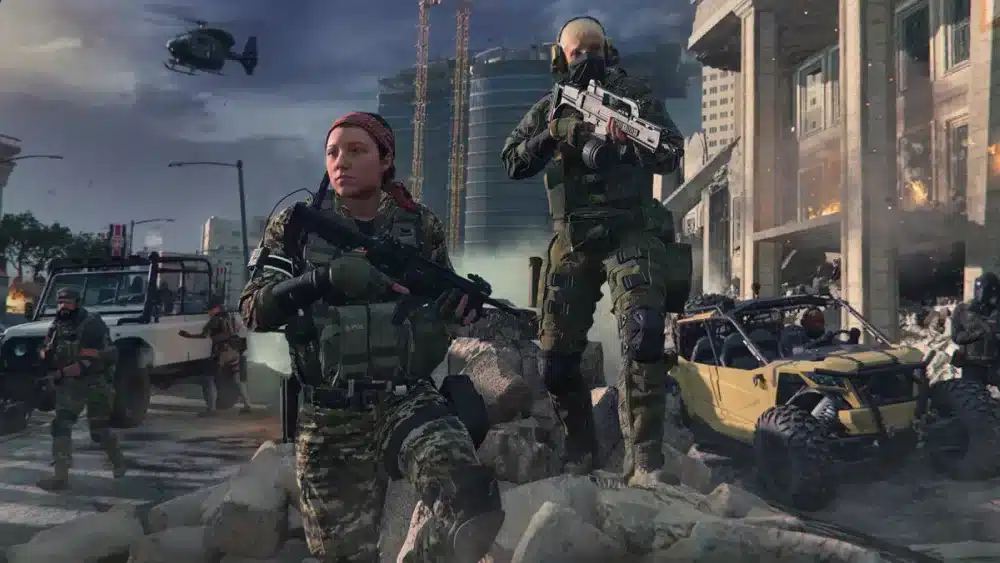
Minimum and Recommended Specs (Estimated)
Official system requirements have not been fully disclosed. The following specs are based on industry estimates:
| Requirement | Minimum | Recommended |
| OS | Windows 10 64-bit | Windows 11 64-bit |
| Processor | Intel Core i5-6600 or AMD Ryzen 5 1600 | Intel Core i7-9700K or AMD Ryzen 7 3700X |
| RAM | 8 GB | 16 GB |
| GPU | NVIDIA GTX 960 / AMD RX 470 | NVIDIA RTX 2060 / AMD RX 5700 |
| Storage | 70 GB | 100+ GB (with HD textures) |
Note: These values are subject to change based on official release specifications.
Download Size and Updates
The Call of Duty Modern Warfare 3 download size varies by platform, ranging from 70 GB to over 100 GB depending on content packs and high-resolution assets. Frequent patches are expected to refine balance, performance, and content.
Game Modes and Features
Core Multiplayer Modes
- Team Deathmatch;
- Domination;
- Search and Destroy;
- Hardpoint;
- Kill Confirmed.
Confirmed and New Mechanics
- Tactical Stance (as previewed in marketing material): New hybrid firing mode;
- Map Voting: Confirmed return;
- Perk Packages: Custom loadout flexibility.
Crossplay and Progression
Call of Duty modern Warfare 3 supports cross-platform play, allowing Xbox, PlayStation, and PC players to compete and party up. Unified progression has not been officially confirmed — stay tuned to Activision’s announcements for updates.
Multiplayer Deep Dive: Everything You Need to Dominate
Weapons and Loadouts
Weapons can be customized through Gunsmith 2.0, including:
- Muzzle attachments;
- Underbarrels;
- Rear grips;
- Optics;
- Magazines.
Each setup can drastically change recoil, ADS speed, and mobility.
Perks and Killstreaks
Popular perks include:
- Ghost (undetectable by UAV);
- Quick Fix (regen on kills);
- Scavenger (ammo resupply).
Killstreaks are lethal and varied:
- UAV (3 kills);
- Cruise Missile (5 kills);
- Chopper Gunner (10 kills).
Tips to Reduce Lag in Modern Warfare III
Experiencing lag can ruin your performance in call of duty modern warfare 3, especially in high-stakes multiplayer matches. Whether you’re pushing for killstreaks or coordinating in co-op zombies mode, smooth gameplay is essential.
Here are detailed strategies to minimize latency and maintain stable frame rates across platforms.
Optimize Your In-Game Settings
Tweaking your game settings is the first step to reducing lag and improving responsiveness:
- Lower shadow quality and motion blur: These effects are GPU-intensive and can cause frame drops.
- Turn off anti-aliasing: Reduces GPU load, particularly useful for mid-range graphics cards.
- Disable unnecessary overlays: Tools like Discord, Steam, and GeForce Experience overlays consume resources and can impact performance.
- Use fullscreen exclusive mode: This gives the game priority access to system resources, lowering input lag.
- Cap your frame rate: Set a limit that matches your monitor’s refresh rate (e.g., 60, 120, or 144 FPS) to avoid microstutters.
- Disable on-demand texture streaming: Prevents real-time downloads from overloading your bandwidth.
These changes are especially effective for players using mid-range PCs or laptops with integrated graphics.
Use ExitLag for Stability
ExitLag is one of the most effective tools for optimizing network stability in online shooters like Call of Duty Modern Warfare 3. Here’s how it helps:
- Multi-path connection stability: Uses simultaneous routing to avoid ISP bottlenecks.
- Real-time route optimization: Continuously recalculates the best server paths for your connection.
- Reduced packet loss and jitter: Delivers consistent data flow, critical in competitive modes.
- Compatible with over 1000 games: Including FPS, MOBA, and Battle Royale titles.
ExitLag is ideal for users with high ping, regional connection issues, or those playing on servers located far from their physical location. It also supports crossplay environments, ensuring fair matches whether you’re on PC, PlayStation, or Xbox.
By combining in-game tweaks with ExitLag’s advanced routing, you’ll see noticeable improvements in hit registration, smoother animations, and faster matchmaking queues — all crucial for high-performance gameplay in call of duty modern warfare 3.
Best Ways to Level Up Fast in MWIII

1. Focus on Objective Modes
Modes like Domination, Hardpoint, and Kill Confirmed provide large XP bonuses. Prioritize objective contributions over kill count to maximize XP gains per match.
2. Daily and Weekly Challenges
MWIII includes a robust mission system, rewarding players with XP, operator skins, and weapon blueprints. Challenges often rotate weekly and can be completed in any game mode.
3. Use Double XP Tokens
Earned via promotions, Twitch drops, or seasonal events, Double XP Tokens significantly reduce grind time. Save them for weekends or long sessions.
4. Play With a Squad
Joining matches with friends often leads to better coordination and higher win rates, resulting in more XP and match bonuses.
5. Prioritize Weapon Mastery
Weapon-specific challenges, like headshots or multi-kills, unlock camouflages and bonus XP. Focus on one weapon at a time to progress efficiently.
Why MWIII Is Worth Playing
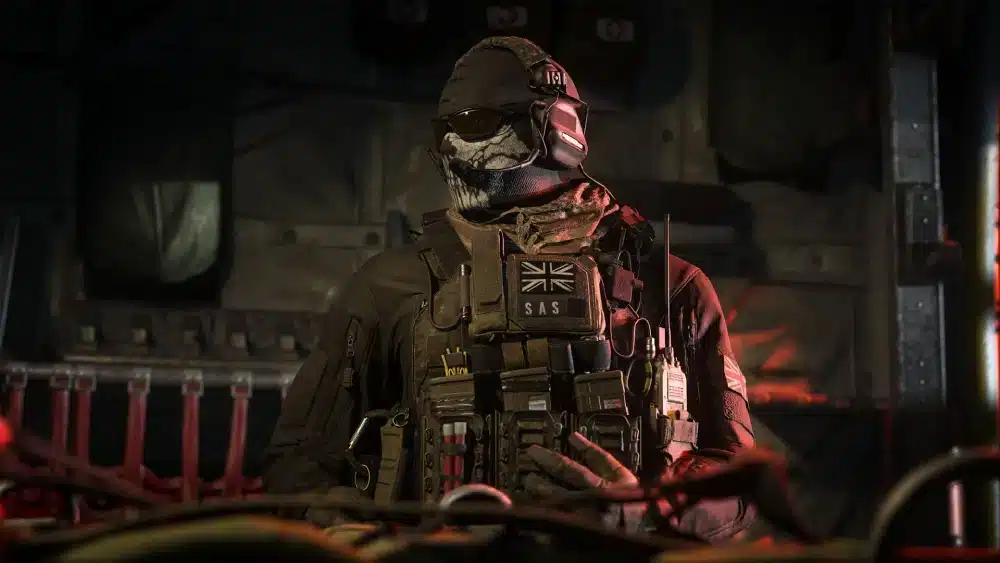
- Massive Zombies mode with squads and extraction;
- Classic maps remastered from MW2 (2009);
- Tactical movement and hybrid mechanics;
- Crossplay (confirmed) for competitive matchmaking;
- Support for modern hardware and optimization tools.
Top 5 Loadouts for Beginners
- M4 + Reflex Sight + Commando Foregrip;
- Lachmann Sub + Laser + Rear Grip;
- TAQ-56 + Suppressor + Optic;
- Kastov 762 + Extended Mag + Underbarrel;
- Expedite 12 + Sprint Grip + Quick ADS Stock.
External Resource
Learn more about Modern Warfare III from the official Call of Duty blog.
FAQ
Yes, it supports cross-platform play between PC, PlayStation, and Xbox.
No, MWIII is a premium title, though free trials or weekends may be offered.
Treyarch, in collaboration with Sledgehammer Games, developed the Zombies mode.
MWIII includes 16 remastered maps from Call of Duty: Modern Warfare 2 (2009) at launch.
As of now, only limited trial access is available through Game Pass promotions.
Looking to get the competitive edge in Call of Duty modern Warfare 3? Optimize your connection and experience seamless gameplay with ExitLag — the performance booster trusted by pro players worldwide.
Got questions or want to connect with other players? Join the conversation at the ExitLag Forum!


