

Call of Duty PC remains one of the most competitive and performance-demanding experiences in modern online shooters. Whether you’re playing multiplayer modes or diving into large-scale battle royale matches, your setup and connection directly influence your results.
Call of Duty PC gives players access to deeper customization, advanced graphical settings, and precise keyboard mouse controls. However, achieving consistent performance requires careful configuration, smart pc optimization, and stable routing.
So what does it take to truly optimize Call of Duty PC? In this guide, we will break down system requirements, graphics tuning, Warzone pc performance adjustments, battle net configuration, and advanced network optimization strategies for competitive stability.
Call of Duty PC System Requirements and Setup
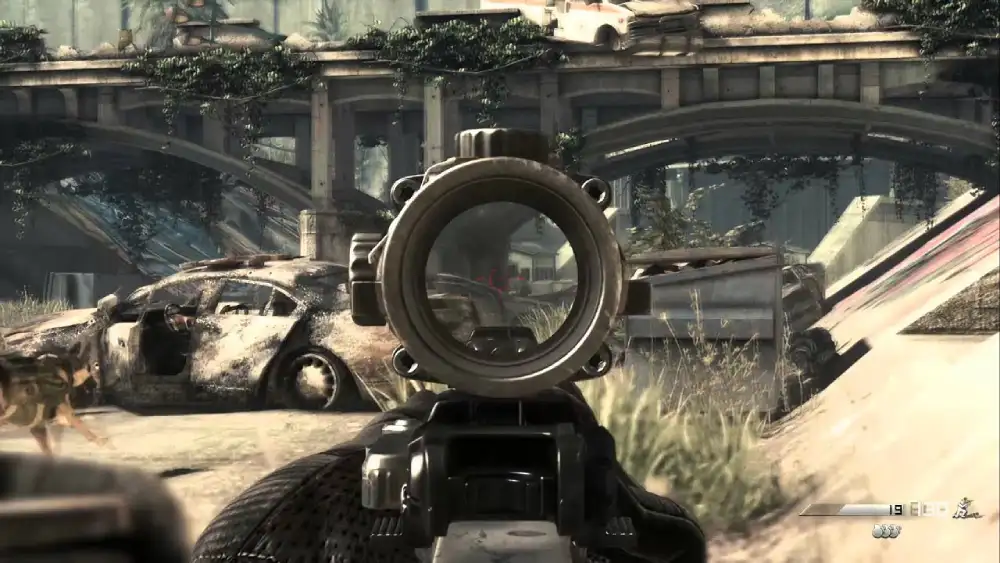
Before adjusting advanced settings, you must ensure your system meets recommended standards. Running Call of Duty PC on insufficient hardware creates bottlenecks that no amount of optimization can fix.
Minimum vs Recommended Hardware
While CoD on pc can run on mid-tier systems, competitive players benefit from higher-end components. Stable FPS and low input latency depend on hardware balance.
Below is a comparison of baseline expectations:
| Component | Minimum | Recommended |
| CPU | Quad-core processor | 6-core or higher |
| RAM | 8GB | 16GB |
| GPU | Entry-level GPU | RTX-class GPU |
| Storage | HDD | SSD/NVMe |
| Internet | Broadband | Stable low-latency |
Using SSD storage dramatically improves load times and reduces stutter during map transitions, especially in Warzone pc matches.
Installing and Managing Through Battle Net
Most Call of Duty PC titles operate through battle net, Blizzard’s platform. Proper configuration inside battle net helps prevent update conflicts and background performance drain.
To maintain optimal launcher performance:
- Enable automatic updates to avoid patch delays;
- Install the game on SSD storage;
- Close unnecessary Blizzard background services;
- Verify game files after major updates;
- Avoid downloading other titles simultaneously.
Maintaining a clean and updated battle net environment ensures stable launch conditions before matches even begin.
Call of Duty PC Graphics and PC Optimization
Optimizing graphics is one of the most impactful ways to improve performance in Call of Duty PC. Many players mistakenly prioritize ultra settings, but competitive performance often requires smarter balancing.
Adjusting Graphics for Competitive Stability
Proper pc optimization starts inside the graphics menu. Instead of maximizing every visual setting, prioritize consistency and frame pacing.
Recommended adjustments include:
- Disable motion blur for clearer target tracking;
- Lower shadow quality to reduce GPU strain;
- Reduce particle density in explosive scenarios;
- Enable DLSS or similar upscaling technologies if available;
- Use fullscreen exclusive mode to reduce latency.
These adjustments stabilize FPS without drastically harming visual clarity.
After applying these changes, test performance during active matches rather than the lobby. Real-time gameplay provides a more accurate measure of stability.
Advanced Keyboard Mouse Configuration
One major advantage of CoD on pc is precise keyboard mouse control. However, raw precision depends on correct setup.
Before adjusting sensitivity, consider consistency over speed. Competitive players often prefer moderate DPI for smoother tracking.
For better keyboard mouse performance:
- Set DPI between 400–800 for precision control;
- Disable Windows mouse acceleration;
- Fine-tune in-game sensitivity gradually;
- Customize tactical keybinds for faster reaction;
- Reduce input latency settings inside graphics.
Practicing with consistent sensitivity improves muscle memory and reaction speed, which are critical in high-level Call of Duty PC matches.
Warzone PC Performance Optimization
Large-scale battle royale environments demand additional system resources. Warzone pc is significantly heavier than standard multiplayer modes due to map size, player count, and dynamic events.
Stabilizing FPS in Warzone PC
To maintain consistent performance in Warzone pc, apply structured tuning rather than random changes.
Follow this sequence:
- Lower texture resolution slightly;
- Cap FPS just below monitor refresh rate;
- Update GPU drivers regularly;
- Disable unnecessary overlays;
- Optimize Windows power settings to high performance.
Each adjustment reduces frame drops during heavy combat or high-visibility scenarios.
After implementing these steps, monitor performance across multiple matches to confirm stability.
Managing Background Processes
Background applications often cause hidden performance issues.
Before launching Call of Duty PC:
- Close browsers with multiple tabs;
- Pause background downloads;
- Disable streaming software (if unused);
- Shut down heavy startup applications;
- Monitor CPU usage before launching.
Reducing background load prevents sudden FPS fluctuations during intense matches.
Network Optimization for Call of Duty PC
Hardware optimization is only half of the equation. Online shooters depend heavily on stable routing.
Common Network Issues in CoD on PC
Players often report:
- High ping spikes;
- Packet loss;
- Delayed hit registration;
- Rubberbanding during movement.
These issues can occur even with high download speeds. Routing inefficiencies between your provider and servers are often responsible.
Improving Routing Stability
While internet speed matters, routing stability determines consistency. Data traveling through inefficient paths can cause instability during ranked sessions.
To improve network reliability:
- Use wired Ethernet instead of Wi-Fi;
- Restart router periodically;
- Avoid background downloads;
- Enable router QoS settings if available;
- Monitor in-game latency indicators.
Advanced routing optimization tools analyze multiple network paths and automatically select the most stable route.
ExitLag works by optimizing real-time routing between your PC and Call of Duty servers. It does not function as a VPN and does not change your IP location. Instead, it focuses exclusively on improving route efficiency for smoother matches in Call of Duty PC.
Call of Duty PC vs Console Performance
When comparing platforms, it becomes clear why many competitive players choose Call of Duty PC over console alternatives.
While consoles offer convenience and standardization, PC environments provide flexibility, customization, and higher performance ceilings that directly impact competitive outcomes.
The difference is not just about graphics quality. It involves system control, input precision, pc optimization, and how efficiently the game communicates with servers through platforms like battle net. For serious players, these factors translate into measurable advantages.
Performance Advantages on PC
One of the main reasons players prefer CoD on pc is the ability to control nearly every performance-related variable. Unlike consoles, which run on fixed hardware and locked system configurations, PCs allow continuous refinement.
PC offers several competitive advantages:
- Higher frame rate ceilings, often exceeding 120 or 144 FPS;
- Fully customizable graphics settings for targeted pc optimization;
- Adjustable field of view (FOV) for better spatial awareness;
- Lower input latency when properly configured;
- More precise keyboard mouse aiming compared to controller input.
Each of these factors contributes to reaction speed and tracking accuracy. Higher FPS reduces visual delay, wider FOV increases environmental awareness, and optimized keyboard mouse settings improve micro-adjustments during close-range encounters.
In high-intensity matches, especially in Warzone pc, these small differences compound. Faster reaction time combined with smoother frame pacing can determine the outcome of gunfights.
Ecosystem Flexibility and Platform Control
Another advantage of Call of Duty PC lies in ecosystem flexibility. Playing through battle net allows centralized patch management, file verification, and integration with Blizzard’s infrastructure.
This ecosystem structure provides:
- Direct patch delivery and update control;
- File verification tools to prevent corruption;
- Access to launcher-level settings;
- Integration with other Blizzard services;
- Background process management.
Because CoD on pc supports deeper tuning, players can continuously adjust performance based on updates, driver releases, and hardware upgrades.
Console players, by contrast, must rely on fixed firmware and standardized performance targets.
Additionally, Warzone pc players benefit from real-time performance monitoring tools that are unavailable on most consoles.
Being able to track FPS, latency, and system load provides a clearer understanding of performance bottlenecks.
In summary, while consoles provide accessibility, Call of Duty PC offers long-term scalability, competitive precision, and advanced pc optimization opportunities.
For players focused on maximizing performance and maintaining consistent results in Warzone pc, the PC platform provides a clear technical advantage.
Advanced Competitive Setup for Call of Duty PC
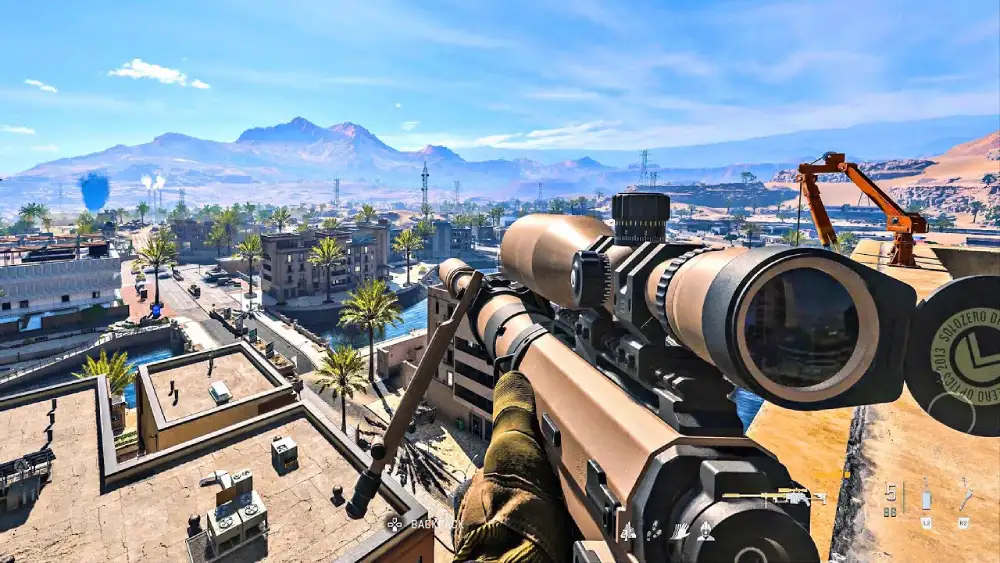
For serious competitors, deeper system tuning improves long-term consistency.
Windows-Level Optimization
Beyond in-game settings, system-level tuning enhances performance.
Consider:
- Disabling unnecessary startup programs;
- Updating chipset and network drivers;
- Enabling high-performance power plan;
- Monitoring CPU and GPU temperatures;
- Optimizing network adapter properties.
These adjustments reduce system-level bottlenecks.
Real-Time Performance Monitoring
Tracking performance metrics helps identify instability.
Monitor:
- Average FPS;
- Frame time consistency;
- GPU usage percentage;
- Packet loss rates;
- Latency variation.
Understanding these indicators allows proactive troubleshooting in Call of Duty PC sessions.
FAQ
For customization and higher frame rates, many competitive players prefer Call of Duty PC.
Optimize routing, reduce background processes, and adjust graphics for stability.
Improper configuration can cause background strain. Keeping battle net updated helps maintain stability.
Moderate DPI, no acceleration, and consistent sensitivity improve performance.
Yes. Poor routing increases latency and packet loss, affecting shot accuracy.
Call of Duty PC Optimization: Win with Stability
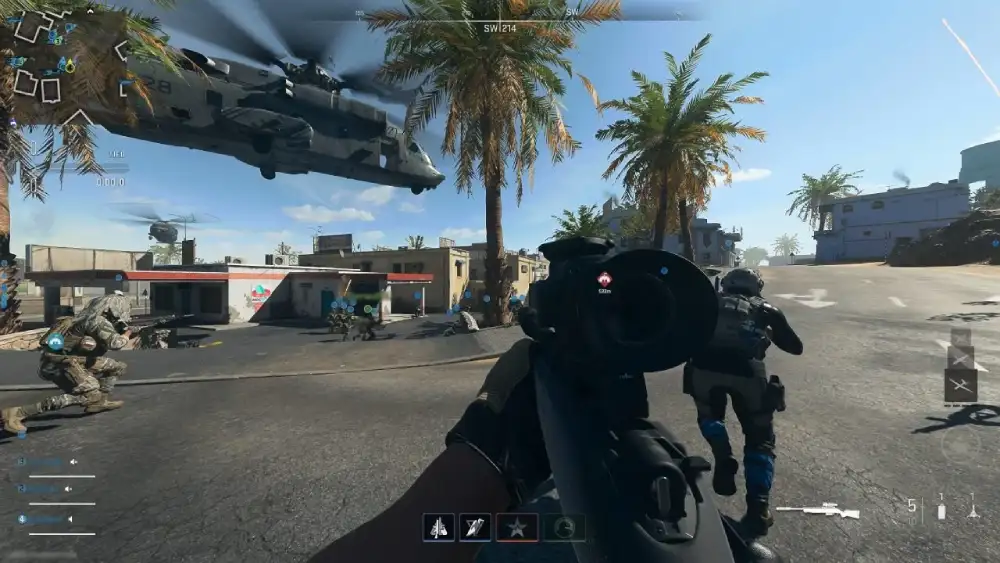
Call of Duty PC delivers unmatched customization and competitive potential when properly configured. From graphics tuning and pc optimization to Warzone pc adjustments and keyboard mouse precision, every detail contributes to performance.
Even with powerful hardware, routing inefficiencies can disrupt competitive matches.
With ExitLag, you can improve routing stability in Call of Duty PC, reduce lag spikes, and maintain consistent performance during intense Warzone pc sessions. Try ExitLag and focus on winning instead of connection issues.
Got questions or want to connect with other players? Join the conversation at the ExitLag Forum!

