If you thought vanilla 7 Days to Die was challenging, wait until you experience the Darkness Falls mod. This overhaul ramps up every element of survival: brutal enemies, deep class systems, slower progression, massive crafting trees and terrifying late‑game threats. Designed by modder KhaineGB, Darkness Falls transforms the vanilla game into a full‑scale survival horror experience. In this guide you’ll find: installation steps, major features, class overviews, gameplay mechanics, and how to optimize your multiplayer experience.
What is Darkness Falls?
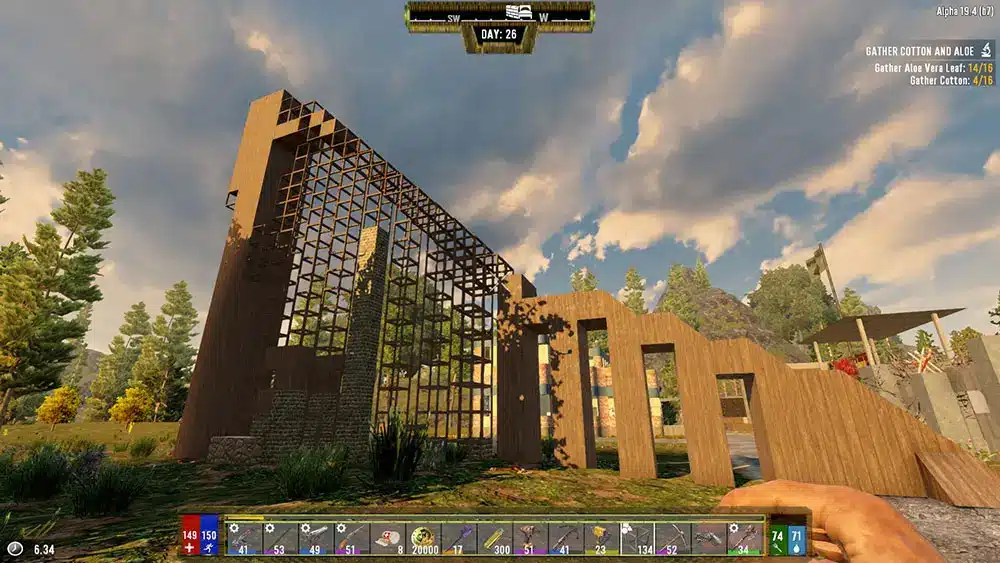
Darkness Falls is a complete gameplay overhaul mod for 7 Days to Die. While it retains the core mechanics of scavenging, building and zombie survival, it enhances nearly every system. According to the mod’s description: “The intent is to drag out the early game … he wanted to bring back a few things from that era of gameplay.”
Key changes include:
- Multiple new zombie types and tougher world threats.
- A robust class system with unique perks and skill trees.
- Slower level progression, deeper crafting tech trees and tiered loot.
- Expanded farming, food systems and base‑building depth.
Whether you’re a veteran or new to the mod scene, Darkness Falls offers a deeper, more challenging survival experience that rewards careful planning and strategy.
How to Download & Install Darkness Falls
Installing the mod correctly is crucial for stability and compatibility.
Step‑by‑Step Installation:
- Ensure you own 7 Days to Die (preferably the stable build compatible with the mod).
- Download the Darkness Falls mod — via the official GitLab repo or mod listing.
- Back up your save files and mods folder to avoid conflicts.
- Extract the Darkness Falls files into the Mods folder of your 7 Days to Die installation.
- Launch the game (or use the mod launcher if required) and confirm the mod is active.
Note: Check that the mod version matches your game build — version compatibility is important.
What Makes Darkness Falls Unique?
Unlike simple mods that add new items or zombies, Darkness Falls rewrites progression and survival dynamics. Some of the standout features:
- “Night is truly dangerous” — ferals and special zombies dominate after sunset.
- Multiple classes with unique skill trees and perks.
- Intermediate tiers of crafting beyond vanilla (scrap, stainless steel, titanium) and weapons like coilguns and lasers.
- Expanded agriculture and food systems: new crops, meals, animal raising.
- Trader/quest overhaul and deeper world threats.
Darkness Falls Class System Explained
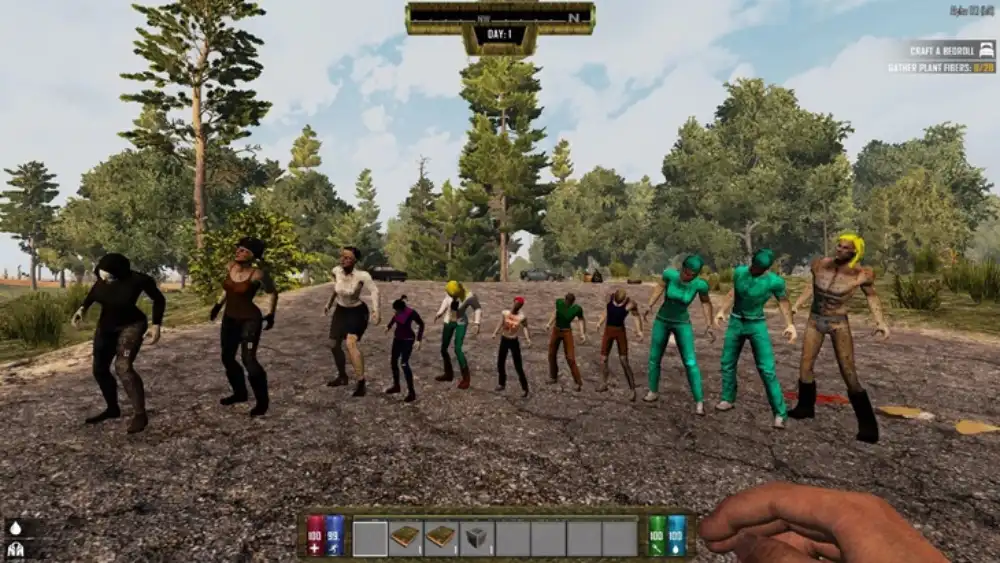
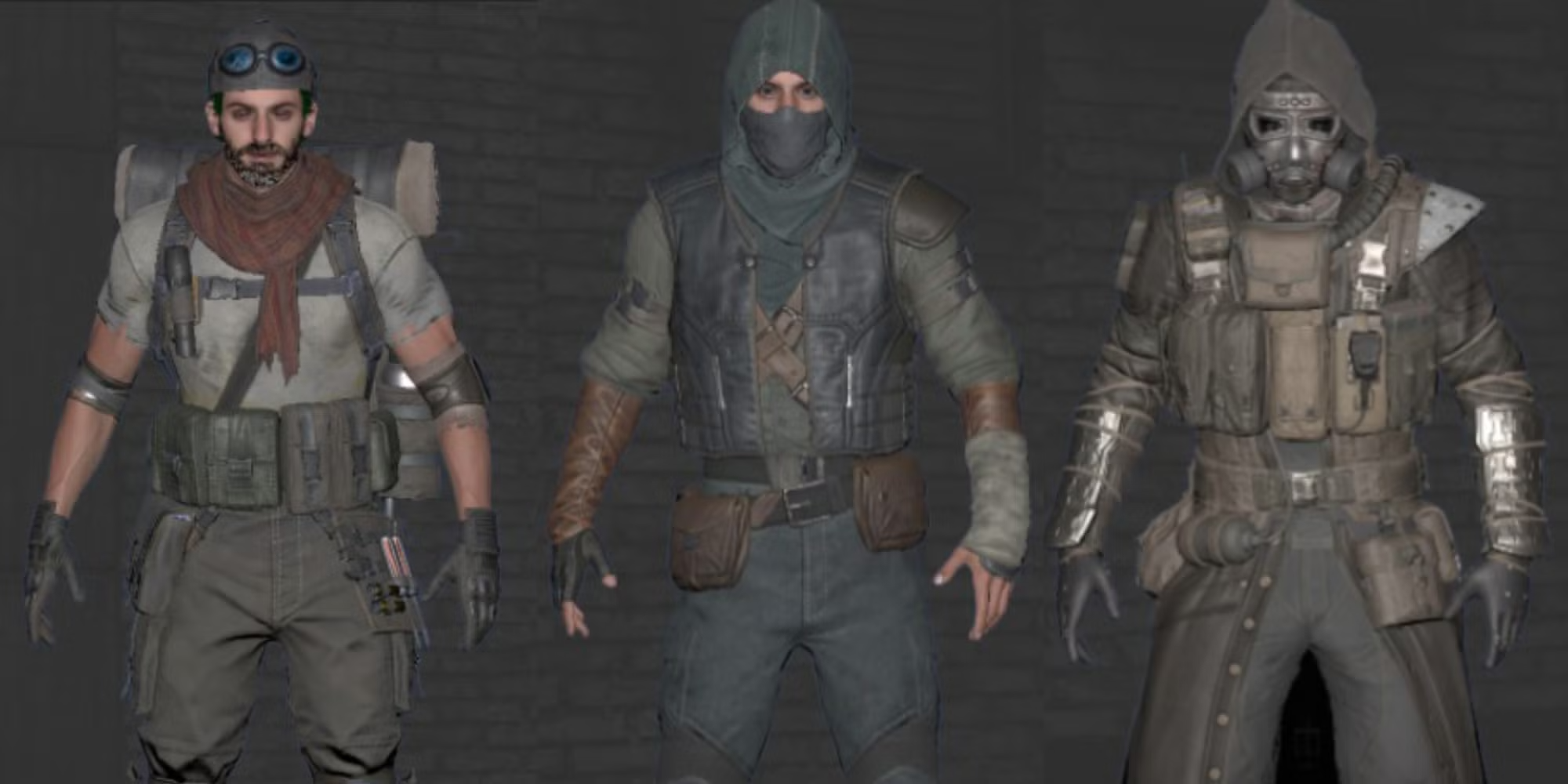
One of the biggest draws of the mod is the class choice you make at the start. Instead of everything being available, you choose a starting class and gain specific bonuses and quests.
Starting Classes:
| Class | Role | Key Traits |
| Laborer | Builder | Upgrades base blocks, crafting bonuses |
| Farmer | Food/Farming | Faster crops, animal raising, hunger control |
| Hunter | Stealth/Combat | Bow/knife mastery, stealth takedowns |
| Mechanic | Vehicles | Early vehicles, salvage benefits |
| Scientist | Medicine/Tech | Faster healing, energy weapons later |
| Security | Tank/Combat | Early armor, stronger melee/gun options |
Each class unlocks a quest that grants perks and recipes. Over time you can hybridize classes for advanced builds.
Top Reasons to Try Darkness Falls
- Deep class‑based progression (not everyone is a jack‑of‑all‑trades)
- Slower, more thoughtful advancement — your early days matter more
- Demonic and mutated zombies that raise the stakes
- Extensive crafting, farming and food systems
- Great for both solo and multiplayer sessions — the challenge is real
- Strong community support and mod‑loader compatibility 7 Days to Die Mods
First 10 Things to Do in Darkness Falls
- Choose your starting class wisely — it sets your early trajectory.
- Complete the class quest to unlock tools, XP and perks.
- Explore nearby Points of Interest (POIs) for essential supplies and schematics.
- Build a basic shelter before your first horde night.
- Gather early crafting ingredients: aloe, cotton, bones.
- Find a working trader and complete early quests.
- Loot bookshelves and shelves for skill books and schematic progress.
- Upgrade your basic tools and find a cooking pot for better meals.
- Expand storage early — you’ll collect many specialized items.
- Set up traps and walls for the inevitable 7th‑night horde (which now hits harder in Darkness Falls).
How to Optimize Multiplayer: Using ExitLag
If you’re playing Darkness Falls in multiplayer, connection quality becomes critical—especially when hordes, dozens of zombies and world‑events hit simultaneously. Use a network optimizer like ExitLag to minimize lag and keep your game stable.
Here’s how it helps:
- Real‑Time route optimization to reduce ping and lag spikes
- Worldwide servers ensure stable connections across regions
- Traffic shaping reduces packet loss during high‑enemy‑density events
- FPS boost helps lower‑spec systems handle the increased load
Quick setup:
- Create an ExitLag account
- Download and install ExitLag
- Select 7 Days to Die and apply optimized routes
- Start your game and enjoy smoother survival
Advanced Base‑Building & Defenses in Darkness Falls for 7 Days to Die
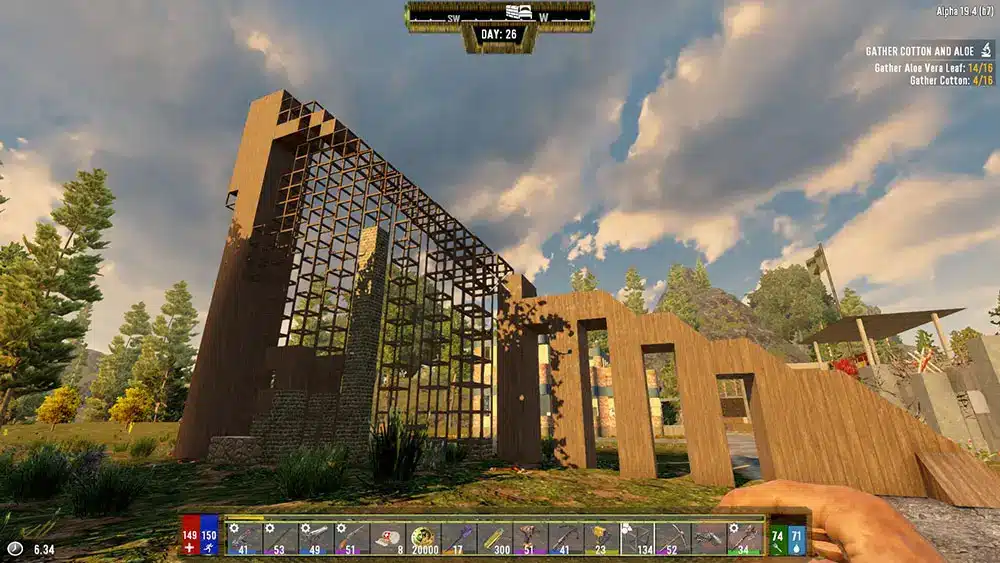
As you move into the mid-game phase of Darkness Falls, defending your base becomes a full-time job. Hordes will scale quickly, featuring irradiated, fire‑spewing, and demonic enemies that tear through weak defenses. The mod re‑emphasises slower early progression and higher stakes.
Material Tier: Building & Defence Ratings
| Material | Defence Rating | Crafting Notes |
| Wood | Low | Good for early game only |
| Cobblestone | Moderate | Easy upgrade from wood |
| Concrete | High | Essential by day 21 |
| Steel | Very High | Key for end‑game and boss hordes |
| Titanium | Extreme | Available through advanced crafting |
Advanced Tips for Mid‑Game Survival
- Use dart traps, blade traps and electric fences for layered defence.
- Build a dedicated “horde base” separate from your living quarters to mitigate breach risk.
- Prioritise food sustainability—expand farms, raise animals, manage spoilage.
- Stockpile ammo early—gunpowder and bullet tips are now rarer in Darkness Falls.
- Unlock multiple classes and blend tech and defence perks for hybrid builds.
Late Game Progression: Tech & End‑Game Threats
In the late game, Darkness Falls introduces demons, succubi and heavily mutated zombies that force players to rethink their tactics. 7d2d.net+1
Upgrades and tech to prioritise:
- Research advanced weaponry (plasma rifles, laser swords)
- Deploy turrets and drone companions to manage multiple attack vectors
- Upgrade your power system—solar banks, large generators and advanced wiring
Example boss‑hordes you might face:
- Demonic Behemoths: Massive zombies that smash through structures
- Hell Hounds: Fast enemies that cause bleed damage and flank defences
- Succubi: Flying ranged attackers that target weak points and support units
Exploring the Secrets of the Darkness Falls World
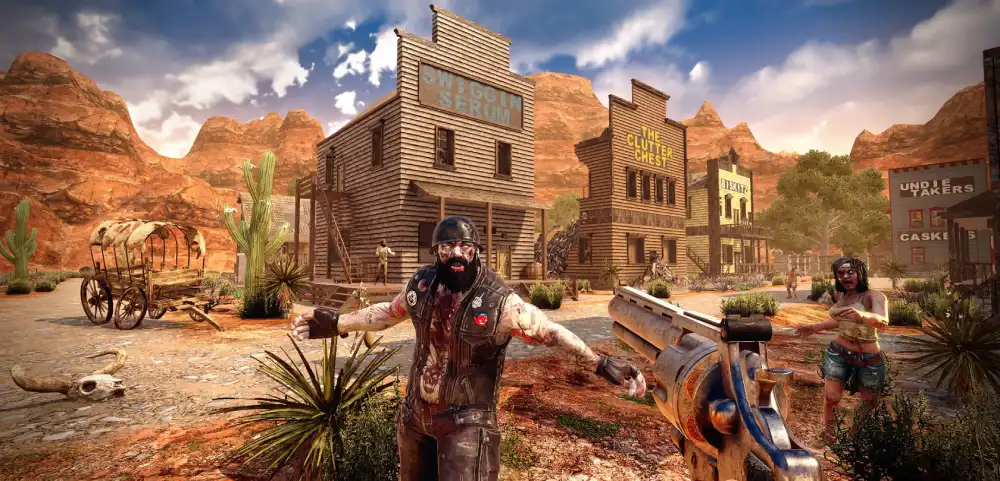
Khaine’s mod features hidden POIs, deep quest chains and specialised NPCs that add story‑driven depth to the apocalypse.
- Bunkers: High‑risk, high‑reward POIs packed with rare loot and deadly traps
- White River Outpost: Contains class quest chains and powerful trader NPCs
- Underground labs: End‑game tech labs offering rare schematics and weapons
Many of these require keys, class quest progress or special access—so exploration and planning are vital.
Mastering the Darkness Falls Ecosystem
Surviving isn’t just about bullets—farming, food, spoilage, cooking and foraging get overhauled in this mod.
- Build compost bins and animal coops for sustainable food sources
- Set up irrigation systems to support large‑scale farming
- Construct advanced cooking stations for non‑spoiling meals and food buffs
- Use food buffs strategically for temporary health, stamina or damage bonuses
Best Weapon Loadouts by Class
| Class | Ideal Weapon | Backup Gear |
| Security | Shotgun + Heavy Armour | Stun Baton |
| Scientist | Laser Pistol + Grenades | Electric Baton |
| Hunter | Compound Bow + Knife | Silenced Pistol |
| Mechanic | SMG + Wrench | Turret Kit |
| Farmer | Hunting Rifle + Crossbow | Spear |
| Laborer | Club + Sledgehammer | Mining Helmet for vision |
Bonus Tip: Weapon mods such as rad remover and blessed metal are highly effective against demonic and mutated zombies.
FAQ: Darkness Falls for 7 Days to Die
Yes—Darkness Falls v6 supports the latest stable builds, but always check the mod’s GitHub or official page for version‑specific compatibility.
You unlock additional classes by obtaining class books or buying them from traders after completing your initial class quest.
Security or Mechanic are strong choices for solo play, offering solid defensive or utility capabilities.
Yes. The mod includes vehicles such as jeeps and motorcycles with storage options and are integrated with the class/tech system.
Absolutely. The mod is optimised for both solo and multiplayer use, with dedicated servers supported.
Nighttime is much more dangerous—ferals and special zombie types dominate the dark, and true threats often emerge during blood moons.
High‑tier POIs like bunkers, underground labs and late‑game quests yield top‑tier weapons, schematics and class equipment.
Got questions or want to connect with other players? Join the conversation at the ExitLag Forum!