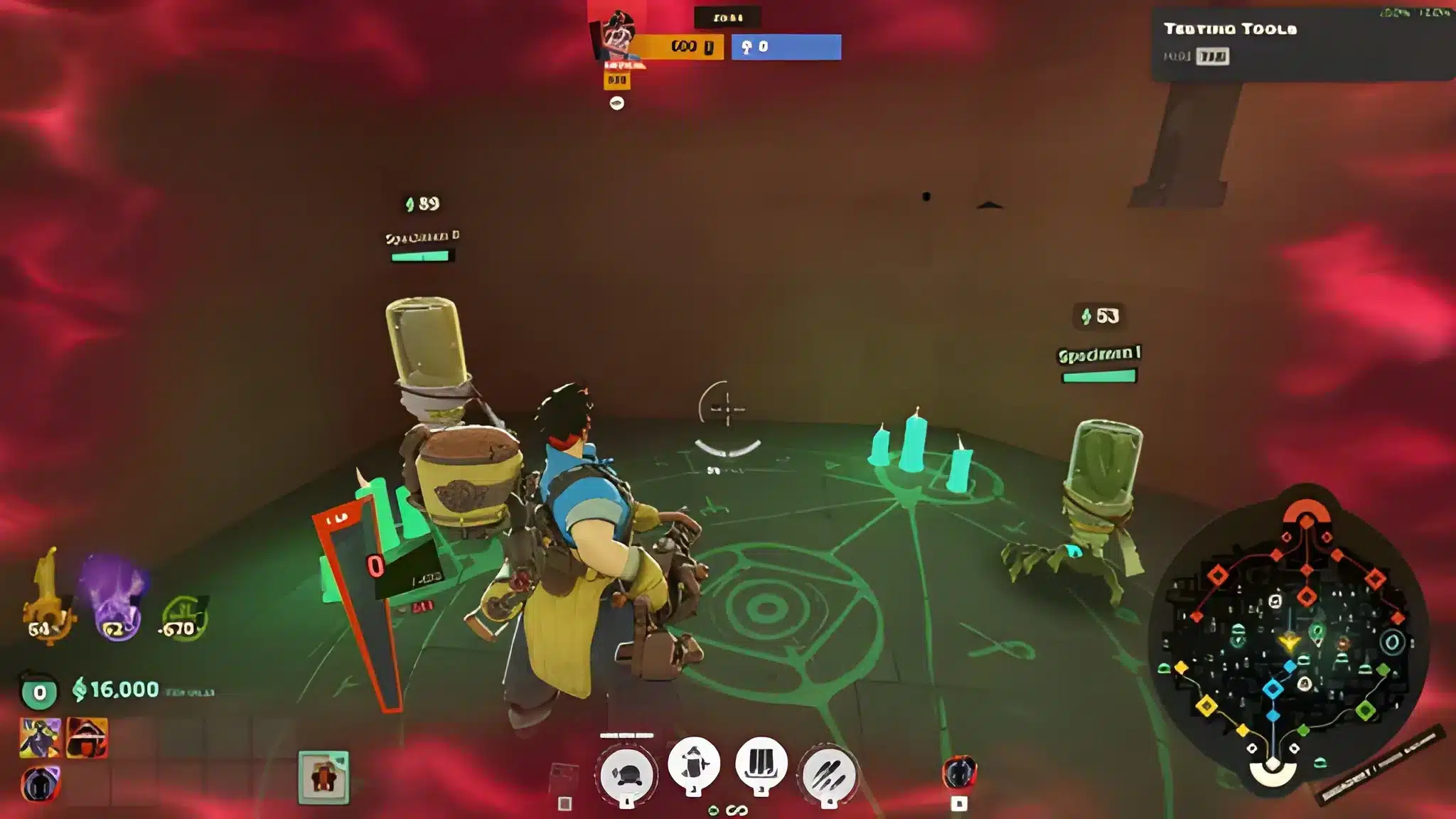
The Deadlock Broker showed up with the City Never Sleeps update on September 29 and turned late-game shopping into a gamble. You hand over a high-tier item and get back a stronger Corrupted version with a catch attached.
Most players only noticed him when a teammate spent a full fight arguing about whether the trade was worth it. We think it often is, but only if you read the drawback first.
The Deadlock Broker is a limited-time merchant who swaps a tier 3 or tier 4 item you already own for its Corrupted version. Each Corrupted Item gains extra power and rolls one random drawback for that match. He first stocks his shelves around the 30-minute mark and restocks roughly every 15 minutes on average.
That timing gets overlooked. The 30-minute mark is also when team fights get big and messy, so a connection hitch can cost you the trade. Below you'll find how the swap works, which drawbacks hurt, and how to keep your connection steady.
Those are six of the 11. Ability range, stamina, ability duration, bullet resist and spirit resist fill out the pool.
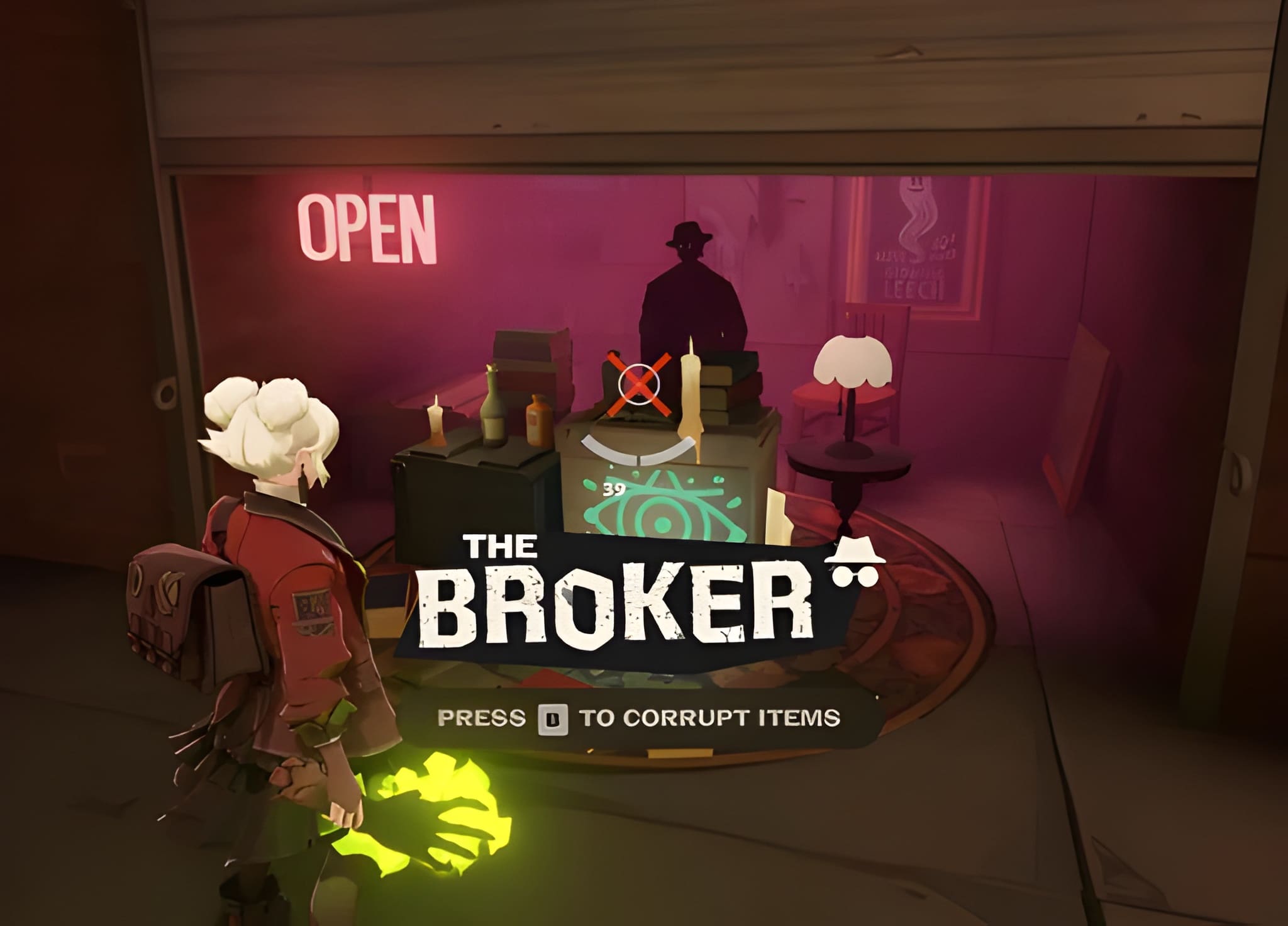
What Is the Deadlock Broker?
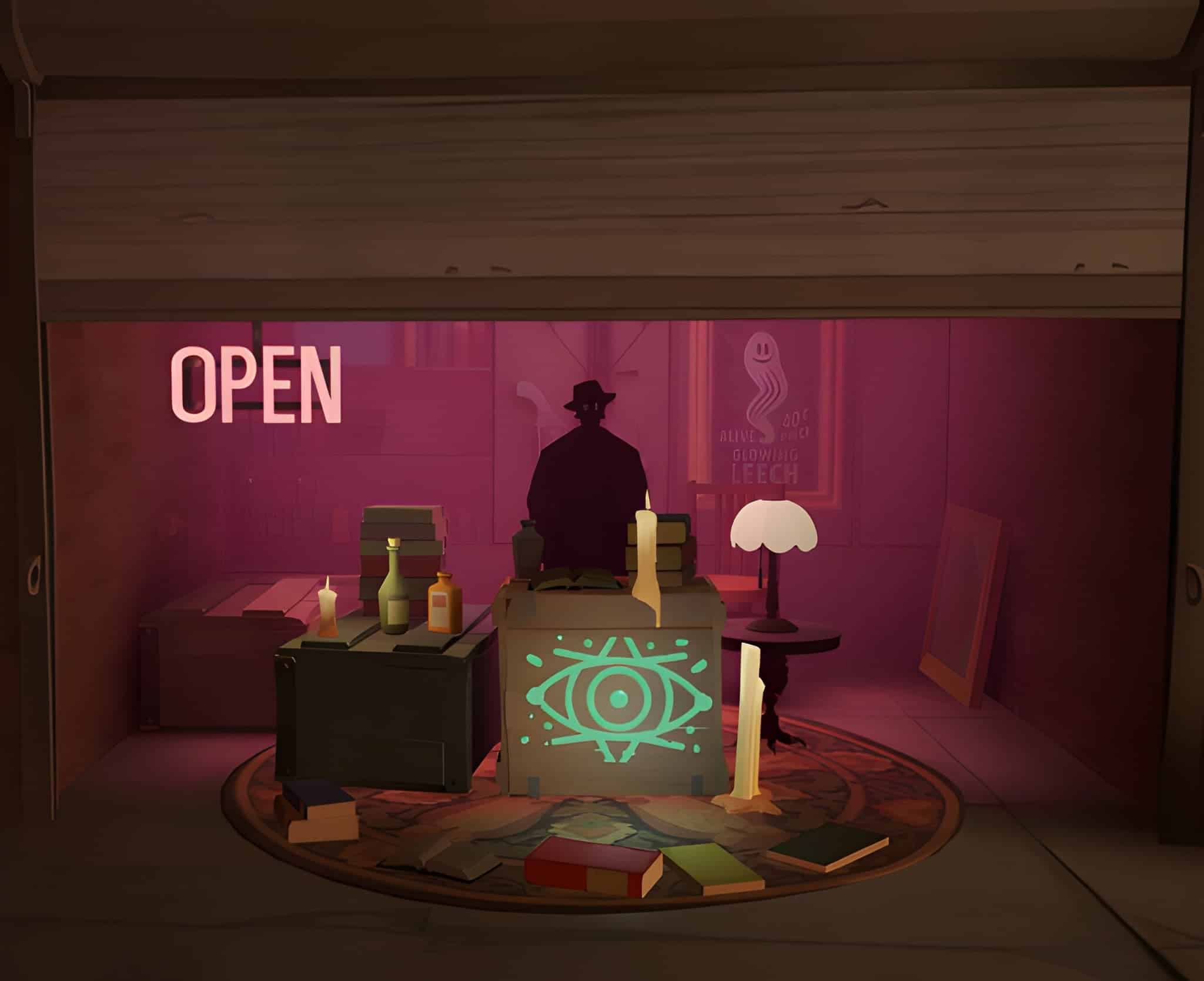
Valve presents him as a mysterious figure who sets up in New York City and sells demonic upgrades. His stalls move from appearance to appearance, so there is no fixed address to memorize. The Broker Deadlock players keep asking about is temporary by design. He leaves when the first new hero of the update releases on October 2, so check the live game before you plan a build around him.How Does the Trade Work?
You need to own the base item first. According to the current game files, the swap costs no extra souls, though Alchemical Fire shows a 3,200 souls price as a reference point. The flow is short:- Buy and keep a tier 3 or tier 4 item.
- Wait for his stall to open around the 30-minute mark.
- Find one of his stalls, either mid lane or the side lanes.
- Trade the item and read the drawback before you leave.
What Are Corrupted Items?
A Corrupted Item is a stronger version of a normal item with one random negative attribute. Valve's examples are Corrupted Ricochet and Corrupted Rapid Recharge. The bonus and the penalty shift slightly between matches. Inside one match, every player sees the same numbers. That last detail is useful. Once you see your own drawback, you know the weakness of any enemy carrying the same item.When Does He Show Up?
Stock arrives in waves and supplies are limited. Wait too long and the item you wanted is gone. Simple as that.- First shipment around the 30-minute mark, with some variation per match
- Restocks about every 15 minutes
- Stall locations that change every appearance
- In Street Brawl, a free Corrupted Item for every player after the Round 5 item draft
Which Corrupted Items Are Worth Trading For?
There are 90 Corrupted Items across the Weapon, Vitality and Spirit categories. Per-item drawbacks aren't published one by one, so we can't hand you a ranking. What we can describe is how the drawback pool behaves. Every Corrupted Item rolls one of 11 drawbacks with equal odds, and some items can never roll certain ones. Alchemical Fire, for example, never rolls Ability range.| Drawback | Tier 3 | Tier 4 |
|---|---|---|
| Ability cooldown | -13% | -17% |
| Fire rate | -20% | -25% |
| Weapon damage | -40% | -55% |
| Spirit power | -30 | -45 |
| Max health | -350 | -550 |
| Move speed | -2 m/s | -2.75 m/s |
Which Drawbacks Can You Live With?
It depends on your build, and on how much of your damage comes from a single item you'd be gambling with. A Spirit caster shrugs off a -40% weapon damage roll, but a gun-heavy hero can't. We'd skip the trade when the roll lands on your main damage stat. Keep the original item and wait for the next restock.- Spirit builds can ignore weapon damage and fire rate rolls
- Gun builds can ignore spirit power and ability cooldown rolls
- Tanks should look at max health first, since -350 on tier 3 and -550 on tier 4 is a lot of bar
Is the Trade Worth It at 30 Minutes?
Usually. When the roll is harmless for your role, a swap costs nothing. A free upgrade at a power spike is hard to pass up. The trade-off is that you can't preview the drawback. You roll first and read second, so there's real variance. Our advice is simple: never trade your only damage item right before a fight.Why Lag Wrecks the Deadlock Broker Window
The Broker restocks while the map is at its busiest. Rubber-banding near a stall can leave you standing in the open while the other team collapses on you. Packet loss spikes at peak hours make it worse. An interaction that takes one second on a clean connection can feel like three on a bad one. If this happens often, ExitLag's guide on what causes Deadlock lag is a good first read. For dropped inputs specifically, use the Deadlock packet loss fix guide.How Do You Check Your Connection First?
Test before you queue. Not during the fight. You want to know if the spikes follow the team fights.- Open the in-game network stats.
- Play one match and watch ping and packet loss around the 30-minute mark.
- Note whether spikes line up with big fights.
- Compare the same match on wired and on wireless.
Is It Ping or Is It Frames?
They feel alike and have different fixes. A frame drop is your PC, while a ping spike is your route. Trying out a fresh pick for your next Broker gamble? Our post on the new Deadlock heroes lists the latest additions.
Pro Tips: Using the Broker
- Scout the stall early: Send a teammate to check the lanes a couple of minutes before the first shipment, so you don't waste time hunting once shelves open.
- Read before you walk off: The drawback is visible right after the swap, so check it against your build while you're still next to the stall.
- Be careful with tier 4: Tier 4 penalties are heavier (-55% weapon damage versus -40%), so only trade up when your build can absorb the hit.
- Watch enemy items: If an opponent carries the same Corrupted Item, they share your drawback. Aim at the weakness in fights.
- Clean your connection before the spike: Close downloads and background apps so the stall interaction doesn't hitch.
Common Mistakes Deadlock Broker Players Make
- Trading blindly on a mismatched build: A caster taking a weapon-damage swap loses value. Fix: match the item category to your hero's damage type.
- Waiting too long: Stock is limited, so late arrivals find empty shelves. Fix: be in position when the first shipment lands.
- Ignoring lag until it costs a fight: A hitch at the stall is a free kill for the enemy team. Fix: test your connection before queueing.
- Assuming he's still around: He leaves with the first new hero release on October 2. Fix: check the live game before planning your build.
Can ExitLag Help With the Deadlock Broker?
ExitLag is a game connection optimizer, not a VPN. It tests multiple network paths in real time and picks the fastest, most stable route to the game server, with no encryption and no IP masking. For a stall trade in a big fight, Multipath matters most. It sends packets through several routes at once, so one congested hop doesn't freeze your input. ExitLag supports 4,000+ titles with 1,500+ servers in 190+ countries. If your home internet drops out now and then, Multi-Internet supports up to 4 connections at once. Don't run it next to a VPN, because that cuts its effect. Grab ExitLag Download for PC and test it for one Deadlock match, ideally one that reaches the 30-minute mark.Is ExitLag Safe to Use?
Yes. It doesn't touch game files, doesn't inject code and doesn't interact with anti-cheat systems.- It leaves your game files alone
- It runs only for supported games
- It doesn't need your game account details