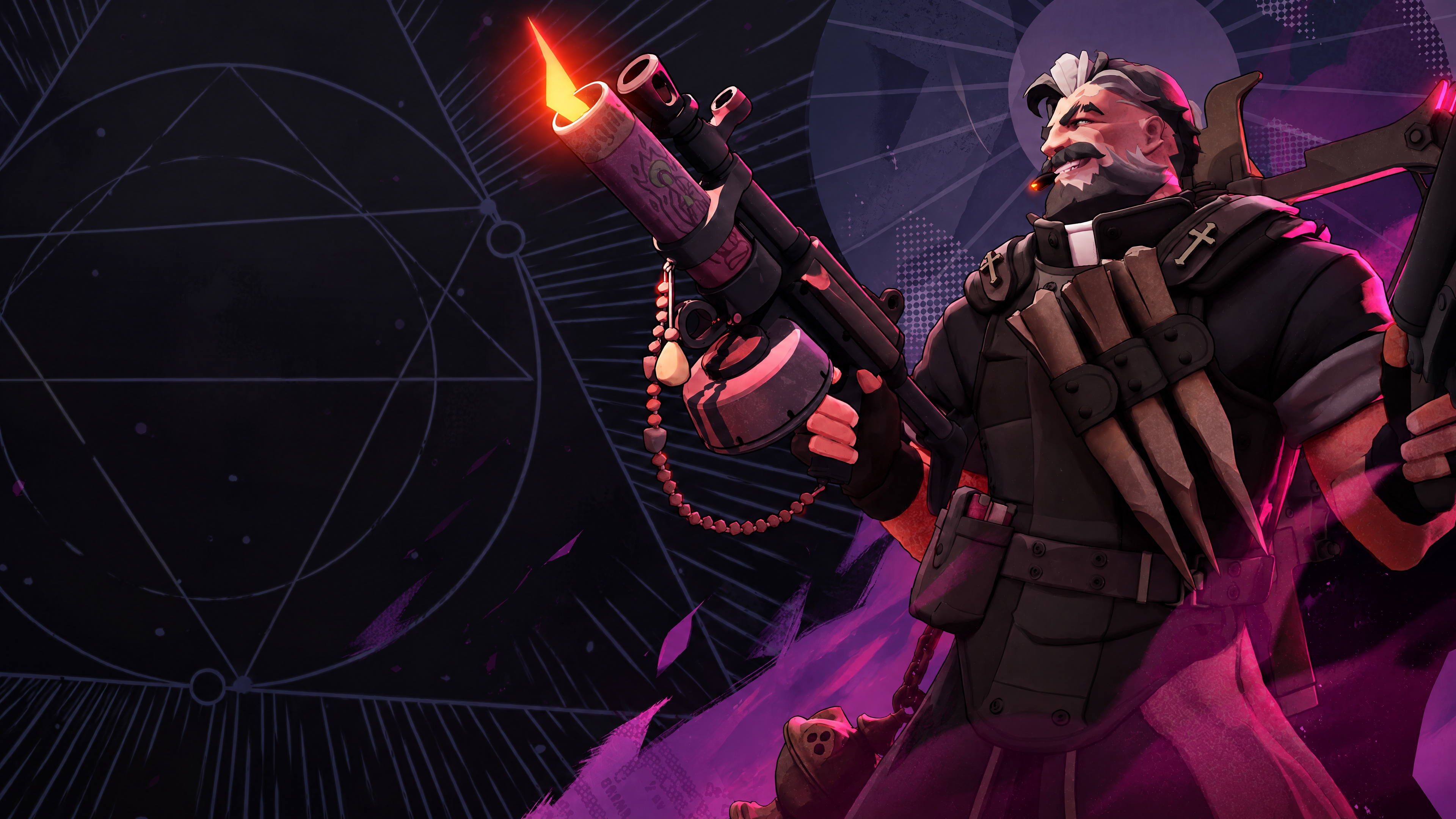
Deadlock Commands give you full control over practice sessions, from flying through walls to spawning legendary items. They are the fastest way to test builds and learn heroes.
This guide collects the most useful Deadlock Commands currently working as of October 2026, including cheat commands, item spawns, map loading, binds and config files.
Every Deadlock Commands entry below includes the exact syntax, so you can copy it straight into your console. You will also learn where each one works and where it does not.

How to Open the Console for Deadlock Commands
Before you can use any Deadlock Commands, you need to turn on the developer console. It takes less than a minute.
Enable the Console in Settings
Follow these steps to open the console:
- Launch Deadlock and open the Settings menu.
- Find the option called Dev command console and turn it on.
- Load into the Hero Sandbox, Hideout or a private lobby.
- Press F7 to open the console window.
- Type a command and press Enter to run it.
Where Deadlock Commands Work
Cheat commands only work in Sandbox, Hideout, Explore NYC and custom lobbies with cheats enabled. They never work in standard matchmaking games.
Basic commands like killme, disconnect or HUD settings work more widely. If a command does nothing, check that you are in a supported mode first.
Deadlock Cheat Commands: Enabling sv_cheats
Most Deadlock Cheat Commands need cheats turned on before they respond. Type this in the console first:
sv_cheats true
After that, every cheat command listed below becomes available until you leave the session.
Infinite Ammo Command
The Deadlock Infinite Ammo Command removes the need to reload, which is perfect for testing weapon damage:
- citadel_enable_unlimited_ammo turns unlimited ammo on
- citadel_disable_unlimited_ammo turns it off again
- sv_infinite_ammo 1 is an older alternative some players still use
Noclip and Free Camera Commands
The Deadlock Noclip Command is simply noclip. It lets you fly freely around the map and pass through walls, which works as a basic free cam for screenshots and map study.
For camera control, cl_lock_camera true locks the camera in place and cl_lock_camera false returns it to your hero. You can also bind reset_camera to a key to snap the view back.
Survival and Power Cheats
These Deadlock Commands make practice much easier:
- citadel_enable_no_hero_death keeps your health from dropping below 1
- citadel_enable_fast_cooldowns sets ability cooldowns to about 2 seconds
- citadel_enable_fast_stamina makes stamina regenerate very quickly
- kingme gives 1.2 million souls and maxes your abilities
- citadel_hero_testing_infinite_money true grants infinite souls and ability points
Each enable command has a matching disable version to turn the effect off.
Deadlock Item Commands and Spawns
Item commands let you test any build without farming souls. They all require sv_cheats true first.
How to Give Yourself Items
Use giveitem followed by the item's internal name. Here are popular examples:
- Shrink Ray Command: giveitem upgrade_shrink_ray
- Glass Cannon Command: giveitem upgrade_glass_cannon
- Infinite Rounds Command: giveitem upgrade_infinite_rounds
You can chain several items in one line by separating them with semicolons. Glass Cannon can even stack, which makes for wild damage tests with Infinite Rounds.
Spawn Urn and Soul Commands
The spawn urn command is citadel_spawn_urn, which creates an urn for testing. For quick souls, use citadel_give_gold 9999 and change the number to any amount you want.
You can also respawn nearby neutral camps with citadel_spawn_nearby_neutrals to practice farming routes.
Deadlock Commands Quick Reference
| Command | What It Does | Needs Cheats |
| sv_cheats true | Enables cheat commands | No |
| noclip | Fly through walls | Yes |
| citadel_enable_unlimited_ammo | Infinite ammo | Yes |
| citadel_enable_no_hero_death | Prevents death | Yes |
| giveitem <item> | Gives an item | Yes |
| citadel_spawn_urn | Spawns an urn | Yes |
| hud_damagemeter true | Shows DPS near crosshair | Yes |
| cl_showpos 1 | Shows position and velocity | Yes |
| selecthero <name> | Picks a hero | No, in hero testing |
| killme | Kills your hero | No |
| map <name> | Loads a map | No |
Deadlock Go To Map Command and Hero Selection
The Deadlock Go To Map Command is map followed by the map name. It is the quickest way to load a private session for practice.
Map Names You Can Load
These map names are commonly used with the map command:
- dl_midtown loads the main multiplayer map
- new_player_basics loads the Hero Sandbox
Use changelevel <map> instead if you want to switch maps without kicking players from a private lobby. Map names can change with updates, so test them before relying on them.
Select Hero Command
To switch heroes, use selecthero <hero name>. It works on the hero selection screen or when hero testing is enabled with citadel_hero_testing_enabled true.
If you are unsure of a hero's internal name, run dump_hero_names with cheats on. You can also spawn an allied dummy hero with citadel_create_unit <hero name>.
Deadlock Kill Command, DPS and Velocity
These utility Deadlock Commands are perfect for testing damage, movement and resets.
Kill Command and Kill Bind
The Deadlock Kill Command comes in two forms. killme kills your own hero instantly, while kill <name> kills a specific NPC or player.
To make a kill bind, type bind k "killme" in the console. Pressing K will then reset your hero instantly, which is useful when practicing respawn timings.
DPS Meter and Velocity Display
The DPS command is hud_damagemeter true, which shows your damage per second next to the crosshair. Combine it with citadel_dps_multiplier to test scaling.
The velocity command is cl_showpos 1. It displays your position and current speed, which helps when practicing dashes, slides and movement tech.
Deadlock Config File, Autoexec and Launch Options
A good config saves you from typing the same Deadlock Commands every session. This is where the autoexec file and launch options come in.
How to Create a Deadlock Autoexec
The Deadlock Autoexec file runs your favorite commands every time the game starts. Here is how to set it up:
- Go to your Steam library folder, then steamapps\common\Deadlock\game\citadel\cfg.
- Create a new text file named autoexec.cfg.
- Add one console command per line, such as binds or HUD settings.
- Save the file and close it.
- Add the launch options below so the game loads it automatically.
Deadlock Launch Options
To set Deadlock Launch Options, right click Deadlock in your Steam library, open Properties and find the Launch Options field. Enter:
-console -exec autoexec
This opens the console on startup and runs your autoexec file automatically.
What Is the Deadlock gameinfo.gi File?
The Deadlock Config File called gameinfo.gi sits in steamapps\common\Deadlock\game\citadel. The game reads it on startup, and players mainly edit it to load mods from the addons folder.
Edit it carefully and keep a backup. A broken gameinfo.gi or an outdated mod can stop the game from launching, and updates may reset the file.
Pro Tips for Using Deadlock Commands
These Pro Tips help you get more from every practice session:
- Build an autoexec with your favorite practice binds so setup takes seconds.
- Combine noclip with cl_lock_camera for clean screenshots and map study.
- Pair hud_damagemeter true with giveitem to compare items side by side.
- Use citadel_hero_testing_infinite_money true to test full late game builds.
- Keep a text file with your favorite Deadlock Commands to copy and paste quickly.
Practice Movement Efficiently
Turn on cl_showpos 1 and citadel_enable_fast_stamina together. You will see exactly how each dash and slide affects your speed without waiting for stamina.
Test Builds Before Ranked Games
Spawn your planned items with giveitem, then test them on dummies created with citadel_create_unit. This shows real damage numbers before you spend souls in a match.
Common Mistakes With Deadlock Commands
Most problems with Deadlock Commands come from a few simple errors.
Mistakes and Corrections
- Forgetting sv_cheats. Cheat commands fail silently without it. Correction: type sv_cheats true first in every new session.
- Trying commands in matchmaking. Cheats never work in public games. Correction: use the Sandbox, Hideout or a private lobby.
- Typing item names wrong. giveitem needs exact internal names. Correction: copy names exactly, including the upgrade_ prefix.
- Editing gameinfo.gi without a backup. One mistake can break your launch. Correction: save a copy before changing anything.
Commands That Stop Working After Updates
Deadlock is still evolving, so Valve sometimes renames or hides commands. If something stops working, check recent patch notes and test alternatives like the older sv_infinite_ammo 1.
Lower Your Ping in Deadlock With ExitLag
Why Connection Quality Matters in Deadlock
Deadlock mixes fast shooting, parries and movement tech, so every millisecond counts. A lag spike can make you miss a parry or lose a fight you should have won.
ExitLag optimizes your connection by testing multiple routes to the game servers and sending your data through the most stable path. That means lower ping, fewer spikes and less packet loss.
Make Practice Count
Deadlock Commands turn the Sandbox into a powerful training ground. Use them to test items, learn movement and master new heroes before jumping into ranked.
Start Using Them Today
Open the console, enable cheats and try the commands above in your next practice session. With the right setup, Deadlock Commands will make you a faster, smarter player.