A patch drops, you hit Play, and instead of the hub you get a gray box with the Deadlock Fatal Error Unable To Find Child message and a panel name you've never heard of. The game closes. You try again, same box.
This one looks scary, but the Deadlock Fatal Error Unable To Find Child popup is usually one of the easier crashes to fix. It almost never means your hardware is dying or your account is flagged. What it does mean is that the game's interface tried to load a piece of UI that isn't where the code expects it.
So what fixes it? In most cases the Deadlock Fatal Error Unable To Find Child crash comes from an outdated UI mod or a half-finished update. Remove or update your mods in the citadel/addons folder, verify the game files through Steam, and relaunch. That clears it for the large majority of players.
What The Deadlock Fatal Error Unable To Find Child Message Actually Means
Deadlock builds its menus and HUD with Panorama, the same UI system Valve uses in Dota 2 and CS2. Each screen is an XML layout file, and each button or container inside it has an ID.
When the game code asks for a panel by ID and that panel doesn't exist in the loaded layout, Panorama doesn't skip it. It stops the client with a fatal error.
Reading The Error Text
The popup follows a fixed pattern. One version players reported after a minor update looked like this:
FATAL ERROR: Unable to find child 'ViewSteamProfile' in layout file 'panorama\layout\citadel_db_page_profile.xml'- The part in the first quotes is the missing panel (here, the new Steam profile button).
- The part in the second quotes is the layout file the game searched.
- "citadel" in the path is Deadlock's internal codename, so every game file lives under a
citadelfolder.
Other players have hit the same crash with different panel names, like RecentHealContainer, right after a patch. The name changes, the cause stays the same.
Why It Shows Up Right After Updates
Valve adds and renames panels all the time. A new button on the profile page means a new ID in the XML and new code that looks for it.
If anything on your PC still feeds the game the old XML, the new code asks for a panel the old file never had. Two things do that:
- An outdated UI mod that ships its own copy of the layout file, made before the patch.
- A download that didn't finish cleanly, leaving old and new files mixed.
Deadlock Fatal Error Unable To Find Child ViewSteamProfile: Is It A Mod Problem?
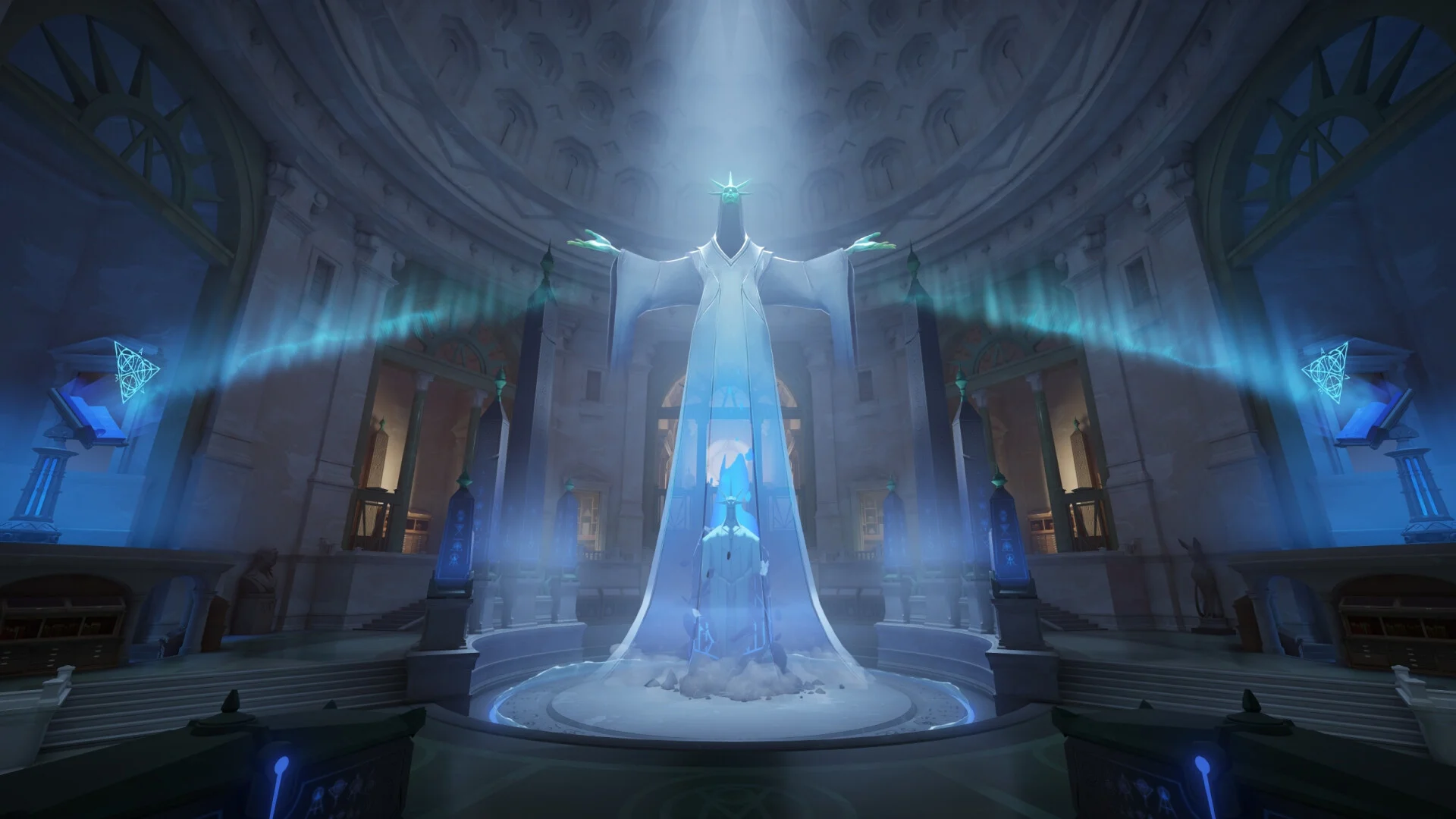
For the Deadlock Fatal Error Unable To Find Child ViewSteamProfile version, reports pointed at mods first. Players who crashed when clicking a profile picture or the new Steam button traced it to an outdated version of the QOL Lock UI mod.
Verifying files alone reportedly didn't fix that one. That fits: Steam only repairs files it installed, and a mod in your addons folder isn't one of them.
How Mods Override Layout Files
Deadlock mods are VPK packs placed in Deadlock/game/citadel/addons, named pak01_dir.vpk through pak99_dir.vpk. Lower numbers load with higher priority.
To make the game read that folder, modders edit gameinfo.gi and add an addons search path. Once that's in place, any XML inside a mod's VPK wins over Valve's version:
- HUD and minimap mods
- Shop and item layout tweaks
- Profile, scoreboard and quality-of-life UI packs
- Font or menu reskins
Skin and model mods rarely touch Panorama, so they're less likely to cause this exact message. They can still break other things after a patch.
Signs It's Your Mods And Not Valve
You can usually tell within a minute. Here's what points to a mod conflict:
- The crash happens when you open one specific screen (profile, shop, scoreboard).
- The file path in the error matches a screen a mod you use changes.
- Friends without mods on the same patch launch fine.
- The crash started the same day as a patch, and your mod wasn't updated that day.
How To Fix The Deadlock Fatal Error Step By Step
Work through these in order whenever a Deadlock Fatal Error names a missing panel. Each step is cheaper than the next one, and most players stop at step 2 or 3.
Quick Checks Before You Touch Anything
- Fully close Deadlock and restart Steam, so it can finish any pending update.
- Check the Downloads page in Steam. If Deadlock shows a queued or paused update, let it complete.
- Remove custom launch options you added for testing, like
-language english, which one player found kept breaking the UI text after a patch. - Relaunch once. When the popup is gone, the update just hadn't applied.
Clean Out Mods And Reset gameinfo.gi
- If you use a mod manager, update every mod first. When a mod author has pushed a fix, this is the fastest route.
- Still crashing? Disable all mods in the manager.
- Without a manager, go to
Deadlock/game/citadel/addonsand move everypak##_dir.vpkto a folder on your desktop. Don't delete them yet. - Run Verify in Steam (next section). That also restores the original
gameinfo.gi, which removes the addons path. - Launch the game. If it boots, add mods back one at a time until the crash returns. The last one you added is the problem.
We'd keep UI mods off for the first day or two after any big patch. Modders need time to rebuild their XML against Valve's new files, and the stock UI works fine in the meantime.
Verify Game Files In Steam
Right-click Deadlock in your Library, open Properties, go to Installed Files, and click "Verify integrity of game files." Valve's own Steam Support guide on verifying game files covers the same process if your client looks different.
For the RecentHealContainer version, a forum user confirmed this step alone got the game launching again. That case had no mods involved, just a messy update.
Which Fix Matches Your Fatal Error Deadlock Crash?
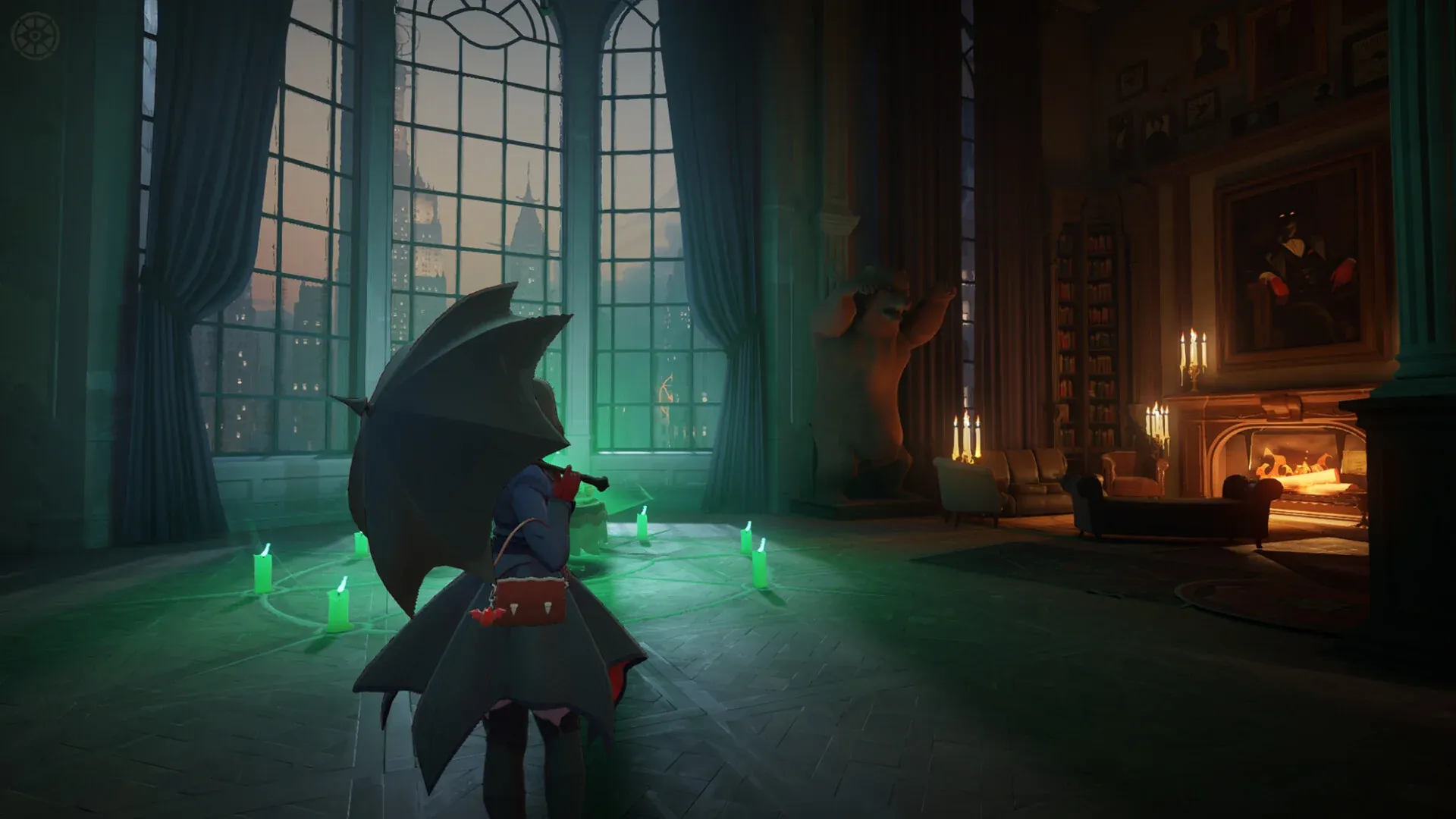
Not every Fatal Error Deadlock popup needs the same response. The text tells you a lot, so match it before you start reinstalling things.
Quick Reference Table
| Error text or symptom | Most likely cause | First fix to try |
|---|---|---|
| Unable to find child 'ViewSteamProfile' | Outdated profile UI mod | Update or remove the mod |
| Unable to find child with any panel, no mods installed | Incomplete patch download | Verify game files |
| pak01.vpk is corrupt, verify integrity | Damaged or stuck VPK file | Verify, then reinstall if it loops |
| Application unable to load gameinfo.gi | Broken brace in a manual edit | Verify to restore the file |
| Text shows raw keys like CITADEL_KEY_ESCAPE | Localization mismatch | Remove language launch option, reinstall |
What If Verify Keeps Finding Broken Files?
Some players get stuck in a loop where Verify "fixes" a file, the game crashes, and Verify finds the same file again. When that happens, a full clean reinstall is worth the download.
- Turn off Steam Cloud for Deadlock in Properties.
- Uninstall Deadlock and close Steam completely.
- Delete what's left of
steamapps/common/Deadlock, plussteamapps/shadercache/1422450andsteamapps/downloading/1422450if they exist. - Reinstall, then verify once before launching.
The trade-off is time. Deadlock is a large download, and on a slow line you'll lose an evening to this. Try it only after the mod cleanup and a normal Verify have both failed.
Pro Tips And Common Mistakes With Deadlock Fatal Errors
Pro Tips: Keeping Deadlock Stable After Patches
- Back up your addons folder: Copy
citadel/addonssomewhere safe before patch day. You can then clear it in seconds and restore your setup once mods are updated. - Watch the mod's update page: A UI mod author usually posts a fixed build within a day of a big patch. Updating beats debugging.
- Read the panel name first: The ID in the error points to the screen that broke. "ViewSteamProfile" means profile page, so you know which mod to suspect without guessing.
- Keep gameinfo.gi edits in a text file: Valve occasionally updates
gameinfo.gi, and Verify resets it. Keeping your addons lines saved means you can paste them back after the fix.
Common Mistakes Players Make With This Crash
- Verifying and expecting mods to vanish: Verify only repairs files Steam installed, so an outdated VPK in addons keeps loading. Fix: move the mod files out by hand or disable them in your manager.
- Reinstalling Windows or drivers first: This crash is a UI file mismatch, not a GPU fault. Fix: start with mods and Verify, which take minutes, before touching drivers.
- Deleting the whole citadel folder: That forces a full redownload and wipes your mods with no backup. Fix: only empty
citadel/addons, and do a proper uninstall if you really need a clean slate. - Re-enabling every mod at once: You'll crash again and have no idea which pack caused it. Fix: add them back one by one and relaunch each time.
Can Network Problems Cause A Deadlock Fatal Error?
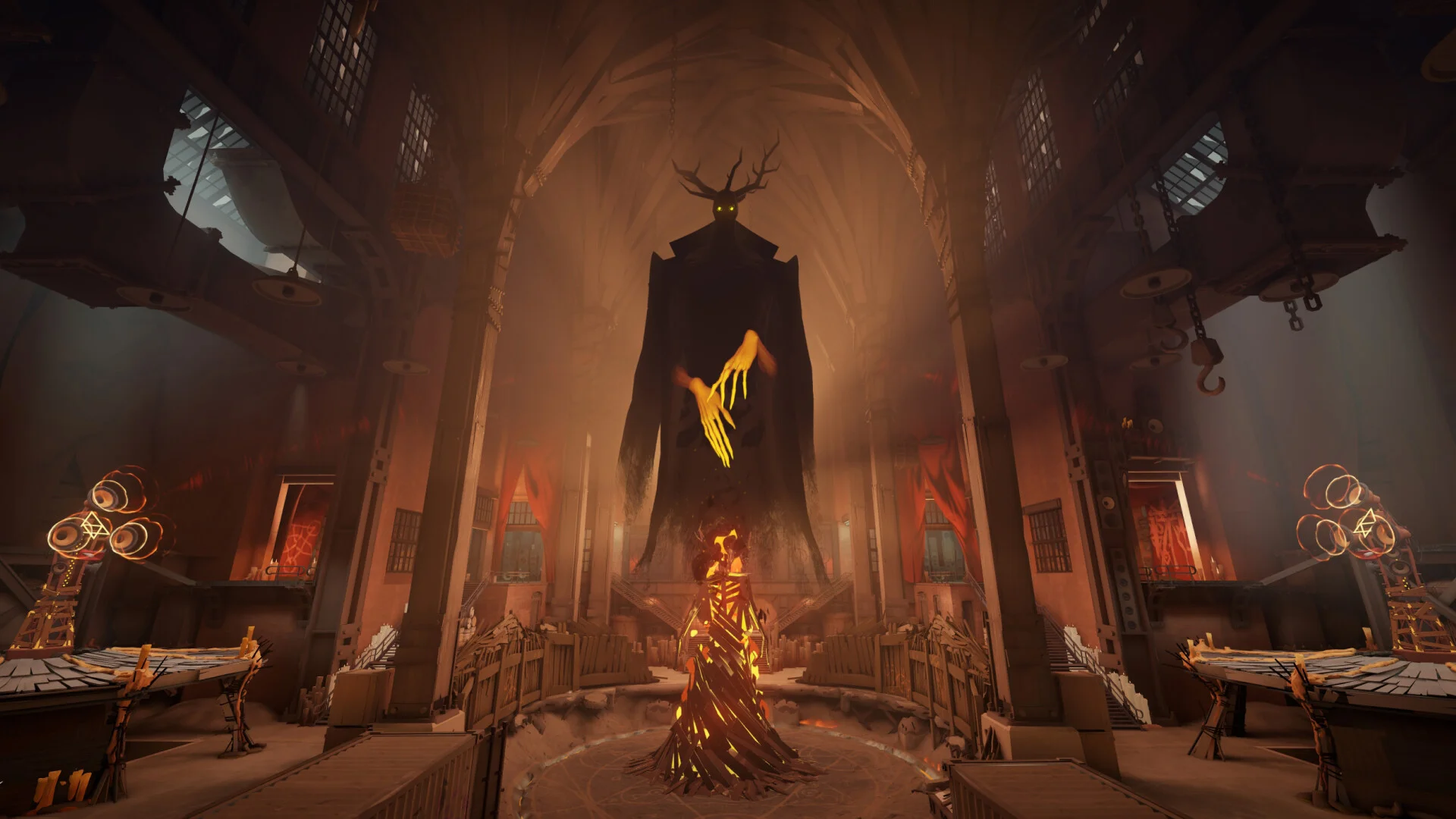
Short answer: not this one. A missing Panorama child is a local file problem, so your ping and router have nothing to do with the popup itself.
Crashes Versus Connection Drops
Network issues in Deadlock look different. You'll see rubber-banding, delayed abilities, or disconnects mid-match, never a layout file error.
- High ping makes melee parries land late.
- Packet loss spikes cause teleporting heroes in lane fights.
- Jitter makes your connection feel fine one second and awful the next.
- A crash with a file path in the text is always a client-side issue.
If you're seeing both problems, fix the crash first, then look at the connection. Our breakdown of what causes Deadlock lag and how to fix it covers the routing side, and if frames tank during team fights, the Deadlock FPS drop guide handles that separately.
When It's Worth Reporting To Valve
Report it on the official Deadlock forums if the crash survives a clean reinstall with an empty addons folder. That means the bug is in Valve's build, not on your PC.
- Include the exact error text, including the panel and file name.
- Mention when it started and which patch you're on.
- Attach a crash dump if the forum asks for one.
Using ExitLag Once Deadlock Is Running Again
Getting past the crash puts you back in matchmaking, and that's where connection quality starts deciding fights. A late parry or a desynced Seven ult loses lanes as fast as a bad build.
Why Routing Shows Up In Deadlock
ExitLag is a connection optimizer, not a VPN. It tests multiple network paths to Deadlock's servers in real time and sends your game traffic down the fastest, most stable one. There's no encryption and no IP masking involved.
- Multipath Technology sends packets over more than one route at once, so a bad hop doesn't drop your connection.
- Multi-Internet lets you combine up to 4 connections, like fiber plus a phone hotspot, with automatic failover.
- Traffic Shaper puts game traffic ahead of downloads and streams on the same network.
- PC Boost frees RAM and trims background processes for steadier frames.
If your ping swings mid-match, our guide to fixing jitter in Deadlock explains what's going on under the hood.
Is ExitLag Safe With Deadlock?
Yes. ExitLag doesn't modify game files, doesn't inject code, and doesn't interact with anti-cheat. That also means it can't cause or fix the Panorama crash covered above, since it never touches your citadel folder.
It supports 4,000+ titles with 1,500+ servers in 190+ countries. Don't run it together with a VPN, because that stacks an extra hop on top of the optimized route. Once your client boots, grab the ExitLag Download and test it on your next match.
Final Checklist For The Deadlock Fatal Error Unable To Find Child Crash
Remember the two culprits from the start: an old UI mod or a messy update. Nearly every fix here targets one of them.
The Fast Path
- Restart Steam and let any pending update finish.
- Update or disable all UI mods, or empty
citadel/addons. - Verify game files, which also resets
gameinfo.gi. - Clean reinstall only if Verify loops.
Getting Back Into Matches
Once the hub loads, find a group with our Deadlock LFG guide, or brush up on heroes and items in the full Deadlock game guide.
- Re-add mods one at a time.
- Keep a backup of your addons folder for the next patch.
- Save your gameinfo.gi lines in a text file.
Patches will keep breaking UI mods, so expect the Deadlock Fatal Error Unable To Find Child popup to come back now and then. Next time, you'll know to check addons first and have it fixed before your friends finish queuing.
All game images used in this blog post belong to Valve Corporation. They are used for informational and educational purposes only and do not imply endorsement or affiliation with the rights holders.