If you are dealing with Dragon Sword Jitter, fluctuating ping can make every match feel unpredictable. One moment, your commands respond normally, and the next, the game seems to freeze or react too late. This type of instability is especially frustrating during PvP, competitive battles, and moments that require precise timing. You can check the games supported by ExitLag to see how connection optimization can help create a more consistent gaming experience games supported by ExitLag.
The biggest problem with Dragon Sword Jitter is not simply having a high ping number. Instead, the issue is that your latency keeps changing, making it difficult to predict when your actions will reach the game server. Therefore, dodging an attack, activating a skill, completing a combo, or reacting to an opponent can become inconsistent even when your average ping looks acceptable.
If your connection feels fine for several seconds and then suddenly becomes unstable, you may be experiencing Dragon Sword Jitter rather than ordinary lag. However, this does not mean you have to accept unpredictable performance as part of playing Dragon Sword. By understanding what causes connection variation and applying the right optimization techniques, you can significantly improve consistency and make your gameplay more responsive.
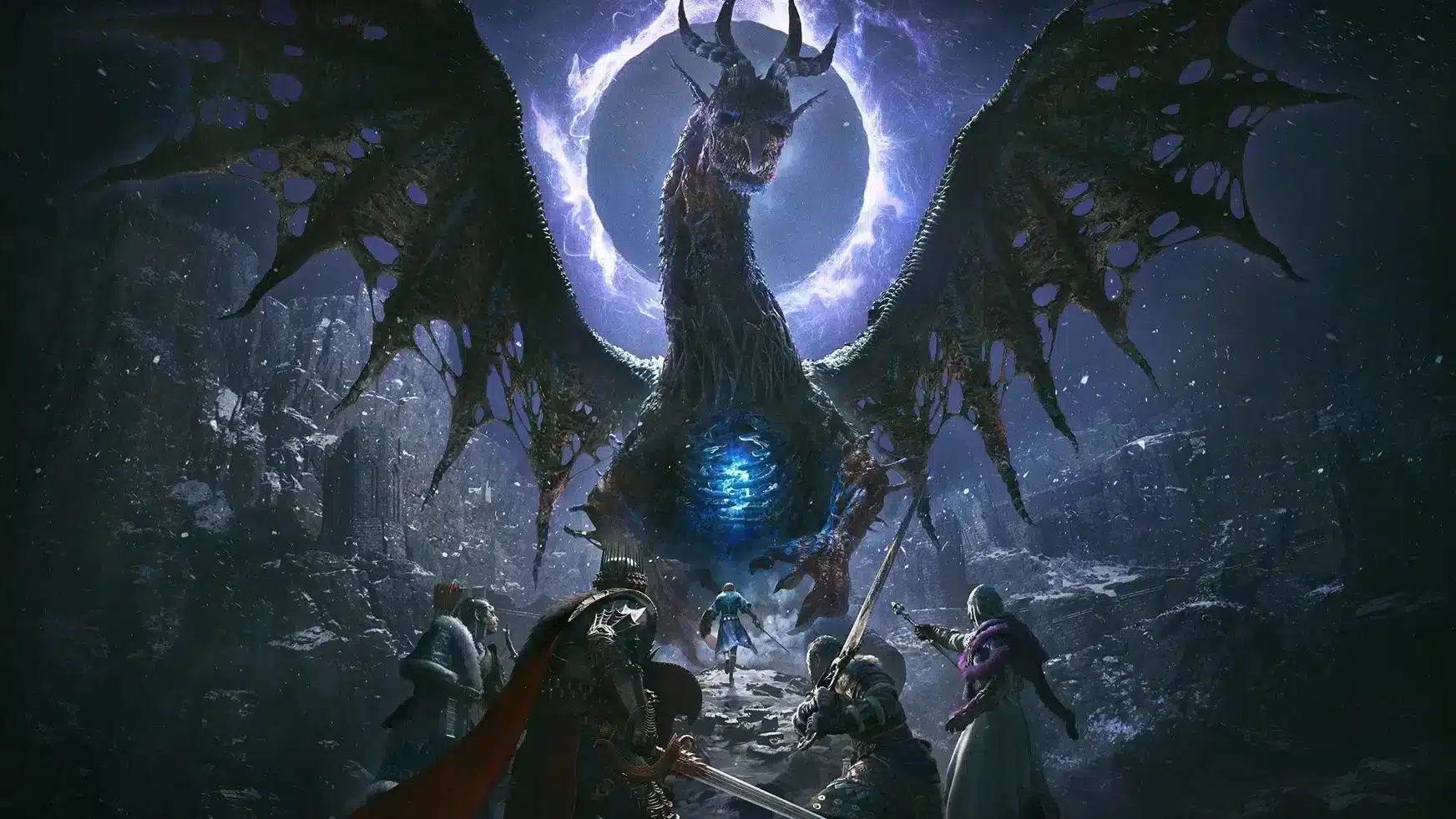
What is jitter in Dragon Sword?
Jitter is the irregular variation in the amount of time data takes to travel between your device and the game servers. While ping measures the response time of a connection, jitter measures how consistent that response time remains. Therefore, a connection can have a relatively low average ping while still producing an unstable experience.
For example, imagine your ping moving from 50 ms to 120 ms, then dropping to 80 ms before reaching 150 ms. The average number may not look alarming, but the constant variation makes your connection difficult to predict. A stable connection would normally fluctuate within a much smaller range, often around 5–10 ms under consistent conditions.
This distinction matters because stable latency is often more useful for gameplay than simply having the lowest possible ping. A consistently higher response time can be easier to adapt to than a connection that changes dramatically from one moment to another. Consequently, reducing inconsistent response times should be a priority when troubleshooting gameplay issues.
How jitter affects your gameplay
When your connection becomes unstable, the effects can appear directly in gameplay. Instead of experiencing one continuous delay, you may notice short interruptions, delayed actions, or sudden changes in how quickly the game responds.
Common problems include:
- Inconsistent commands: A skill may activate immediately in one situation but respond noticeably later in another.
- Unreliable dodges: Timing becomes harder because the game may receive your movement command later than expected.
- Broken combos: Ability sequences can fail when individual inputs experience different response times.
- Sudden enemy movement: Opponents may appear to move abruptly when updates arrive inconsistently.
- PvP frustration: Competitive encounters become harder when you cannot predict the game's response.
- Resource waste: Buffs, abilities, or consumables may be used at the wrong moment because of delayed feedback.
- Hit registration issues: Attacks can feel inconsistent when communication between your device and the server varies.
- Unreliable aiming: Precise actions become more difficult when response timing changes continuously.
Therefore, jitter is particularly problematic in situations where reaction time matters. Even when your hardware performs well and your frame rate is stable, network instability can still make the game feel slow or unpredictable.
Main causes of jitter
Network congestion
When several devices or applications use the same connection, available bandwidth and packet priority can change. Downloads, streaming services, cloud synchronization, and other background activity may therefore create fluctuations in response time.
Unstable routing
Your data does not necessarily travel through the same network path at every moment. If routing changes or one section of the route becomes congested, packets may take different amounts of time to reach the destination. As a result, your ping variation can increase even when your local internet connection appears normal.
Wi-Fi interference
Wi-Fi is convenient, but wireless connections are more susceptible to interference, signal changes, physical obstacles, and competing networks. Therefore, a connection that appears fast during ordinary browsing may still produce inconsistent latency during online gaming.
ISP problems
Your internet service provider can also contribute to instability. Overloaded infrastructure, routing issues, or problems affecting the local network can produce variations that are difficult to solve solely through in-game settings.
Server distance
The farther your data has to travel, the more network equipment it may pass through. Each additional point can introduce another opportunity for delay or variation. Consequently, playing on a distant server can make connection consistency more challenging.
How to identify jitter
Run an extended ping test
One useful approach is to monitor your connection over an extended period rather than checking a single ping result. Look for significant changes between measurements. If your response time repeatedly jumps from low to high values, the connection may be experiencing jitter.
A single low ping reading does not prove that your connection is stable. Instead, consistency over time provides a much clearer picture of how your network behaves during a gaming session.
Watch for in-game signs
Your gameplay can also reveal connection problems. Typical signs include:
- Ping displayed in the game changes constantly.
- Actions sometimes respond immediately and sometimes slowly.
- You experience intermittent rubberbanding.
- The game feels unstable despite apparently low ping.
- Skills or commands have variable delays.
- Some moments are completely playable while others suddenly feel sluggish.
Therefore, if these symptoms appear repeatedly, measuring your connection can help determine whether the problem is network instability rather than graphics performance.
Jitter levels at a glance
| Jitter level | Approximate variation | Expected experience |
| Very low | 0–5 ms | Highly consistent connection |
| Low | 5–10 ms | Generally stable gameplay |
| Moderate | 10–30 ms | Occasional inconsistencies may appear |
| High | 30–50 ms | Noticeable response variation |
| Very high | 50+ ms | Severe instability and unpredictable gameplay |
These ranges are practical guidelines rather than strict technical thresholds. Nevertheless, the important factor is consistency. A connection that repeatedly jumps between values can create problems even when its average ping seems reasonable.
Basic ways to reduce jitter
Prioritize your connection
Before changing advanced settings, try these practical steps:
- Use an Ethernet cable: A wired connection can reduce wireless interference and improve consistency.
- Close background applications: Downloads, streaming, updates, and synchronization can consume bandwidth.
- Limit devices on your network: Fewer active devices can reduce competition for available resources.
- Disable automatic updates during gaming: Unexpected downloads can create temporary network congestion.
- Update network drivers: Current drivers can help your operating system communicate properly with your network hardware.
These measures are useful because they remove common sources of instability. However, they cannot always resolve problems caused by ISP routing or the path between your connection and the game's servers.
Configure QoS on your router
Quality of Service, or QoS, allows a router to prioritize certain types of traffic. When configured correctly, game traffic can receive priority while other activities continue using the connection.
Therefore, QoS can be helpful when multiple people or devices are using the same network. Its effectiveness depends on the router, network configuration, and source of the instability.
Check with your ISP
If instability continues even when your local network is optimized, contact your internet provider. Explain that you are experiencing fluctuating latency and ask whether there are known problems with your connection, equipment, or routing.
Why ExitLag can stop jitter
When basic network adjustments are not enough, ExitLag provides a dedicated approach to connection optimization. It is a software specialized in gaming connection optimization and works as an intelligent connection stabilizer, helping manage the route between your device and the game servers.
Instead of simply focusing on the lowest ping number, ExitLag, a specialized software for connection optimization and stabilization, is designed to improve the consistency of your connection. This is particularly relevant when your problem comes from unstable routing, distant servers, or variations that occur somewhere between your home network and the game server. You can learn more about how the technology works through ExitLag's technology page
How ExitLag stabilizes Dragon Sword
ExitLag uses its Multi-Internet technology to manage connection paths dynamically. The objective is to provide a more consistent flow of data between your system and the game server, reducing the impact of unstable routes.
Its connection optimization can work through several mechanisms:
- Multiple routes simultaneously: Data can use different routes, helping maintain consistency when one route becomes unstable.
- Intelligent packet selection: The system can prioritize packets that arrive efficiently rather than allowing delayed data to negatively affect the connection.
- Real-time route optimization: Available routes are continuously analyzed so the connection can adapt to changing network conditions.
- Reduced hops: Fewer unnecessary network hops can reduce the number of points where variation may occur.
- Intelligent buffering: Data management helps maintain a more consistent flow toward the game.
You can understand the complete process through ExitLag's explanation of how its connection optimization works.
Benefits of ExitLag for Dragon Sword players
A stable connection can make a meaningful difference when your gameplay depends on timing and precision. Therefore, ExitLag focuses on consistency rather than simply displaying a lower number.
More consistent ping can make responses easier to predict. When latency behaves consistently, you have a clearer understanding of when an action should register.
Reduced jitter can minimize sudden variations that make gameplay feel unpredictable. This is especially valuable during PvP encounters, where even small timing differences can influence the outcome.
Better timing can also improve the overall feel of skills, movement, dodges, and combos. Instead of adapting constantly to changing response times, you can focus more directly on the game itself.
Greater competitive consistency is another advantage. Ranked and competitive environments require predictable responses, particularly when a split-second decision matters.
Support for distant servers can be useful for players connecting to regions farther from their physical location. Network distance cannot simply be removed, but route optimization can help manage the connection path.
Finally, the interface is designed to be straightforward. You select the game, configure the optimization, and start playing without needing advanced networking knowledge.
Is ExitLag worth using?
ExitLag is particularly relevant if you frequently experience unstable connection, play on international servers, participate in PvP, ranked matches or tournaments, or notice connection problems during peak internet usage.
It can also be useful when you have already tried basic troubleshooting steps but continue experiencing unpredictable latency. If your network is affected by routing problems, Wi-Fi instability, or other connection conditions outside the game itself, specialized optimization can provide a more targeted solution.
Therefore, if connection inconsistency is repeatedly affecting your matches, exploring ExitLag's available plans can help you determine the best way to optimize your gaming setup.
How to configure ExitLag
Getting started is straightforward:
- Download and install ExitLag.
- Create an account or log in.
- Search for Dragon Sword in the supported games list.
- Select the available connection optimization settings.
- Apply the configuration.
- Launch the game normally.
- Monitor your connection statistics.
- Adjust settings if necessary, or use automatic optimization.
You can begin by accessing the official ExitLag download page.
Frequently asked questions
What is the difference between jitter, lag, and packet loss?
Jitter is variation in latency, while lag generally refers to delayed game responses, often associated with high latency. Packet loss occurs when data packets fail to reach their destination.
Therefore, these are different network problems. You can have relatively low ping and still experience a poor connection if jitter is high or packets are being lost.
Why does my ping keep fluctuating?
Several factors can cause fluctuating ping, including network congestion, unstable routing, Wi-Fi interference, multiple devices using the same connection, ISP issues, and server distance.
Consequently, simply restarting the game may not solve the underlying problem. Identifying where the variation originates is more useful for choosing an effective solution.
Is jitter worse than high ping?
In many situations, unstable ping can be more difficult to play with than consistently high ping. For example, a stable 100 ms connection is predictable, while a connection that repeatedly moves between 30 ms and 150 ms makes timing much harder to anticipate.
Therefore, consistency can matter as much as the absolute latency number.
How can I tell if I have jitter?
Run an extended ping test and observe whether the response time changes significantly. You can also watch the game's network indicators and pay attention to inconsistent command responses, rubberbanding, or sudden delays.
If these symptoms occur repeatedly, your connection may be experiencing significant variation.
Can Wi-Fi cause jitter?
Yes. Wireless connections can be more susceptible to interference, signal fluctuations, distance from the router, and competing networks.
For that reason, Ethernet is generally preferable when your priority is connection consistency. However, if the instability comes from routing outside your home, switching to Ethernet alone may not completely resolve it.
Can ExitLag help with problems besides jitter?
Yes. According to the template's guidance, ExitLag is designed to address broader connection optimization needs, including ping reduction, packet loss, DDoS protection, and overall connection stability across supported online games.
Therefore, its purpose goes beyond addressing one isolated symptom.
Does ExitLag need to stay open while I play?
Yes. The software needs to remain active during your gaming session so its connection optimization can continue working. You can minimize it while playing, but closing it stops the optimization.
Final thoughts
Jitter can turn an enjoyable Dragon Sword session into a frustrating experience because the biggest problem is unpredictability. Instead of knowing exactly how your commands will behave, you are forced to react to changing latency, delayed skills, inconsistent movement, and unexpected interruptions.
Fortunately, you do not have to treat network instability as something unavoidable. Basic improvements such as Ethernet, reducing network congestion, limiting background activity, and checking your ISP can help. However, when routing and connection consistency remain the problem, a specialized optimization solution can provide a more targeted approach. For additional connection and gaming optimization guides, explore the ExitLag blog.
Ultimately, the goal is to experience Dragon Sword with a connection that is stable, predictable, and responsive. If Dragon Sword Jitter is repeatedly affecting your timing, competitive performance, or enjoyment, testing a dedicated connection optimization solution can be the next step toward a more consistent gaming experience.
Start optimizing your connection
Do not let unpredictable Dragon Sword Jitter decide the outcome of your next battle. Try ExitLag and experience a more consistent approach to gaming connection optimization.