
Educational Games have changed a lot over the past few years. What used to mean flashcards and dull quizzes now looks a lot more like the games kids already love to play. Math turns into a wizard's duel, spelling turns into a treasure hunt, and typing turns into a car race against friends online.
The best Educational Games blend real curriculum with genuine game design, so kids stay engaged without realizing how much they are learning. Whether you are a parent picking something for a rainy afternoon or a teacher building a classroom toolkit, the picks below cover math, reading, coding, logic, and typing.
In short, some of the strongest options right now are Prodigy Math, Khan Academy Kids, Duolingo, TypingClub, Scratch, and Code.org, each covering a different subject and age range. Most offer generous free tiers, a few add optional paid plans, and several support live online multiplayer modes. That mix of subject variety, free access, and social play is exactly what separates a great educational game from one that gets uninstalled after a week.
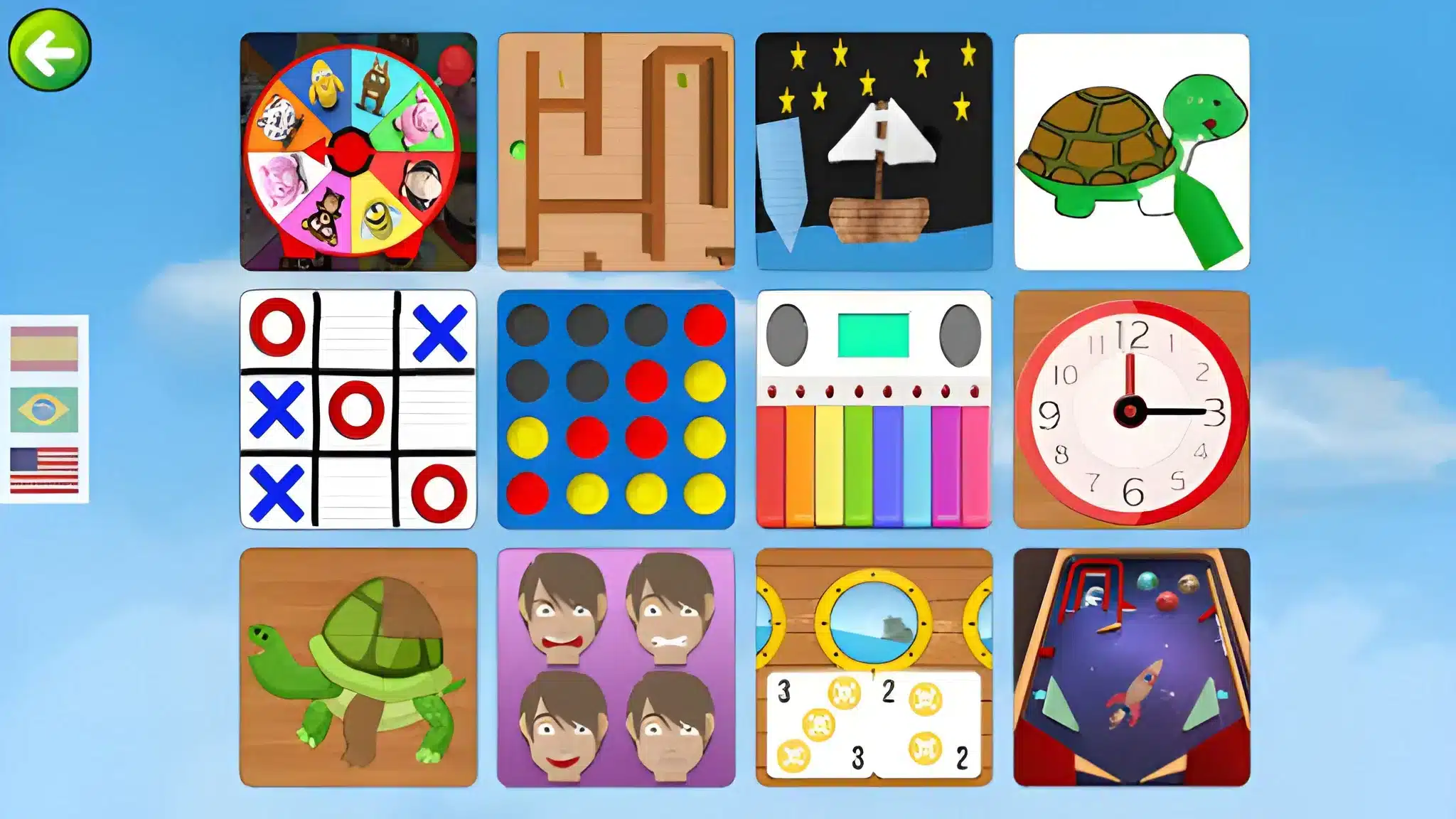
Educational Games Worth Adding To Your Rotation
Not every app labeled "educational" actually teaches anything useful. Some are just quizzes with a cartoon mascot glued on top. Others genuinely rebuild how a subject feels to a kid who normally hates it.
Why Kids Tune Out Of Boring Learning Apps
Children disengage fast when an app feels like a digital worksheet. There is no reward loop, no progression, and no reason to come back tomorrow. As a result, even "free" apps end up unused within days.
Strong Educational Games avoid that trap by borrowing tricks from mainstream gaming:
- Clear progression: levels, badges, or unlockable pets that visibly grow over time
- Immediate feedback: a right answer triggers something fun, not just a checkmark
- Low failure cost: getting an answer wrong restarts the question, not the whole game
- Social hooks: leaderboards, races, or classroom battles that add friendly pressure
What Separates A Great Educational Game From A Forgettable One
The best titles pair a real curriculum behind the scenes with a game loop kids choose on their own. Consequently, parents get results without nagging, and teachers get engagement without extra prep work.
A useful checklist when comparing any Educational Game:
- Does it align with an actual grade-level curriculum, not just random trivia?
- Can progress be tracked by a parent or teacher dashboard?
- Is the free version actually usable, or is it a locked demo?
- Does it work smoothly in a browser, or does it require a heavy download?
Best Math Educational Games For Kids
Math is usually the subject kids resist the most, which makes it the category where good game design matters most. Fortunately, several platforms have nailed the balance between curriculum and fun.
Prodigy Math And DragonBox: Adventure Meets Arithmetic
Prodigy Math wraps grade-aligned math problems inside a role-playing adventure, where solving equations powers battles and unlocks pets. DragonBox takes a different approach, teaching algebra concepts visually before a child ever sees a variable written out.
- Prodigy Math: free core game with optional premium membership, strong for elementary grades
- DragonBox: paid app, excellent for building real algebra intuition rather than memorization
Splash Learn And Sumdog For Daily Practice
Splash Learn and Sumdog both lean into short, game-based practice sessions rather than long lessons. This matters because shorter, frequent sessions tend to stick better than one long weekend cram.
- Splash Learn mixes math and reading with adaptive difficulty
- Sumdog adds live multiplayer math races that classrooms use for quick review
Reading And Language Education Games For Every Age
Reading fluency and vocabulary respond extremely well to game-based repetition. Several platforms have built entire libraries around this idea.
Phonics And Early Reading: ABCmouse, Starfall, And Reading Eggs
ABCmouse offers a broad early-learning curriculum that blends phonics, math, and art into one subscription. Starfall provides a smaller but genuinely free library focused on early phonics, while Reading Eggs specializes deeply in structured reading progression.
Here is how the three usually get chosen:
- Families wanting one all-in-one subscription tend to pick ABCmouse.
- Families wanting a truly free starting point tend to pick Starfall.
- Families focused specifically on reading fluency tend to pick Reading Eggs.
Language Learning With Duolingo And Epic
Duolingo turns vocabulary and grammar drills into short, streak-based challenges that both kids and adults keep coming back to. Epic, meanwhile, functions more like a digital library with read-along books and quizzes layered on top.
- Duolingo: free with ads, paid tier removes ads and adds extra practice modes
- Epic: subscription-based digital library, often free through school access programs
Coding And Logic Games That Teach Real Skills
Coding games are some of the fastest-growing Children's Educational Games, since they teach logic and sequencing that carry over into every other subject. Furthermore, they scale well from total beginners to teens writing real code.
Block-Based Coding With Scratch And Code.org
Scratch lets kids drag and drop blocks to build animations, stories, and simple games, with zero cost involved. Code.org offers structured, guided courses that walk beginners through the same logic step by step.
- Scratch is best for open-ended creative projects
- Code.org is best for structured, classroom-style lessons
Minecraft Education And Tynker For Older Kids
Minecraft Education turns the familiar building game into a coding and problem-solving sandbox, often used directly in classrooms. Tynker bridges the gap between block-based coding and real programming languages like Python.
- Minecraft Education requires a paid license, typically through a school
- Tynker offers free starter content with paid courses for deeper skills
Typing Games That Build A Skill For Life
Typing speed rarely gets taught directly anymore, yet it affects how fast a student can finish everything else. Two platforms dominate this category for very different reasons.
TypingClub For Structured Lessons
TypingClub teaches proper finger placement through structured, game-like lessons that track accuracy and speed over time. It remains free for individual use, which makes it a common pick for schools with tight budgets.
Nitro Type For Competitive Practice
Nitro Type turns typing practice into a multiplayer car race, where speed and accuracy directly translate into race position. Because it is live and competitive, connection quality has a real effect on how fair each race feels.
Are Educational Games Online Free Actually Worth Playing?
Many families assume "free" means "limited" or "low quality," but that is not always true anymore. In fact, several of the strongest options on this list are fully playable without ever entering a credit card.
| Category | Free Educational Game | Paid Upgrade | Best For |
|---|---|---|---|
| Math | Prodigy Math (free core game) | Prodigy Premium membership | Elementary practice |
| Reading | Starfall (free basic library) | Reading Eggs subscription | Early phonics |
| Coding | Scratch and Code.org (both free) | Tynker premium courses | Beginners to intermediate coders |
| Typing | TypingClub free lessons | TypingClub Pro school license | Schools and homeschoolers |
| Classroom Review | Kahoot free plan | Kahoot or Gimkit paid plans | Group quiz games |
What You Get Without Paying A Cent
Free tiers on platforms like Scratch, Code.org, Starfall, and TypingClub are genuinely complete for most casual learners. Therefore, a family on a tight budget can still cover math, reading, coding, and typing without spending anything.
- Free Educational Games For Students often include full core lessons, just without extras like detailed parent reports
- Ad-supported free tiers (like Duolingo's) trade a few interruptions for zero cost
- School-provided access (Epic, Minecraft Education) is frequently free to families even when the platform is normally paid
When A Paid Plan Actually Pays Off
Paid tiers usually add detailed progress tracking, expanded content libraries, or ad-free play. For a child who is already engaged and using an app daily, that upgrade often becomes worth it fairly quickly.
- Consider upgrading when a child has outgrown the free content library
- Consider upgrading when a teacher needs classroom-wide reporting tools
- Skip upgrading if the free tier already covers the skill being targeted
How Do Multiplayer Educational Games Stay Fun For Everyone?
Classroom tools like Kahoot, Blooket, and Gimkit turn quiz review into a live, competitive event where the whole class plays at once. Similarly, Nitro Type and Prodigy's multiplayer battles rely on everyone staying connected in real time.
Why Lag Breaks Kahoot, Blooket, And Gimkit Sessions
When one player's connection lags, their answers arrive late, their screen freezes mid-question, or they get dropped from the game entirely. As a result, one shaky connection can slow down or ruin the round for an entire classroom.
This is where Educational Games Online Free platforms run into their biggest weakness: they depend entirely on a stable internet path between each device and the server.
Keeping Group Learning Games In Sync
A few habits noticeably reduce disconnects during live, multiplayer learning sessions:
- Close other bandwidth-heavy apps and browser tabs before starting.
- Connect over Wi-Fi that is close to the router, or use a wired connection when possible.
- Optimize the network route to the game's servers instead of relying on a default connection.
Pro Tips: Educational Games
- Match difficulty to real skill level, not grade level: a child a grade behind in math will disengage fast if the game assumes they already know the basics.
- Rotate subjects instead of maxing out one app: switching between math, reading, and coding games prevents burnout and builds more well-rounded skills.
- Use multiplayer modes as a reward, not a punishment: racing friends in Nitro Type or battling in Prodigy works best when it feels optional and fun.
- Check the connection before a group session starts: a quick test avoids a Kahoot or Gimkit round falling apart halfway through.
- Set a simple time limit: twenty to thirty focused minutes usually beats an hour of distracted tapping.
Common Mistakes Parents And Teachers Make With Educational Games
- Picking an app by store rating alone: ratings often reflect polish, not actual learning outcomes. Fix: check whether the game maps to a real curriculum before installing it.
- Assuming every free tier is a locked demo: some free tiers are genuinely complete, while others cut off after a few lessons. Fix: test the free version directly instead of guessing.
- Ignoring lag during classroom multiplayer games: a laggy Kahoot or Blooket round frustrates kids fast and kills the competitive fun. Fix: optimize the connection before starting a group session.
- Sticking to a single subject: relying only on one math app, for example, skips the skill variety kids actually need. Fix: rotate between math, reading, coding, and typing games weekly.
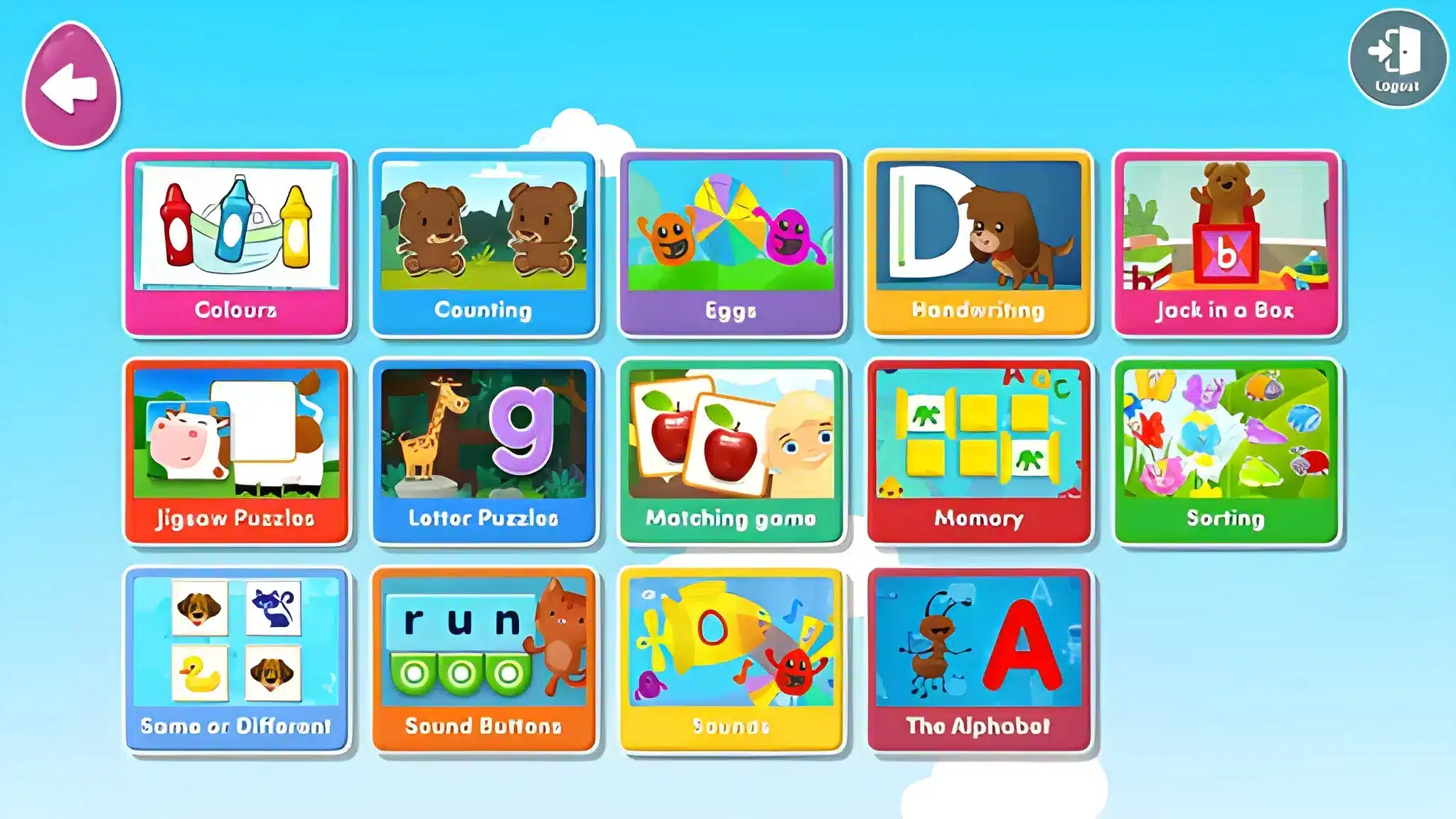
Why A Stable Connection Matters For Online Educational Games
Most of the games covered here, from Prodigy Math battles to Kahoot quizzes to Nitro Type races, run directly in a browser or over live multiplayer servers. That means connection quality is not a minor detail, it is part of the experience itself.
This is exactly the kind of scenario ExitLag was built for. It is not a VPN, it does not encrypt traffic, and it does not touch anything outside the games it supports.
What ExitLag Actually Does
ExitLag analyzes multiple network paths in real time and automatically picks the fastest, most stable route between a device and a game's servers. It supports over 4,000 titles across PC and mobile, with more than 1,500 servers spread across over 190 countries.
- Multipath technology routes traffic through several paths at once, so one weak path does not sink the whole connection
- Multi-Internet support lets up to four connections back each other up if one drops mid-session
- Real-time optimization trims delay and packet loss, which matters a lot during a timed Nitro Type race or a live Kahoot round
- Traffic Shaper keeps other background apps from eating bandwidth during a classroom game
Getting Started With ExitLag
For a family or classroom mixing browser-based games on a computer with mobile apps on a tablet or phone, coverage across platforms matters. Anyone gaming primarily on a PC can grab the ExitLag Download to get started in minutes.
For mobile-first setups, the same optimization is available through ExitLag for Android or ExitLag for iOS, so tablets and phones get the same stable routing during live matches and races.
Final Picks: The Best Educational Games For Every Age And Budget
There is no single best answer here, because the right Educational Games depend entirely on age, subject, and budget. However, a few patterns make the decision easier.
Educational Games For Younger Kids
For preschool through early elementary, ABCmouse, Khan Academy Kids, and Starfall cover the fundamentals with almost no reading required to navigate the app itself. These titles lean heavily on audio, visuals, and simple taps rather than typing or menus.
- ABCmouse: broad early curriculum, subscription-based
- Khan Academy Kids: free, wide subject coverage
- Starfall: free phonics focus, simple and distraction-light
Educational Games For Middle And High School Students
Older students benefit more from Scratch, Code.org, TypingClub, and classroom tools like Kahoot or Blooket, which reward speed, strategy, and creativity. Nitro Type and Sumdog also fit well here, since older kids respond strongly to live, competitive formats.
Ultimately, the strongest Educational Game for any household is simply the one a child actually chooses to open without being asked twice. Testing two or three free options from this list, across a couple of subjects, is the fastest way to find that fit.
All game images used in this blog post belong to their respective developers and publishers. They are used for informational and educational purposes only and do not imply endorsement or affiliation with the rights holders.



