
If you want to experience next-level football simulation, eFootball 2024 download PC is the way to go. Whether you're looking for ultra-realistic gameplay, updated rosters, or cross-platform features, eFootball 2024 delivers all of that and more. This article breaks down the safest way to get the game on your system, including official channels and third-party options like Usitility eFootball 2024 PC tools.
Why PC Players Love eFootball 2024

The PC version of eFootball offers superior customization, better graphics, and advanced modding capabilities. Unlike console versions, PC players can tweak graphics settings, install community patches, and enjoy smoother gameplay thanks to higher frame rates.
What is eFootball 2024 and Where Can You Play It?
eFootball 2024 is the latest installment in Konami's free-to-play football franchise. It's available on Steam, PlayStation, Xbox, and mobile platforms. The PC version can be installed directly via Steam, or by using a trusted third-party installer like Usitility, which simplifies the process for users unfamiliar with the Steam ecosystem.
System Requirements for eFootball 2024 on PC
Before you download eFootball 2024 on laptop, make sure your device meets the game's requirements.
Minimum Requirements:
- OS: Windows 10 64-bit
- CPU: Intel Core i5-2300 / AMD FX-4350
- GPU: NVIDIA GeForce GTX 660 Ti / AMD Radeon HD 7790
- RAM: 8 GB
- Storage: 50 GB available space
Recommended Requirements:
- OS: Windows 10/11 64-bit
- CPU: Intel Core i7-3770 / AMD FX-8350
- GPU: NVIDIA GTX 1060 / AMD Radeon RX 590
- RAM: 16 GB
- DirectX: Version 11
How to Download eFootball 2024 on Laptop Using Usitility
One of the most searched queries is "download eFootball 2024 on laptop Usitility aslqecqc1fe". This specific search relates to a unique Usitility code that users associate with pre-configured installation packages.
Here’s a quick step-by-step guide:
- Go to the Usitility official website.
- Search for "eFootball 2024 PC."
- Click the download button and install the Usitility launcher.
- The launcher will automatically find the latest version of eFootball and guide you through installation.
Advantages of Using Usitility
- No manual setup required
- Automatic compatibility check for your system
- Pre-set performance configurations
- Simplified folder management and shortcut creation
Comparing Steam vs. Usitility Installation
| Feature | Steam Installation | Usitility Installer |
| Manual setup | Yes | No |
| Auto configuration | No | Yes |
| System requirement scan | No | Yes |
| Download size | Full game | Full game |
| Speed optimization | Depends on Steam CDN | Optimized via Usitility's downloader |
Common Errors and Fixes
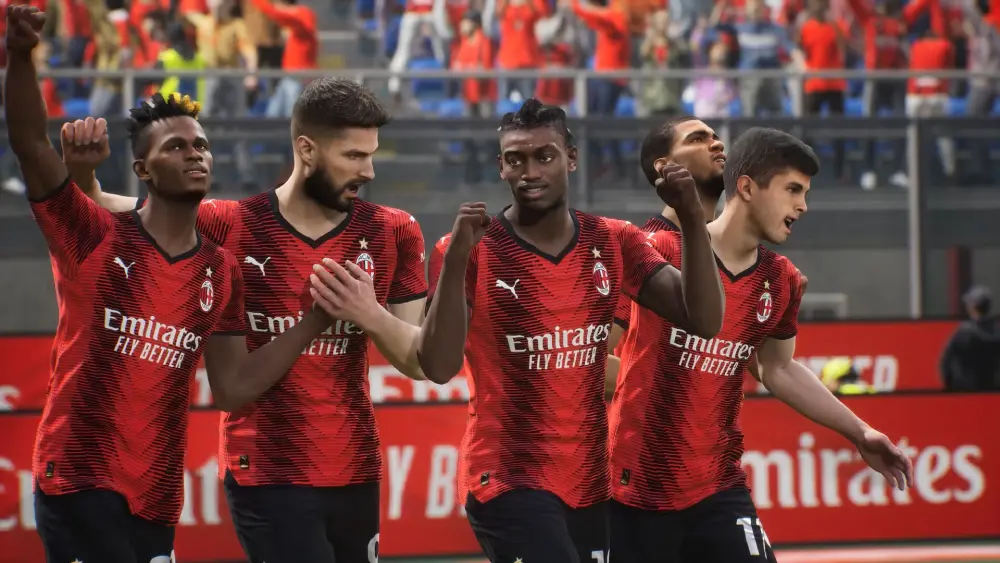
Downloading a large game like eFootball 2024 on PC can lead to some common issues. Here are the most frequent ones:
- "Installation Failed" Error: Usually caused by antivirus interference. Add Usitility and eFootball to your exception list.
- "Missing DLL File" Error: Install the latest Visual C++ Redistributables.
- "Game Not Launching" Issue: Ensure your GPU drivers are updated and that you're not running other heavy programs.
How ExitLag Helps eFootball 2024 Players
If you're facing lag or packet loss while playing online, ExitLag can optimize your network routes. It:
- Reduces ping for a smoother experience
- Prevents disconnections and rubberbanding
- Improves matchmaking response times
Especially during ranked or PvP matches, a stable connection can make the difference between winning and losing.
Start your Exitlag 3 days Trial!
Why eFootball 2024 on PC Outshines Console Versions
- Access to community mods and patches
- Higher FPS and resolution support
- Keyboard + controller compatibility
- Easier updates via platforms like Usitility or Steam
Whether you're a veteran PES player or new to the franchise, eFootball on PC delivers superior control and flexibility.
Tips to Enhance Your PC Gaming Experience
- Use an SSD instead of an HDD for faster load times
- Allocate high-priority status to eFootball in Task Manager
- Lower background processes during matches
- Use ExitLag for consistent connectivity
Best Gamepad Settings for PC Players
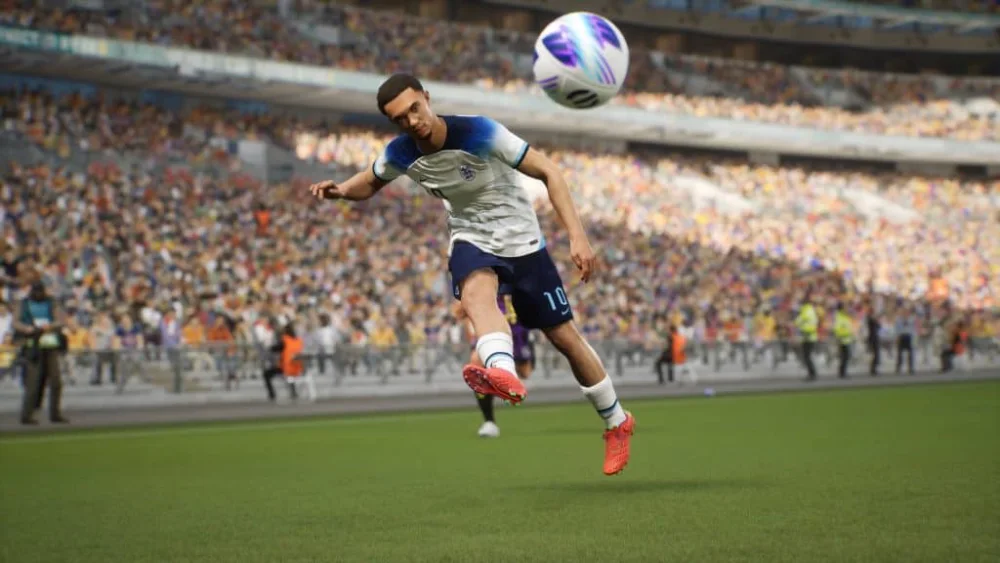
- Sprint: RT / R2
- Pass: A / X
- Through Ball: Y / Triangle
- Shoot: B / Circle
- Manual Cursor Change: LB / L1
- Skill Move: Right Stick + LB / L1
Pros of Downloading via Usitility
- Safe and virus-free installation
- Configures optimal settings automatically
- Beginner-friendly interface
- Regularly updated with the latest patches
Advanced Controller Setups for Competitive Edge
- Rebind triggers for finesse dribbling and precise shot placement.
- Use custom paddles or back buttons for sprint/cursor change.
- Enable vibration for tackle timing feedback.
- Assign tactical options (e.g. Press, Counter) to D-pad shortcuts.
Multiplayer Optimization Tips
- Always use a wired Ethernet connection over Wi-Fi.
- Enable QoS settings in your router to prioritize game traffic.
- Sync match start with low network usage times.
- Use ExitLag for region-specific routing based on server location.
Fixes for Performance Drops and Crashes
- Disable in-game overlays (Discord, GeForce Experience).
- Lower in-game resolution to boost FPS.
- Use the latest Windows update and driver version.
- Adjust NVIDIA/AMD control panel to prioritize performance.
eFootball 2024 vs FIFA 24: Key Differences on PC
| Feature | eFootball 2024 | FIFA 24 |
| Pricing Model | Free-to-play | Paid (Full price) |
| Game Engine | Unreal Engine | Frostbite |
| Online Modes | Limited Matchmaking | Extensive Seasons & FUT |
| Modding Community | Active | Restricted |
| Performance Options | High customization | Limited to preset configs |
Final Thoughts on eFootball 2024 PC
If you're ready to download eFootball 2024 on laptop or desktop, using Usitility can significantly simplify your setup while maximizing performance. For competitive players, pairing it with ExitLag ensures you get the best possible gameplay experience.
The PC version unlocks powerful customization, control schemes, and performance optimization that console platforms can’t match. With the right tools and tweaks, your eFootball sessions will be smoother, faster, and more immersive than ever.
All game images used in this blog belong to Konami. They are used for informational/educational purposes only and do not imply endorsement or affiliation with the rights holders.



