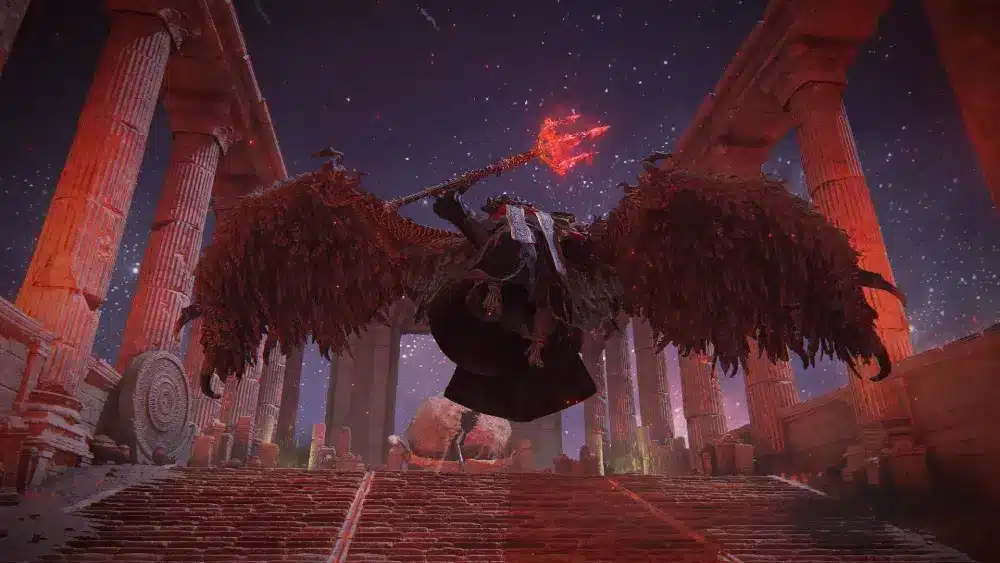
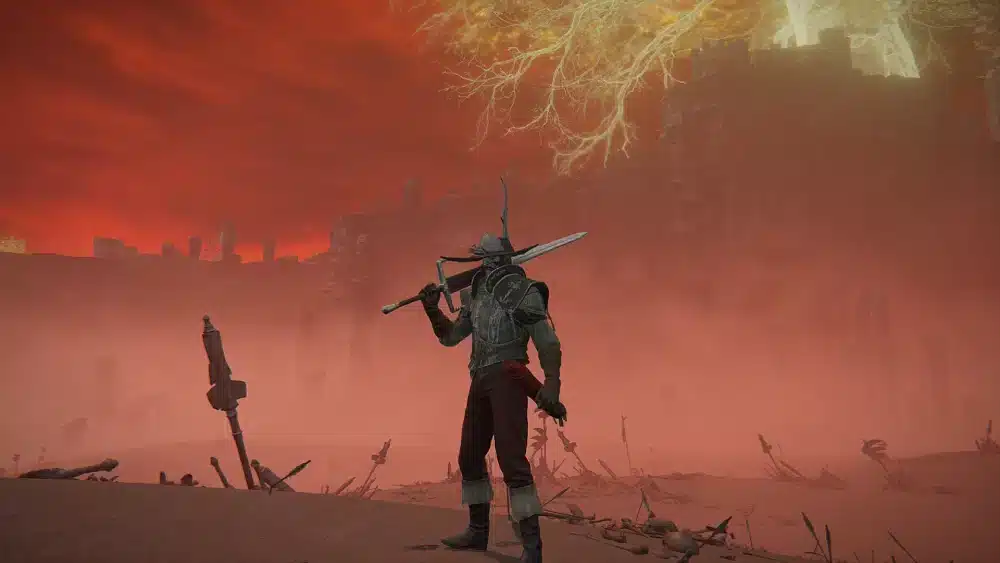
Playing elden ring pc offers one of the most immersive action RPG experiences available today. FromSoftware's critically acclaimed adventure combines challenging combat, breathtaking exploration, and deep character customization in an enormous open world that rewards curiosity. On PC, players also benefit from higher frame rates, customizable graphics settings, and support for various input methods, making every journey through the Lands Between even more enjoyable.
Whether you're experiencing the game for the first time or returning for new content, elden ring pc continues to evolve with major updates, quality-of-life improvements, and expansions like Shadow of the Erdtree. The PC version also provides greater flexibility through graphics options, ultrawide support via community mods, customizable controls, and seamless access through Steam.
So, what should every PC player know before starting? Besides understanding the elden ring pc requirements, it's worth learning about features like elden ring nightreign pc, keyboard shortcuts such as two-hand weapon elden ring pc, save preparation for upcoming expansions with elden ring dlc ready save pc, performance fixes for players asking "my elden ring freezes for 3 seconds on pc," and new mechanics like elden ring nightreign guard counter pc. This guide covers everything you need to optimize your adventure.
Since its release, Elden Ring has remained one of the highest-rated games in modern gaming. Its combination of open-world exploration and Soulslike combat has attracted millions of players across every platform, with PC becoming one of the most popular ways to experience the game.
The flexibility offered by the PC version makes it especially appealing to players who enjoy customizing their gameplay experience.
From graphics settings to control layouts, nearly every aspect can be adjusted to suit your preferences.
Elden Ring PC Explained
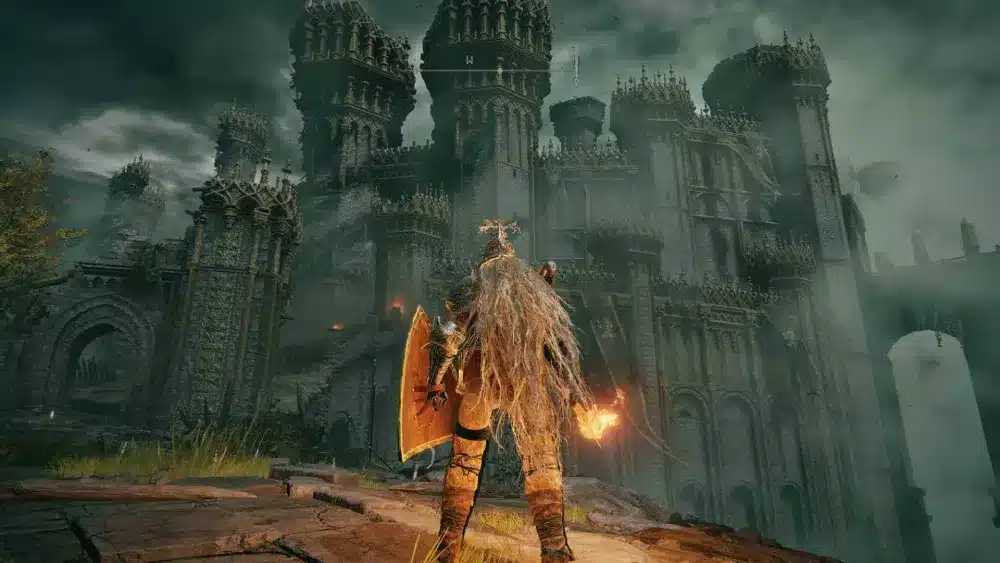
Why play Elden Ring on PC?
Although Elden Ring delivers an outstanding experience on every platform, PC players enjoy several unique advantages.
Modern gaming PCs allow higher resolutions, adjustable frame rates, improved image quality, and extensive graphics customization.
Depending on your hardware, you can optimize performance for competitive responsiveness or maximize visual fidelity while exploring the Lands Between.
Other benefits include:
- Keyboard and mouse support
- Full controller compatibility
- Flexible graphics settings
- Steam achievements
- Cloud saves
- Easy screenshot and recording tools
This level of customization allows players to tailor the experience to both their hardware and preferred playstyle.
Steam features and graphics options
The elden ring pc game is available through Steam, where players can access automatic updates, achievements, cloud synchronization, and multiplayer features using Steam's integrated platform.
The PC version also includes numerous graphical settings, such as:
- Texture quality
- Shadow quality
- Anti-aliasing
- Ambient occlusion
- Ray tracing (supported hardware)
- Motion blur
- Depth of field
Adjusting these settings helps balance visual quality and performance depending on your system.
Players with newer GPUs can often enjoy significantly higher image quality than console versions.
Elden Ring PC Requirements
Minimum system requirements
Before purchasing the game, it's important to verify your hardware.
According to the official Steam page, the minimum specifications include:
- Operating System: Windows 10
- Processor: Intel Core i5-8400 or AMD Ryzen 3 3300X
- Memory: 12 GB RAM
- Graphics: NVIDIA GTX 1060 (3 GB) or AMD Radeon RX 580 (4 GB)
- DirectX: Version 12
- Storage: Approximately 60 GB available space
These specifications allow the game to run, although players may need to lower certain graphics settings for smoother performance.
Recommended specifications
For a significantly better experience, Bandai Namco recommends stronger hardware.
Recommended specifications include:
- Windows 10 or newer
- Intel Core i7-8700K or AMD Ryzen 5 3600X
- 16 GB RAM
- NVIDIA RTX 1070 (8 GB) or AMD Radeon RX Vega 56
- SSD storage
- DirectX 12
Meeting the recommended elden ring pc requirements allows for more consistent frame rates and improved loading times.
Installing the game on an SSD is especially beneficial because it reduces loading screens and minimizes texture streaming issues.
Elden Ring Nightreign PC
What is Nightreign?
One of the newest additions to the Elden Ring universe is elden ring nightreign pc.
Unlike the original adventure, Nightreign introduces a cooperative survival experience where players face increasingly dangerous encounters across changing environments.
Although it shares the same universe, Nightreign emphasizes teamwork, replayability, and faster-paced progression.
Players familiar with Elden Ring's combat mechanics will quickly recognize many systems while discovering entirely new challenges.
How Nightreign differs from the base game
While both titles share FromSoftware's signature combat philosophy, Nightreign introduces several notable differences.
Some key distinctions include:
- Cooperative-focused gameplay
- Session-based progression
- New playable heroes
- Dynamic encounters
- Unique boss battles
- Faster match structure
Rather than replacing Elden Ring, Nightreign expands the franchise with a different style of multiplayer experience.
Fans of cooperative Soulslike gameplay will likely find it especially appealing.
Two-Hand Weapon Elden Ring PC
Keyboard and mouse controls
Mastering weapon controls is essential for every Tarnished.
Players searching for two-hand weapon elden ring pc are usually looking for the keyboard shortcut needed to switch grips.
By default, keyboard users hold the interaction key while pressing the corresponding attack button to two-hand either weapon.
Because custom keybindings are supported, always verify your control settings if the default inputs have been modified.
Learning this mechanic greatly improves combat flexibility, particularly for Strength-focused builds.
Controller shortcut
Controller users perform the action differently.
The standard input is:
- Hold Y (Xbox) or Triangle (PlayStation).
- Press RB/R1 to two-hand the right-hand weapon.
- Press LB/L1 to two-hand the left-hand weapon.
This simple technique increases damage scaling for many heavy weapons while unlocking alternate movesets.
Knowing when to switch between one-handed and two-handed combat becomes increasingly important during tougher boss encounters.
Mastering these controls early will make your journey through the Lands Between much smoother, regardless of whether you're using keyboard and mouse or a controller.
Elden Ring DLC Ready Save PC
Preparing for Shadow of the Erdtree
One of the smartest things PC players can do before starting the expansion is prepare their existing save file. Many searches for elden ring dlc ready save pc come from players who want immediate access to the DLC without replaying dozens of hours.
Fortunately, if you've already completed much of the base game, getting ready only requires a few steps.
Before launching Shadow of the Erdtree, make sure you have:
- Defeated Starscourge Radahn.
- Defeated Mohg, Lord of Blood.
- Reached Mohgwyn Palace.
- A character with upgraded weapons.
- A build you're comfortable using.
The DLC is balanced around experienced players, so entering with a high-level character provides a much smoother experience.
Why backing up your save matters
Whether you're preparing for DLC, trying new builds, or experimenting with mods, creating a backup is always recommended.
A save backup protects your progress if:
- A game update causes compatibility issues.
- A mod corrupts your save.
- You accidentally overwrite your character.
- Steam Cloud synchronization encounters problems.
To back up your save:
- Locate your Elden Ring save folder.
- Copy the save files to another location.
- Store a second copy on cloud storage or another drive.
- Restore the backup only if necessary.
Taking a few minutes to create a backup can save hundreds of hours of gameplay.
My Elden Ring Freezes for 3 Seconds on PC
Common causes
A frequent technical complaint from PC players is: my elden ring freezes for 3 seconds on pc.
These short freezes usually occur because of shader compilation, background processes, outdated drivers, or storage performance rather than permanent hardware damage.
Some of the most common causes include:
- Outdated GPU drivers
- Windows background updates
- HDD storage instead of SSD
- Shader cache rebuilding
- Overlay software conflicts
- Antivirus scanning game files
- Insufficient RAM availability
Identifying the exact cause often requires testing one solution at a time.
Proven performance fixes
Fortunately, many stuttering issues can be reduced with a few optimization steps.
Try the following recommendations:
- Update graphics drivers.
- Install the game on an SSD.
- Close unnecessary background applications.
- Disable overlays you aren't using.
- Verify game files through Steam.
- Use the latest Windows updates.
- Lower ray tracing settings if enabled.
If freezing continues, monitoring CPU and GPU usage while playing can help identify hardware bottlenecks.
Many players also report smoother performance after allowing the game to fully rebuild its shader cache following major updates.
Elden Ring Nightreign Guard Counter PC

What is Guard Counter?
Another mechanic attracting attention is elden ring nightreign guard counter pc.
Guard Counter is a defensive technique that rewards well-timed blocking.
Instead of immediately dodging every attack, players can absorb a hit with their shield and instantly launch a powerful counterattack.
The mechanic encourages a more deliberate combat style and creates additional opportunities during difficult encounters.
When should you use it?
Although Guard Counter is extremely powerful, timing remains essential.
It's most effective against:
- Slow melee attacks
- Large monsters
- Shield-breaking opportunities
- Predictable boss combos
- Single heavy strikes
Avoid using Guard Counters against:
- Multi-hit combos
- Magic barrages
- Grab attacks
- Unblockable abilities
Learning when to block instead of dodge adds another layer of depth to Elden Ring's already outstanding combat system.
Players transitioning into Nightreign will benefit greatly from mastering this mechanic early.
Quick PC Optimization Guide
| Topic | Recommendation |
| Minimum RAM | 12 GB |
| Recommended RAM | 16 GB |
| Storage | SSD strongly recommended |
| Graphics API | DirectX 12 |
| Save Backup | Before DLC or installing mods |
| Preferred Controls | Controller or Keyboard & Mouse |
These recommendations help create a smoother experience regardless of whether you're exploring the Lands Between or tackling Nightreign's new cooperative challenges.
Why ExitLag Improves Elden Ring PC
Although Elden Ring is primarily a single-player experience, its online features are a major part of the adventure. Cooperative summons, PvP invasions, messages, bloodstains, and asynchronous multiplayer all depend on a stable internet connection.
ExitLag helps optimize your network routing by intelligently selecting the most efficient paths between your PC and the game servers. Using technologies such as Multipath Connection, Real-Time Optimization, Traffic Shaper, and Multi-Internet support, ExitLag reduces latency fluctuations and packet loss while improving connection stability.
For Elden Ring players, this provides several benefits:
- More reliable co-op sessions
- Smoother invasions and duels
- Lower latency during online interactions
- Reduced packet loss
- Improved connection stability over long play sessions
Whether you're helping another Tarnished defeat a difficult boss or defending yourself against an invader, a stable connection makes every online encounter more responsive.
Frequently Asked Questions
Can my PC run Elden Ring?
Most modern gaming PCs can run Elden Ring if they meet or exceed the official minimum requirements. For the best experience, aim for the recommended specifications and install the game on an SSD.
What are the Elden Ring PC requirements?
The minimum requirements include a Windows 10 system, an Intel Core i5-8400 or AMD Ryzen 3 3300X processor, 12 GB of RAM, and a GTX 1060 (3 GB) or Radeon RX 580 (4 GB). Recommended hardware includes 16 GB of RAM and a more powerful GPU.
How do you two-hand a weapon on PC?
On keyboard and mouse, hold the interaction key and press the attack button corresponding to the equipped weapon. Controller users hold Y/Triangle and press RB/R1 or LB/L1.
Why does Elden Ring freeze for a few seconds?
Short freezes are commonly caused by shader compilation, outdated graphics drivers, background applications, storage performance, or temporary CPU and GPU bottlenecks.
Is Nightreign available on PC?
Yes. Elden Ring Nightreign PC is available through Steam and introduces a standalone cooperative experience with new gameplay mechanics and replay-focused progression.
How does Guard Counter work in Nightreign?
Guard Counter allows players to block an incoming attack and immediately respond with a powerful counterattack. It is especially effective against slower melee enemies and can quickly stagger opponents when timed correctly.
Final Thoughts
Elden Ring PC remains one of the definitive ways to experience FromSoftware's masterpiece. With extensive graphics options, flexible controls, Steam integration, and access to expansions like Shadow of the Erdtree and Elden Ring Nightreign PC, the platform offers incredible freedom for both new and veteran Tarnished.
Preparing your save before major DLC releases, understanding mechanics like Guard Counter, learning two-handed weapon controls, and optimizing your hardware can significantly improve your journey through the Lands Between. Likewise, resolving common issues—such as players asking why my elden ring freezes for 3 seconds on pc—helps ensure a smoother adventure from start to finish.
For those who enjoy Elden Ring's online features, including cooperative play, invasions, and PvP duels, ExitLag provides a more stable connection by reducing latency and improving network routing. That means you can spend less time worrying about connection issues and more time conquering the challenges that await beyond the Erdtree.
All game images used in this blog belong to FromSoftware Inc. and Bandai Namco Entertainment. They are used for informational and educational purposes only and do not imply endorsement or affiliation with the rights holders.