

Nothing frustrates players more than seeing their character freeze right in the middle of an intense RP scene or police chase. Even with a seemingly stable connection, FIVE M GTA Lag can strike without warning, breaking immersion and ruining gameplay. Therefore, understanding why this delay happens is the first step toward eliminating it for good. Like this, we can move from frustration to reliable performance how to reduce lag in FiveM.
However, lag in Five M GTA Lag is not always about having “bad internet.” Many players with high-speed plans still experience rubberbanding, teleporting cars, delayed commands, and unstable ping spikes. This inconsistency often comes from hidden issues in the connection path rather than your setup. Finally, the way to fix it for good is simpler than most people imagine, especially when using the right optimization tool.
Even so, most players don’t realize that FIVE M GTA Lag is often the result of how their internet provider routes data to the game server. Instead of choosing the fastest, most stable path, the connection may travel through overloaded nodes or distant regions, creating delays that ruin the gameplay experience. Therefore, fixing lag isn’t just about having a strong connection, it's about optimizing the route your data takes for faster, more consistent responses.

Understanding lag in Five
Before jumping into solutions, it’s essential to define what lag means inside FiveM. Lag is the delay between executing a command and seeing it reflected in the game. When this delay becomes noticeable, the gameplay feels slow or unresponsive, affecting combat, driving, interactions, and competitive precision.
FiveM’s servers are hosted in various global locations, and the game depends heavily on stable communication between the server, your PC, and the route your provider chooses. Therefore, when any piece of that route becomes unstable, the entire experience suffers.
Why lag happens even with good internet
Even players with great download and upload speeds run into trouble. That’s because speed alone doesn’t determine stability. The real issues include:
- automatic routing chosen by your ISP (not always the fastest)
- packet loss caused by network congestion
- distance between your location and the server host
- server hopping across overloaded backbones
- unstable routes through international nodes
However, the largest contributor is usually poor routing. Think of your data like a car trying to reach a destination: taking the wrong road creates “digital traffic,” resulting in slow responses, miscommunication, and disconnections.
Lag, ping, and fps: what’s the difference?
Players often confuse these three metrics, but they represent different problems:
| Term | Meaning | Impact in FiveM |
| Lag | Command delay between player and server | Slow actions, rubberbanding |
| Ping | Time for data to travel to server and back | High numbers cause delays in shots, movement |
| FPS | Frames per second (graphics performance) | Stuttering visuals, not necessarily connection issues |
Therefore, if your FPS is fine but your commands feel delayed, the true issue is connection quality not your PC.
The real causes behind persistent lag in Five
As players dive deeper into RP servers, more complex maps and heavier scripts also increase the need for stable routing. Like this, even small packet losses can turn into huge delays.
Key causes include:
- routes with overloaded nodes
- instability at international exchanges
- data taking “detours” due to automatic ISP decisions
- weak server-to-client synchronization
- intermittent packet drops during peak hours
This is why FIVE M GTA Lag continues to appear even with strong hardware and high-speed internet.
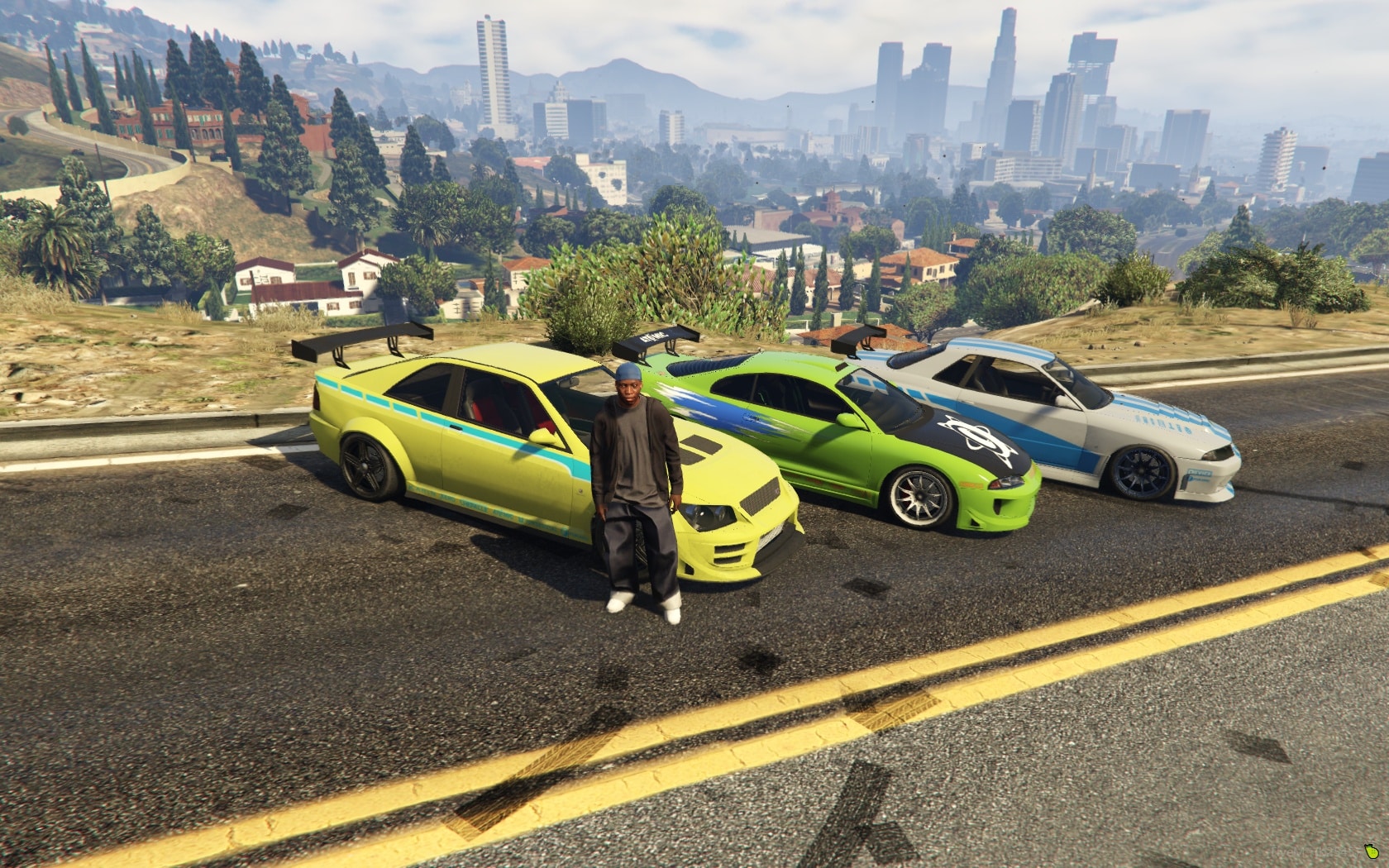
How ExitLag solves the problem
At this point, the question becomes: how do you manually force your connection to use better routes?
This is exactly where ExitLag comes in.
ExitLag is a connection-optimization software designed specifically for gamers. It analyzes multiple possible routes between you and the server, then selects the fastest, most stable path using intelligent tunneling technology.
What Exitlag actually improves
- lower ping: smarter routes reduce travel time
- stable gameplay: fewer interruptions and fewer ping spikes
- reduced packet loss: cleaner data delivery
- better hit registration: shots register correctly on the server
- less rubberbanding: smoother movement and synchronization
However, the biggest advantage is consistency. Instead of depending on your ISP’s automatic routing, you take control and choose optimized paths built for gaming performance.
Benefits of ExitLag for Five players
More stable ping
ExitLag ensures that your commands reach the server faster, making your reactions more precise ideal for RP combat, racing, and competitive situations.
Fewer freezes and teleporting
Multi-route technology keeps your connection steady, even during peak hours when congestion normally causes lag spikes.
Improved combat and driving precision
Reduced packet loss means your hits, movements, and interactions are registered exactly when you execute them.
Easy setup
ExitLag’s interface was designed with gamers in mind clean, intuitive, and quick to configure.
How to use ExitLag in FIVE M GTA
The process is extremely simple:
Step 1 – Access the official ExitLag website and download the application. There’s a free trial period for new users.
Step 2 – Install and open the program. Log in with your account.
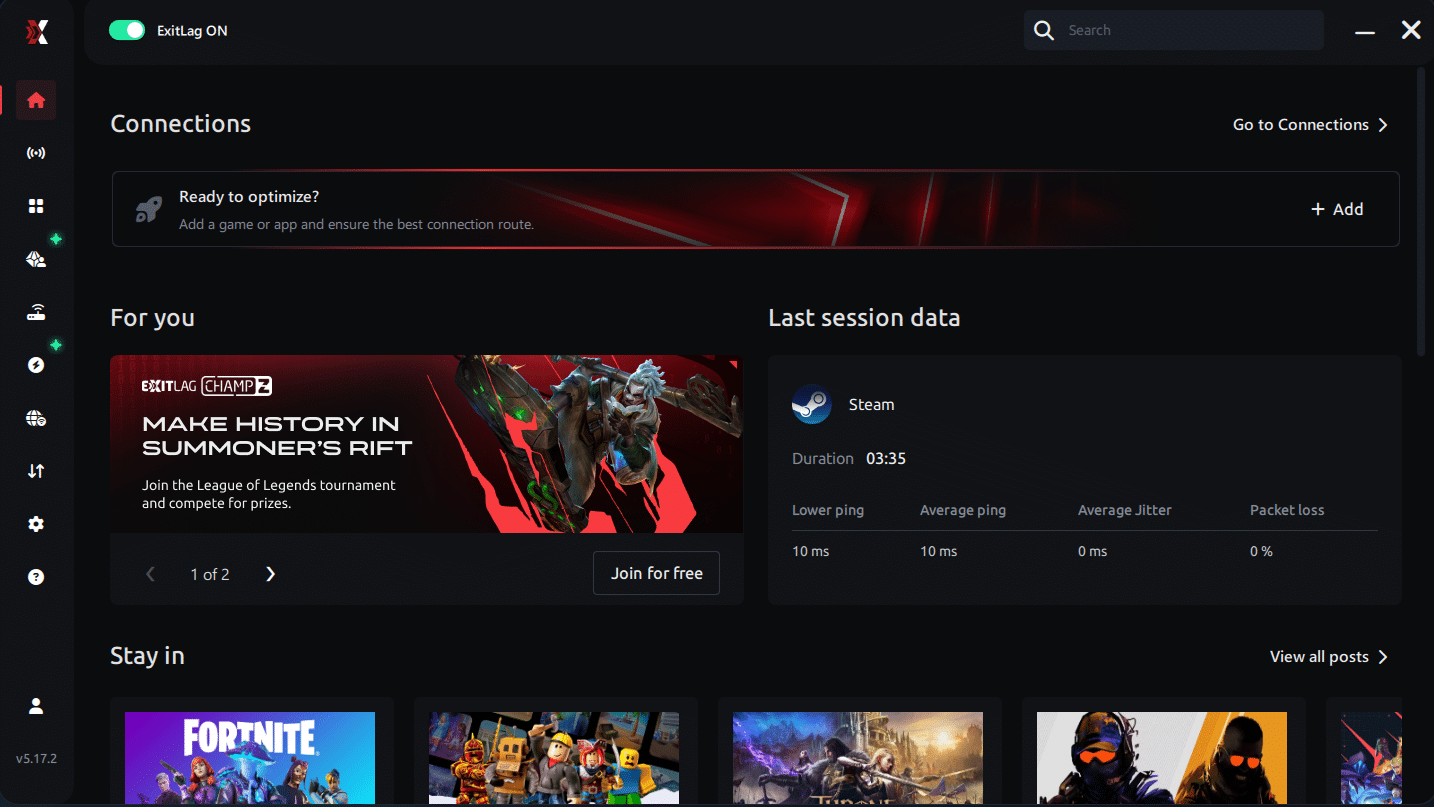
Step 3 – In the search bar, type “FIVE M GTA” and select the game from the list.
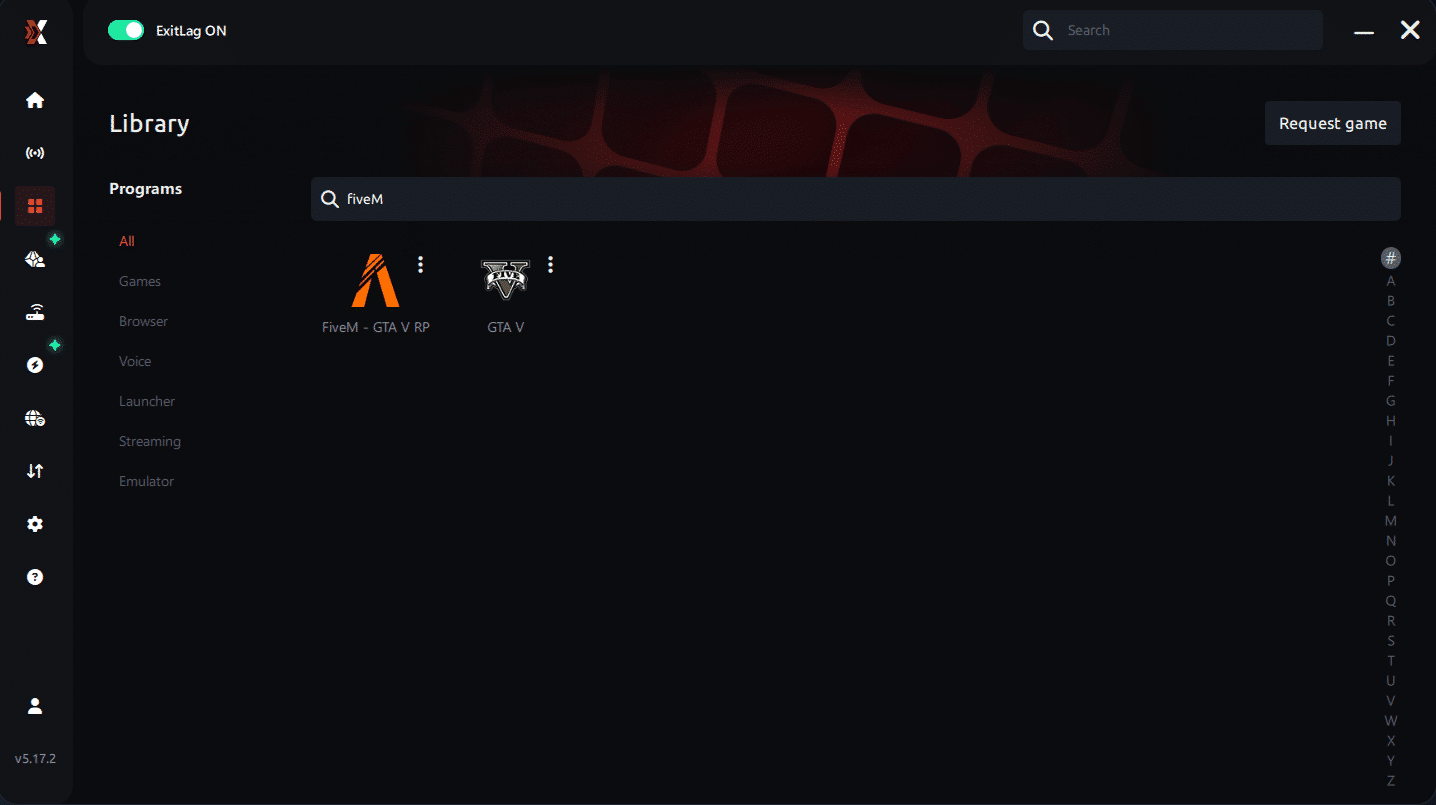
Step 4 – Choose between automated or manual route
Based on the results, you can let ExitLag automatically select the best route or manually choose the server that showed the lowest latency for your connection.
AI-optimized automated route
Based on the results, you can let ExitLag automatically select the best route through AI optimization. The system analyzes multiple connection paths in real time and automatically identifies the most efficient route for your connection, ensuring the lowest possible latency without requiring manual choices.
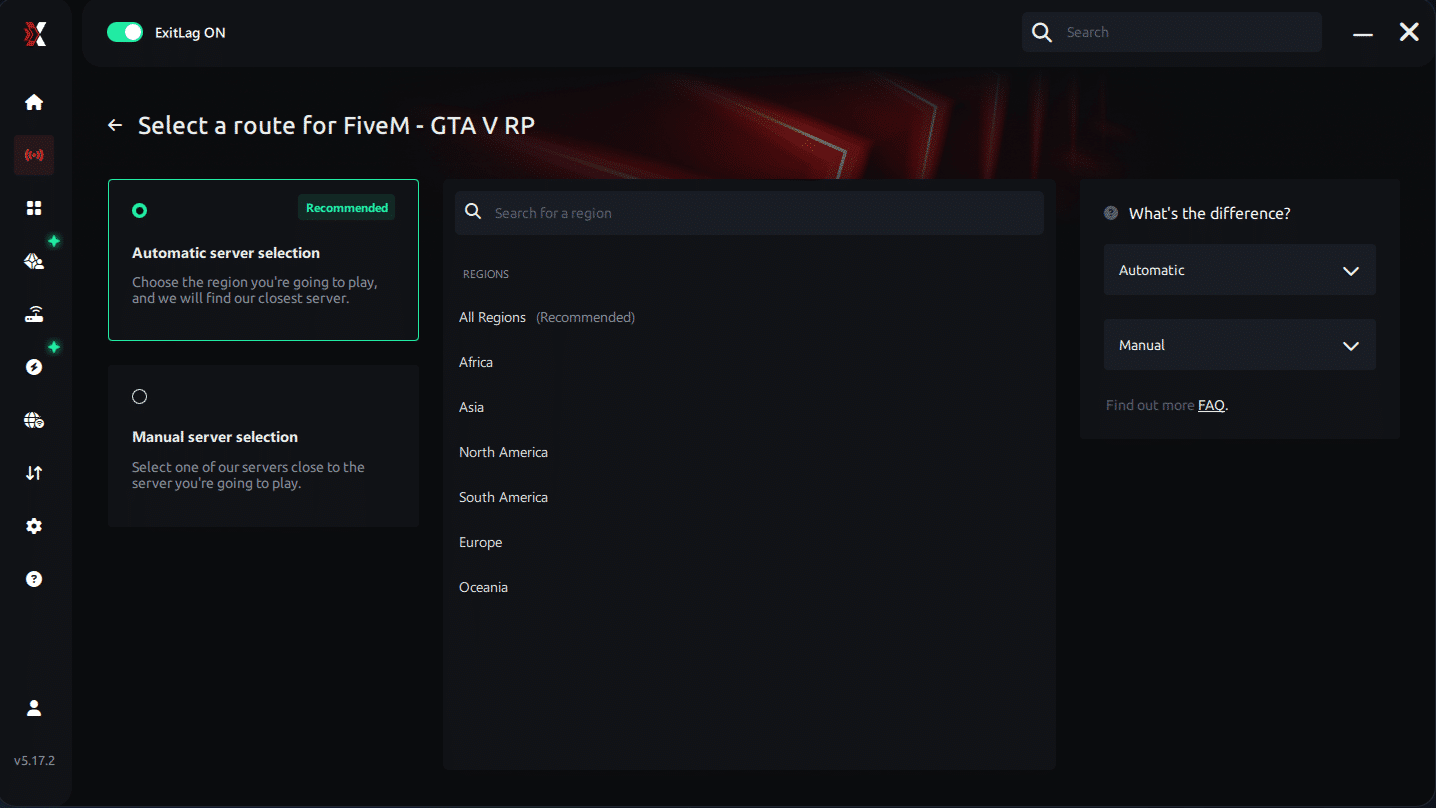
Manual route
If you prefer to have full control over your connection, you can manually choose the server based on the ping test results. Simply select the server that showed the lowest latency or the one that best meets your specific gaming needs, allowing complete customization of your experience.
Step 5 – Click “FIVE M GTA” or the play button. ExitLag will begin optimizing your connection automatically.
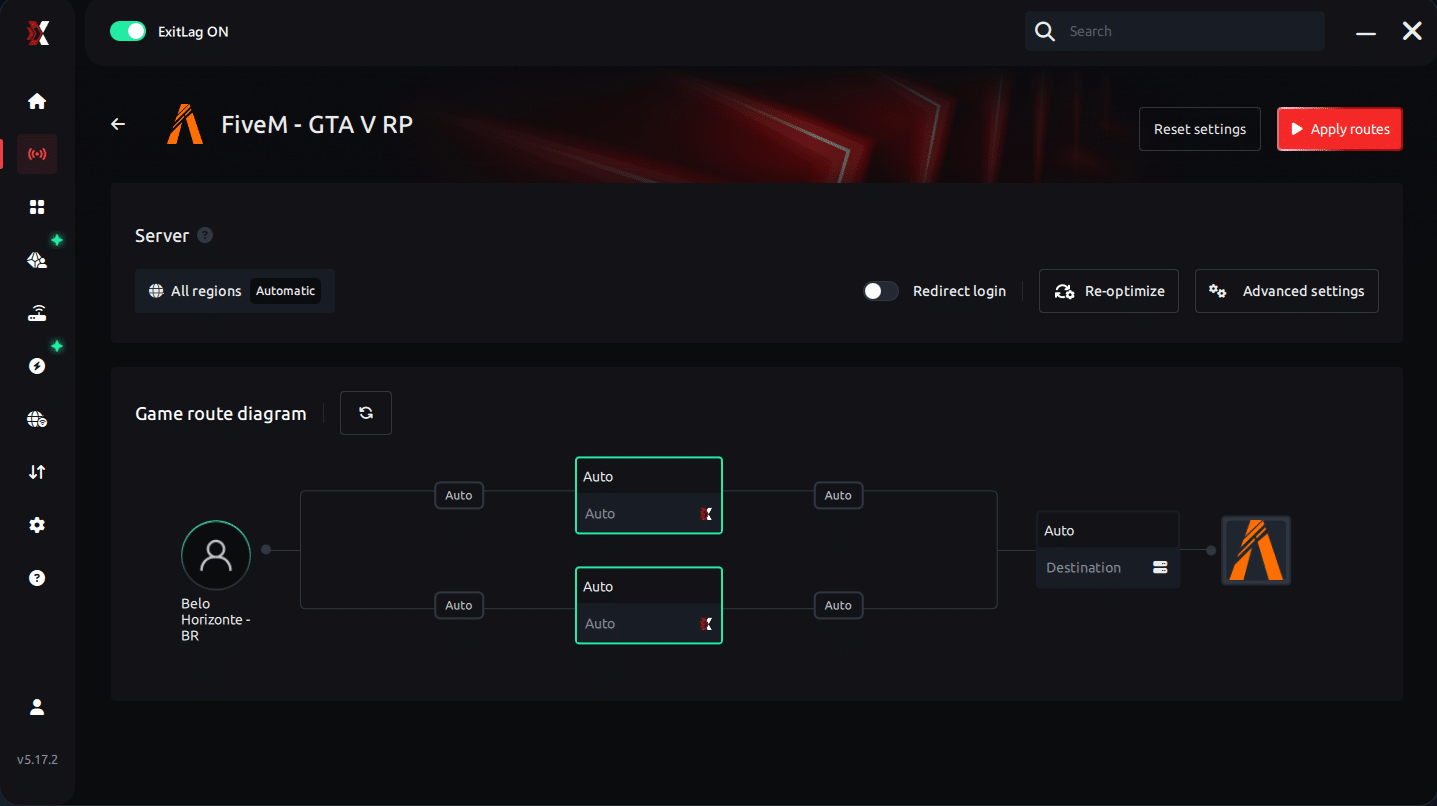
Step 6 – Wait a few seconds until optimization is complete. You’ll see ping indicators in the interface.
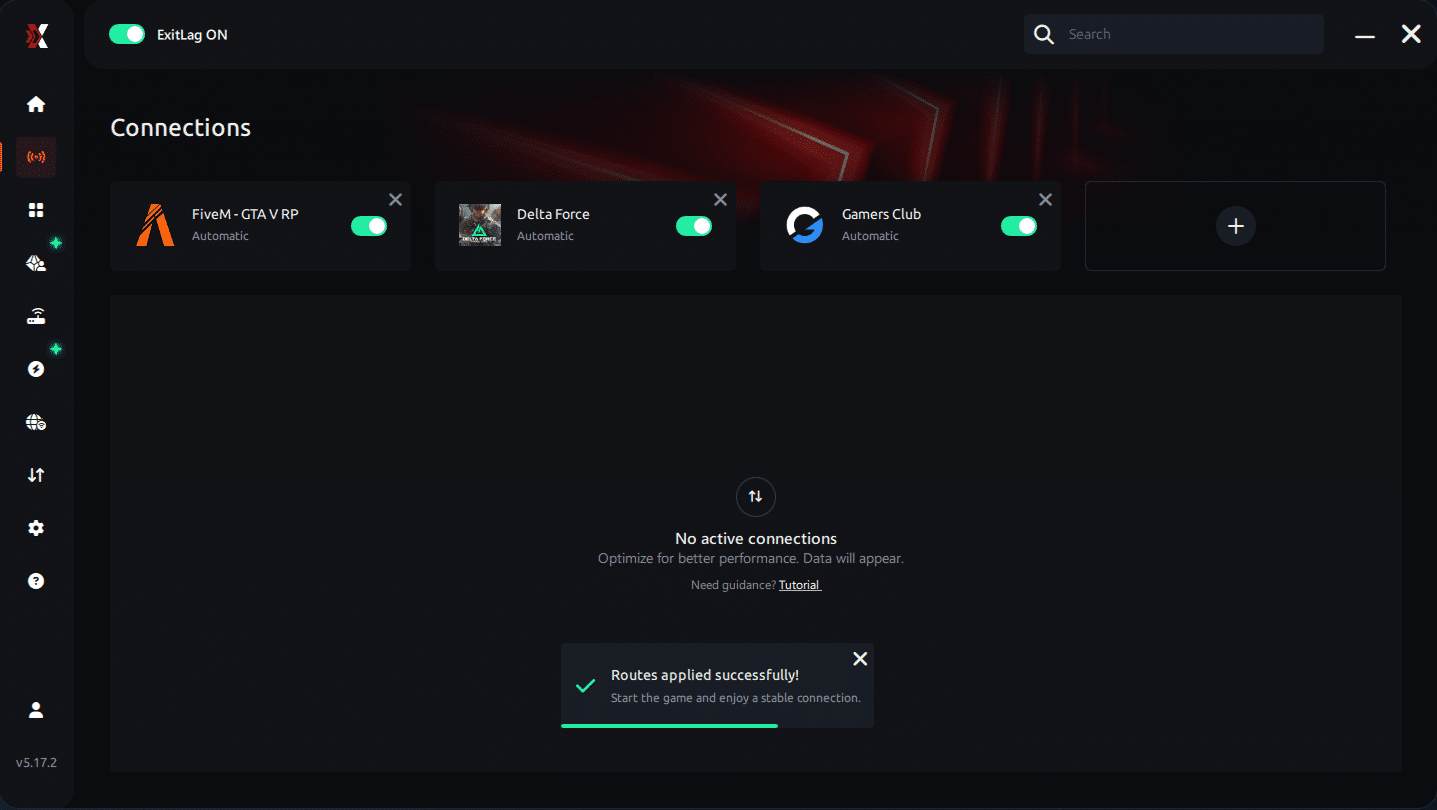
Step 7 – Launch FIVE M GTA normally. The optimization will already be active.
ExitLag runs in the background while you play, constantly adjusting routes to maintain the best possible performance.
Advanced ExitLag Settings for FIVE M GTA
Automatic mode suits most players, while manual selection allows fine-tuning by region. Traffic Shaper and multi-routing options further stabilize frame delivery when available.
Fix your Five lag for good
Fighting FIVE M GTA Lag doesn’t need to be a constant struggle. With optimized routing, stable data delivery, and reduced packet loss, your gameplay becomes smoother, faster, and more reliable. However, your ISP won’t automatically give you the best connection path that’s why tools like ExitLag make such a massive difference.
Finally, the power to eliminate lag and play with competitive-level stability is in your hands. Try ExitLag’s free trial today and experience FiveM with maximum performance, precision, and zero interruptions.



