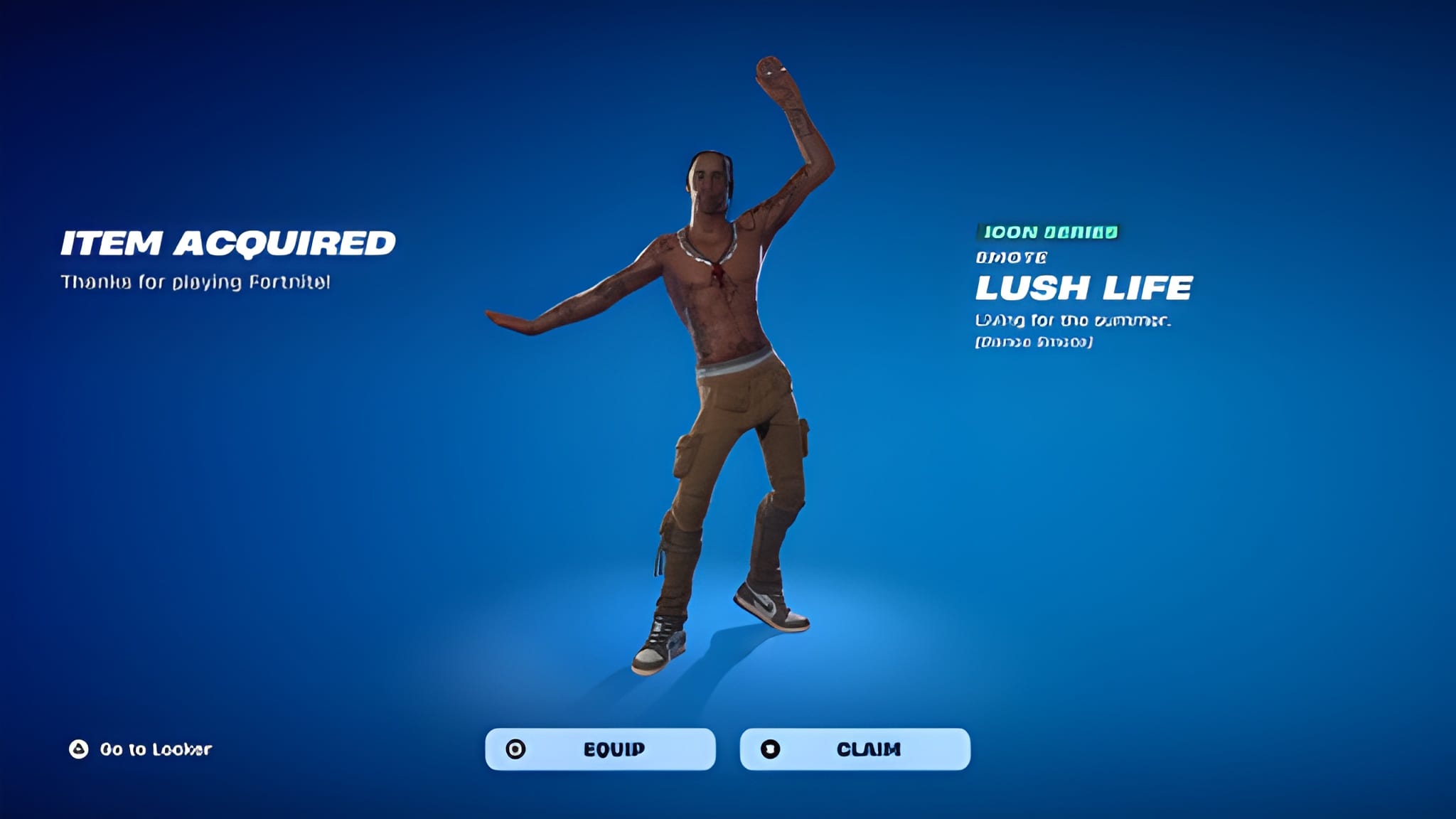
Chapter 7 Season 4, called Override, quietly changed how players earn free rewards. Instead of digging through menus, you now type a password directly into your lobby screen.
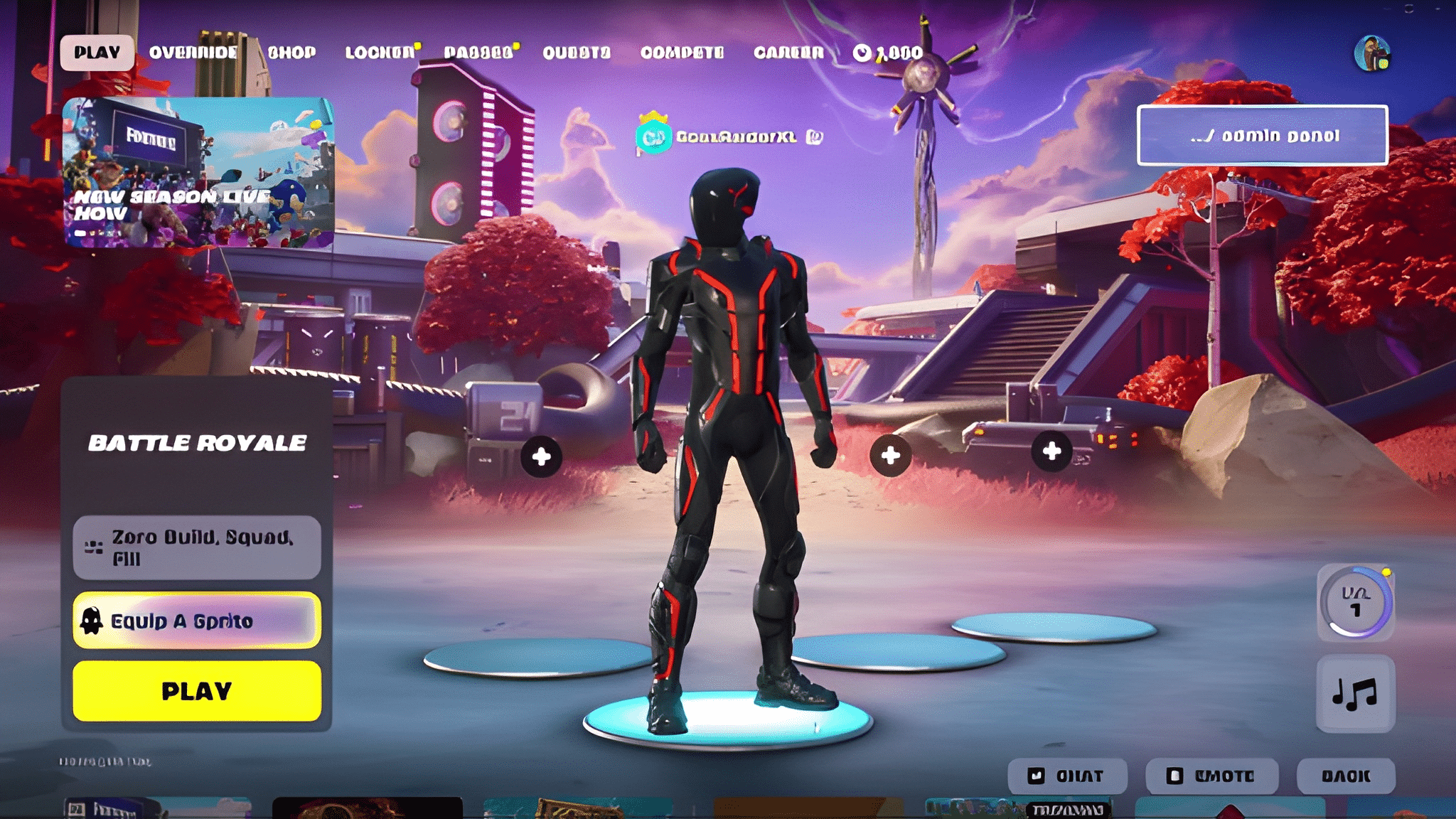
That system is exactly what most players mean when they search for Fortnite Admin Panel Codes. It sits behind a small terminal icon in the top right corner of the Battle Royale lobby.
So what exactly are Fortnite Admin Panel Codes, and how do you use them? They are official Epic Games codes entered through an in-lobby terminal that unlock free XP, Sprites, Sprite Dust, loading screens, and cosmetic transformations for the current season.
Unlike third-party cheat tools, this feature is built directly into the game. Furthermore, it was designed as a seasonal event tied to the Override theme, which leans into a retro hacker aesthetic.
In this guide, we will break down where to find the admin panel, how to redeem codes safely, and which strategies get you the most value before the season rotates out.
Fortnite Admin Panel Codes: Where To Find The Terminal
Before typing anything, you need to locate the actual admin panel inside the game. It only appears in the Battle Royale lobby, not in Creative or other modes.
Accessing The Admin Panel On Console And PC
The terminal icon sits in the upper right corner of your lobby screen, usually near your locker or battle pass button. Consequently, players on different platforms interact with it slightly differently.
- PC: Left click the admin panel icon to open the code entry box.
- PlayStation and Xbox: Press and hold the prompt shown on screen, typically a face button.
- Nintendo Switch: Press and hold the Y button to bring up the terminal.
- Mobile: Tap and hold the small panel icon in the corner of the lobby.
Entering Fortnite Admin Codes Correctly
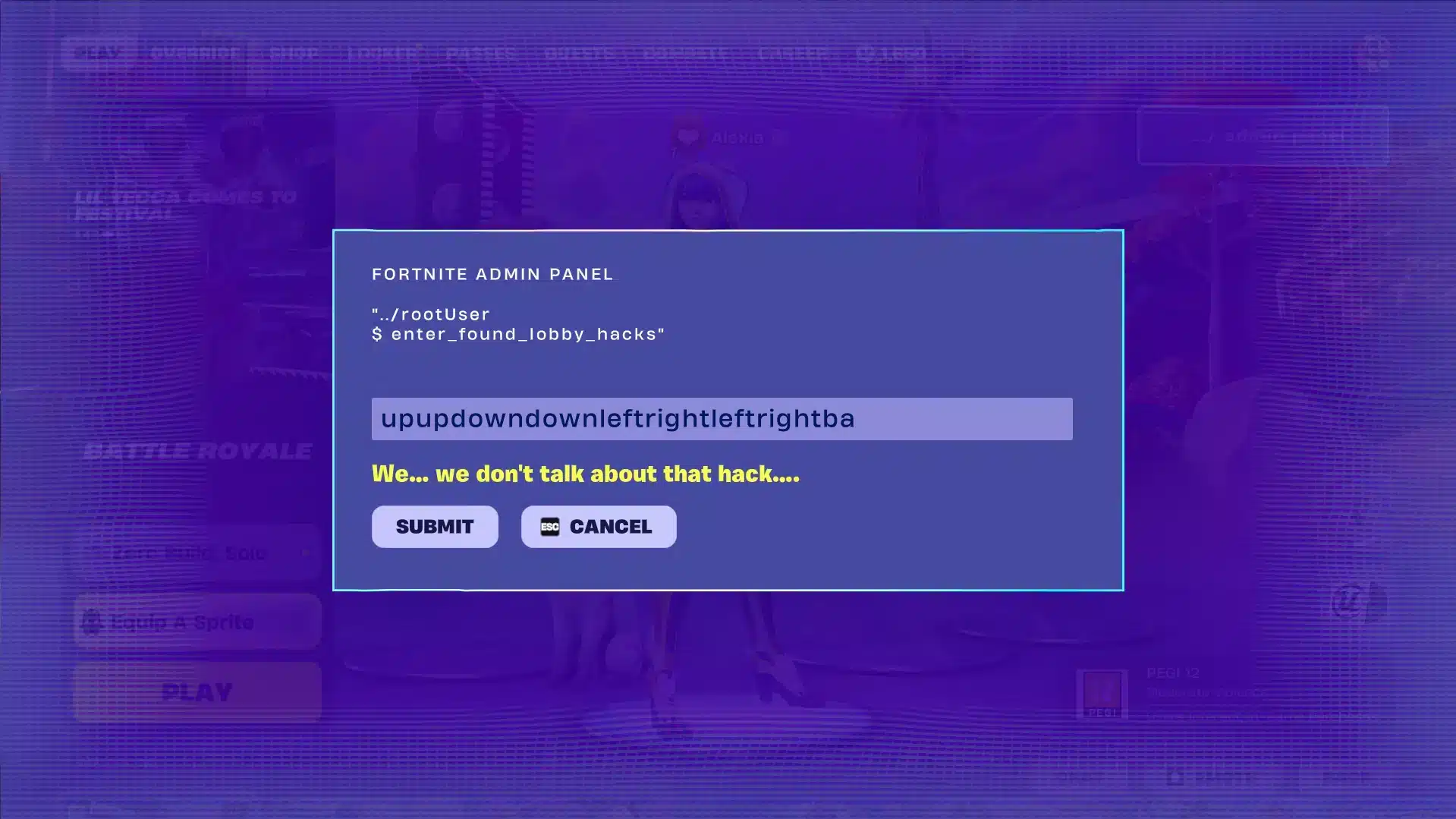
Once the text box appears, accuracy matters. The system is case-insensitive for most entries, but spacing and spelling still need to match exactly.
- Open the admin panel from the lobby screen.
- Type the code exactly as published, without extra spaces.
- Select Submit and wait for the on-screen confirmation.
- Check your locker or XP bar to confirm the reward landed.
- Repeat with the next code from your list.
Admin panel fortnite codes almost always work once per account for the rest of the season. Two exceptions exist for repeatable cosmetic transformations, which we cover further down.
Admin Panel Codes Fortnite Players Should Redeem First
Not every code delivers the same value, so prioritizing matters if you are short on time. Some rewards are one-time boosts, while others stack up quickly.
Fortnite Admin Panel Codes related to experience points tend to offer the biggest immediate payoff for players grinding the battle pass. Meanwhile, cosmetic codes are worth grabbing simply because they cost nothing but a few seconds.
High Value XP And Progression Codes
The clearest standout this season is a code that hands over a flat block of experience with no prerequisite quest attached. That kind of reward is rare in Fortnite's usual reward loop.
- OVERRIDEXP: Grants a large flat XP reward instantly upon submission, making it the single most efficient code for battle pass progression.
- JONESYISGOLDEN: Unlocks the Golden Jonesy Sprite, added as part of the season's ongoing rollout of new cosmetics.
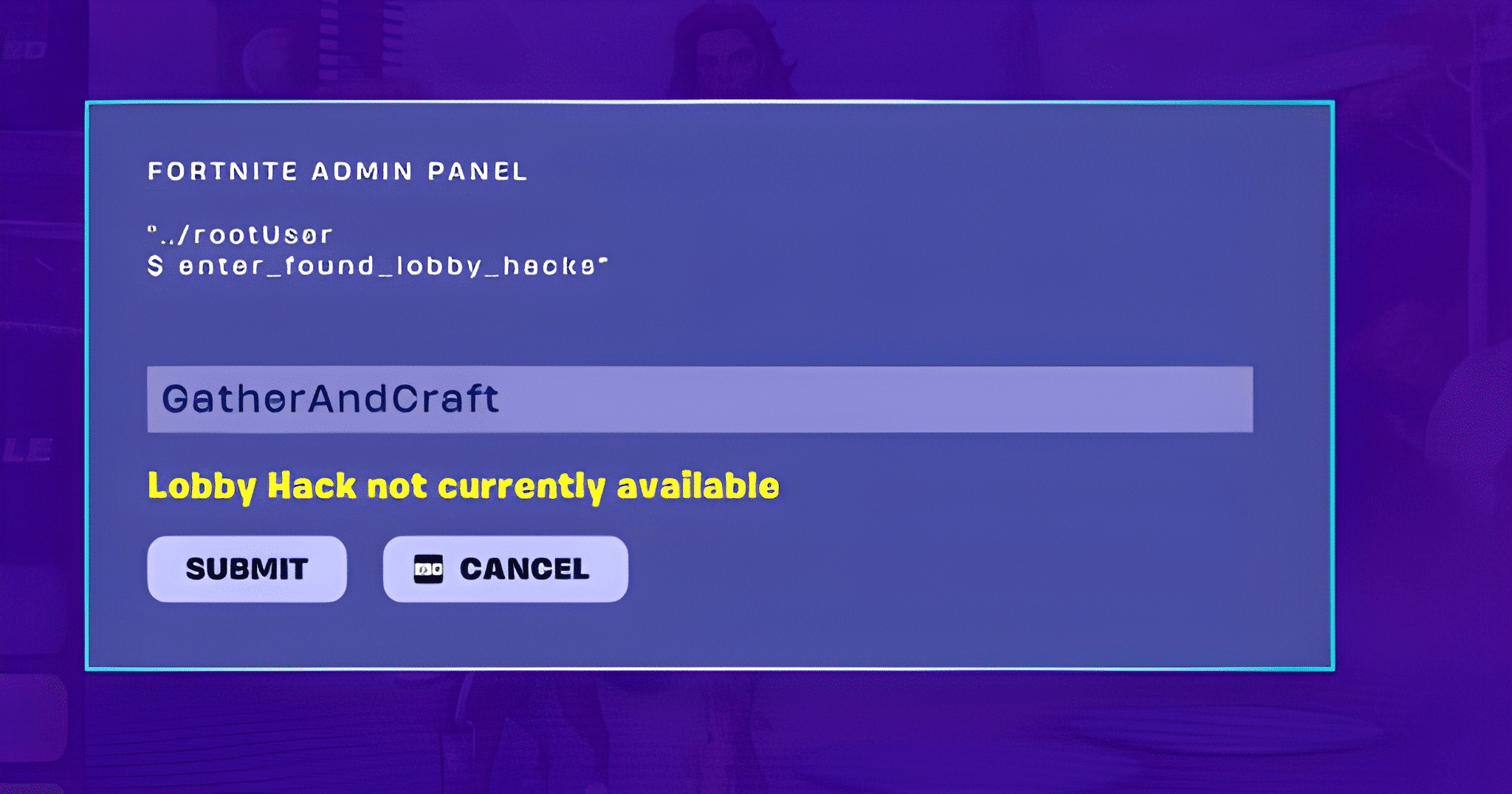
- GATHERANDCRAFT: Redeems for the Cheat Master Bush Sprite, though it requires progress on an early season quest first.
Sprite Dust And Cosmetic Currency Codes
Sprite Dust functions as a crafting currency tied to the Override theme, and several codes exist purely to hand out stacks of it. Therefore, redeeming all of them together adds up fast.
| Code Type | Example Codes | Typical Reward |
|---|---|---|
| Sprite Dust bundle | H0p0nVC, Magilume, Perlimpinpin | Around 2,000 Sprite Dust each |
| Sprite Dust bundle | Chispambo, Abgestaubt | Around 2,000 Sprite Dust each |
| Cosmetic unlock | JONESYISGOLDEN | Golden Jonesy Sprite |
| Repeatable transformation | LETSBLOCKANDROLL, DONTBLOCKME | Tetris block cosmetic swap |
| Progression | OVERRIDEXP | Flat XP boost |
Fortnite Codes Admin Panel: Repeatable And Rotating Entries
Most fortnite admin codes are single use, but a couple of entries break that pattern entirely. Understanding which ones can be reused saves you from wasting time hunting for new codes constantly.
Which Fortnite Admin Panel Codes Repeat?
LETSBLOCKANDROLL and DONTBLOCKME form a matching pair tied to a Tetris-style transformation. Unlike almost every other entry on the list, these two can be triggered again and again.
- Use LETSBLOCKANDROLL to trigger the block transformation effect.
- Use DONTBLOCKME to reverse it back to normal.
- Repeat the pair as often as you like during matches or in the lobby.
- No cooldown has been reported between uses so far.
Do Admin Panel Fortnite Codes Expire?
This is the question most players ask once they find a working list. As of now, no codes have expired during the current season, though that has not always been the case in past seasonal events.
Indeed, Epic Games has pulled similar promotional systems before without much warning. Consequently, treat every active code as temporary and redeem it as soon as you confirm it works.
All Admin Panel Codes Fortnite Players Are Tracking Right Now
There are roughly twenty confirmed active entries this season, spanning XP, Sprites, Sprite Dust, loading screens, and cosmetic effects. However, new codes continue appearing alongside content drops.
Because the list shifts with nearly every content update, publishing a permanent locked-in count risks going stale within days. Instead, treat the categories below as your framework for spotting new ones.
- XP codes: Usually short phrases tied to the season name, like OVERRIDEXP.
- Sprite Dust codes: Often random-looking strings such as H0p0nVC or Perlimpinpin.
- Cosmetic unlock codes: Named after specific skins or Sprites, like JONESYISGOLDEN.
- Quest linked codes: Require partial quest completion first, such as GATHERANDCRAFT.
- Transformation codes: Repeatable pairs like LETSBLOCKANDROLL and DONTBLOCKME.
Where New All Fortnite Admin Panel Codes Get Announced
Official social channels tend to be first, since Epic Games treats these drops as marketing beats tied to major patches. Checking those feeds regularly is more reliable than any single guide.
- Follow the official Fortnite account on Instagram and X for drop announcements.
- Watch patch notes published alongside major content updates.
- Check in-game news tiles on the lobby loading screen.
- Cross-reference community trackers that update within hours of a new code going live.
Pro Tips: Codes For Fortnite Admin Panel
Getting the most out of this system takes more than just typing random strings. These tips come from players who track the rotation closely every season.
- Redeem in a private lobby first: Some players report smoother terminal loading when not queued into matchmaking, which avoids interruptions mid-entry.
- Screenshot your redeemed list: Since there is no in-game history log, tracking which codes you already used prevents wasted attempts.
- Prioritize XP codes early: If your battle pass grind is behind, redeem OVERRIDEXP and similar entries before cosmetic codes.
- Check quest prerequisites first: Codes like GATHERANDCRAFT fail silently if the linked quest step is incomplete, so finish that step before typing the code.
- Recheck weekly: New admin panel fortnite codes tend to drop alongside weekly quest resets, so a quick weekly check keeps your rewards current.
Common Mistakes Fortnite Admin Panel Players Make
Even experienced players lose out on free rewards because of small, avoidable errors. Here are the ones that show up most often in community reports.
- Typing codes with extra spaces: Leading or trailing spaces can cause a valid code to fail. Fix: retype the code manually instead of copying text that may include hidden characters.
- Assuming Creative mode has the same panel: The admin panel only exists in the Battle Royale lobby. Fix: back out to the main Battle Royale menu before attempting to redeem anything.
- Ignoring quest-linked codes: Entering a code like GATHERANDCRAFT before finishing its prerequisite quest wastes the attempt. Fix: check quest progress in your journal first.
- Waiting too long to redeem: Since Epic Games can pull promotional codes without notice, delaying redemption risks missing rewards entirely. Fix: redeem confirmed working codes the same day you find them.
Is It Safe To Use Fortnite Admin Codes?
Yes, this system is entirely official and built by Epic Games, so there is no risk of a ban from using it correctly. It is fundamentally different from third-party cheat engines or unauthorized mods.
That said, some players search for unofficial "generator" sites claiming to sell or unlock extra codes. Those sites are not affiliated with Epic Games and should always be avoided.
Getting A Competitive Edge Beyond Fortnite Admin Panel Codes
Free rewards are a nice bonus, but performance in actual matches depends on something codes cannot fix: your connection quality. A laggy route to the game server undoes any XP boost the moment a fight starts.
This is where ExitLag becomes relevant for Fortnite players chasing both loot and wins. ExitLag is not a VPN. It is a game connection optimizer that scans multiple network routes in real time and automatically picks the fastest, most stable path to Fortnite's servers.
It does not encrypt traffic, does not mask your IP, and does not touch anything outside supported games. Instead, it focuses purely on getting your inputs to the server as quickly and consistently as possible.
For a fast paced, cross platform title like Fortnite, that matters in every close fight. Faster routing means quicker input registration, lower ping during builds and edits, and fewer sudden spikes of packet loss during a storm rotation.
- Real-time Optimization: Continuously reduces delay and packet loss so builds, edits, and shots register faster.
- Multipath Technology: Routes packets through multiple paths at once, so if one connection falters, others keep the match stable.
- AI-powered routing: Automatically selects the fastest available route with one click, while still allowing manual server selection.
- PC Boost: Frees up RAM and trims background processes for smoother frame rates during intense fights.
ExitLag currently supports more than 4,000 games across PC and mobile, backed by over 1,500 servers spread across more than 190 countries. Over 30 million users rely on it, and it processes more than 18 million optimizations every week.
It never modifies Fortnite's game files, never injects code, and never interacts with anti-cheat systems, so it remains fully safe to run alongside the game. Just avoid pairing it with a VPN, since running both together reduces routing effectiveness.
Because Fortnite spans PC, console, and mobile, players on the go can grab ExitLag Download for their main rig, or reach for ExitLag for Android and ExitLag for iOS when playing on the move. Setting it up takes minutes and pairs naturally with a session spent redeeming fresh codes.
Final Thoughts On Fortnite Admin Panel Codes
The admin panel has turned into one of the more rewarding side systems introduced during the Override season. Between free XP, Sprite Dust, and cosmetic unlocks, there is real value packed behind a simple text box.
As a result, checking in regularly for new Fortnite Admin Panel Codes costs almost nothing and consistently pays off. Combine that habit with a stable connection through ExitLag, and you get both better rewards and better matches.
All game images used in this blog post belong to Epic Games. They are used for informational and educational purposes only and do not imply endorsement or affiliation with the rights holders.