
Forza Horizon 5 continues to dominate the open-world racing genre with its stunning visuals, expansive Mexico-inspired map, and exhilarating gameplay. But one question that still confuses many players is: is Forza Horizon 5 cross platform?
Let’s clear the air. If you're wondering whether you can race with friends on different devices—be it Xbox, PC, Steam, or PS5—this guide breaks it all down for you.
What Does Cross Platform Mean in Forza Horizon 5?

In simple terms, cross-platform (also known as crossplay) allows players using different systems to play together in the same game. That means someone using a PC can compete against someone on an Xbox console.
For Forza Horizon 5, crossplay is a supported feature—but with some important details and limitations.
Where Can You Play Forza Horizon 5?
To understand cross-platform play, it's crucial to know where Forza Horizon 5 is available:
- Xbox Series X|S
- Xbox One
- Windows PC (Microsoft Store)
- Steam (PC)
Important Note: Forza Horizon 5 is not available on PlayStation 5 (PS5), so cross-platform with PS5 is not possible.
Is Forza Horizon 5 Cross Platform Between Xbox and PC?
Yes, Forza Horizon 5 is cross platform between Xbox and PC. Whether you're playing on an Xbox Series X|S, Xbox One, or a Windows PC from the Microsoft Store, you'll be able to connect and play seamlessly with your friends.
This functionality is made possible through Xbox Live and your Microsoft account, which syncs your progress, achievements, and multiplayer capabilities across platforms.
Benefits of Xbox-PC Crossplay:
- Join convoy races with friends across devices
- Seamless voice chat and messaging via Xbox Live
- Shared in-game progression and seasonal events
Whether you're drifting through the streets of Guanajuato or racing across Baja’s deserts, your platform won't hold you back.
Forza Horizon 5 on Steam: Is It Cross Platform?
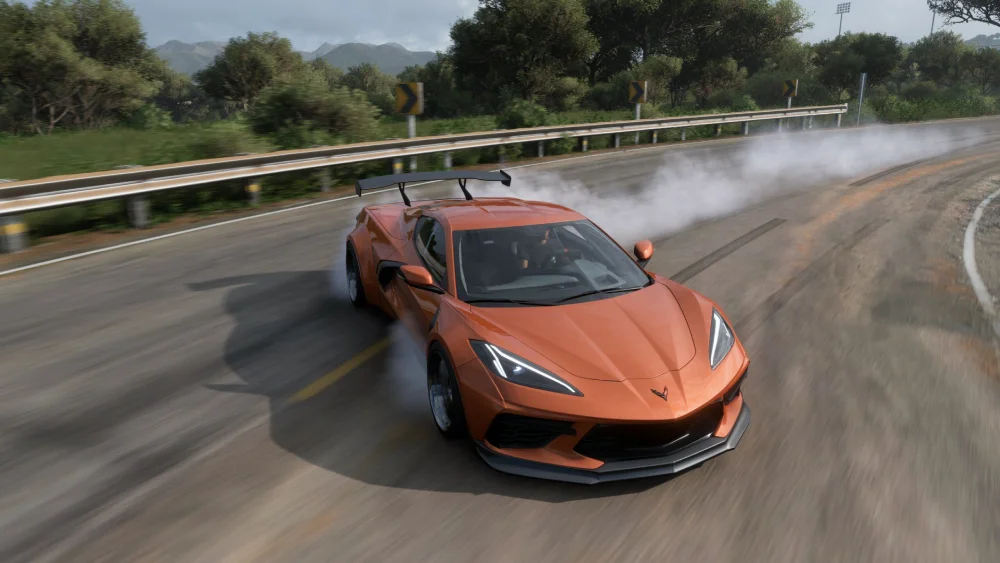
Yes, Forza Horizon 5 on Steam is also cross platform. Steam players can race alongside Xbox and Microsoft Store PC users without issue. However, you'll need to link your Steam account to a Microsoft/Xbox Live account to enable this functionality.
Things to Keep in Mind for Steam Users:
- You must log in with a Microsoft account when launching Forza Horizon 5 on Steam
- Crossplay works in both ranked and casual game modes
- You can join Xbox friends’ sessions, participate in events, and use voice chat
If you're a PC gamer on Steam wondering is forza horizon 5 cross platform with steam—rest assured, it absolutely is.
Is Forza Horizon 5 Cross Platform Xbox and PS5?
This is where the answer is a clear no. Forza Horizon 5 is not available on PS5, so cross-platform play between Xbox and PS5 is not possible.
The game is developed by Playground Games and published by Xbox Game Studios, meaning it's part of the Xbox-exclusive ecosystem. There are no official announcements regarding a PS5 version of Forza Horizon 5 in the future.
Why Isn’t Forza on PlayStation?
Forza is a flagship franchise for Xbox—just like Gran Turismo is for PlayStation. These titles serve as exclusive pillars that define their respective platforms.
In other words, it’s a strategic choice by Microsoft to keep Forza Horizon 5 off PlayStation systems to drive Xbox Game Pass and console sales.
Forza Horizon 5 Is It Cross Platform in All Modes?
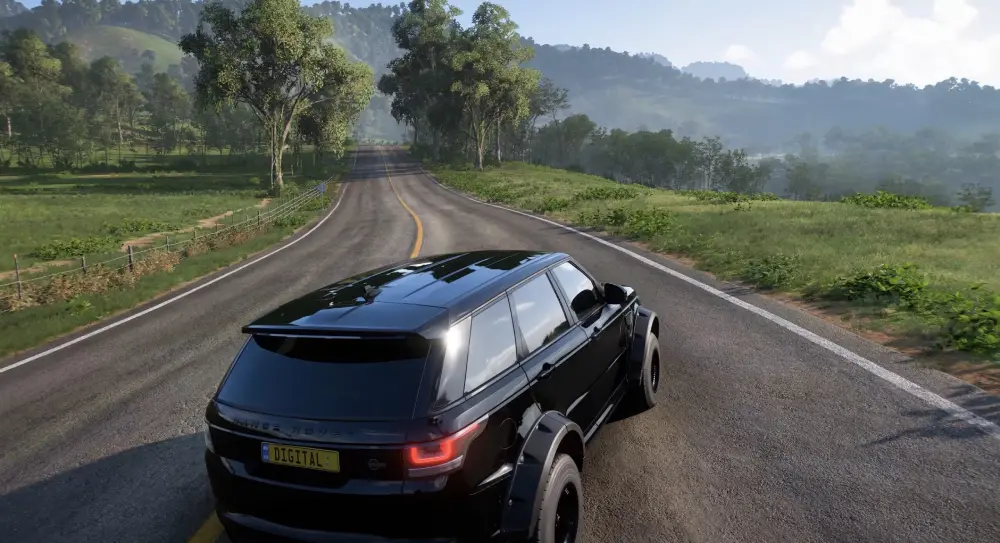
Yes, all major game modes in Forza Horizon 5 support cross-platform gameplay, including:
- Horizon Open (Casual Multiplayer)
- Horizon Arcade
- Co-op Campaign
- Online Adventures
- Seasonal Challenges
Players from any supported platform can participate in the same events, earn rewards together, and even join the same car clubs.
What Doesn’t Support Cross Platform?
While multiplayer races and events are cross-platform, some in-game communications and UGC (user-generated content) might not be fully visible or downloadable across all platforms due to platform-specific restrictions.
How to Enable Crossplay in Forza Horizon 5
In most cases, crossplay is enabled by default in Forza Horizon 5. But here’s how to ensure it’s active:
- Sign in with your Microsoft/Xbox account on any platform
- Join your friends through the in-game Friends tab or Xbox Game Bar
- Create a convoy or join multiplayer lobbies
If you're playing on Steam, double-check that your Microsoft account is connected properly.
Is Forza Horizon 5 Cross Progression Too?
Cross-platform is about multiplayer gameplay—but what about saving progress?
Forza Horizon 5 supports cross-progression between Xbox consoles and the Microsoft Store PC version.
However, cross-progression does NOT work between Steam and Xbox/Microsoft Store. If you buy Forza Horizon 5 on Steam, your save files and unlocks will not sync with Xbox or the Microsoft Store.
Summary Table: Crossplay & Cross Progression
| Platform Combo | Crossplay | Cross Progression |
| Xbox & PC (Microsoft Store) | Yes | Yes |
| Xbox & Steam | Yes | No |
| PC (Microsoft Store) & Steam | Yes | No |
| Xbox/PC & PS5 | No | No |
Why Multiplayer Matters More in 2025

As the Horizon Festival continues to evolve, cross-platform features become more central to the multiplayer experience. With expanded seasonal content, new online modes, and cross-regional competitions, seamless matchmaking is key to success.
Crossplay multiplayer is now the heartbeat of Horizon’s competitive and cooperative modes.
From Horizon Open races to EventLab challenges, the ability to play with anyone—on any compatible system—has redefined the way we race.
Real-Time Examples of Cross Platform Play
- Xbox One players creating convoys with Steam users
- PC players joining Xbox Game Pass friends for seasonal races
- Players from Asia racing North American opponents in cross-region matchmaking
All of this is possible thanks to seamless platform integration.
Cross Region Play: Challenges and Solutions
Cross-platform is powerful—but it comes with performance challenges, especially when you're connecting across continents.
Problems Cross Region Players Face
- High ping and rubberbanding in races
- Delayed input during online stunts
- Disconnections from convoys and voice chat issues
To fix this, players worldwide use ExitLag, which dramatically stabilizes international connections.
How ExitLag Enhances Cross Region Experience
- Reduces latency: Speeds up signal routing between players in different countries
- Improves packet delivery: No more stuttering or invisible crashes
- Prevents session drops: Essential for convoy races and seasonal events
If you’re wondering why your friend in Brazil has smoother races than you—it’s probably ExitLag.
Start your Exitlag 3 days Trial!
Explore the complete Forza Horizon 5 car list and discover all available vehicles.
Building the Perfect Cross Platform Convoy

Creating a powerful convoy is crucial to dominating events and enjoying Horizon with friends.
How to Form a Convoy Across Platforms
- Everyone must be signed into Microsoft accounts
- Use the Friends/Convoy tab in the pause menu
- Add and invite your friends regardless of platform
- Choose a race type or roam the map as a group
Tip: Set convoy rules for collisions, assists, and car classes to match your team’s skills.
Best Convoy Events for Crossplay Fun
- Horizon Arcade: Cooperative, low-stakes fun across platforms
- Seasonal Championships: Competitive teams of 3–6 players
- Drift Zones & PR Stunts: Compete asynchronously for leaderboard ranks
- The Eliminator: Battle royale-style chaos with up to 72 players
Convoys don’t just make things more fun—they unlock bonus XP, event rewards, and even exclusive seasonal cars.
Advanced Tips for Cross Platform Dominance
Crossplay is more than access—it’s a strategic advantage when used wisely.
1. Match Performance with Platform
- Xbox Series X offers stable FPS and quick load times
- Steam players can tweak graphics for maximum visibility
- Microsoft Store PC builds sync with Xbox Cloud saves
Optimization Tip: Run ExitLag + game mode in Windows for flawless performance.
2. Choose Meta Vehicles for Crossplay Races
- S2 Class: Koenigsegg Jesko, Rimac Nevera
- A Class: Subaru WRX STI, Honda NSX-R
- Rally: Hoonigan RS200, Ford Fiesta ST RX
Cross-platform lobbies often favor aggressive builds—so choose wisely.
3. Use Cross Progression to Your Advantage
If you're playing on Xbox and Microsoft Store PC, cross progression lets you experiment with performance settings, test car builds, and replay events without losing progress.
For Steam users, consider creating a backup via Steam Cloud—since cross-save doesn't sync with Xbox versions.
Voice Chat, Text Chat, and Social Features

Playing with friends on other platforms? Communication can make or break your races.
How to Chat Cross Platform in Forza Horizon 5
- Xbox + Microsoft Store PC: Xbox Live voice chat is fully integrated
- Steam users: Must connect with Xbox Live to access voice features
- In-game Text Chat: Limited to pre-defined phrases for cross-platform fairness
Best Practice: Use Discord or Xbox Game Bar chat for smoother comms.
Frequently Asked Questions (FAQ)
Is Forza Horizon 5 cross platform in all game modes?
Yes. All multiplayer game types, including Horizon Arcade and Eliminator, support crossplay.
Can I transfer cars and credits between Steam and Xbox?
No. Cross-progression only works between Xbox and Microsoft Store PC versions.
What’s the best way to reduce lag in Forza Horizon 5 crossplay?
Use ExitLag to stabilize your connection and optimize server routing.
How do I join a friend’s convoy on another platform?
Link your Microsoft account, open the Friends tab, and accept the invite.
Will cross platform events be expanded in 2025?
Yes. Developers continue to integrate deeper cross-platform support for Horizon story missions and UGC.
Final Thoughts
Is Forza Horizon 5 cross platform? Absolutely—and it’s one of the best examples of crossplay done right in racing games. From Xbox to Steam, players unite in a vibrant, ever-changing world of cars, creativity, and competition.
But cross-platform success depends on connection stability—and that’s why ExitLag is a must-have. It removes barriers between continents, ensures you stay in the convoy, and maximizes your performance.
Get your squad ready, tune your favorite ride, and dive into Horizon’s expansive multiplayer with confidence. Cross-platform play isn’t just a feature—it’s the future.
All game images used in this blog belong to Xbox Game Studios. They are used for informational/educational purposes only and do not imply endorsement or affiliation with the rights holders.



