
If GTA 6 won't install or its pre-load appears stuck, start by checking your purchase, available storage, and download status. A locked game doesn't necessarily mean something is wrong with your console.
Grand Theft Auto VI pre-loading began on November 10, 2026, for PlayStation 5 and Xbox Series X|S. The game is scheduled to launch on November 19 at midnight local time on both platforms.
This guide covers what to do when GTA 6 won't install, won't start downloading, or shows a redemption code error. It also explains the difference between an installation problem and the normal lock before launch.
GTA 6 won't install? Check these things first
Before deleting files or restarting the pre-load, identify what's actually happening. The right fix depends on your platform and how you bought the game.
- Purchase and account: Confirm your pre-order went through and you're signed in to the account that owns the game.
- Storage: PlayStation asks for 212 GB of free space on PS5. Rockstar says the pre-load may require up to 212 GB, depending on the device.
- Internet connection: Make sure your console is online and check whether the download is still active.
- Updates: Keep your console's system software up to date and review its automatic download settings.
- Unlock time: Having the game installed before November 19 doesn't mean you can launch it early.
| Issue | What to check first |
| Pre-load hasn't started | Purchasing account and automatic download settings |
| Download is stuck or interrupted | Download queue and the pause/resume option |
| Not enough storage space | Free space on the console |
| Code is invalid or already used | Account, region, and code status |
| Game is installed but locked | Official release time in your region |
GTA 6 not downloading on PS5: How to start or fix the pre-load
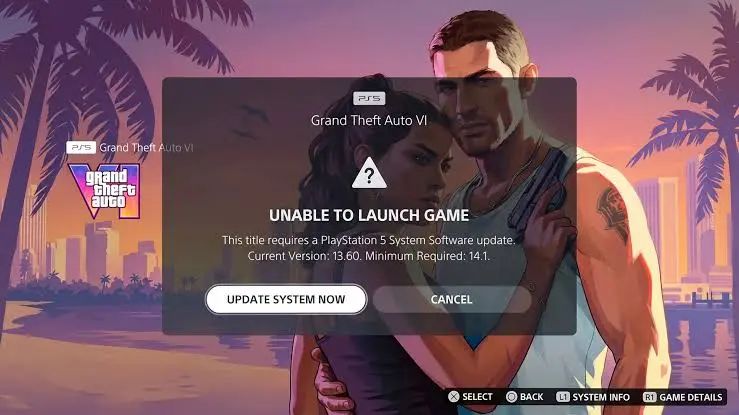
PlayStation has published specific instructions for GTA 6 pre-orders. Start with your Game Library and the purchase history for your account.
GTA 6 pre-load hasn't started
If the game isn't in your download queue, first confirm that the purchase is tied to the right account. Then follow these steps:
- Sign in to the account used for the purchase and check Order History to confirm the pre-order.
- On PS5, open Game Library > Your Collection and select GTA 6.
- Open the game's countdown screen and enable auto-download if the option isn't already selected.
- If pre-loading is available, return to the game's page and select Download to start it manually.
- To allow downloads in Rest Mode, go to Settings > System > Power Saving > Features Available in Rest Mode and enable Stay Connected to the Internet.
Your PS5 must be powered on or set up to download while in Rest Mode for automatic pre-loading to work.
GTA 6 download stuck or interrupted on PS5
If GTA 6 appears in the queue but isn't progressing, open Downloads/Uploads from the PS5 control center. Select the download, choose Pause, then select Resume.
If the transfer still won't start, PlayStation recommends Cancel and Delete, followed by a new download from Game Library. This removes the current download, so try pausing and resuming first.
You can also check the PlayStation Network service status. One player's stalled download doesn't, by itself, confirm a widespread service outage.
Not enough storage or outdated PS5 system software
To check the 212 GB of free space requested by PlayStation, go to Settings > Storage. If you don't have enough room, delete or move content before trying again.
You should also check for a PS5 system update under Settings > System > System Software > System Software Update and Settings. Updating the console is separate from downloading GTA 6, and keeping the system current can help prevent installation or launch issues.
GTA 6 code-in-box edition won't redeem
On PS5, the boxed edition of GTA 6 contains a download code, not a game disc. To redeem it, sign in to your PlayStation account, select your avatar, and choose Redeem Code.
If the code is missing or unreadable, contact the retailer. If it says the code was already used, check whether it was redeemed on another account. For incorrect or invalid code messages, review region compatibility before contacting support.
GTA 6 won't install on Xbox Series X|S: What to check
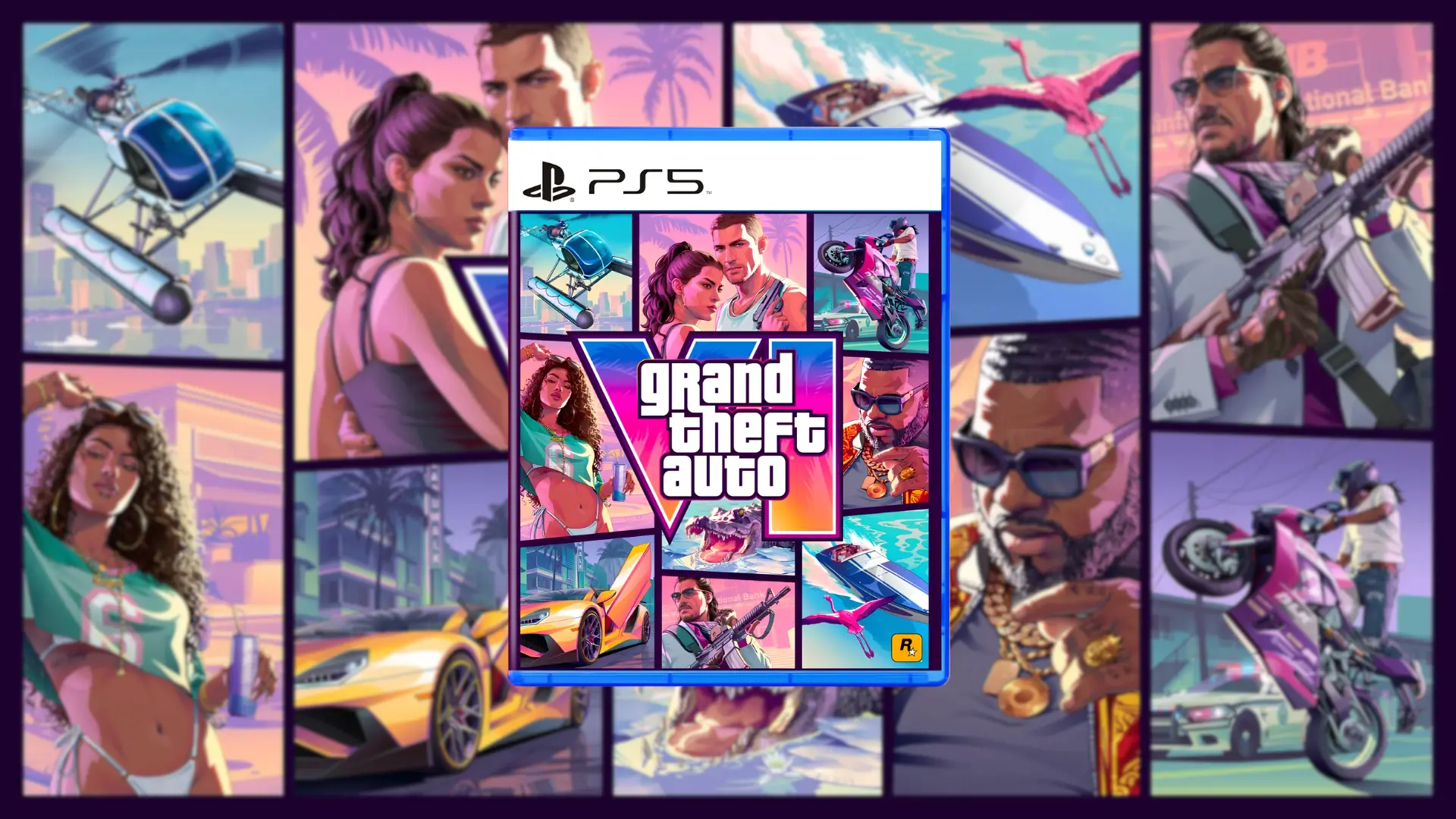
If GTA 6 won't install on Xbox Series X|S, begin with the pre-load settings. According to Rockstar, digital pre-loading started at 12 a.m. GMT on November 10, at the same time worldwide. PS5 pre-loading, by contrast, began at midnight in each region's local time zone.
How to prepare for GTA 6 pre-loading on Xbox
For automatic pre-loading, Rockstar recommends enabling automatic updates and keeping the Xbox powered on or in Sleep mode.
Confirm that GTA 6 belongs to the account used for the purchase. Then find the game in your library and check its progress in the installation queue. If needed, refer to the Xbox pre-order guide linked in Rockstar's support FAQ.
GTA 6 download stuck or installation error on Xbox
If installation isn't progressing, check your free storage, internet connection, and download queue. Rockstar says the pre-load may require up to 212 GB, depending on the device.
Also check for pending system updates. If the issue persists, follow Xbox's official installation troubleshooting guide. A single stalled download isn't evidence of a global server outage.
GTA 6 pre-load FAQ
Some situations look like errors but are normal parts of pre-loading. Here are answers to common questions ahead of launch.
GTA 6 is downloaded, so why can't I play it?
Pre-loading lets you install game files before release. It does not provide early access. GTA 6 is scheduled to unlock at midnight local time on November 19, 2026, for PS5 and Xbox Series X|S.
If the game remains locked after the official release time, check the account that owns the license. On PS5, PlayStation also recommends trying Settings > Users and Accounts > Other > Restore Licenses when a game won't launch.
Does GTA 6 need 212 GB on PS5 and Xbox?
PlayStation specifically asks players to have 212 GB available on PS5. Rockstar describes a requirement of up to 212 GB, which may vary by device. Check the storage information shown on your console before downloading.
Will deleting and reinstalling GTA 6 fix every error?
No. On PS5, PlayStation recommends pausing and resuming the transfer first. Canceling and deleting the download is a later step if resuming doesn't work. On Xbox, use the platform's official troubleshooting instructions.
Where to get official support if GTA 6 still won't install
If GTA 6 won't install after these checks, contact the support team that handles your issue. PlayStation provides guidance for accounts, codes, downloads, and installations. Rockstar also maintains a general pre-load FAQ.
- PlayStation: GTA 6 setup and support
- PlayStation: GTA 6 troubleshooting
- PlayStation: GTA 6 code issues
- Rockstar Games: GTA 6 pre-load FAQ
- Xbox: Troubleshoot game installation problems
Before contacting support, note the error message, your platform, and your proof of purchase. These details can help determine whether the problem involves your license, the download, or the console.