In Guild Wars 2, your map isn’t just a navigational tool—it’s the foundation of your entire gameplay experience. Whether you’re exploring lush forests, scaling icy mountains, or plunging into underwater ruins, mastering the GW2 map will significantly enhance your journey across Tyria.
More than a visual aid, the GW2 map is dynamic and interactive, showing everything from quest hubs to world events in real time. For both newcomers and veterans, understanding its features is the key to efficient leveling, exploration, and loot acquisition.
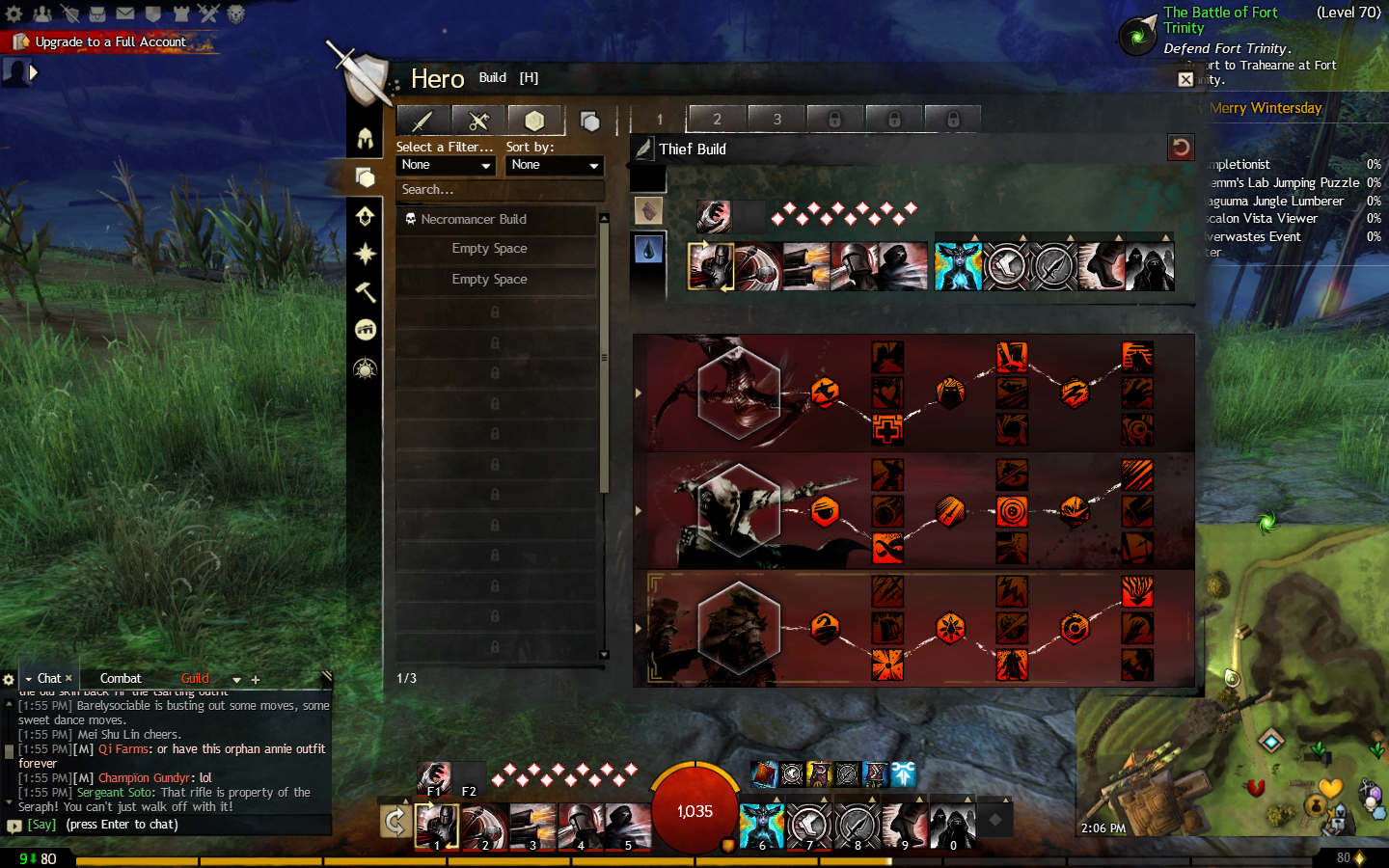
If you’re tailoring your progression to specific professions, resources like the Guild Wars 2 Thief build guide can help you maximize efficiency while completing maps.
How Does the Map Work in GW2?
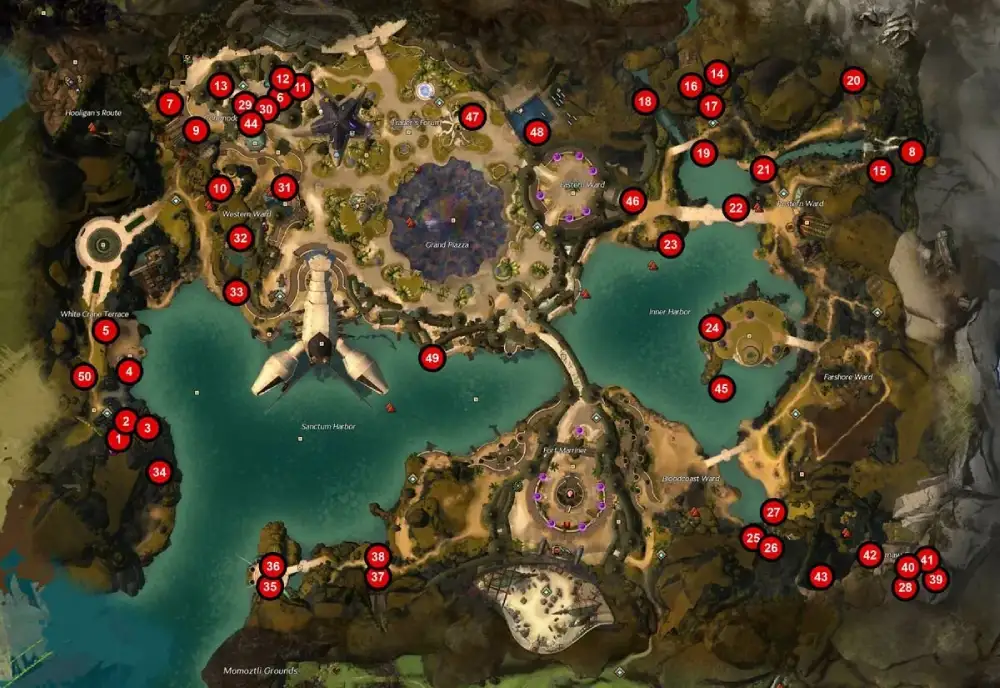
The GW2 map is divided into multiple regions, each designed for different level ranges and story arcs. The structure includes beginner zones, racial cities, dungeons, expansion areas, and story-specific maps. All maps come alive with points of interest, activities, and events.
What are the components of a GW2 map?
Each map typically includes:
- Waypoints: Fast-travel locations for instant movement
- Hearts (Renown Tasks): Repeatable NPC-based objectives
- Points of Interest (POIs): Marked locations for lore and exploration
- Skill/ Hero Challenges: Activities that award hero points
- Vistas: Cinematic flyovers of visually stunning areas
- Events and Meta Chains: Dynamic content that changes the map state
Types of Maps in GW2
| Map Type | Recommended Level | Objectives |
| Starter Zones | 1-15 | Waypoints, Hearts, Vistas, POIs |
| Core Tyria | 15-80 | Waypoints, Hearts, Vistas, Skill Challenges, POIs |
| Heart of Thorns | 80 | Waypoints, Hero Challenges, Events, Mastery Insights |
| Path of Fire | 80 | Waypoints, Hero Challenges, Events, Bounties |
| End of Dragons | 80 | Waypoints, Hero Challenges, Events, Jade Tech |
This table helps you understand which types of objectives appear in each expansion and what’s required for completion.
Starter zones are ideal for leveling new characters and offer simple objectives. Core Tyria maps expand complexity with skill challenges. Expansion zones—Heart of Thorns, Path of Fire, and End of Dragons—introduce verticality, mounts, and special mechanics like gliding or jade tech.
For players who prefer different playstyles, exploring a Guild Wars 2 Ranger build can provide guidance on how best to use your profession for exploration and event farming.
GW2 Map Completion and Essential Tools
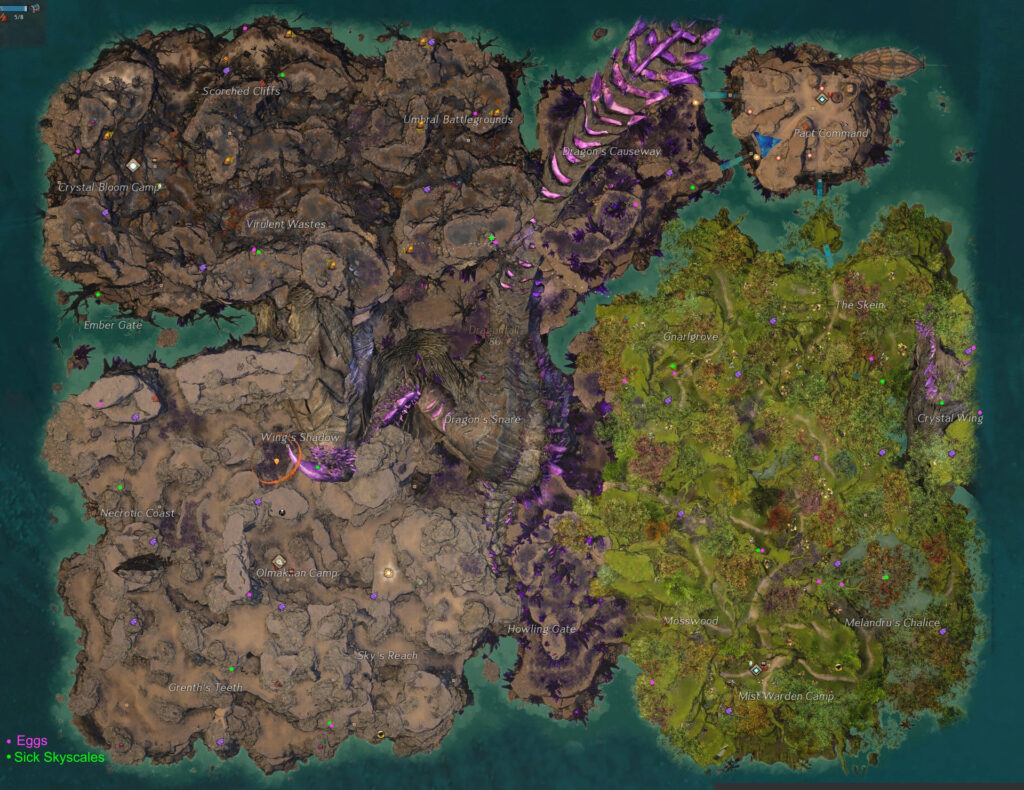
Achieving GW2 map completion is a long-term goal for many players. It involves uncovering every map element across Tyria, from waypoints to hero challenges.
What does map completion include?
To complete a map, you must find and interact with all:
- Waypoints
- Points of Interest
- Renown Hearts (if applicable)
- Vistas
- Hero or Skill Challenges
Completion is tracked on a per-map basis, and each zone grants a reward chest filled with crafting items, gold, and sometimes rare loot.
Why aim for 100% completion?
- Earns experience points and hero points
- Contributes to legendary crafting progression
- Unlocks titles and achievements
- Completes requirements for certain ascended gear
What tools help with GW2 map completion?
1. GW2 Timer
An essential resource for event planning, especially for meta chains and world boss timers.
2. maps.gw2.io
An interactive browser-based map that shows exact locations of all POIs, vistas, and events.
3. GW2 Wiki Map Tool
Official wiki with detailed coordinates, descriptions, and tips for every map element.
Bonus Tools:
- GW2 TacO (Tactical Overlay): In-game overlay showing exact paths to objectives
- Blish HUD: Customizable UI enhancements with built-in map tools
- Dulfy Guides: Static content archives for hard-to-find objectives
These tools are especially helpful when some areas are hidden behind jumping puzzles or require gliding/mount mechanics.
For those diving deeper into class synergies during exploration, guides such as the Guild Wars 2 Elementalist build are excellent companions, offering optimization tips that complement map-based objectives.
How to Change Map Instance in GW2 and Use Advanced Tools
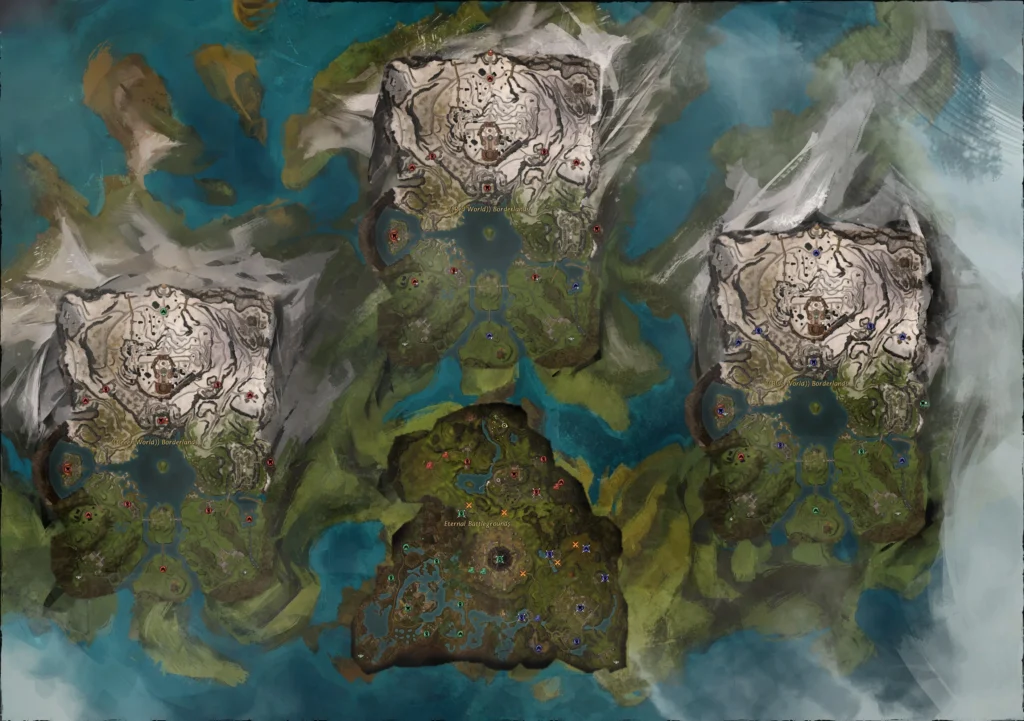
One powerful yet often overlooked feature in Guild Wars 2 is the ability to change map instances, which lets you join a different version of the same map—handy for finding active events or friendlier players.
How to change map instance in GW2?
You can change instances using one of the following methods:
1. Join a squad or party
If someone in your group is in a different map instance, right-click their portrait and select “Join in [Map Name]”.
2. Use the /ip command
Typing /ip in chat displays the instance number you’re currently in. To switch, look for LFG groups or commanders in a different IP.
3. Relog or waypoint jump
Sometimes re-entering the map or teleporting to another waypoint can place you in a new instance.
Changing instances is especially useful when trying to:
- Join a meta event that has already started
- Avoid a failed boss timer
- Find an instance with more active players
For broader lore and official updates, the original Guild Wars website provides background on how the franchise evolved to its current state.
How to Draw on the Map in GW2?
Group coordination is vital for raids, large-scale metas, and WvW. Fortunately, GW2 allows players to draw directly on the minimap and world map.
How to draw on the map in GW2?
Simply hold Shift + Left-Click and drag your mouse. You’ll see a colored line appear on your squad’s map—visible only to your group or raid.
Uses of map drawing:
- Mark paths for jumping puzzles
- Indicate attack routes in WvW
- Direct players to rally points or retreat zones
- Communicate strategy without voice chat
Advanced players often combine this with waypoint pings, markers, and tactical icons available in the commander UI.
GW2 World Boss Timer and Dynamic Event Planning

Dynamic events are the beating heart of GW2’s open world, and knowing when they occur is crucial to optimizing your time and loot.
What is the GW2 world boss timer?
The GW2 world boss timer is a schedule of major bosses that spawn across Tyria on a rotation. Bosses like Tequatl, The Shatterer, and Triple Trouble appear at specific times, offering loot, achievements, and even unique skins.
Event timer GW2 tools:
| Tool Name | Features |
| GW2Timer.com | Live boss schedule, meta tracking, alerts |
| Blitz.gg | Boss timers, daily checklist integration |
| Guild Wars 2 Wiki | Static timer info, spawn mechanics |
Why use a boss/event timer?
- Maximize loot: Many bosses drop daily bonus chests
- Plan your map: Join populated instances where metas succeed
- Avoid downtime: Always have a boss or event to do
Tip: Use the LFG system to find commander-tagged squads running world events and coordinate via squad chat or drawn paths.
Players often combine event timing tools with group coordination systems, like LFG and squad markers, to boost efficiency. And for troubleshooting or official support, visiting the Guild Wars help center is the best way to resolve account, gameplay, or technical issues.
Frequently Asked Questions (FAQ)
To complete maps in GW2, explore all waypoints, hearts, vistas, POIs, and skill/hero challenges. Use tools like GW2 Timer and maps.gw2.io to find hidden locations and track progress.
Join a party in a different instance or use the /ip command to check yours. You can change maps by reloading the zone, joining another squad, or using LFG listings for events in alternate instances.
Hold Shift + Left-Click and drag on your minimap or world map to draw. This feature helps coordinate with your party or squad during events, raids, or exploration.
Top tools include:
GW2Timer.com for event planning
maps.gw2.io for POI and hero challenge locations
GW2 TacO and Blish HUD for overlays and in-game tracking
It’s a rotating schedule of open-world bosses with specific spawn times. Timers help players organize event participation and maximize daily rewards.
Conclusion: Optimize Your Tyria Exploration with GW2 Maps and ExitLag
Mastering the GW2 map system is essential to getting the most out of Guild Wars 2. Whether you’re chasing 100% map completion, hunting world bosses, or coordinating with your squad during a massive meta event, the tools and tips in this guide will sharpen your gameplay.
And remember: all your strategy and planning can be compromised by a poor connection.
That’s why top players use ExitLag to reduce latency, eliminate spikes, and stabilize their network across large zones and event-heavy instances. When every second counts, especially during fast-paced world bosses or competitive PvE, ExitLag ensures you stay connected, responsive, and effective.
Explore Tyria with precision and performance—optimize your connection with ExitLag today.
Got questions or want to connect with other players? Join the conversation at the ExitLag Forum!