

XDefiant download is one of the most searched topics among fans of fast-paced, competitive shooters in 2025. Developed by Ubisoft, XDefiant merges high-octane action with faction-based gameplay drawn from various Ubisoft universes. Whether you're playing on PC, PlayStation 5, or Xbox Series X|S, this guide walks you through how to download and play XDefiant, avoid errors, and get the best performance.
Before jumping in, one of the first things players want to know is: is XDefiant crossplay? Fortunately, the answer is yes—XDefiant supports crossplay across platforms, letting friends squad up regardless of device.
If you're just discovering the game or looking to re-install it after updates or patches, this walkthrough will ensure you do it the right way. From platform-specific steps to troubleshooting and optimizing performance, everything you need is here.
What is XDefiant?
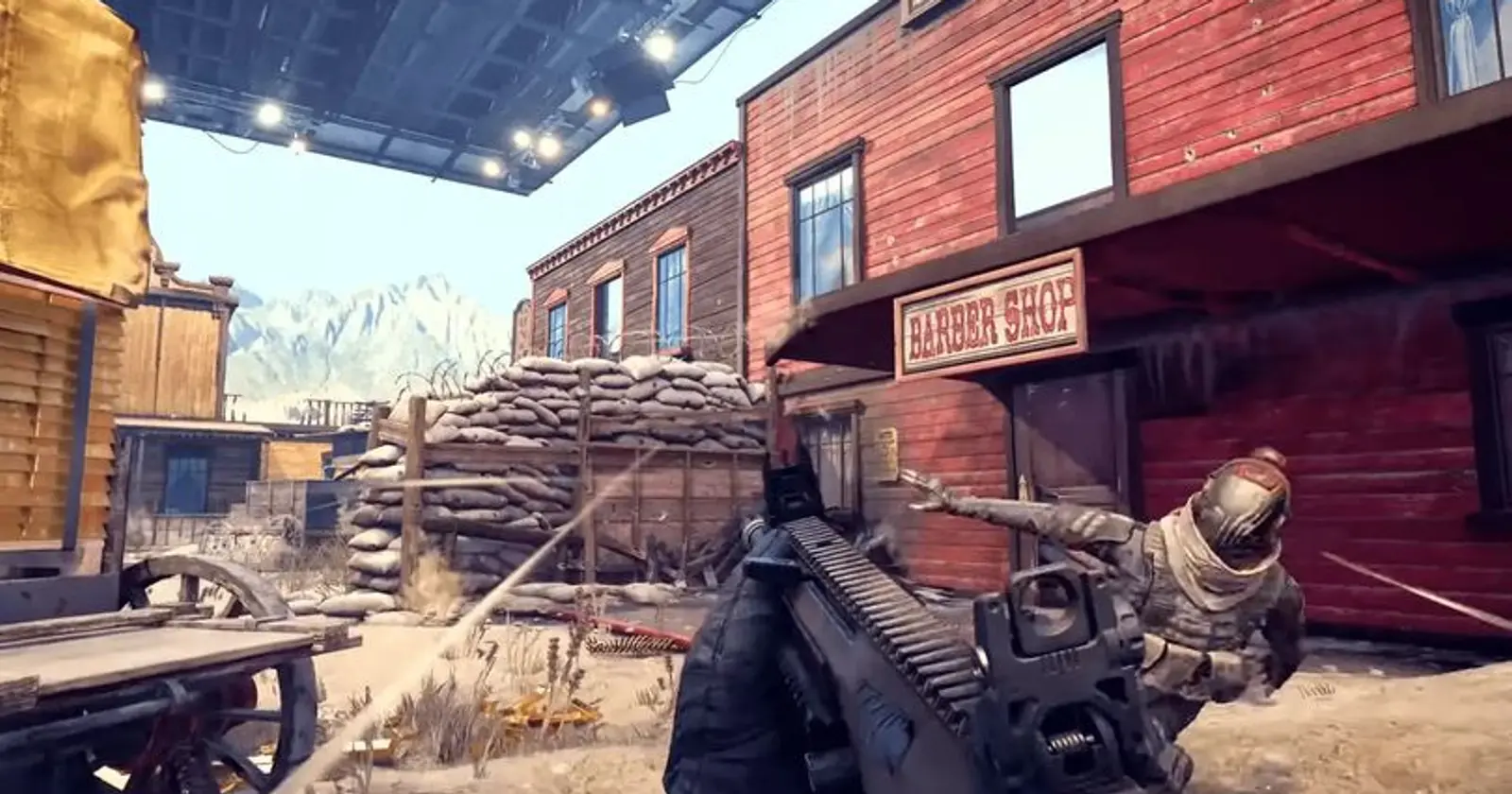
XDefiant is a free-to-play online FPS that combines traditional shooter mechanics with class-based gameplay. Players choose from factions, each inspired by Ubisoft titles like Splinter Cell, The Division, and Far Cry, and compete in fast-paced 6v6 matches.
Each faction comes with unique abilities and roles, allowing players to tailor their approach based on team dynamics and map objectives. With multiple modes like Domination and Escort, XDefiant gameplay offers both casual fun and serious competition.
How ExitLag Helps You Download And Play XDefiant Smoothly
A frequent issue among players is lag during download or gameplay. ExitLag optimizes your connection by rerouting traffic through the most efficient paths, reducing ping and packet loss. This ensures smoother downloads and uninterrupted multiplayer sessions.
If you're facing download stalls or high latency once in-game, ExitLag can dramatically improve your experience by stabilizing your network in real time.
Where Can You Download XDefiant Today?
Before you play, you'll need to know where to download XDefiant based on your platform. The game is available through a few major distribution points, but it’s not currently on Steam.
Here’s a breakdown of all platforms:
XDefiant Platforms & Download Sources
You can download XDefiant through the following platforms:
| Platform | Download Link | Notes |
| PC (Windows) | Ubisoft Connect | Required account and launcher |
| PC (Windows) | Epic Games Store | Optional alternative |
| PS5 | PlayStation Store | Free to download |
| Xbox Series XS | Xbox Store | Free to download |
XDefiant is not available on Steam at the time of writing. If you're searching for "XDefiant Steam" or "XDefiant on Steam," you’ll need to use Ubisoft Connect or the Epic Games Store instead.
Important: The game is not supported on PS4 or Xbox One, as it's designed for current-gen hardware.
How Big Is The XDefiant Download?
Depending on your platform and patch version, XDefiant’s download size is approximately 50 GB, with updates possibly increasing it. Always check for space availability before starting your download.
And while many users still search for it on Steam, it’s worth noting that XDefiant's Steam release status has been officially clarified—so you can plan your install accordingly and avoid unnecessary launcher confusion.
How To Download XDefiant On Each Platform
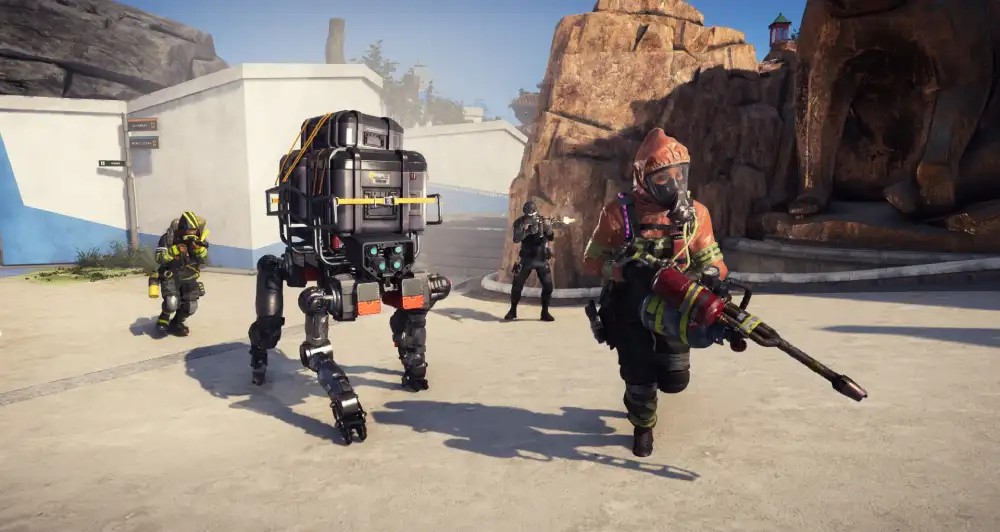
Let’s go step-by-step. Whether you’re on PC or console, here’s how to download XDefiant smoothly.
Download XDefiant On PC (Ubisoft Connect)
1. Create or Log Into Your Ubisoft Account
Visit the Ubisoft account page and sign up if you don’t already have an account.
2. Download Ubisoft Connect
Go to ubisoftconnect.com and download the launcher. Install it and sign in.
3. Search and Add XDefiant
Use the search bar to find XDefiant. Click “Download” and choose your install location.
4. Start the Download
Once added to your library, the game will begin downloading automatically.
5. Launch and Configure
Once downloaded, launch XDefiant, tweak your settings, and jump into the action.
Download XDefiant On Epic Games Store
1. Install Epic Games Launcher
Visit epicgames.com and download the launcher.
2. Log In or Create an Account
Use your existing Epic Games account or create a new one.
3. Search For XDefiant
Navigate to the store and search for “XDefiant.” Click on the game to open its page.
4. Claim and Download
Click “Get” to claim it, and then hit “Install” to begin the download.
How To Download XDefiant On Console
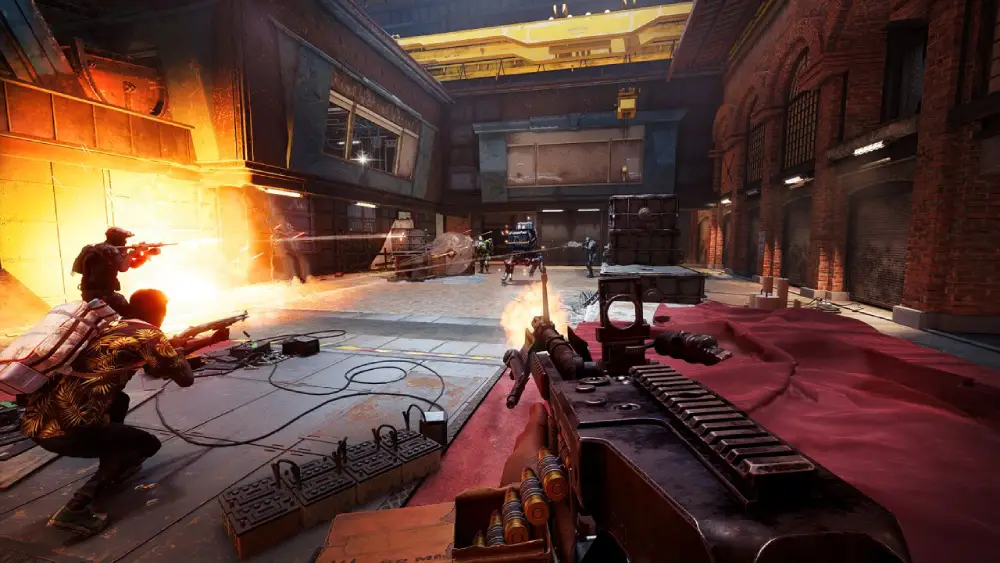
If you're on PS5 or Xbox Series X|S, here’s how to get started:
Download XDefiant On PS5
1. Go to PlayStation Store
Navigate to the PlayStation Store on your console.
2. Search for “XDefiant”
Type “XDefiant” into the search bar.
3. Download
Select the game, click "Download," and wait for the installation to complete.
4. Launch
Once installed, launch the game from your home screen.
Download XDefiant On Xbox Series X|S
1. Open Xbox Store
From your Xbox dashboard, open the Microsoft Store.
2. Search “XDefiant”
Use the search function to find XDefiant.
3. Install
Click “Download” to add it to your library and install.
4. Play
Once complete, launch it and sign in with your Ubisoft account.
Common Download Problems And Fixes
Even though downloading XDefiant is straightforward, users occasionally run into issues. Here are common errors and how to fix them.
Can’t Download XDefiant
If you're getting a "Can't download" error:
- Check Internet Connection: Restart your router or switch to a wired connection.
- Use ExitLag: If your network is unstable, ExitLag can route your download traffic more efficiently.
- Update Your Launcher: Ensure Ubisoft Connect or Epic Games is updated.
- Clear Cache: Launcher cache corruption can prevent downloads. Delete temp files or reinstall the launcher.
Download error PC
PC users may see the following error messages:
- “Failed to initialize download”
- “Ubisoft servers unreachable”
Solutions:
- Run launcher as administrator
- Disable Windows Firewall temporarily
- Add Ubisoft Connect as an exception in antivirus settings
- Change download region or DNS settings
If you're still stuck, check Ubisoft’s support page.
Experiencing stutters or packet loss? Learn how to fix lag in games like XDefiant with ExitLag’s real-time network optimization tips and troubleshooting steps that can dramatically improve performance.
Game Size And System Requirements
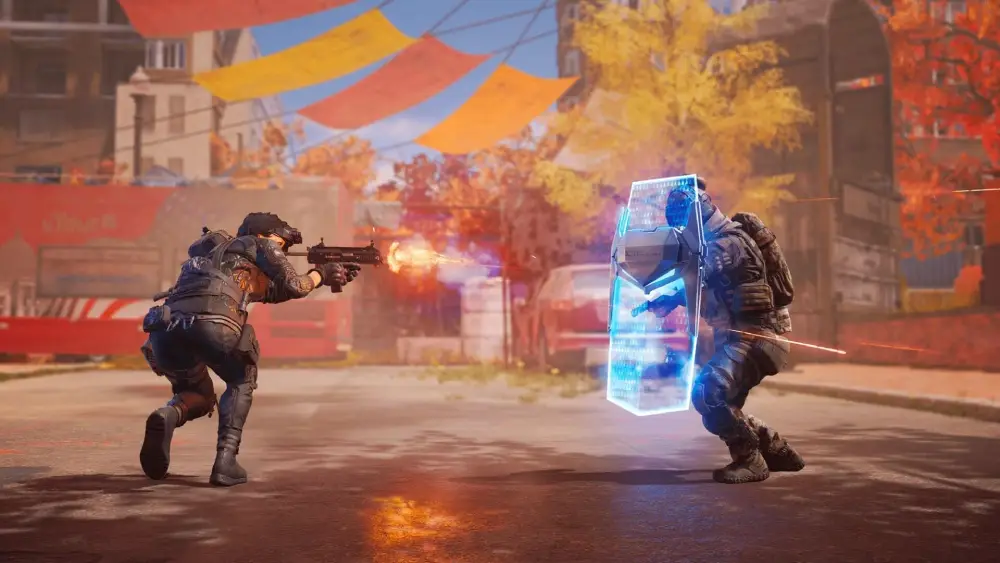
Before downloading, make sure your system can handle the game.
XDefiant System Requirements
| Component | Minimum | Recommended |
| OS | Windows 10 (64-bit) | Windows 10 (64-bit) |
| Processor | Intel Core i5-2500K | Intel Core i7-4790 |
| RAM | 8 GB | 16 GB |
| Graphics Card | GTX 970 / Radeon R9 290X | GTX 1070 / RX Vega 56 |
| DirectX | Version 11 | Version 11 |
| Storage | 50 GB | 50 GB |
Comparison With Other Shooters
- Call of Duty MW3: ~70 GB
- Apex Legends: ~60 GB
- XDefiant: ~50 GB
This makes XDefiant relatively light for a modern FPS.
What Are The Best Tips To Excel In XDefiant?
Mastering XDefiant requires more than just knowing how to download it. To truly dominate, you need to understand its systems, mechanics, and strategies. Here are expert tactics to help you perform better.
Understand The Factions And Abilities
Each faction offers unique abilities, such as healing zones, shields, or intel gathering. Choose a faction that matches your style:
- Offensive players: Opt for factions with damage-boosting perks.
- Support roles: Choose healing or utility-based classes.
- Tactical players: Select factions with intel or trap abilities.
Learning faction mechanics is crucial to optimizing your effectiveness in any match.
Master The Maps
Map awareness separates casual players from pros. Study:
- Choke points
- High ground zones
- Flanking routes
Knowing the layout allows better positioning and smarter plays.
How Do You Customize Weapons In XDefiant?

Weapon variety in XDefiant is extensive. You can equip:
- Scopes for precision
- Barrels for range or recoil control
- Grips for better ADS speed
- Magazines for extended fire
Customize based on the game mode:
- Close-range maps: Opt for SMGs with fast reloads.
- Open zones: Use ARs or DMRs with accuracy-focused attachments.
Loadout Customization Table
| Attachment Type | Best For | Example Bonus |
| Scope | Long-range accuracy | +Precision, -ADS speed |
| Barrel | Recoil or damage boost | +Stability, +Bullet speed |
| Grip | Faster ADS | +Mobility, -Stability |
| Magazine | Longer fire | +Ammo, -Reload time |
How To Win More Matches In XDefiant?
Team synergy and personal mechanics matter. Here's how to elevate both:
Key Team Strategies
- Communicate enemy positions
- Coordinate pushes and flanks
- Combo faction abilities (e.g., shield + heal)
Individual Play Improvements
- Aim for the head — practice consistent crosshair placement
- Move often — strafing and jumping avoid damage
- Track your performance — review replays if possible
Why Lag Is A Game-Changer In XDefiant
Lag doesn't just delay shots — it can ruin entire matches. XDefiant's time-to-kill (TTK) is low, so split-second precision is everything.
ExitLag Fixes Your Lag Problems
ExitLag solves connection issues using real-time route optimization. Benefits include:
- Lower ping in key regions
- Reduced packet loss
- Consistent hit registration
If you're experiencing stutters or slow downloads, ExitLag’s traffic rerouting can stabilize both gameplay and updates — giving you an edge in competitive lobbies.
Start your Exitlag 3 days Trial!
You can download XDefiant on PC via Ubisoft Connect or the Epic Games Store. Sign in, search for the game, and click Download.
XDefiant is available on Ubisoft Connect, Epic Games Store, PlayStation Store (PS5), and Xbox Store (Xbox Series X|S).
On PC, use Ubisoft Connect or Epic Games. On the console, visit the respective store and search “XDefiant”.
Go to ubisoftconnect.com or epicgames.com/store, install the launcher, then download XDefiant.
Check your connection, restart the launcher, or use ExitLag to reroute traffic if you're stuck at 0%. Also, clear cache or update your client.
Conclusion: Download XDefiant And Play Without Lag
Now you know exactly how to perform a flawless XDefiant download, regardless of platform. From system requirements and install guides to error solutions and performance tips, this walkthrough helps you jump into Ubisoft’s latest shooter with confidence.
And remember: whether you're struggling with slow downloads or in-game lag, ExitLag is your ultimate solution for smoother, more responsive gaming.
Start dominating in XDefiant today — and let ExitLag make sure nothing holds you back.



