Changing your how to change overwatch 2 name might seem complicated at first, especially if you’re unfamiliar with Blizzard’s BattleTag system.
However, understanding how to change overwatch 2 name is essential if you want to update your identity, fix an old username, or create a more competitive presence in matches.
So how does it work? Overwatch 2 uses Blizzard’s BattleTag system, which means your name is shared across all Blizzard games and platforms, including PC and consoles.
How to Change Overwatch 2 Name (BattleTag Guide)
What Is a BattleTag?
A BattleTag is your universal Blizzard username.
It is used across:
- Overwatch 2
- Diablo
- World of Warcraft
- Hearthstone
This means your Overwatch name is not separate—it’s tied directly to your Blizzard account.
Step-by-Step Name Change (Battle.net)
To complete an overwatch name change, follow these steps:
- Go to the official Battle.net website
- Log into your Blizzard account
- Navigate to “Account Settings”
- Click on “Account Details”
- Find your BattleTag
- Click “Update”
- Enter your new name and confirm
Once completed, your new name will automatically apply in Overwatch 2.
Overwatch Name Change Rules and Limits
Free vs Paid Name Changes
Blizzard has a simple system for name changes.
- Your first BattleTag change is free
- Additional changes require payment
This is important when planning your change overwatch name process.
Naming Restrictions
There are also rules you must follow.
Avoid using:
- Offensive or abusive language
- Hate speech or slurs
- Inappropriate references
If your name violates these rules, Blizzard may force a rename.
How to Change Name on Overwatch 2 (Console vs PC)
PC Players
If you play on PC, the process is straightforward.
Simply update your BattleTag through Battle.net, and it will reflect in-game instantly.
Console Players
For console users, things work slightly differently.
- Your PlayStation/Xbox name is separate
- Overwatch uses your linked Battle.net account
So even if you change your console name, your Overwatch name stays the same unless you update your BattleTag.
This is key when learning how to change name on overwatch 2.
Common Problems When Changing Overwatch Name
Name Already Taken
Blizzard allows duplicate names using unique ID numbers.
So even if your name is taken, you can still use it with a different tag number.
Name Not Updating
If your new name doesn’t appear:
- Restart the game
- Log out and back in
- Wait for server sync
Payment Issues
If you’re trying to change your name again and payment fails:
- Check your payment method
- Verify account region
These issues can affect your change name in overwatch experience.
Improve Your Overwatch 2 Performance with ExitLag
Once you update your name, performance becomes the next priority.
ExitLag improves your connection by optimizing routing in real time, reducing ping and packet loss.
In fast-paced games like Overwatch 2, this means better responsiveness, smoother gameplay, and more consistent performance.
Whether you’re climbing ranked or playing casually, ExitLag ensures your gameplay matches your new identity.
How to Change Name in Overwatch Safely (Best Practices)
Avoid Blizzard Restrictions
When learning how to change your overwatch name, it’s important to follow Blizzard’s naming policies.
Avoid:
- Offensive or abusive terms
- Hate speech or slurs
- Impersonation of other players
Blizzard may force a rename or restrict your account if rules are broken.
Safe Naming Strategies
To ensure your change overwatch name process is successful long-term:
- Keep names clean and readable
- Avoid too many symbols
- Choose something timeless
This helps prevent future issues when doing an overwatch name change.
Overwatch Name Change (Methods & Costs)
| Method | Platform | Cost | Requirement | Time |
| First BattleTag Change | All | Free | Blizzard Account | Instant |
| Additional Changes | All | Paid | Battle.net Balance | Instant |
| Console Linked Account | PS/Xbox/Switch | Free* | BattleTag Required | Instant |
*Console names do not affect your Overwatch name unless BattleTag is updated.
Advanced Troubleshooting for Overwatch Name Change
BattleTag Change Not Working
If your update fails when trying to how to change name in overwatch, try the following:
- Log out and log back in
- Clear browser cache
- Try a different device
Payment Not Going Through
For paid changes:
- Verify your payment method
- Check your region settings
- Ensure sufficient balance
Name Not Saving or Reverting
Sometimes changes don’t stick immediately.
Fix this by:
- Restarting Overwatch 2
- Waiting for server synchronization
- Checking account status
These issues can affect your change name overwatch process.
How to Change Your Name on Overwatch 2 (Console Deep Dive)
PlayStation Users
Your PSN name is separate from your Blizzard BattleTag.
To complete how to change name on overwatch:
- Update BattleTag via Battle.net
- Do not rely on PSN changes
Xbox Users
Xbox gamertags also do not affect Overwatch names.
- BattleTag controls your identity
- Xbox name is independent
Nintendo Switch Users
The same system applies.
- Your Overwatch name comes from Blizzard
- Switch profile name does not change it
This is essential when learning how to change your name on overwatch 2.
Tips for Choosing the Best Overwatch Name
Competitive Player Naming Trends
Top players often choose:
- Short and clean names
- Easy-to-read tags
- Unique but simple formats
Creative & Unique Name Ideas
To stand out:
- Combine words (ShadowPulse, NovaStrike)
- Use subtle variations
- Keep branding consistent
This improves your overall name change overwatch strategy.
Why Your Overwatch Name Matters
Your name is part of your identity in-game.
- It helps build recognition
- It creates a competitive image
- It reflects your playstyle
After learning how to change your name in overwatch, choosing the right name becomes just as important.
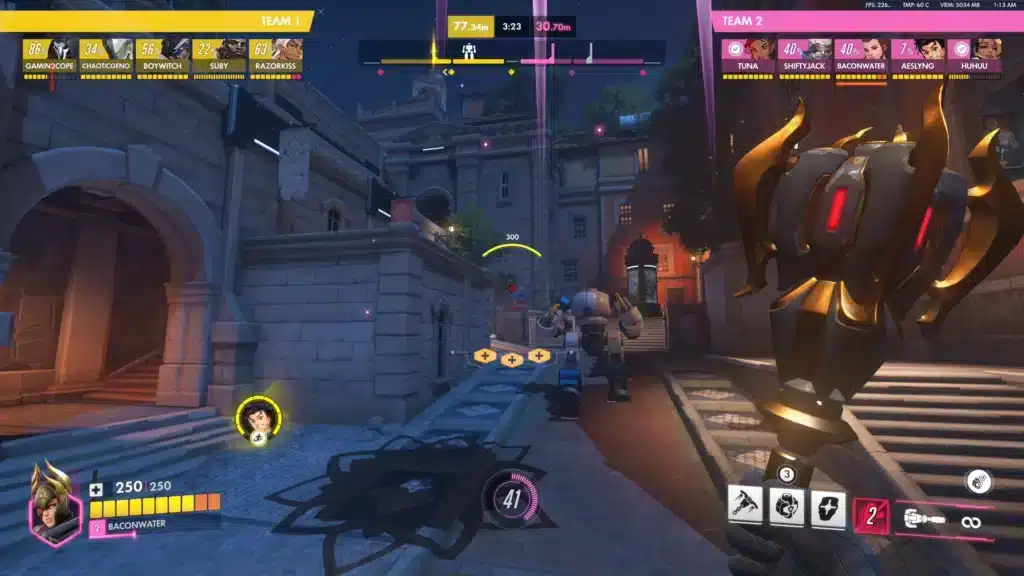
Improve Your Overwatch 2 Experience with ExitLag
Even after mastering how to change overwatch 2 name, performance still plays a huge role.
ExitLag improves your connection using real-time optimization and multipath routing.
Benefits include:
- Lower ping
- Reduced packet loss
- More stable matches
For a fast-paced game like Overwatch 2, this means better reaction time, smoother gameplay, and a competitive edge.
All game images used in this blog belong to Blizzard Entertainment. They are used for informational/educational purposes only and do not imply endorsement or affiliation with the rights holders.
Got questions or want to connect with other players? Join the conversation at the ExitLag Forum!