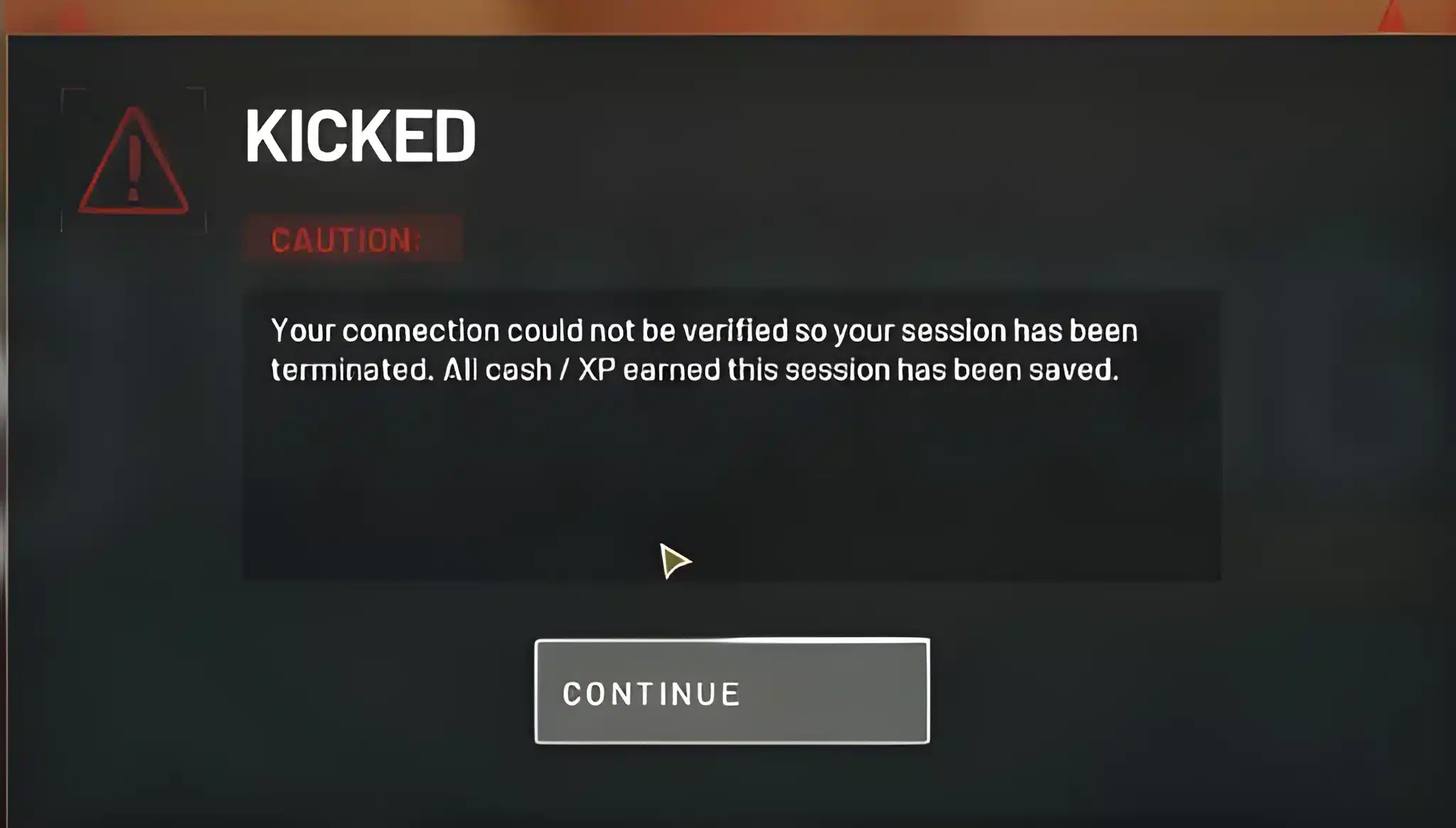
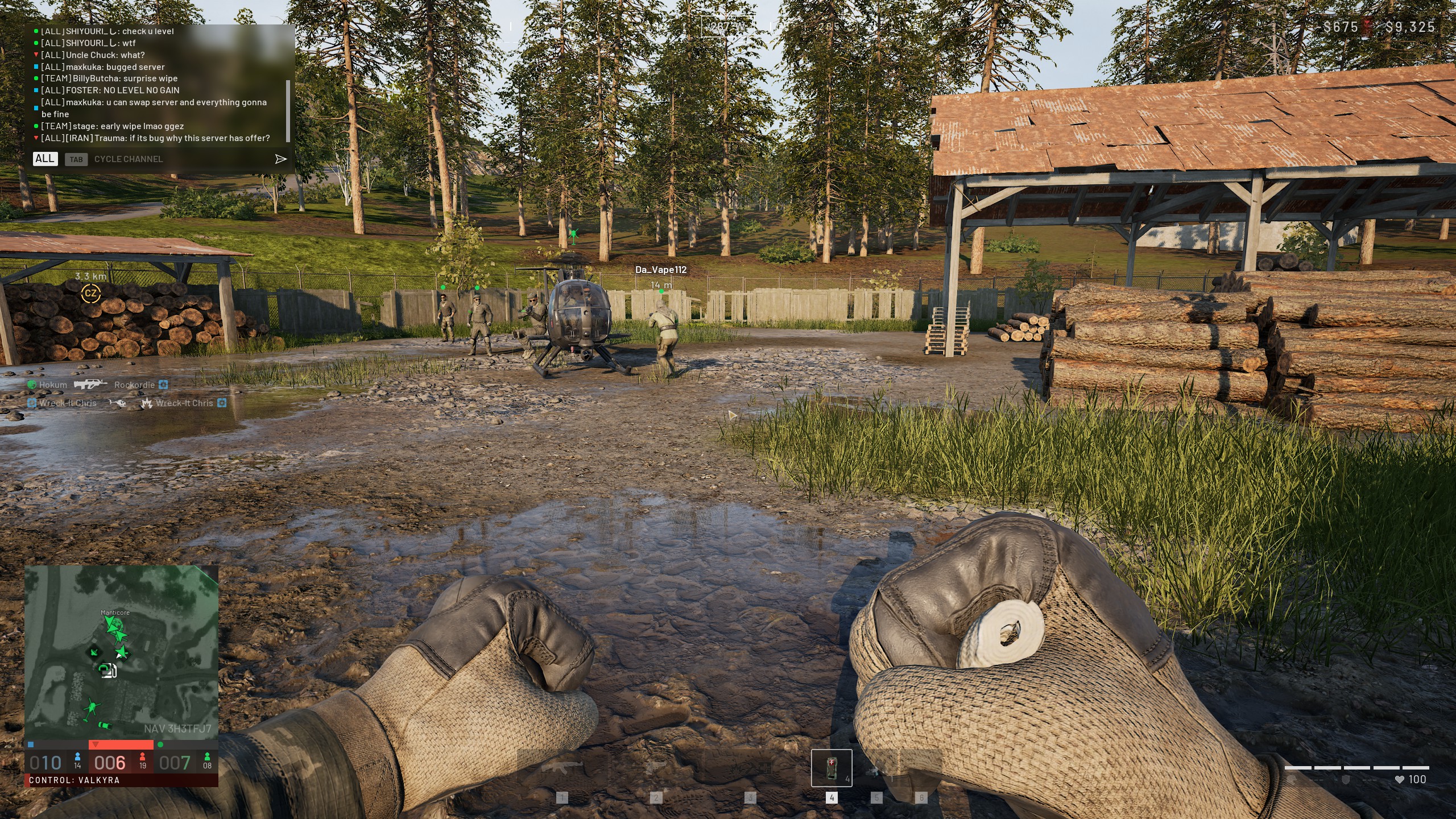
High ping can turn a promising raid in WarDogs into a string of missed shots and late deaths. If you want it to stop, learning How To Fix High Ping In WarDogs is the fastest way back to your best games.
This guide covers everything from router settings to server picks. Indeed, How To Fix High Ping In WarDogs starts with understanding why the game reacts so badly to a shaky connection.
In short, How To Fix High Ping In WarDogs usually comes down to three things: a bad server choice, background bandwidth hogs, or an unstable route to the host machine. Fixing those three clears up most High Ping WarDogs cases fast.
Once you know the cause, the fix usually takes minutes, not hours. The rest of this guide breaks each step down, so you can go from frustrated to fixed in one sitting.
How To Fix High Ping In WarDogs: What's Actually Happening
WarDogs is a 100-player tactical shooter built around community-hosted servers instead of one single central network. In fact, that setup is great for variety and custom rulesets.
However, it also means your ping depends heavily on who is hosting the match you join.
Because of this, two players on the same internet plan can have completely different experiences. One might join a nearby, well-run server and feel snappy and responsive.
Meanwhile, the other might land on an overseas host and feel like every shot arrives a half second late.
Before jumping into fixes, it helps to see the full picture. How To Fix High Ping In WarDogs is rarely about one single setting, and it usually takes a combination of the steps below.
What Counts As High Ping In WarDogs?
Ping numbers mean different things depending on the game type, but WarDogs is fast-paced enough that small delays matter. Here is a rough guide to spotting High Ping WarDogs issues before they cost you a fight:
- Under 40ms: Feels instant. Gunfights and movement register almost exactly when you expect.
- 40ms to 80ms: Still solid for most players. Minor delay, rarely noticeable in casual play.
- 80ms to 120ms: Noticeable. Peeking and trading shots start to feel inconsistent.
- Over 150ms: This is where High Ping WarDogs complaints usually start, with visible rubber-banding and delayed hit registration.
Once you know where your ping actually sits, working out How To Fix High Ping In WarDogs becomes a lot more targeted.
Why New Community Servers Make Lag Worse Early On
WarDogs recently expanded its community server browser, which is great for choice but tough on consistency. Since host hardware, host location, and host upload speed all vary wildly from one listing to the next, results swing a lot too.
As a result, the same player can bounce between a great match and a laggy one within minutes. Recognizing this pattern is the first real step in learning How To Fix High Ping In WarDogs for good.
Fixing High Ping WarDogs Problems: Router And PC Settings
Before touching in-game settings, it pays to check the basics. Most High Ping WarDogs complaints trace back to something happening outside the game entirely, on your own network.
In fact, this is usually the first place to look when working out How To Fix High Ping In WarDogs.
Best Router And Network Settings For WarDogs
Start with your router and home network, since this is where most players first learn How To Fix High Ping In WarDogs. Small changes here often remove lag spikes completely, and they take less than ten minutes:
- Restart your router and modem before long sessions. This clears memory leaks that build up over days.
- Enable Quality of Service (QoS) and prioritize your gaming device or the WarDogs process.
- Pause downloads, cloud backups, and streaming devices while you play.
- Update your router firmware, since older firmware often mishandles busy networks poorly.
- Move closer to your router or switch to a 5GHz band if you cannot go wired.
Wired Connection Vs Wi-Fi: Does It Matter In WarDogs?
Indeed, the difference is bigger than most players expect. Wi-Fi introduces small, random delays as it competes with other devices for the same signal. A wired Ethernet connection removes that variable almost entirely.
Furthermore, wired connections are far less likely to suffer packet loss during busy hours. If you are chasing consistent, competitive results, plugging in is one of the simplest wins available.
Overall, this single change is often step one in How To Fix High Ping In WarDogs for players stuck on shared home Wi-Fi.
Picking The Right Server To Reduce High Ping WarDogs Delays
Because WarDogs relies on community hosting, server choice matters just as much as your own setup. Picking well can cut your ping in half without touching a single setting.
Anyone serious about How To Fix High Ping In WarDogs should treat server selection as step one, not an afterthought.
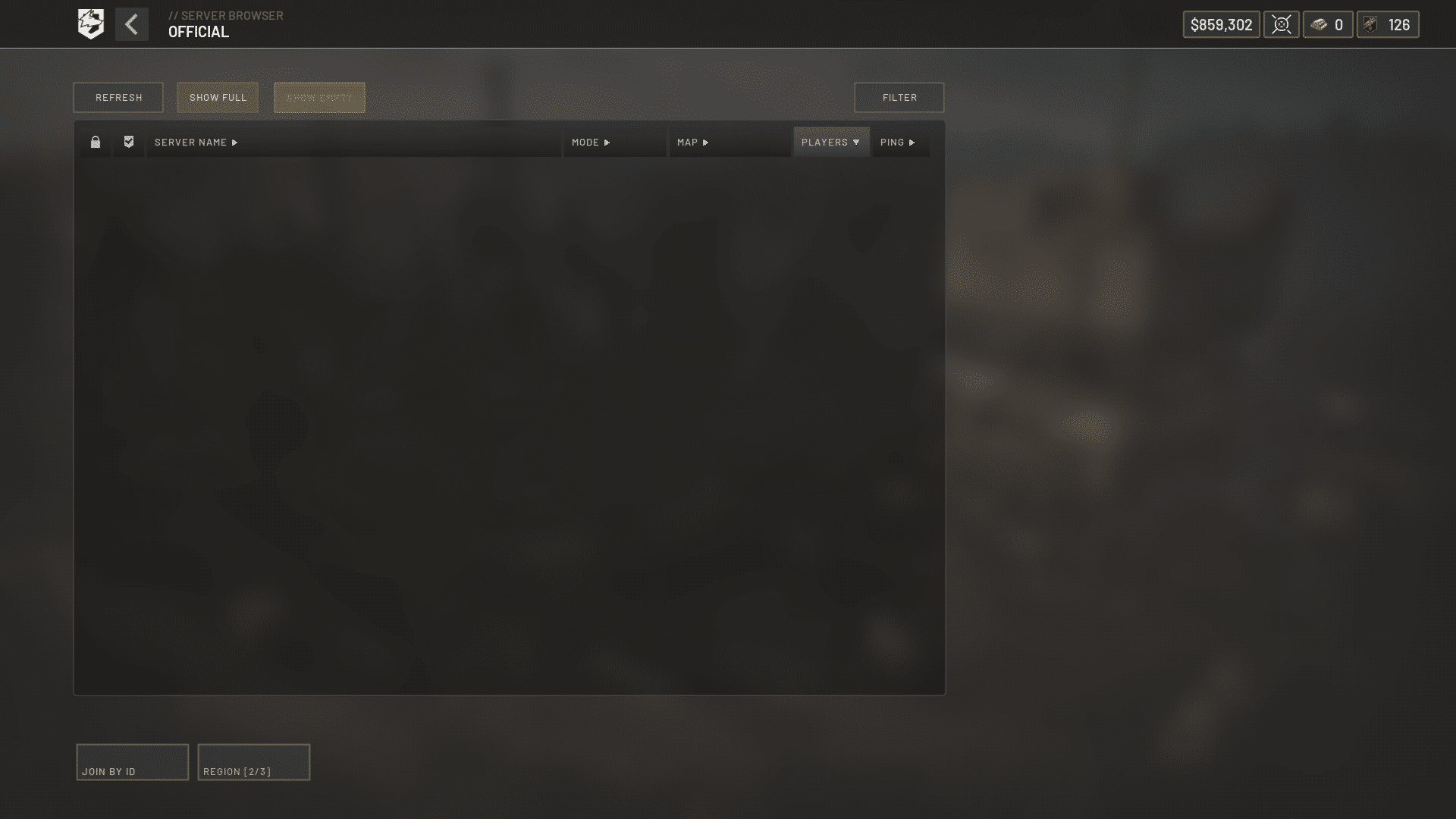
How To Choose The Best Community Server
First, follow this quick process before joining any new lobby:
- Open the server browser and sort listings by ping instead of player count.
- Favorite two or three servers in your own region that consistently show low numbers.
- Avoid servers with unusually high player counts on unfamiliar hardware, since overloaded hosts often stutter.
- Rejoin a server once if your first ping reading looks unstable, since it can settle after a few seconds.
- Report consistently broken servers so the community list stays accurate for everyone.
Is Server Distance The Main Cause Of Lag?
Distance is a major factor, but it is not the only one. A server five hundred miles away on great infrastructure can easily beat a nearby server running on a weak connection.
Consequently, ping in the server browser is a better guide than geography alone. This is a core part of How To Fix High Ping In WarDogs without wasting time guessing.
In-Game Settings, Ping Benchmarks, And Advanced Fixes
Once your network and server choice are sorted, a few in-game tweaks squeeze out the last bit of consistency. These settings will not fix a bad connection, but they stop the game from making a mediocre one feel worse.
At this stage, most players have already solved a large chunk of How To Fix High Ping In WarDogs simply by fixing their router and server picks.
Best In-Game Network Settings
Also, check these options in the WarDogs settings menu:
- Cap your frame rate slightly below your monitor's refresh rate to reduce input queue delay.
- Close background overlays, voice chat apps, and browser tabs that use bandwidth.
- Disable cloud sync features for screenshots or clips during matches.
- Turn off any experimental network prediction options if you notice extra rubber-banding.
WarDogs Ping Ranges: Good, Average, And Bad
This table summarizes what to expect at each range, so you know when it is time to act instead of just guessing.
| Ping Range | Typical Experience | Recommended Action |
|---|---|---|
| 0-40ms | Smooth, near-instant response | No action needed |
| 40-80ms | Minor delay, generally playable | Monitor during peak hours |
| 80-150ms | Noticeable lag, inconsistent trades | Switch server or go wired |
| 150ms+ | Rubber-banding, delayed hits | Apply fixes in this guide immediately |
Pro Tips: WarDogs Network Optimization
- Test at different times of day: Evening hours often carry more local network congestion, so a server that felt fine at noon can feel worse after dinner.
- Keep a shortlist of backup servers: Community hosts sometimes go offline mid-session, so having two or three known-good options saves time.
- Separate gaming traffic from smart home devices: Security cameras and smart speakers quietly eat bandwidth around the clock, and isolating them helps stabilize your connection.
- Watch for packet loss, not just ping: A low ping number with high packet loss still feels terrible, so treat both numbers as equally important. Many High Ping WarDogs complaints are really packet loss in disguise.
Common Mistakes WarDogs Players Make
- Ignoring the server browser's ping column: Many players join based on player count alone. Fix: sort by ping first, then filter by population.
- Running a VPN and a connection optimizer together: This often adds extra hops instead of removing them. Fix: use one tool at a time, never both simultaneously.
- Blaming the game for a router problem: Outdated firmware and weak Wi-Fi signals are frequently the real cause. Fix: rule out your own hardware before assuming the servers are broken.
- Skipping the basics before chasing advanced fixes: Some players jump straight to forum threads while their own router firmware is years out of date. Fix: work through router, server, and settings first, since that alone often solves How To Fix High Ping In WarDogs.
How To Fix High Ping In WarDogs For Good With ExitLag
Even with a good router and a smart server pick, some routes between your ISP and a community host are simply inefficient. This is exactly the kind of problem a dedicated connection optimizer is built to solve.
It is often the missing piece in How To Fix High Ping In WarDogs completely, especially once the basics are already covered.
ExitLag is not a VPN. It is a game connection optimizer that scans multiple network paths in real time and automatically selects the fastest, most stable route to your match.
Notably, it does not encrypt your traffic or mask your IP, and it never touches apps outside supported games.
How ExitLag Targets High Ping WarDogs Issues
For High Ping WarDogs situations specifically, the value comes from real-time routing intelligence. Instead of hoping your default ISP path is efficient, ExitLag actively tests alternatives and switches automatically when a faster one appears.
This is a huge part of How To Fix High Ping In WarDogs on routes you cannot control yourself.
Its Multipath technology sends data through several routes at once, so if one path degrades, the others keep your connection alive. Therefore, that means fewer freezes, fewer spikes, and far less rubber-banding during hectic firefights.
- Real-time optimization: Reduces delay and packet loss so your inputs land when you expect them to.
- Multipath technology: Keeps you connected even if one route to the server becomes unstable.
- Traffic Shaper: Prioritizes WarDogs traffic over background downloads and updates on your PC.
- PC Boost: Frees up RAM and trims background processes for a smoother, more consistent frame rate.
Is ExitLag Safe To Use With WarDogs?
Yes. Notably, ExitLag does not modify game files, does not inject code, and does not interact with anti-cheat systems in any supported title. It simply changes the network path your data travels, nothing more.
One important note: never run ExitLag alongside a VPN, since stacking the two typically adds latency instead of removing it.
If you are ready to stop guessing and fix your connection properly, grabbing the ExitLag Download only takes a couple of minutes. From there, you get faster, more stable routing on your very next match.
Quick Recap Checklist
Finally, here is the full process for How To Fix High Ping In WarDogs in one place:
- Restart your router and switch to a wired connection if possible.
- Sort the WarDogs server browser by ping and favorite two or three reliable hosts.
- Close background apps that quietly consume bandwidth during matches.
- Check the ping and packet loss table in this guide to confirm whether you have a real problem.
- Let a routing tool handle the parts of the connection you cannot control yourself.
When To Ask WarDogs Support For Help
If every server shows high ping, including ones you previously used without issue, the problem may sit with the game's infrastructure rather than your setup.
In that case, checking official status channels and reporting the issue with clear details helps the wider community too.
Most of the time, though, How To Fix High Ping In WarDogs comes down to the fixes covered here. A stable router, a smart server pick, sensible in-game settings, and a routing tool that handles the rest will get you there.
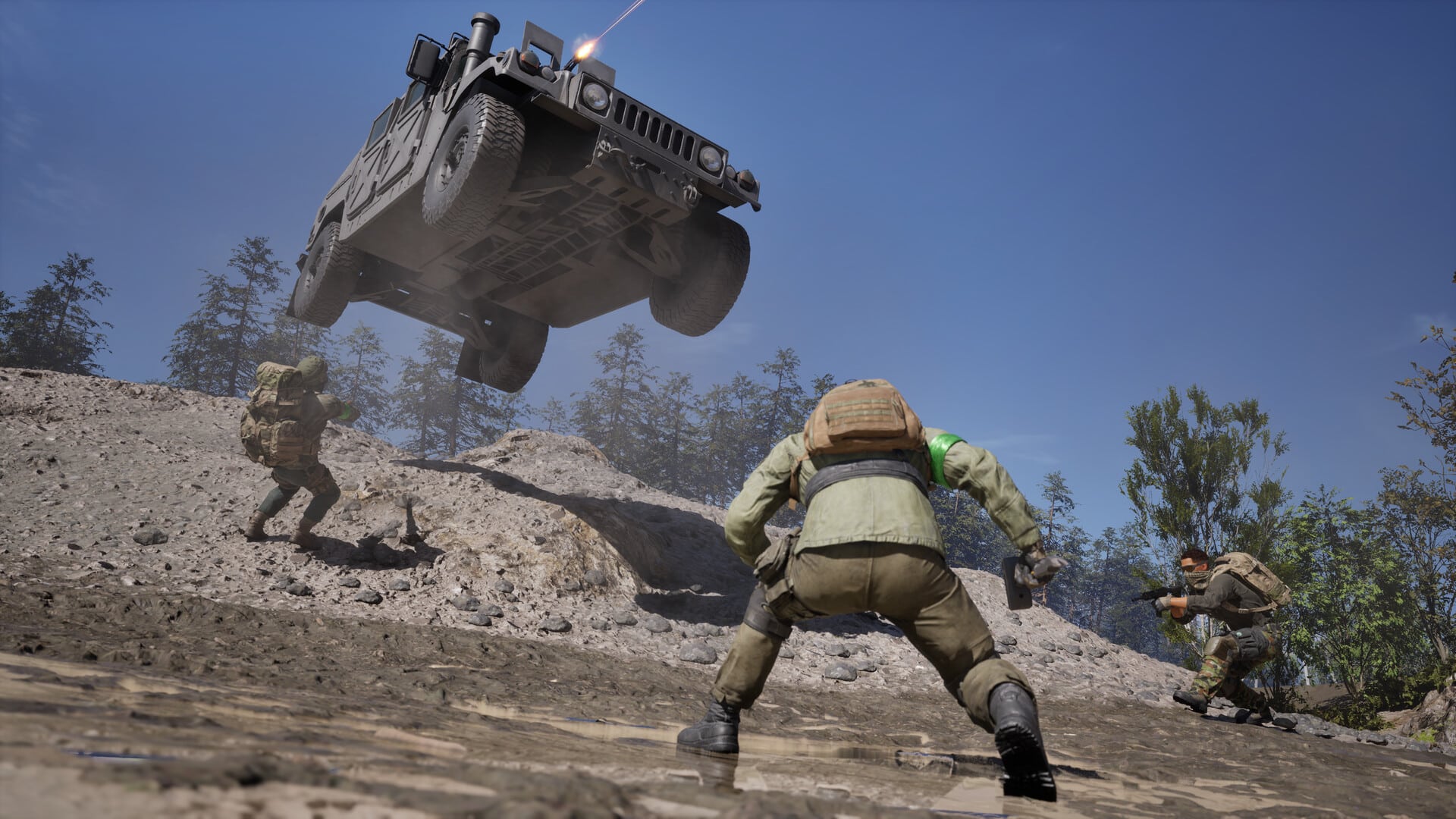
All game images used in this blog post belong to Bulkhead Interactive and Team17. They are used for informational and educational purposes only and do not imply endorsement or affiliation with the rights holders.