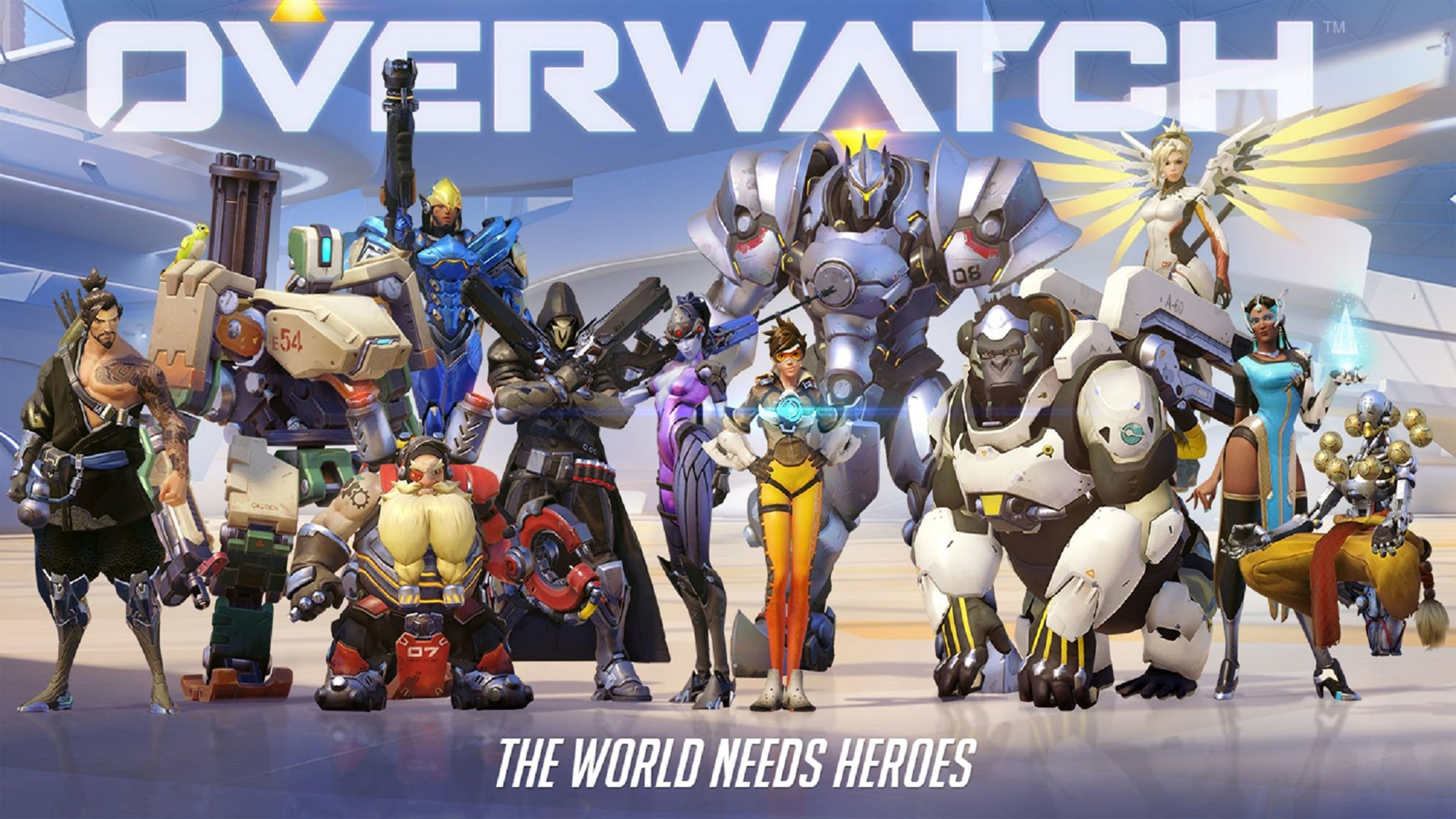
Is Overwatch Crossplay is one of the first questions players ask before inviting friends on other platforms. The short answer is yes, but there are important rules once you move into competitive.
Understanding Is Overwatch Crossplay in detail saves a lot of frustration. Some modes let everyone play together freely, while ranked keeps PC and console players apart for fairness.
This Is Overwatch Crossplay guide covers everything as of October 2026: which platforms are supported, how ranked crossplay works, how to add friends, cross-progression and the most common mistakes.

Is Overwatch Crossplay on All Platforms?
Is Overwatch Crossplay on every system? Yes. Overwatch supports crossplay across PC, PlayStation, Xbox and Nintendo platforms. Friends on different systems can join the same group and play together in most modes.
Is Overwatch Cross Platform also means your progress can follow you. With a linked Battle.net account, your heroes, skins and other unlocks are shared across platforms.
Supported Platforms
Overwatch is currently available on these platforms, all part of the same crossplay ecosystem:
- PC through Battle.net and Steam
- PlayStation 5 and PlayStation 4
- Xbox Series X|S and Xbox One
- Nintendo Switch and Nintendo Switch 2
Is Overwatch 2 Crossplay Still the Same After the Rebrand?
Many players still search Is Overwatch 2 Crossplay because the game launched under that name. The rebrand back to Overwatch did not remove crossplay.
The same rules apply today: open crossplay in casual modes and separate PC and console pools in ranked play.
How Overwatch Crossplay Works by Mode
Is Overwatch Crossplay the same in every mode? No, the rules depend on the mode you choose. Casual modes are flexible, while competitive is stricter.
Overwatch Crossplay Rules at a Glance
| Mode | PC + Console Together? | Notes |
| Quick Play | Yes | Mixed groups join PC lobbies |
| Arcade | Yes | Same rules as Quick Play |
| Custom Games | Yes | Great for private matches with friends |
| Competitive (console only) | Yes, across consoles | PlayStation, Xbox and Switch share one pool |
| Competitive (PC and console) | No | PC and console players are kept apart |
Quick Play and Arcade Crossplay
In Quick Play and Arcade, you can group with anyone, no matter their platform. This is the easiest way to play with friends who own different systems.
When a console player joins a group with a PC player, the whole group enters PC lobbies. That means console players will face mouse and keyboard opponents in those matches.
Custom Games With Friends
Custom games let you create private lobbies with your own settings. Friends from any platform can join, making them perfect for practice, events or casual fun.
Is Overwatch Ranked Crossplay?
The answer to Is Overwatch Ranked Crossplay is partly. Console players can play ranked together across PlayStation, Xbox and Switch, but PC and console players cannot queue competitive together.
How Competitive Pools Are Split
Competitive uses two separate pools:
- PC pool: PC players queue only with and against other PC players.
- Console pool: PlayStation, Xbox and Switch players queue together in one shared pool.
- Mixed groups: A party with both PC and console players cannot queue for competitive.
If you want to play ranked with a friend on a different platform type, one of you needs to switch to the other's platform.
Why Ranked Crossplay Is Limited
The split exists for fairness. Mouse and keyboard aiming is usually more precise, while console players rely on controllers with aim assist.
Keeping the pools separate means ranked matches compare players using similar input methods. It also keeps console rankings meaningful for controller players.
Overwatch Cross Progression Explained
Cross progression is a big part of why Is Overwatch Crossplay matters, and of what makes Overwatch Cross Platform play so convenient. Your progress follows your account instead of staying locked to one system.
What Carries Over Between Platforms
With a linked Battle.net account, you keep these items across platforms:
- Unlocked heroes and their progress
- Skins, emotes and other cosmetics
- Battle pass progress
- Player icons, titles and other unlocks
How to Set Up Cross Progression
Follow these steps to make sure your progress follows you:
- Create or log in to a Battle.net account.
- Link your console accounts, such as PlayStation Network or Xbox, to Battle.net.
- Launch Overwatch on each platform using the same linked account.
- Check that your heroes and cosmetics appear on every system.
How to Play Overwatch Crossplay With Friends
Is Overwatch Crossplay easy to set up with friends? Yes, joining friends across platforms only takes a few steps once your account is set up.
Adding Friends From Other Platforms
Open the Social menu in game and choose Add a Friend. Enter your friend's BattleTag or email, then wait for them to accept the request.
Once they accept, you can invite them to your group from the Social menu and queue together in any mode that supports mixed parties.
Voice Chat Across Platforms
Overwatch includes in game voice chat that works across platforms. Join your group or team channel to talk with friends no matter which system they use.
You can adjust voice chat settings in the options menu if you want to mute certain channels or change audio levels.
Can You Turn Off Overwatch Crossplay?
Is Overwatch Crossplay optional? Some console players prefer to avoid PC opponents in casual modes. Overwatch lets console players turn crossplay off in the game's settings.
Effects of Disabling Crossplay
Turning crossplay off limits who you can match with. This can make matches feel more even for controller players in casual modes.
The trade off is longer queue times, since the player pool becomes smaller. You also lose the ability to group with friends on other platforms while it is off.
Should You Keep Crossplay On?
For most players, keeping crossplay on is the better choice. Queues are faster, and you can join friends on any system whenever you like.
Does Overwatch Have Crossplay Between Steam and Battle.net?
Yes. Does Overwatch Have Crossplay between PC launchers is an easy question: Steam and Battle.net players share the same PC servers and lobbies.
Linking Your Steam Account
When you launch Overwatch through Steam for the first time, the game asks you to link a Battle.net account. This link is what powers cross progression and friend lists.
Once linked, your Steam and Battle.net friends can join the same group without any extra steps.
Is Overwatch Crossplay Different on Steam?
No. Is Overwatch Crossplay works the same on Steam as it does on Battle.net. Steam players follow the same PC rules for Quick Play, Arcade and Competitive.
That means Steam players can group with console friends in casual modes, but they stay in the PC pool for ranked.
Aim Assist and Input in Overwatch Crossplay
Input methods play a big role in how Is Overwatch Crossplay feels in practice. Controllers and mouse and keyboard have different strengths.
How Aim Assist Works for Console Players
Console players use aim assist to help track targets with a controller. It is designed to balance the gap between controller aiming and mouse precision.
In console only lobbies, everyone has aim assist, so matches stay fair. In mixed lobbies, console players face PC opponents who aim with a mouse.
Tips for Console Players in PC Lobbies
When your group lands in a PC lobby, adjust your approach:
- Pick heroes that do not rely heavily on precise aim
- Play closer to your tank and teammates for support
- Use cover more often to avoid long range duels
- Focus on abilities and teamwork rather than pure aim battles
Overwatch Crossplay on Nintendo Switch 2
Nintendo players are part of the same crossplay system. The native Nintendo Switch 2 version gives a smoother experience while keeping access to friends on every other platform.
Playing With Friends on Switch
Switch players can join groups with PC, PlayStation and Xbox friends in casual modes. In competitive, they share the console pool with PlayStation and Xbox players.
Moving Your Progress to Switch 2
If you link your Nintendo account to Battle.net, your unlocks follow you. That makes it easy to pick up where you left off on the newer console.
Pro Tips for Overwatch Crossplay
These Is Overwatch Crossplay Pro Tips help you get the most out of playing across platforms:
- Link your Battle.net account early so your progress is always safe.
- Use Quick Play or custom games when grouping across PC and console.
- Remember that mixed groups join PC lobbies in casual modes.
- Play ranked on the same platform type as your friends.
- Adjust aim settings carefully if you switch between controller and mouse.
Practice Before Switching Platforms
If you move from console to PC or the other way around, spend time in the Practice Range. Controller and mouse aiming feel very different at first.
Coordinate With Your Group
Before queuing, agree on which mode you want to play. That way nobody is surprised when a mixed group lands in a PC lobby.
Common Mistakes With Overwatch Crossplay
Many players asking Is Overwatch Crossplay run into the same problems when playing across platforms.
Mistakes and Corrections
- Trying to queue ranked in a mixed party. It will not work. Correction: play Quick Play or switch to the same platform type.
- Not linking Battle.net. Your progress may not carry over. Correction: link all console accounts to one Battle.net account.
- Disabling crossplay by accident. Friends cannot join you. Correction: check the crossplay toggle in your settings.
- Expecting console aim assist in PC lobbies. Mixed groups face PC players. Correction: expect tougher aim duels in mixed casual matches.
Fixing Friend Invite Problems
If an invite fails, check that both players have crossplay enabled and are logged in to their Battle.net accounts. Restarting the game often fixes stuck invites.
Lower Your Ping in Overwatch Crossplay Matches With ExitLag
Why Connection Quality Matters
Is Overwatch Crossplay affected by your connection? Yes, since crossplay matches can include players from many regions and systems. A stable connection helps you react quickly, land shots and avoid frustrating lag spikes.
ExitLag optimizes your connection by testing multiple routes to the game servers and sending your data through the most stable path. That means lower latency, fewer spikes and less packet loss.
Crossplay Makes Overwatch Easy to Share
Overwatch makes it simple to play with friends on any system. Casual modes are fully open, while ranked keeps PC and console players fairly separated.
Start Playing Together Today
Now you know the full answer to Is Overwatch Crossplay, how ranked works and how to set up cross progression. Link your account, invite your friends and jump into a match together.