It Takes Two by Hazelight Studios is widely regarded as one of the best co-op games ever created—and its experience on Xbox consoles is no exception. Whether you're playing on Xbox Series X, Xbox One, or even through Xbox Game Pass, the game delivers a thrilling, emotional, and hilariously inventive two-player journey.
This guide covers every aspect of It Takes Two Xbox, including gameplay performance, crossplay functionality, Game Pass availability, visual upgrades on Xbox Series X, and key differences from older Xbox One consoles.
What Is It Takes Two on Xbox?

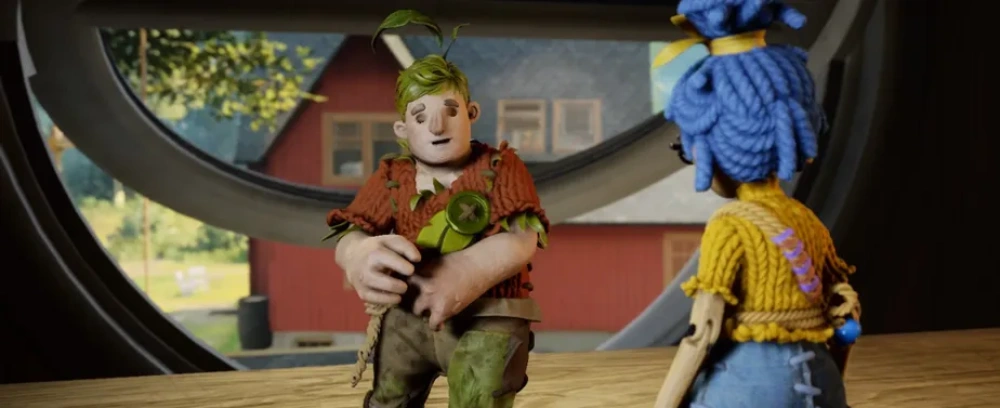
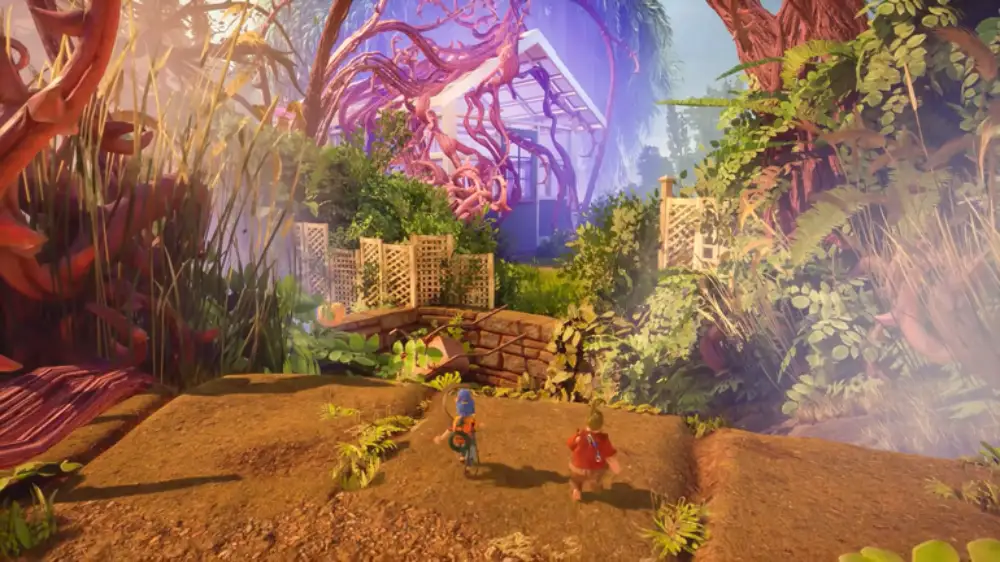
It Takes Two is a two-player cooperative adventure where players control Cody and May, a couple going through a divorce who are magically turned into dolls. To return to their real bodies, they must traverse imaginative worlds filled with puzzles, platforming, and character-based mechanics.
Supported Xbox Consoles:
- Xbox Series X
- Xbox Series S
- Xbox One
- Xbox One S/X
- Xbox Cloud Gaming (via Game Pass Ultimate)
It Takes Two on Xbox Game Pass
No, It Takes Two is not included through EA Play. It is available directly on Xbox Game Pass without requiring EA Play.
Game Pass Access Explained
- Included with Game Pass Ultimate (console, PC, and cloud)
- Play solo online or couch co-op with no extra purchaseYou can play online multiplayer with Friend’s Pass without extra purchase—but only if your friend owns the full game and you're on the same platform or compatible generation.
- Can invite a friend via Friend’s Pass (they don’t need to own the game)
- Available for both Xbox One and Series X/S users
- Cloud play support for mobile and browser devices
Visual and Performance Enhancements: Xbox Series X vs Xbox One
The Xbox Series X version of It Takes Two brings noticeable improvements in resolution, frame rate, and overall performance.
Xbox One vs Xbox Series X Performance Comparison
| Feature | Xbox One | Xbox Series X |
| Resolution | 1080p | Dynamic 4K |
| Frame Rate | 30 FPS | Smooth 60 FPS |
| Load Times | 15–30 seconds | 2–4 seconds |
| Texture Quality | Medium | High |
| Shadows and Lighting | Basic | Enhanced |
| Quick Resume Support | No | Yes |
| Cloud Save Sync | Yes | Yes |
How to Play It Takes Two on Xbox
- Subscribe to Game Pass Ultimate or buy the game via Xbox Store
- Install the game on Xbox Series X, Xbox One, or Xbox Cloud
- Choose couch co-op or online multiplayer
- Invite a friend via Friend’s Pass or local split-screen
- Use cross-gen cloud saves if switching between Xbox consoles
Crossplay on Xbox: Is It Takes Two Cross-Compatible?
Cross-platform play is not supported between Xbox (Series X/S or One) and PC.
Supported Crossplay Options:
- Xbox Series X ↔ Xbox One (fully supported)
- Xbox ↔ Windows PC (via EA App)
- Crossplay between Xbox and PlayStation or Nintendo is not supported.
Key Features on Xbox Series X
- Higher Frame Rates: 60 FPS throughout for smoother platforming
- Dynamic Resolution Scaling: Crisp visuals even in chaotic scenes
- Faster Load Times: Seamless transitions between mini-games
- Improved Audio: Enhanced surround and spatial audio on supported setups
Xbox-Specific Features to Try
- Quick Resume: Instantly jump back into your co-op session
- Cloud Saves: Resume progress across Series X and Xbox One
- Smart Delivery: Get the optimized version for your console
- FPS Boost: Enhanced performance on supported displays
Why It Takes Two Is Perfect on Xbox

- Game Pass Availability: Included for subscribers
- Strong local and online co-op support
- Optimized visuals on Series X hardware
- Backwards compatible across the Xbox family
Fan Favorite Moments in It Takes Two
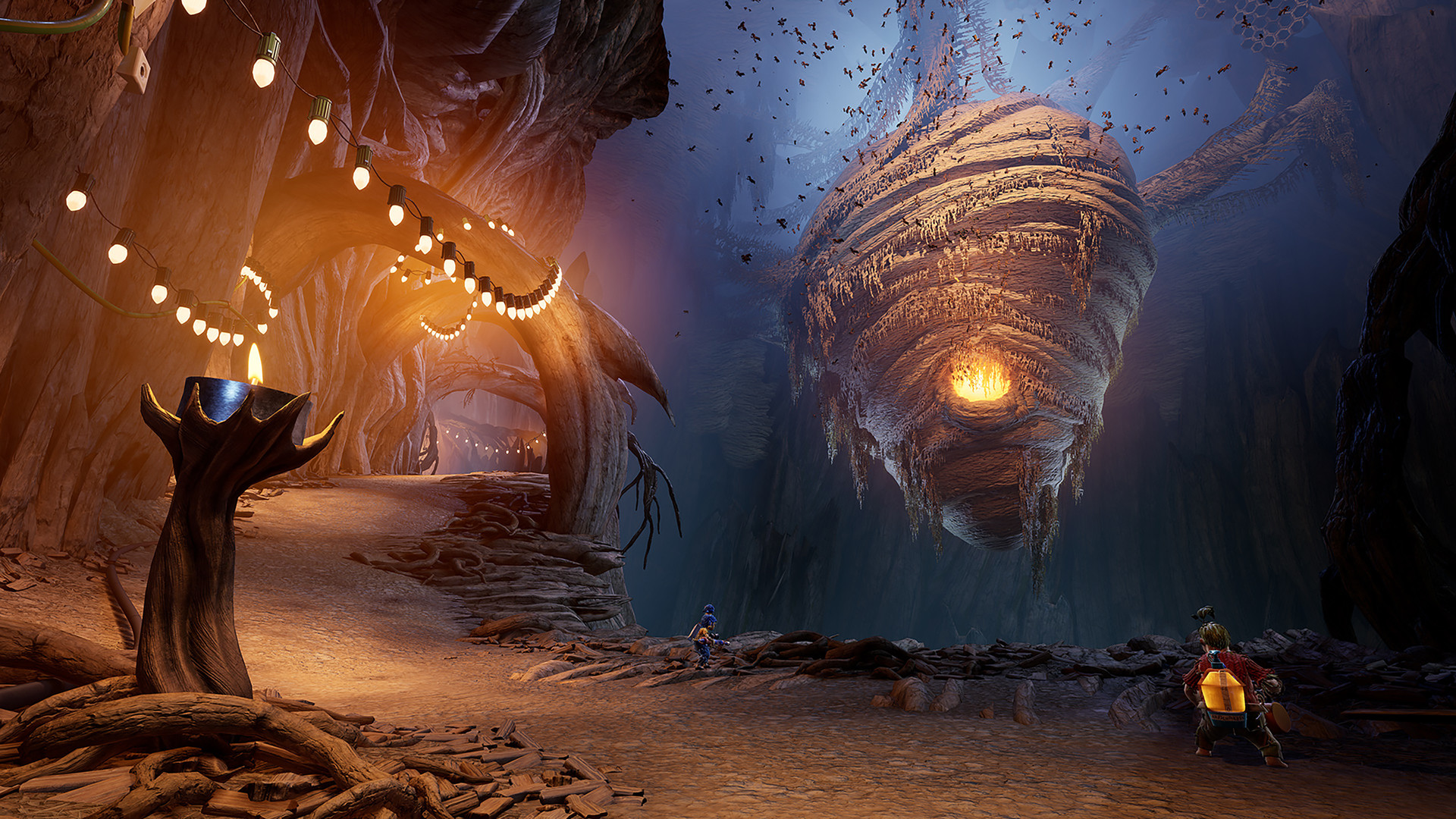
- Cody & May’s squirrel war against flying wasps
- Playing a snow globe symphony
- Riding frogs in the greenhouse
- Mini-games like snowball fights, races, and tug-of-war
Xbox Achievements to Watch For
- It Took Two: Complete the game together
- Minigame Megalomania: Win all mini-games
- Platforming Prodigy: Nail advanced sections without deaths
Game Modes & Progression
There’s only one main story campaign, but every chapter brings new mechanics and themes:
- Puzzle-solving
- Physics-based platforming
- Combat with unique weapons
- Minigame competitions
Split-screen is seamless on both Series X and One, but Series X runs smoother with less input lag.
Tips for New Players on Xbox
- Use headphones for better coordination in voice chat
- Check for split paths—each player often takes a different route
- Replay mini-games from the chapter menu
- Don’t skip cutscenes—emotional depth adds to the gameplay
Full Chapter Breakdown & Gameplay Mechanics

Each chapter of It Takes Two introduces new mechanics, environments, and cooperative puzzles. Below is a concise summary of every major chapter and their gameplay focus.
1. The Shed
- Tools and nails mechanic
- Team-based platforming
- Boss: Vacuum Cleaner
2. The Tree
- Squirrel combat and flying
- May gets a sap gun, Cody a match gun
- Boss: Wasp Queen
3. Rose’s Room
- Magic Castle puzzle & space gravity levels
- Includes board game themes
4. Cuckoo Clock
- Time travel & clone mechanics
- Complex puzzle-platforming sequences
5. Snow Globe
- Ice skating, skiing, and bell towers
- Includes cooperative sledding sections
6. Garden
- Plant growth, bug riding, greenhouse tasks
- Boss: Joy-absorbing plant
7. The Attic
- Music-based level design
- Flying section and musical puzzles
- Final boss battle with the Book of Love
Each level has cooperative-only mechanics, which keep gameplay fresh and highly interactive.
Best Strategies for Minigames

There are over 20 minigames hidden in chapters. Some tips for key ones:
- Tug of War: Mash buttons with alternating rhythm for max power
- Bomb Run: Prioritize avoiding bombs, then outrunning your partner
- Batting Team: Time your swings based on pitch speed, not Cody’s throw
- Shuffle Board: Use edges for curve advantage
- Snowball Fight: Practice hit-and-run mechanics
Minigame Tracking:
- Use chapter select to revisit
- Completion tracked in pause menu
- Winning all earns achievements
How to Use Friend’s Pass on Xbox
The Friend’s Pass lets one player invite another to play co-op for free.
How it Works:
- One player owns the game (via Game Pass or purchase)
- The second downloads the It Takes Two Friend’s Pass version
- Host invites friend via Xbox Live
- Cross-gen works (Series X to Xbox One)
Limitations:
- Friend cannot host sessions
- Only available in online multiplayer
- Not usable for split-screen co-op
Online Co-Op Tips for Xbox Players

- Use wired internet or 5GHz Wi-Fi for stability
- Adjust NAT type to “Open” via router settings
- Play during low-traffic hours for smoother latency
- Use Xbox Game Bar or party chat for real-time communication
How ExitLag Optimizes Xbox Co-Op Play
Although It Takes Two doesn’t require lightning-fast reflexes, it’s highly timing-dependent. When playing co-op via cloud gaming, Xbox Remote Play, or crossplay with PC, any lag can ruin coordination.
ExitLag helps by:
- Reducing packet loss and improving route optimization
- Minimizing latency, critical for puzzles with synchronous input
- Stabilizing connection, especially in cloud-based Game Pass sessions
If your partner lives far away or you use remote setups, ExitLag ensures your connection stays sharp, making co-op smoother and more fun.
Start your Exitlag 3 days Trial!
Secrets and Replayability
- Collectibles: None required for progress, but worth exploring for fun interactions
- Dialogue changes: Replay chapters for alternate conversations
- Hidden interactions: Play instruments, trigger cutscenes
- Dual achievement opportunities: Swap roles and replay
Upcoming Xbox Enhancements (Future Proofing)
Rumors suggest Xbox Series X|S may get:
- 120 FPS patch for ultra-smooth play
- Quick Resume sync improvements
- Auto HDR tweaks for better contrast
Community Highlights
Players on Reddit and Xbox forums often share:
- Creative speedrun tactics
- Best minigame matchups
- Fan theories about Cody & May’s future
- Co-op streams and content creator walkthroughs
Final Thoughts
It Takes Two shines on Xbox Series X because of its technical polish, broad compatibility, and user-friendly co-op features. From emotional storytelling to chaotic minigames, it remains a crown jewel in Game Pass’ library.
With ExitLag keeping your online sessions stable, the experience feels as good as local co-op—even when you’re miles apart.
FAQ
Yes. Your progress syncs across Xbox One, Series X|S, and cloud.
Yes. Use Friend’s Pass to invite someone online for free.
Yes, but only between Xbox and PC using the EA App, not Steam.