

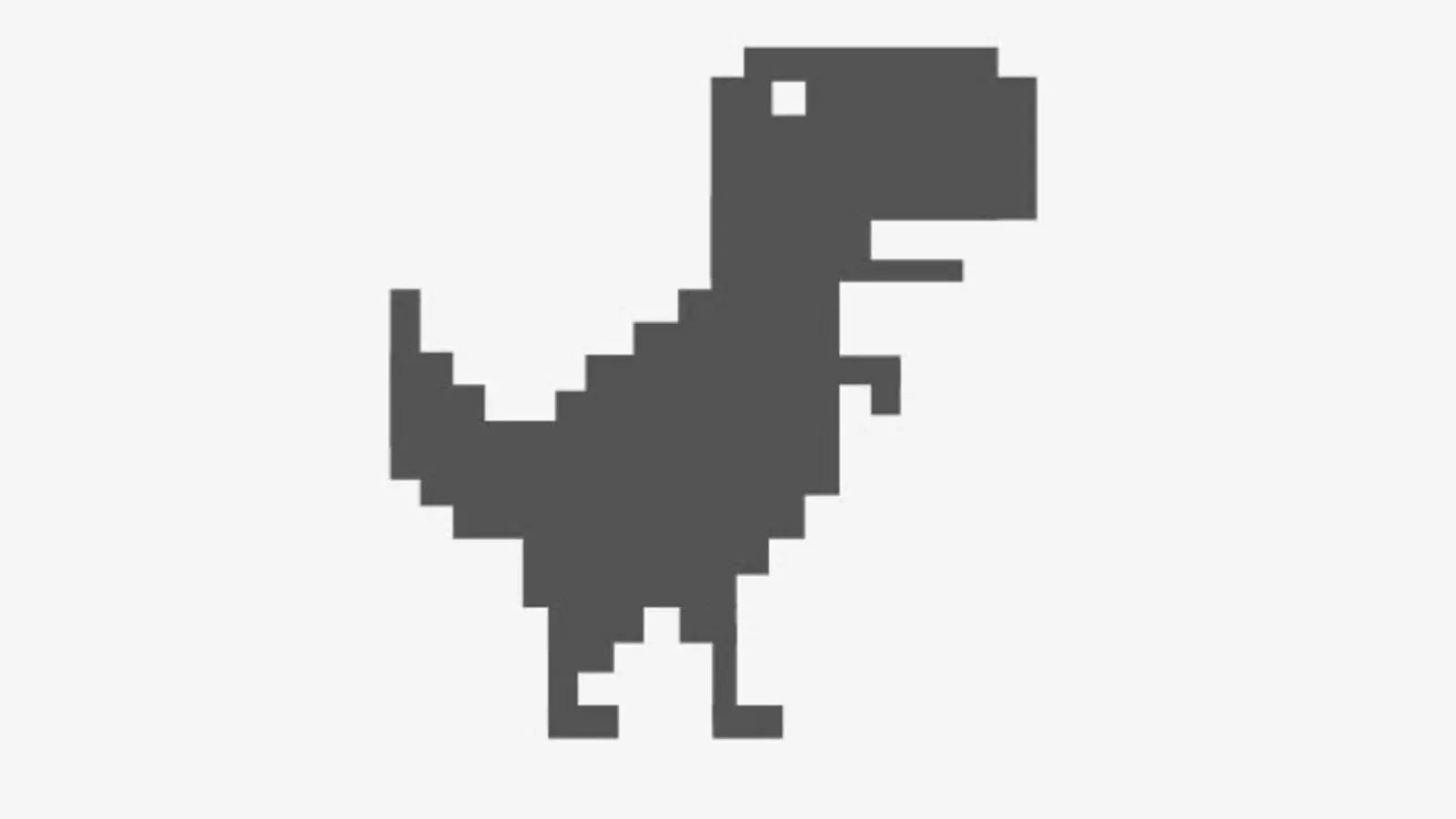
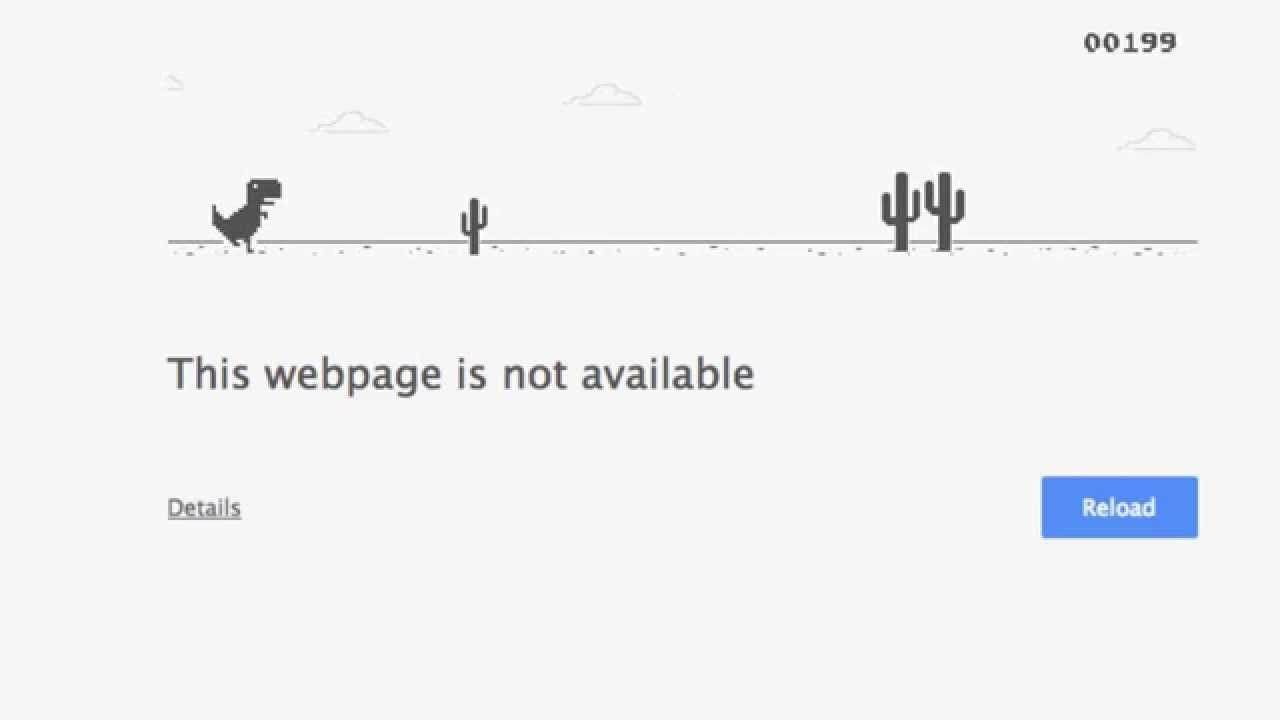
That little pixelated dinosaur has saved millions of people from boredom. The No Internet Game shows up automatically the moment your browser loses its connection.
Most players know it simply as the jumping dinosaur, but there is more history and depth behind it than people expect. It was not always intended as a real, polished game.
If you are here for the short version: the No Internet Game is Chrome's built-in offline runner, officially called the T-Rex Runner, and it appears whenever Chrome cannot reach the internet. Tapping space or the screen starts it instantly.
Notably, the dinosaur runner remains the most reliable no-internet games option specifically because it needs zero setup.
No Internet Game: How It Actually Works
Chrome quietly ships this game inside the browser itself, so it does not need any connection to load. That is the entire point of its design. Here is what happens technically when you see it appear.- Chrome detects a failed network request when loading a page.
- Instead of a blank error page, it renders the built-in runner game.
- The dinosaur sprite and obstacles are stored locally in the browser.
- No external assets or servers are needed to play a full round.
The Origin Of The No Internet Dinosaur Game
According to Google's own account of the Chrome Dino history, the game started as an internal project by Chrome designers rather than a planned feature. It was meant to soften the frustration of connection errors. Interestingly, early prototypes reportedly used different animals before settling on the now-famous pixel dinosaur.Why Google Built An Internet Game Into An Error Page
Standard browser error pages are dull and offer nothing useful. By replacing that experience with a playable internet game, Chrome turned a frustrating moment into a small distraction. Consequently, the dinosaur runner became one of the most-played games in the world without ever being formally advertised.Other Internet Games You Can Play When Offline
Beyond the dinosaur, a few other lightweight titles work well without a stable connection. Naturally, these rely on being pre-loaded or installed locally rather than streamed. Try this order if you want to explore alternatives beyond the built-in classic.- Start with the No Internet Dino Game already built into your browser.
- Check if your phone has any pre-installed offline mini-games.
- Look into small downloadable offline titles under 50MB.
- Install a lightweight offline puzzle game as a backup option.
- Keep at least one offline game ready before traveling or flying.
Internet Baseball Game And Internet Soccer Games As Alternatives
Some browser-based sports titles, like simple internet baseball game and internet soccer games clones, can be cached ahead of time if you load them once while online. However, most require an active connection to function properly. Therefore, they are not reliable substitutes for a true offline game like the dinosaur runner.Dinosaur Game No Internet Variants And Remixes
Because the original code is simple, developers have built numerous unofficial "dinosaur game no internet" variants with new skins, sound effects, and level themes. Some browser extensions even let you replace the dinosaur with custom characters. These remixes do not change the core mechanics but add personality to a very minimal game.Is The No Internet Game Only Available On Chrome?
No, it originally launched inside Google Chrome, but the mechanics have since been recreated across many platforms and even packaged as standalone apps. The official version, however, only appears automatically inside Chrome itself. Therefore, other browsers may show a different error page without the built-in runner.
How To Trigger It Manually While Online
You do not need to lose your connection to play. Typing "chrome://dino" into the address bar loads the game directly, even with a working connection. This trick is popular among players trying to beat their own high scores without waiting for an actual outage.Comparing The Dinosaur Runner To Other Offline Games
| Game | Requires Install | Works Fully Offline | Skill Ceiling |
|---|---|---|---|
| No Internet Dinosaur Game | No (built into Chrome) | Yes | Moderate, score-based |
| Downloaded Offline Puzzle Games | Yes | Yes | Varies widely |
| Internet Baseball Game (Browser) | No | No, needs connection | Low to moderate |
| Internet Soccer Games (Browser) | No | No, needs connection | Low to moderate |
Pro Tips: Getting A Higher Score In The No Internet Game
- Use spacebar, not the mouse: Keyboard input generally reacts faster than clicking, which matters at higher speeds.
- Watch obstacle patterns, not the dinosaur: Focusing slightly ahead improves reaction time as the game speeds up.
- Duck early for pterodactyls: Ducking a moment before the bird obstacle reaches you accounts for input delay.
- Practice through chrome://dino: Practicing without waiting for an actual outage lets you improve consistently.
Common Mistakes No Internet Game Players Make
- Reacting too late to speed increases: The game accelerates gradually, and many players get caught off guard. Fix: anticipate speed changes after every few obstacles.
- Assuming it only works during real outages: Many players do not realize they can trigger it manually. Fix: use chrome://dino anytime.
- Ignoring night mode transitions: The game shifts to a dark theme periodically, briefly changing visibility. Fix: stay focused through the transition instead of pausing.



