When it comes to playing PUBG, the servers you connect to can significantly impact your experience. The choice of PUBG servers determines your ping, connection stability, and overall gameplay performance. With multiple regions and server locations available, it’s important to understand how to select the best option for optimal performance and minimal lag.
If you’re facing frequent issues like high ping or disconnection during matches, it might be time to consider switching to a different PUBG servers. A tool like ExitLag can help you optimize your connection and select the best server to minimize latency and provide a smoother gaming experience.
Understanding the different PUBG servers is crucial for competitive play and overall enjoyment. The game uses servers from around the world to match players based on proximity, but with so many options, it’s important to know which servers offer the best performance for your region.
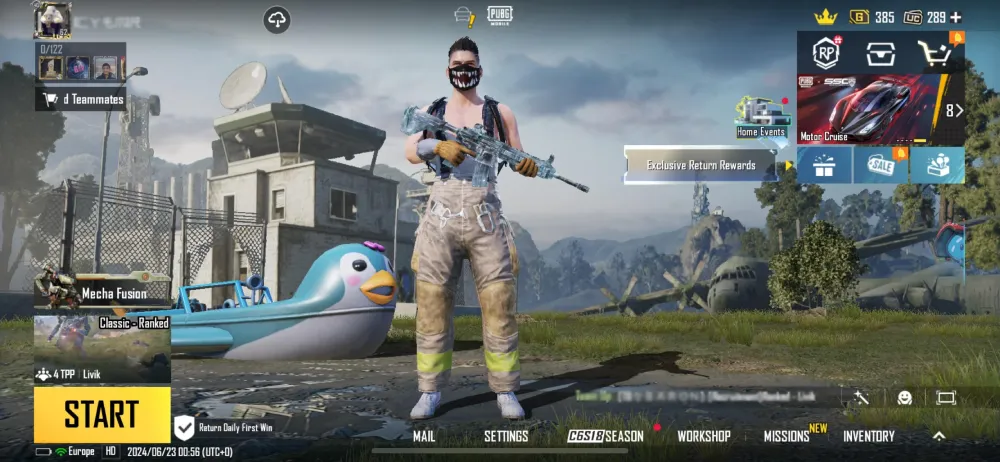
PUBG Server Locations
PUBG server Locations are spread across various locations worldwide, designed to offer the best experience based on your geographic region. Each server location serves a different set of countries, providing players with lower latency and more stable connections. The main server regions include:
- North America: Best for players located in the United States, Canada, and Mexico
- Europe: Serves most European countries, providing low ping for Western and Eastern Europe
- Asia: Includes countries like Japan, South Korea, and China for optimal connections
- South America: Specifically for Brazilian and other South American players
- Oceania: Targets players in Australia, New Zealand, and nearby countries
When you’re choosing a server, you need to select one that is geographically closer to you to minimize lag and improve gameplay. To ensure the best performance, consider using ExitLag to fine-tune your connection for your preferred PUBG server regions guide.
How to Choose the Best Server for PUBG
Selecting the right server is essential for reducing latency and improving your overall gaming experience. First, it’s important to consider your geographic location in relation to available servers. For example, players located in North America should connect to North American servers, as they offer the best connection speeds.
Additionally, when selecting a server, consider peak hours and regional traffic. During high-traffic times, even the best servers can experience some delay. For persistent lag, using a PUBG Server Lag Fix tool like ExitLag can help you optimize your connection and reduce latency during matches.
In case of connection issues or server lag, tools like ExitLag can help by routing your connection through the optimal path to your chosen server, ensuring better stability during intense matches.
Latency Tips and Troubleshooting
If you’re experiencing high latency or lag while playing PUBG, there are a few common fixes to consider. The first step is always to check your internet connection for any issues. A stable, high-speed internet connection is essential for smooth gameplay, especially in fast-paced games like PUBG.
Here are some tips to improve your latency:
- Choose the right server: Connecting to a server closer to your location will always result in lower ping.
- Use a VPN: In some cases, a VPN can help reduce latency and improve your connection to the game’s servers.
- Close unnecessary applications: Ensure that no other applications are using your bandwidth while playing PUBG.
- Use ExitLag: For those facing persistent lag or server issues, ExitLag provides a solution by optimizing your connection to the PUBG of your choice.
By following these tips and selecting the right PUBG servers, you can enhance your gaming experience and reduce the chances of encountering frustrating lag during matches.
Got questions or want to connect with other players? Join the conversation at the ExitLag Forum!