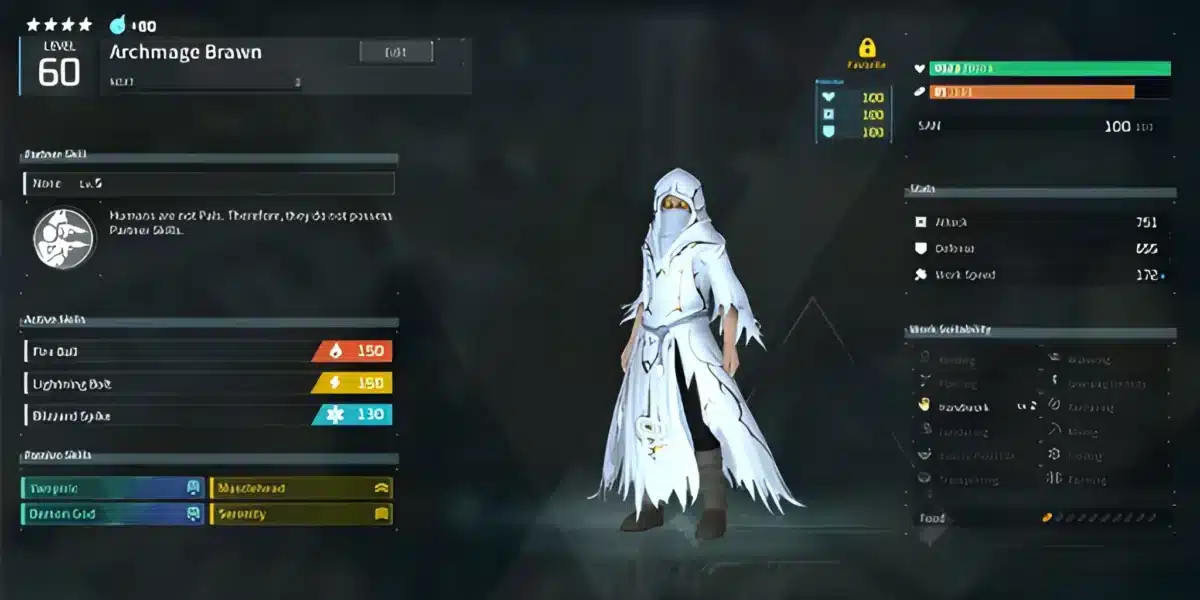
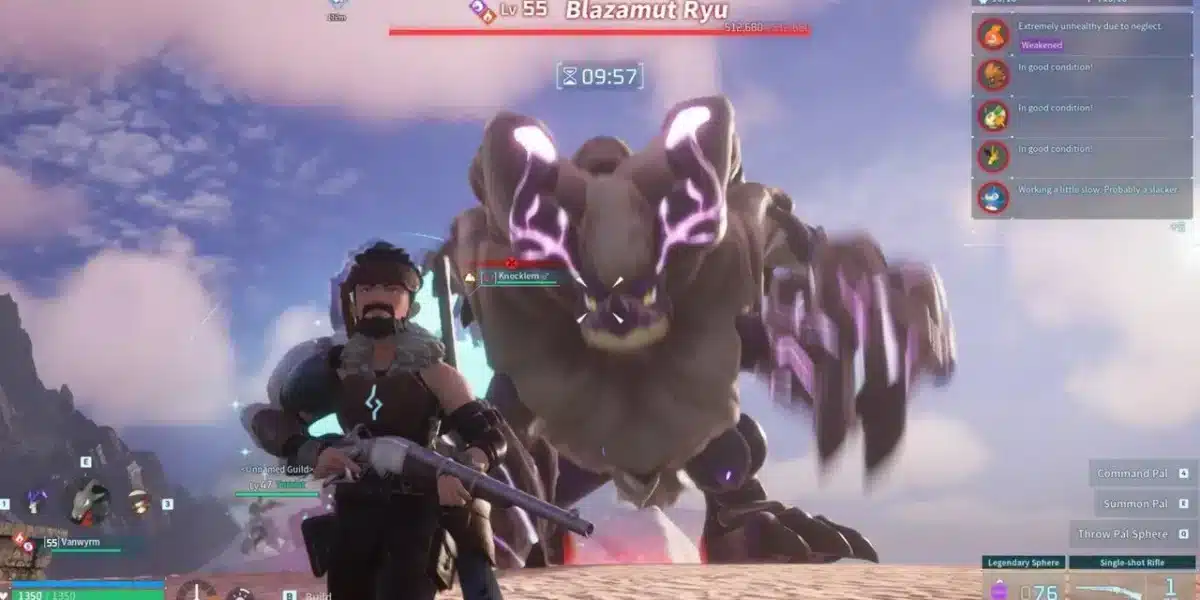
Palworld mods have completely transformed how players experience Pocketpair’s survival monster-collecting hit. Since launch, the PC community has pushed creativity to new limits, expanding mechanics, improving performance, and introducing bold gameplay tweaks.
Palworld mods are community-created modifications that alter, improve, or expand the base game experience on the PC version. From performance boosts to gameplay overhauls, these modifications allow players to customize nearly every aspect of the game.
So what exactly are palworld mods? In simple terms, they are custom files added to the Steam version of the game that modify assets, scripts, balance systems, or visuals. Because the game runs on Unreal Engine 5, players can inject custom configurations, new scripts, and modified .pak files to reshape the experience.
Palworld launched with massive popularity on Steam, and that momentum quickly fueled an explosion of palworld modding activity. Within days, Nexus Mods became a central hub for players sharing enhancements and quality-of-life upgrades.
However, before you install your first palworld mod, there’s one important question to answer: is modding allowed, and can you get banned?

Are Palworld Mods Allowed or Can You Get Banned?
One of the most searched questions is whether using mods can lead to account suspension. As of the latest official updates, Pocketpair has not issued a blanket ban on cosmetic or quality-of-life modifications for the PC version.
Currently, there is no built-in anti-cheat system like Easy Anti-Cheat enforced on standard PC servers. That said, this does not mean every modification is automatically safe.
What Is Considered Safe?
Generally considered low-risk:
- Cosmetic changes
- UI improvements
- Performance tweaks
- Visual reshades
- Inventory management improvements
These are typically client-side and do not affect other players.
What Could Be Risky?
Potentially risky behavior includes:
- Stat manipulation in multiplayer
- Server-altering scripts
- Exploit-based modifications
- PvP balance changes
If you play on official public servers, always test mods offline first. Private or self-hosted servers are significantly safer environments for experimentation.
What Are Palworld Mods and How Do They Work?
Because the game runs on Unreal Engine 5, modding works by modifying packaged assets (.pak files) or injecting scripts through frameworks like UE4SS.
In simple terms, a mod adds or replaces game files. Depending on the type, it can:
- Adjust gameplay balance
- Modify creature stats
- Improve performance
- Replace textures or models
- Add quality-of-life features
The reason palworld modding grew so quickly is simple: Unreal Engine makes file structures accessible to advanced users, and the community moved fast.
How to Mod Palworld Safely (Step-by-Step)
Before installing any mod, follow these steps carefully.
Step 1: Back Up Your Files
Navigate to:
Steam → steamapps → common → Palworld → Pal → Content → Paks
Copy the folder and store it somewhere safe.
Step 2: Download a Trusted Mod
Use reputable platforms like Nexus Mods. Always read:
- Mod description
- Installation instructions
- Compatibility notes
- Recent update dates
Step 3: Install Required Framework (If Needed)
Some advanced mods require script loaders such as UE4SS.
Follow installation instructions precisely.
Step 4: Install the Mod
- Extract the downloaded archive.
- Place the files in the correct directory.
- Launch the game offline.
- Test stability before going online.
Step 5: Verify After Updates
Game updates frequently break mods. If the game crashes after a patch, remove recently installed modifications first.
Why Performance Matters When Using Mods
Heavy mods increase:
- RAM usage
- CPU load
- Asset streaming demands
In multiplayer, this can create:
- Desync
- Lag spikes
- Connection instability
That’s why maintaining network stability is essential, especially when running modified game files.
ExitLag helps optimize routing, reduce packet loss, and stabilize ping during online sessions. Even if mods are installed correctly, unstable connections can still ruin gameplay.
When combining palworld mods with competitive multiplayer, performance optimization becomes just as important as the mod itself.
Advanced Palworld Modding Tools Explained
As the community evolved, more advanced tools began shaping the future of palworld modding. While beginners usually install simple .pak replacements, experienced creators rely on scripting frameworks and extraction tools to push the limits of what is possible.
Understanding these tools is essential if you want to move from casual installer to advanced palworld modder.
What Is the Palworld Actor Dumper Mod?
The palworld actor dumper mod is a development-focused tool used to extract in‑game actor data. In Unreal Engine terms, “actors” are objects inside the game world – creatures, structures, items, AI controllers, and more.
This tool allows modders to:
- Identify internal object names
- Extract blueprint references
- Analyze spawn systems
- Map creature IDs and item structures
It is not required for basic gameplay mods. Instead, it supports deeper development work. Because it interacts with internal systems, it should be used carefully and primarily in offline environments.
Understanding UE4SS and Script Injection
Another important framework in advanced palworld modding is UE4SS. Unlike basic file replacement mods, script-based mods inject runtime logic directly into the game.
This allows modders to:
- Modify AI behavior
- Adjust gameplay systems dynamically
- Create new logic triggers
- Hook into memory functions
However, script injection carries more risk than cosmetic mods. After game updates, injected scripts can break instantly. They also increase instability in multiplayer if not synchronized properly.
Pros of Script-Based Mods:
- Greater flexibility
- Real-time system manipulation
- Deeper customization
Risks of Script-Based Mods:
- Update instability
- Multiplayer desync
- Higher crash probability
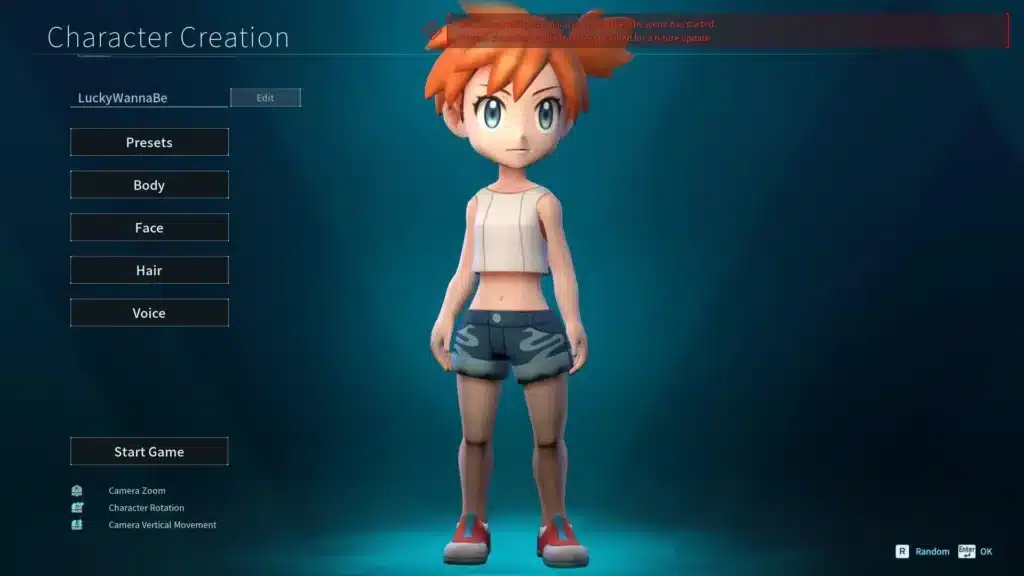
The Palworld Pokémon Mod Controversy
One of the most talked-about topics in the modding scene was the palworld pokemon mod.
What Was the Pokémon Mod?
This mod replaced in-game creature models with recognizable Pokémon-style assets. It quickly went viral because of the visual similarity between certain Pals and Pokémon designs.
Players could install creature swaps that changed appearances without altering core mechanics.
Why It Was Removed
The removal of Pokémon-themed mods was related to intellectual property concerns. Hosting platforms chose to remove those files to avoid legal complications.
Important clarification:
- Removal from hosting sites does not equal an in-game ban.
- The issue was legal/IP-related, not multiplayer enforcement.
Still, using third-party intellectual property always carries potential legal risk. For that reason, many modders now focus on original or gameplay-focused improvements instead.
How to Mod Palworld Servers
Modding single-player is straightforward. Multiplayer introduces additional complexity.
Private Servers vs Official Servers
Private or self-hosted servers allow greater flexibility. Server owners can require specific mod packs so all players run identical files.
Official servers, however, may restrict altered clients. If your local files differ significantly from the server environment, you may experience connection issues.
Multiplayer Stability and Desync Risks
When mod files do not match between client and server, several issues may occur:
- Rubberbanding
- Asset loading failures
- Invisible creatures
- Connection timeouts
To avoid these problems:
- Ensure mod parity between all players.
- Avoid gameplay-altering scripts on public servers.
- Test new installations in offline mode first.
Common Problems in Palworld Modding
Even experienced players encounter technical setbacks.
Mods Breaking After Updates
Whenever the base game updates, file structures can change. This may cause:
- Script hook failures
- Corrupted .pak loading
- Game crashes at startup
Always remove mods temporarily after major updates and reinstall compatible versions once creators update them.
Crash, Lag, and Memory Overload
Stacking too many modifications increases system demand. High-resolution textures, expanded spawn systems, and AI modifications can significantly raise RAM and CPU usage.
Common performance symptoms include:
- FPS drops
- Stuttering
- Freezing
- Server timeouts
Best Practices for Every Palworld Modder
Whether you are installing your first tweak or experimenting with advanced scripting, follow these core principles.
Safe Mod Installation Checklist
- Back up your game files.
- Read compatibility notes carefully.
- Install one mod at a time.
- Test offline before multiplayer.
- Remove mods before major patches.
Performance Optimization for Heavy Modding
Heavy mod stacks increase network and hardware strain. In multiplayer environments, this can amplify desync and packet loss.
To maintain stability:
- Limit simultaneous script injectors
- Avoid redundant performance mods
- Monitor RAM usage
- Maintain a stable internet connection
ExitLag enhances multiplayer stability by optimizing routing paths in real time. When running palworld mods on dedicated or private servers, maintaining consistent latency becomes critical.
Through multipath routing and packet prioritization, ExitLag helps reduce lag spikes and connection instability – especially during asset-heavy loads triggered by advanced modifications.
Why Palworld Mods Are Worth It – If You Optimize Correctly
Creative freedom is the core reason players embrace palworld mods. From visual overhauls to gameplay balance tweaks, the community continues to expand what the base game offers.
However, responsible installation and performance awareness are essential. Advanced tools like the palworld actor dumper mod and experimental script injectors should be handled carefully.
For players serious about online sessions, combining proper installation practices with network optimization ensures smoother gameplay. When your system, files, and routing are aligned, palworld mods unlock a more personalized and stable experience without unnecessary risk.
All game images used in this blog belong to Pocketpair. They are used for informational/educational purposes only and do not imply endorsement or affiliation with the rights holders.
Got questions or want to connect with other players? Join the conversation at the ExitLag Forum!