
Free Fire online has become one of the most searched ways to enjoy Garena’s battle royale game without having to install large files. With over 90 million daily active users globally, it’s no surprise that players are constantly looking for easier and faster ways to access the game — including how to play Free Fire online without downloading.
For many, the first step to a smoother online experience is learning how to fix lag so matches run consistently without interruptions.
Whether you're using a public computer, managing limited phone storage, or just want to test the game instantly, this guide shows exactly how to play Free Fire online, what tools you’ll need, and how to ensure a stable, low-ping experience with ExitLag.
What Is Free Fire and Why Play It Online?
What is Free Fire?
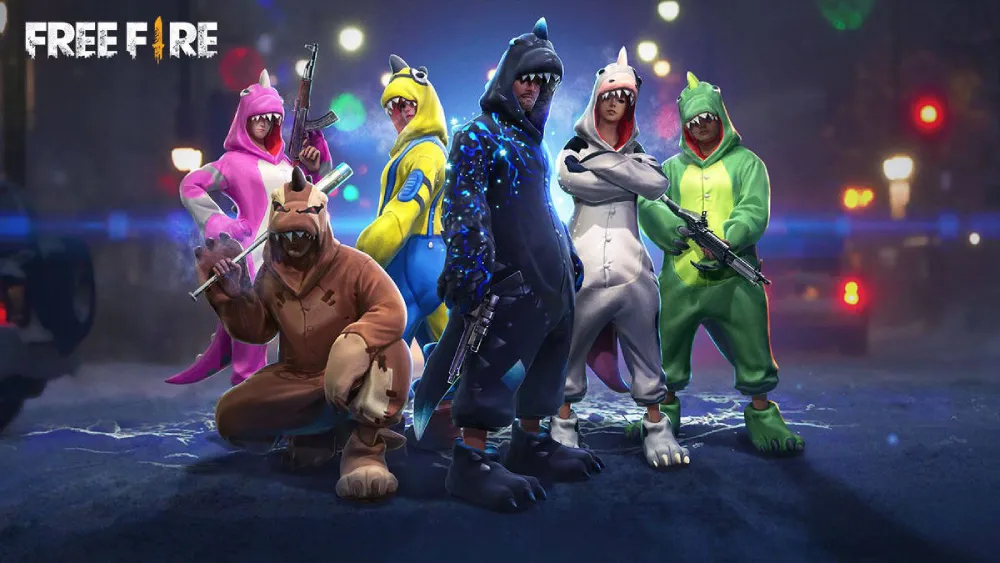
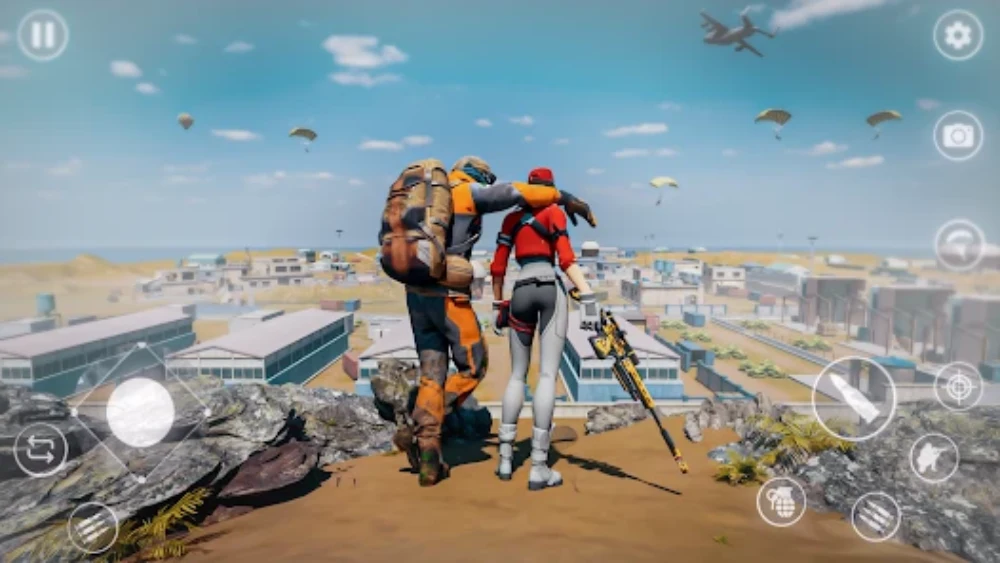
Free Fire is a multiplayer battle royale game published by Garena, known for its quick matches, rich character system, and optimized performance on low-end devices. In each match, 50 players are dropped onto an island and must fight to be the last one standing.
The core gameplay involves:
- Looting weapons and gear
- Outlasting enemies in shrinking zones
- Utilizing character skills and loadouts
- Playing solo, duo, or squad modes
What Is Free Fire MAX?
Garena also offers Free Fire MAX, a premium version with:
- Enhanced graphics and animations
- Improved textures and sound
- More dynamic lobbies and character models
Both versions share the same servers, so players can play together regardless of which edition they use.
Why Play Free Fire Online?
Many players now explore free fire online game alternatives due to:
- Storage limitations on mobile
- Lack of device compatibility
- Desire for browser-based or cloud solutions
- Temporary gaming access from public PCs
Playing Free Fire online also reduces the setup process and allows more flexibility in how and where you play.
Still, even in lightweight setups, players can face network delays. Guides on how to fix high ping are crucial for anyone looking to keep matches responsive and fair.
How to Play Free Fire Online on PC or Browser
Why Use a PC or Browser to Play Free Fire?
PCs generally offer better processing power and larger screens. By using an emulator or a cloud platform, you gain:
- Better frame rates
- Precise controls with keyboard and mouse
- Less strain on mobile battery and hardware
- Access to multitasking or streaming setups
If you’re using an emulator, you can enhance visuals and frame stability with performance tweaks, like following an FPS boost guide. Higher frame rates give you a competitive edge in intense firefights.
Let’s explore the most common ways to play Free Fire online on PC or in your browser.
Method 1: Using Android Emulators
What is an Emulator?
An emulator like BlueStacks, LDPlayer, or Nox allows you to run Android apps on your computer.
How to Use an Emulator
- Download an emulator from its official website
- Install and open it
- Log into Google Play Store
- Search for “Free Fire” or “Free Fire MAX”
- Install and configure keyboard mapping
- Launch the game
Advantages
- Full keyboard and mouse support
- Supports high FPS and HD graphics
- Access to macros and multitasking tools
Method 2: Playing Free Fire in the Browser
now.gg – Cloud Gaming for Free Fire
now.gg allows you to play Free Fire in-browser without downloads. You just visit the site, click play, and start gaming.
Steps:
- Go to now.gg/freefire
- Click “Play in Browser”
- Log in to your Garena, Facebook, or Google account
- Start playing instantly in your browser tab
Pros:
- No installation required
- Access from any device with internet
- Mobile, tablet, or desktop compatible
Cons:
- Requires fast and stable internet
- Some input delay possible on lower-speed networks
Method 3: Cloud Gaming Platforms
Platforms like NetBoom, Blacknut, or Boosteroid allow you to stream Free Fire to your PC, phone, or TV.
Benefits of Cloud Gaming:
- No local hardware demands
- Instant startup
- Access to other games, not just Free Fire
Requirements:
- 5GHz Wi-Fi or strong 4G/5G
- ExitLag (recommended) to stabilize and route connection to closest data centers
Free Fire Online – Platform Comparison
| Platform | Install Needed | Controls | Performance | Ideal User |
| Emulator | Yes | Keyboard + Mouse | High (depends on PC) | Gamers with mid/high-end PCs |
| now.gg | No | On-Screen/Mouse | Medium/High | Casual or temporary players |
| Cloud Gaming | No | Flexible | High (good net) | Cross-device convenience |
How ExitLag Helps When Playing Free Fire Online
If you’re using an emulator or cloud platform, ExitLag ensures your connection is stable and responsive.
Want to try the full game experience? You can always head to the official Free Fire website where Garena shares updates, downloads, and news.
ExitLag Benefits:
- Reduces ping and lag spikes
- Uses multi-path routing for data packet delivery
- Improves input response during fast-paced combat
- Compatible with emulators and cloud services
Playing free fire online on PC with ExitLag gives you a competitive edge in multiplayer battles, especially when every millisecond counts.
Can You Play Free Fire Online Without Downloading?
Is It Possible to Play Without Installing the Game?
Yes — it’s absolutely possible to play Free Fire online without downloading anything. Thanks to cloud gaming services and browser-based platforms, players can enjoy the game without installing files or using storage space.
For deeper insights about development, history, and mechanics, the Free Fire Wikipedia page provides a comprehensive overview of the game’s evolution and impact worldwide.
Why Play Without Downloading?
- Instant Access: No need to wait for installations or updates.
- Device Flexibility: Play on low-storage or public devices.
- Portable Setup: Access your account and progress from any internet-connected device.
- No Permissions Required: Avoid granting app permissions or background access on mobile.
What Are the Best Platforms to Play Without Downloading?
1. now.gg (Browser-Based Play)
One of the most popular platforms for Free Fire online gaming without downloading is now.gg.
- No installation required
- Fully web-based
- Supports logins through Facebook, Google, or VK
- Works on mobile, desktop, and Chromebook browsers
2. Cloud Gaming Platforms (e.g., NetBoom, Vortex)
These services stream Free Fire to your screen from remote servers.
- Available on Android, iOS, and PC
- Offers HD visuals and low latency (depending on your internet)
- No file downloads required on your device
Is It Worth Playing Free Fire Without Downloading?
What Are the Pros and Cons?
Pros:
- No need for internal storage
- Play instantly from any device
- Avoid overheating and battery drain on phones
Cons:
- Requires a stable and fast internet connection
- May have slight input delay compared to installed versions
- Visual settings might be limited on some platforms
Should You Use No-Download Options Long-Term?
Playing Free Fire without downloading is ideal for:
- Testing the game before installing
- Occasional gaming on shared devices
- Temporary or emergency access
However, competitive or high-level players may benefit more from installed versions paired with ExitLag for optimal performance and ping reduction.
How to Play Free Fire Online?
What Are the Main Ways to Play Free Fire Online?
To play Free Fire online, you can choose from:
- Browser gaming platforms like now.gg
- Android emulators such as BlueStacks and LDPlayer
- Cloud gaming platforms like NetBoom or Boosteroid
Each option has unique advantages depending on your setup and goals.
Which Option Is Right for You?
- Use emulators if you want full control and advanced settings.
- Use now.gg if you want no downloads and instant play.
- Use ExitLag with emulators or cloud services to reduce lag and stabilize gameplay.
Can You Play Free Fire Online Without Downloading?
What Are the Best No-Download Solutions?
- now.gg/freefire for browser-based gameplay
- Cloud gaming apps for streaming the game
- Cloud desktops with emulators pre-installed
How Does It Work?
These platforms host the game on external servers, streaming it to your device like a video. You interact in real time while the heavy processing happens remotely — no installation on your end.
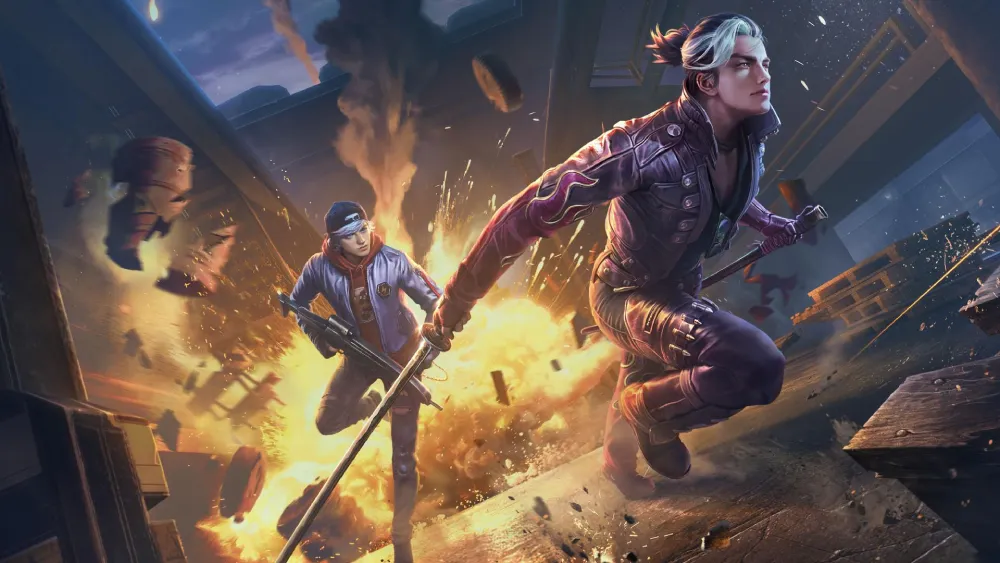
What Is the Best Way to Play Free Fire Online on PC
Why Choose PC?
PCs offer better:
- Display resolution
- Input accuracy (keyboard/mouse)
- Multitasking abilities for streamers and content creators
Recommended Setup
- LDPlayer + ExitLag: Ideal for performance and network stability
- BlueStacks + cloud sync: Good for casual players
- now.gg: Best for fast, low-commitment play
How Does ExitLag Improve Free Fire Online?
ExitLag Benefits for Online Play
- Reduces ping by routing your connection through optimized servers
- Stabilizes performance on emulators and cloud gaming
- Eliminates packet loss and jitter
- Compatible with PC-based platforms
Best Use Cases
- Competitive players using emulators
- Cloud gaming users needing better connection stability
- Players facing network congestion or regional latency
Frequently Asked Questions About Free Fire Online
How to play Free Fire online?
You can play Free Fire online through: Android emulators Cloud gaming services Browser-based platforms like now.gg Just log in with your account and start playing — no installation required on most platforms.
Can you play Free Fire online for free?
Yes, Free Fire can be played online for free. Whether on an emulator or browser platform, the game remains free-to-play. Some cloud services may have usage limits or offer premium plans.
How to play Free Fire online on PC?
To play Free Fire on PC: Download an emulator like BlueStacks or LDPlayer Log into Google Play and install Free Fire Customize your keyboard settings Launch and play Or use now.gg to play in-browser without installation.
Can you play Free Fire without installing it?
Yes, using platforms like now.gg or certain cloud gaming apps, you can play Free Fire online without downloading or installing any files.
Do you need ExitLag for Free Fire?
ExitLag is not required, but it’s highly recommended if: You experience lag or ping spikes You use an emulator or cloud platform You want competitive consistency and network optimization
Conclusion: Experience Free Fire Online Without Limitations
Free Fire online offers more flexibility than ever. Whether you’re testing the game, playing casually, or aiming to climb the ranks, you now have access to the game on:
- Emulators
- Web browsers
- Cloud gaming platforms
Boost Your Gameplay with ExitLag
To fully optimize your Free Fire experience, ExitLag offers:
- Lag-free performance
- Consistent ping
- Stable matchmaking on any network
Play Free Fire online — fast, smooth, and competitive — with ExitLag.



