
For fans of complex simulation and strategy, few games offer the depth and replayability of RimWorld. But what truly elevates the experience is the vibrant modding scene. With thousands of options available, RimWorld mods allow you to redesign every element of your colony—from AI logic to farming, combat, and even alien genetics.
This guide covers how to install, optimize, and curate your own modded RimWorld adventure. Whether you're new to modding or looking for the best RimWorld mods in 2025, you’re in the right place.
Why RimWorld Mods Matter More Than Ever in 2025
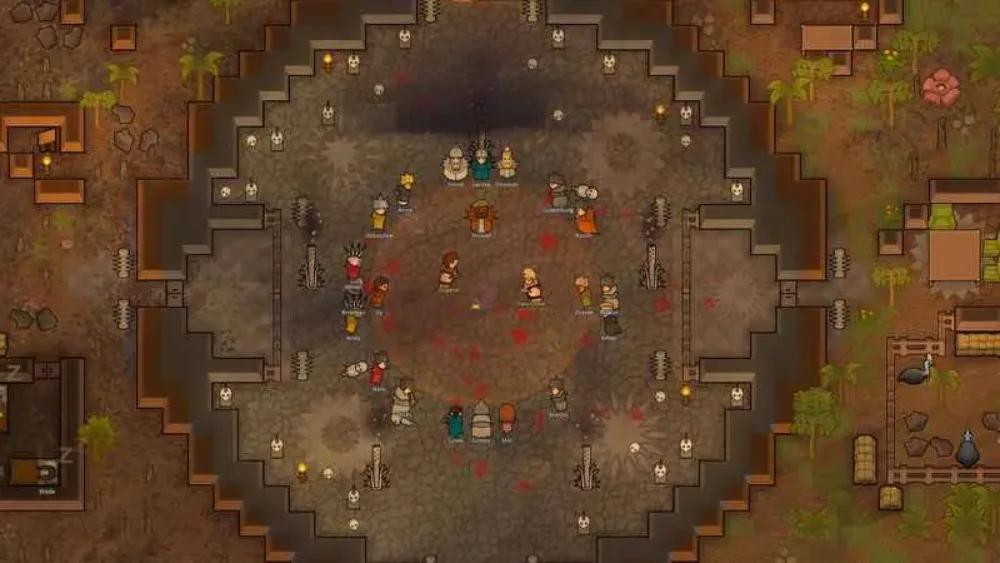
RimWorld’s core mechanics are strong, but its longevity comes from its modding flexibility:
- New biomes, tech trees, and story generators
- Expanded pawn behavior and social systems
- Complete UI overhauls and quality-of-life upgrades
- Niche gameplay additions (like deep-sea fishing or space travel)
Whether you want to roleplay a medieval empire or a dystopian cyberlab, there are RimWorld mods that make this possible, ranging from medieval kingdoms to cybernetic labs.
How to Use Steam Workshop Mods RimWorld
Step-by-Step Guide
- Launch Steam and open RimWorld’s page
- Click on “Workshop” tab
- Browse or search for mods
- Click “Subscribe” to auto-download
- Launch RimWorld and activate mods in the “Mods” tab
- Restart the game to finalize load order
You can also use the Steam Workshop collections feature to subscribe to entire modpacks.
Performance Tips
- Always read mod descriptions for dependencies
- Avoid using more than 100 active mods without optimization
- Check compatibility with your game version
Best RimWorld Mods by Category (2025 Edition)
Utility and QoL
- Harmony (required for most mods)
- HugsLib (framework and utility)
- Common Sense (smarter AI tasks)
- RimHUD (expanded pawn UI)
Gameplay Expansions
- Vanilla Expanded Series
- Factions Expanded
- Furniture Expanded
- Animals Expanded
- Genetics Expanded
- Combat Extended – Overhauls combat with realistic ballistic systems, new armor mechanics, and rebalancing of vanilla weapons. Requires extensive patching for compatibility.
- Rimatomics (nuclear power and research chains)
Visual Mods
- Gloomy Furniture
- HD Pawn Rendering
- Simple Sidearms
Narrative Enhancers
- Psychology Rewritten
- Children, School and Learning
- Biotech Add-Ons
Niche Favorites
- Fishing: adds simple fishing activities and alternative food sources, but not full oceans or broad sustainability.
- Seraphim Ascension: Adds godlike pawns with spiritual tech paths
These are regularly updated and compatible with RimWorld's current patch.
RimWorld Mods Red Square Box on Pawns
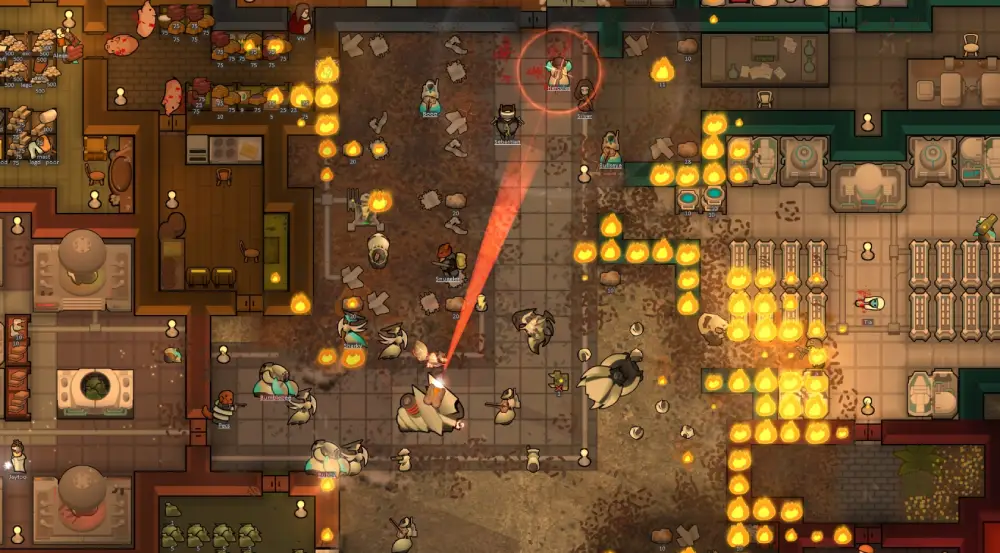
One of the most searched issues is the RimWorld mods red square box on pawns bug. This typically signals:
- Missing textures or sprites
- Incompatible mod version
- Corrupted cache or XML mismatch
Fix:
- Disable the mod causing red boxes
- Dev Mode is a debug tool and not related to the red box issue. Instead, focus on removing or updating the mod causing sprite conflicts, and clearing the cache folder.
- Restart and reactivate mods in correct order
Use a mod manager like RimPy to detect and fix dependency chains.
How to Optimize Mod Performance
Heavy mod lists can tank framerate or cause save corruption. To prevent this:
- Use RocketMan and RuntimeGC to reduce script overhead, manage garbage collection, and keep large colonies playable.
- Avoid unpatched versions of Combat Extended
- Back up your saves before installing performance mods like RocketMan, as they modify core simulation behavior.
Best Load Order Practice
- Libraries (Harmony, HugsLib)
- Frameworks (Vanilla Expanded Core)
- Gameplay mods (Combat, Factions)
- Visual mods
- Patches and compatibility
Top 10 RimWorld Mods in 2025
| Mod Name | Category | Description | Required? |
| Harmony | Library | Required backend for 90% of mods | Yes |
| HugsLib | Utility | Quality-of-life framework | Yes |
| Vanilla Factions Expanded | Gameplay | New enemy types and diplomacy | No |
| Combat Extended | Combat | Adds realistic weapons and armor | No |
| Rimatomics | Tech | Nuclear research and weapons | No |
| Common Sense | AI | Smarter pawn behavior | No |
| Performance Fish and Fishery | Economy | Adds deep-sea fishing & resources | No |
| Seraphim Ascension | Lore/Spiritual | Godlike ascension paths | No |
| Gloomy Furniture | Visual | Gothic design elements | No |
| Simple Sidearms | Utility | Carry multiple weapon types | No |
RimWorld Mods Seraphim Ascension Not Working?
This common issue is due to one of the following:
- Biotech DLC not enabled
- Harmony update conflict
- XML conflict with other god-tier mods
Solutions:
- Load Seraphim last in mod order
- Ensure all required submodules (Genes Core, Spiritual Trees) are active
- Check if mod supports latest game version
Community fixes are often found in the mod’s GitHub issues tab or Steam Workshop comments.
ExitLag and Multiplayer Mods
Though RimWorld is mostly single-player, ExitLag can help when using:
- Multiplayer Mod (Zetrith’s fork): ExitLag stabilizes desync issues during online sessions
- Co-op extensions for LAN play
It’s especially helpful for international friends running multiplayer colonies.
Modpacks and Curated Starts
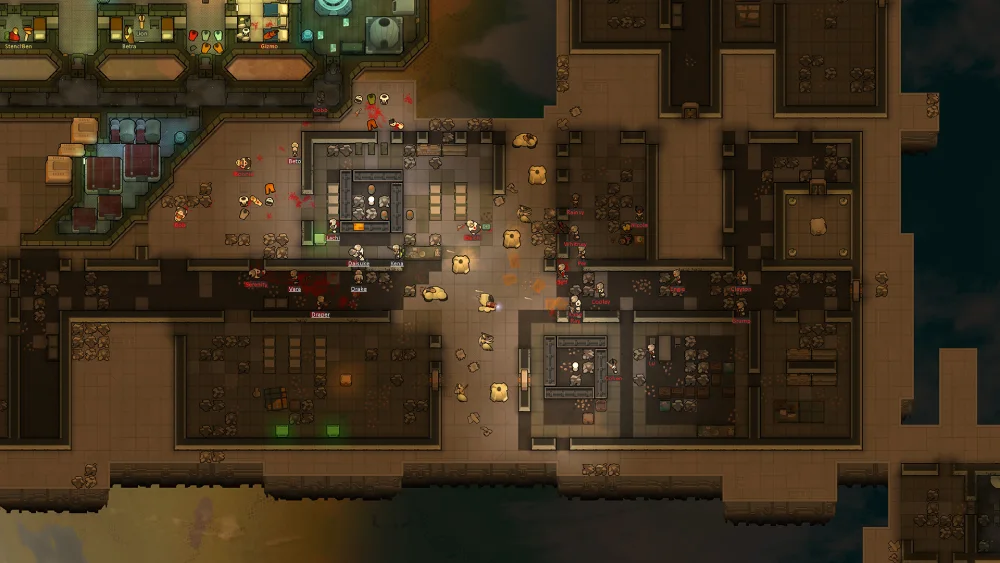
Curated modpacks offer pre-configured experiences designed for specific playstyles. Here are the most downloaded themes of 2025:
1. Medieval Overhaul
- Removes electricity and futuristic weapons
- Adds feudal factions, castles, armor crafting, and farming economy
- Works well with Vanilla Expanded Medieval
2. Cyberpunk Expansion Pack
- Enhances biotech and bionics
- Includes hacking, synthetic factions, and neon lighting
- Recommended mods: Rimsenal, Project RimFactory, Cybernetic Storm
3. Lovecraftian Horror Build
- Uses Call of Cthulhu mod series
- Adds sanity mechanics, cosmic events, and cult factions
- Ideal for permadeath roleplayers
Mod Manager Tools
Managing hundreds of mods manually is risky. Use these tools:
RimPy Mod Manager
- Drag-and-drop interface for sorting load orders
- Auto-detects mod conflicts
- Profiles for saving different playstyles
Mod Sorter by Fluffy
- In-game interface to change load order
- Flags broken mods and patch chains
Thematic Storytelling Enhancers
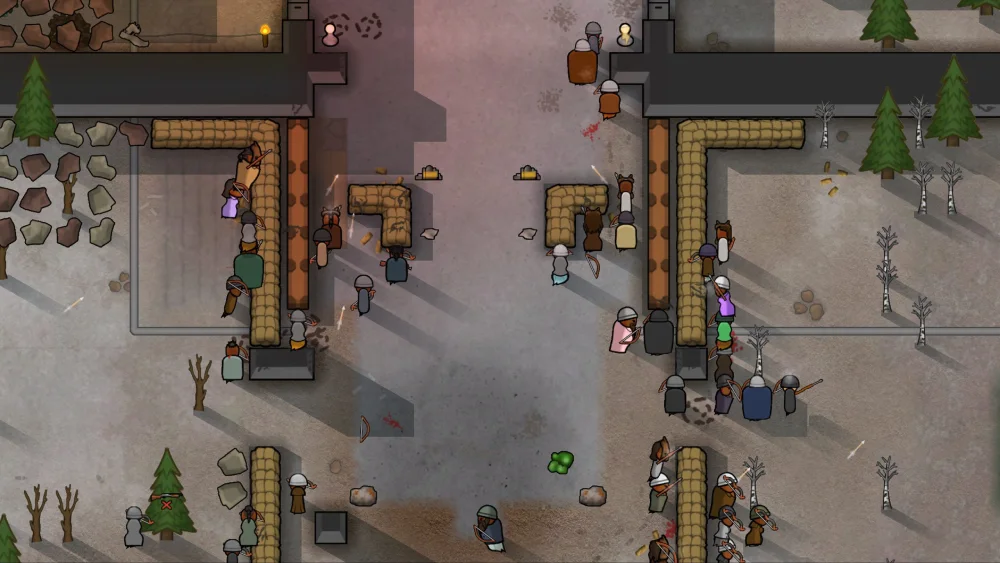
Players love building rich narratives. These mods allow you to craft unique colony stories:
- Prepare Carefully: Customize starting colonists, gear, and map
- Children, School, and Learning: Adds generations and growth
- Psychology (Rewritten): Individualizes pawn behavior
- Ideology Add-Ons: Adds more belief systems, rituals, and effects
These systems work great for Twitch integration or YouTube series.
Top Modpacks by Theme
| Theme | Recommended Mods | Playstyle |
| Medieval | Vanilla Expanded Medieval, Empire, Medieval Times | No-tech, warlords |
| Sci-Fi | Rimsenal, Rimatomics, Cybernetic Storm | High-tech survival |
| Survival Horror | Zombieland, Call of Cthulhu, Vanilla Events Expanded | Chaos and permadeath |
| Fantasy | Arcane Arsenal, Elves, Dragons, Magic World | Magic + combat |
Deep Customization: XML and Patch Tools
For power users, RimWorld lets you edit mods manually:
- .XML files control traits, items, pawns, and events
- Use Notepad++ or XML-aware tools like Visual Studio Code for editing. Avoid modifying core game files directly unless you're creating a patch mod.
- Patch Operation tools like PatchOperationReplace and PatchOperationAdd are essential for mod integration
Great for balancing OP mods or merging features.
Late-Game Optimization
Once your colony hits 20+ pawns and multiple zones, performance tanks. Fix it with:
- Dubs Performance Analyzer
- RuntimeGC to purge old logs
- Map Cleaner to remove trash and debris
- Shrink excess zones, turn off unused power lines, and avoid 60fps mode
Managing Save Corruption
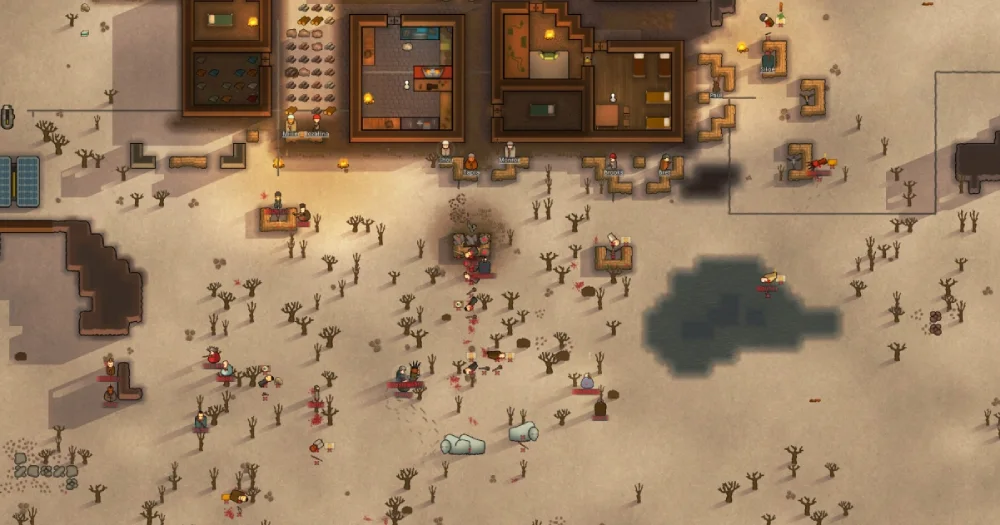
Large mod lists often break saves. Here's how to recover:
- Backup saves before activating new mods
- Use HugsLib log uploader to identify crash causes
- Reload with reduced mod count and crosscheck your log
Community Events and Legacy Content
Popular community events use modpacks to simulate:
- RimWorld Survivor Games
- RimWorld Star Wars Galaxy Sim
- Zombie Apocalypse Worlds
All use workshop collections with preset seeds and config files.
Mods that Add New Endgames
Extend gameplay beyond escape ship:
- Rimefeller and Rimatomics (build sustainable energy cities)
- Alpha Biomes (explore alien ecosystems)
- Vanilla Achievements Expanded (track colony milestones)
These add long-term goals and custom victory conditions.
ExitLag for Multiplayer Mod Stability
Multiplayer remains unofficial but popular. ExitLag improves:
- Host-client synchronization
- Lower desync frequency on complex maps
- Stable routing in Zetrith’s Co-op or RimConnect
Start your Exitlag 3 days Trial!
FAQ: RimWorld Mods
Yes. Download .zip files from sites like GitHub or Ludeon forums. Place them in your RimWorld Mods folder manually.
Use dev mode to remove broken items or pawns, or roll back to a previous save. You can also temporarily disable specific mods and re-enable after correcting errors.
RimPy is the most complete external tool, while Fluffy’s Mod Manager works great in-game. Both support profiles and load-order validation.
Yes. Zetrith’s Multiplayer mod (and forks like RimConnect) allow real-time colony sharing. You’ll need all players to match mods exactly.



